

Register an OAuth Application
Create an OAuth 2.0 application on the 37signals Launchpad to obtain your Client ID and Client Secret.
1
Access the Launchpad Integrations Page
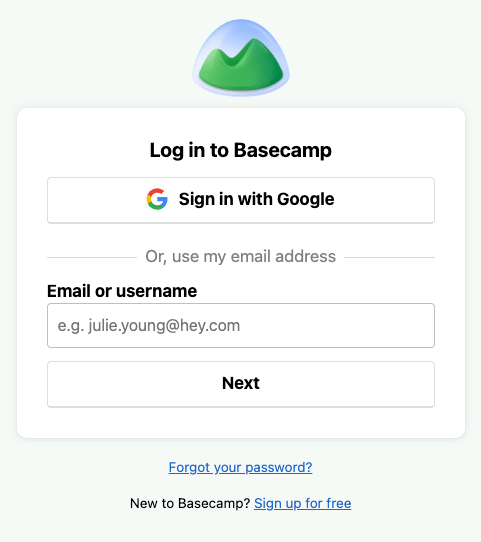
Navigate to 37signals Launchpad and sign in with your Basecamp account.
2
Create a New Application
Click Register another application to begin creating a new OAuth application.
3
Complete the New Application Form
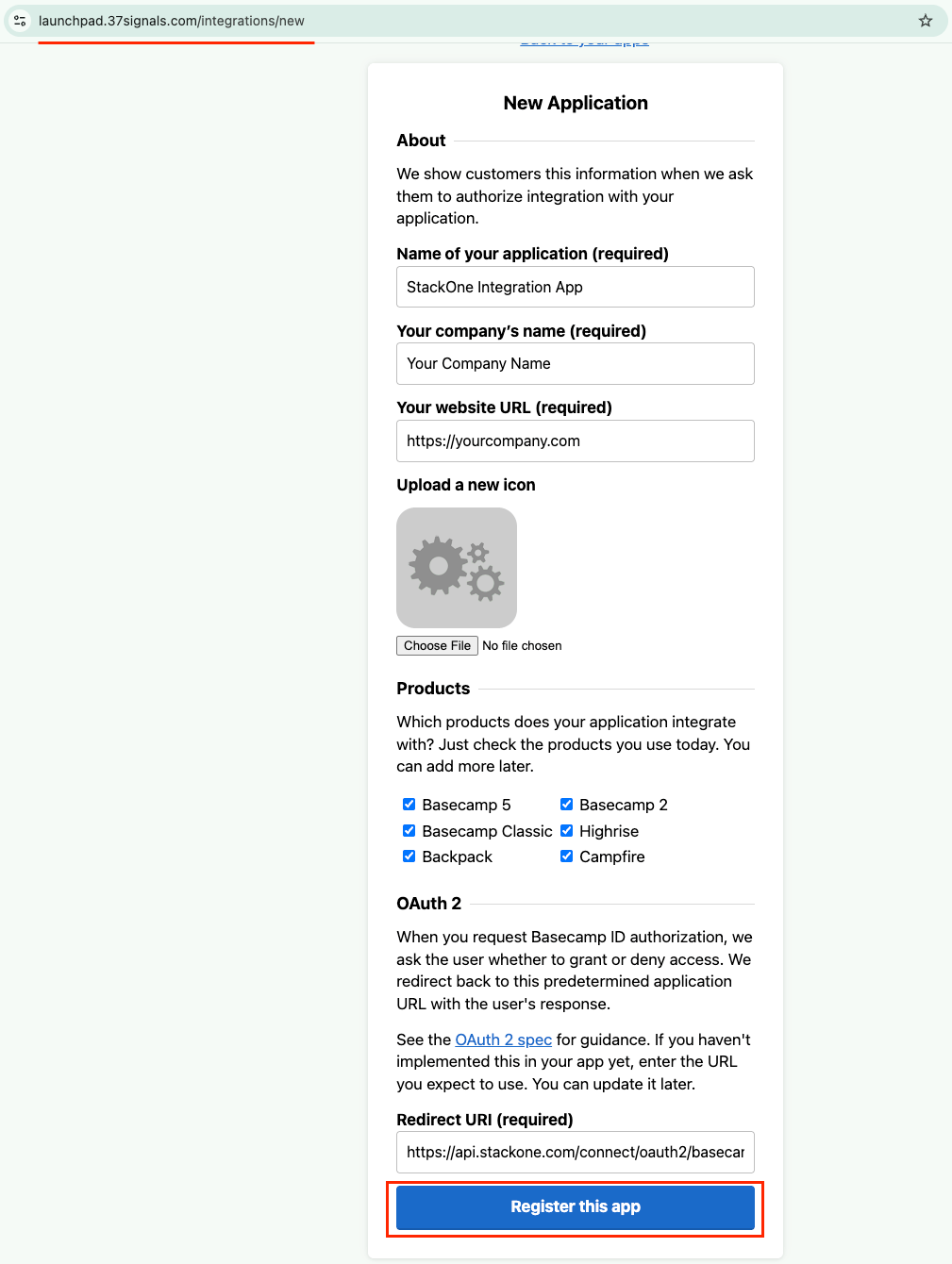
Navigate to the New Application page and fill in the required details.
- Name of your application: Enter a descriptive name (e.g., StackOne Integration App)
- Your company’s name: Enter your organisation name
- Your website URL: Enter your company website URL
- Products: Select
Basecamp 5(or the version that matches your Basecamp subscription) - Redirect URI: Use
https://api.stackone.com/connect/oauth2/basecamp/callback - This URL must match exactly for the OAuth flow to work correctly
- Click Register this app to complete the registration
4
Copy Your Credentials
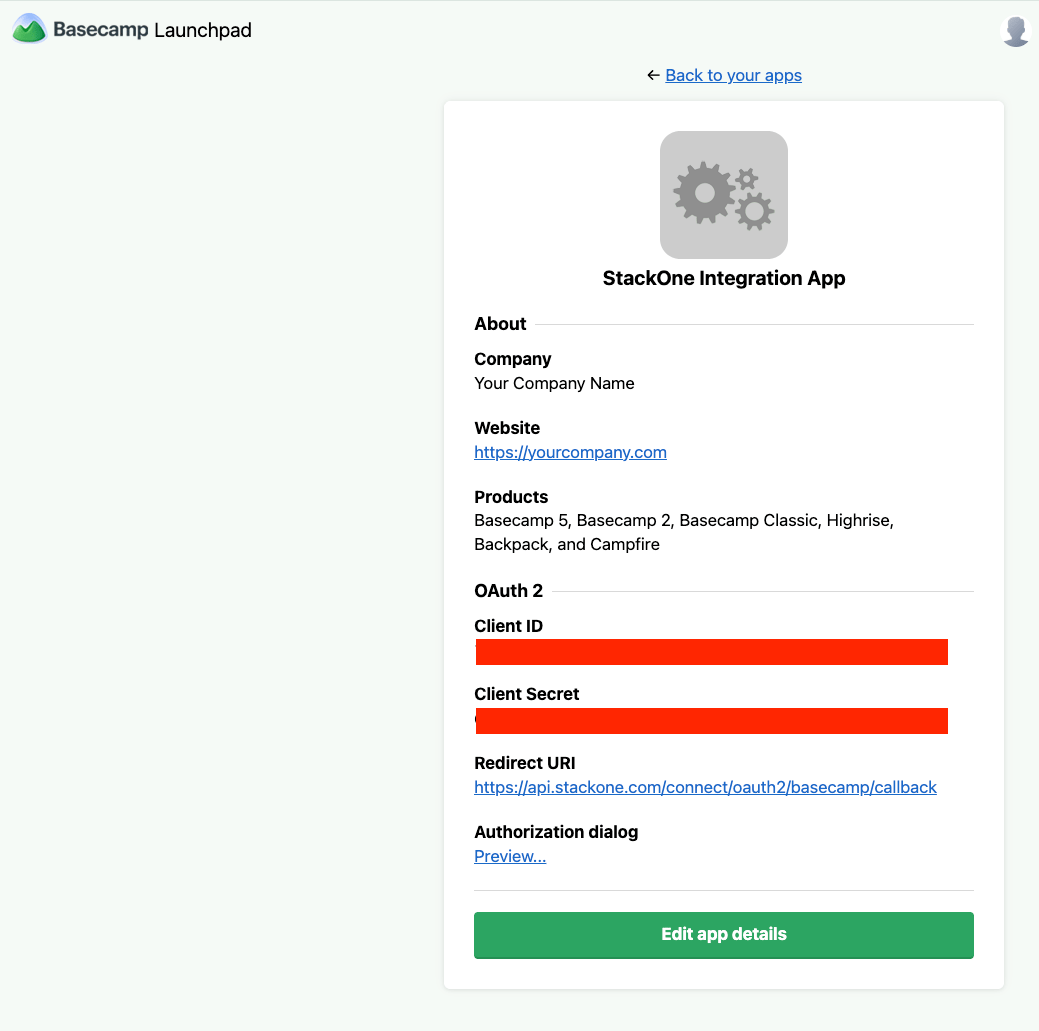
Once registered, click your application name to view the credentials.
- Copy the Client ID displayed on the application details page
- Copy the Client Secret and store it securely — you will need it later
- Important: The Client Secret is sensitive and should never be shared or exposed publicly
Creating the StackOne Connector Profile
To create the Connector Profile in StackOne for Basecamp:1
Navigate to Connector Profiles
Login to StackOne and navigate to Connector Profiles
2
Create New Connector Profile
- Click + Connector Profile
- Search for and select Basecamp
- Select Type as OAuth 2.0
- Fill out the fields using details retrieved from your provider:
- Client ID
- Client Secret
- (Optional) Select Actions to be enabled for this Connector Profile
- Click Create profile