

Sign In to Basecamp
Sign in to your Basecamp account to locate your Account ID, which can be used to scope the integration to a specific Basecamp organisation.
1
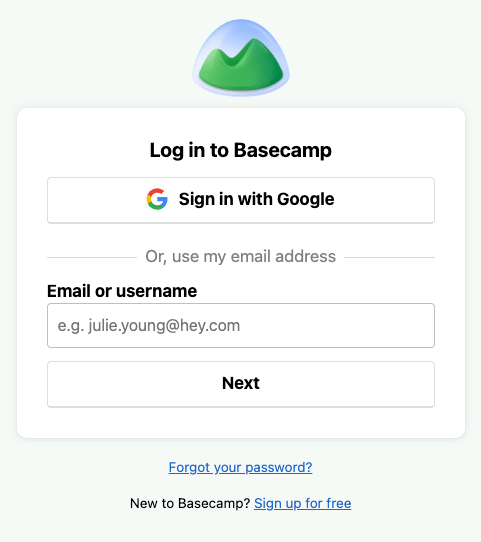
Access Basecamp
Navigate to Basecamp and sign in with your credentials.
Find your Account ID
Your Account ID identifies your Basecamp organization and scopes API requests to it.
1
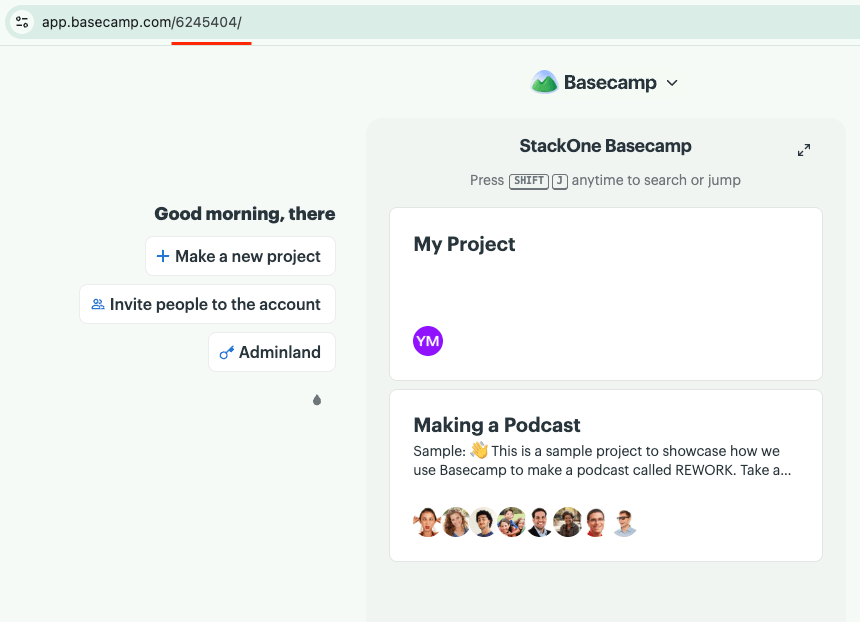
Copy the Account ID from the address bar
Your Account ID is the number after the domain in the URL you see when signed in to Basecamp.
- Format:
https://app.basecamp.com/{accountId}/... - Example: in
https://app.basecamp.com/1234567/projects, your Account ID is1234567
Link the Account
1
Connect
- Click Connect.
- If applicable, the provider will redirect you to a sign-in or authorization page. Complete the provider’s authorization flow.
- Once authorization is successful, you will see a confirmation popup.
2
Use Actions
Connect an AI platform to the linked account’s actions. See AI Platforms.Other ways to call actions are listed in Protocols & SDKs.
Next Steps
Webhooks setup
Configure receiving Events for Basecamp into StackOne.