

Find Your Subdomain
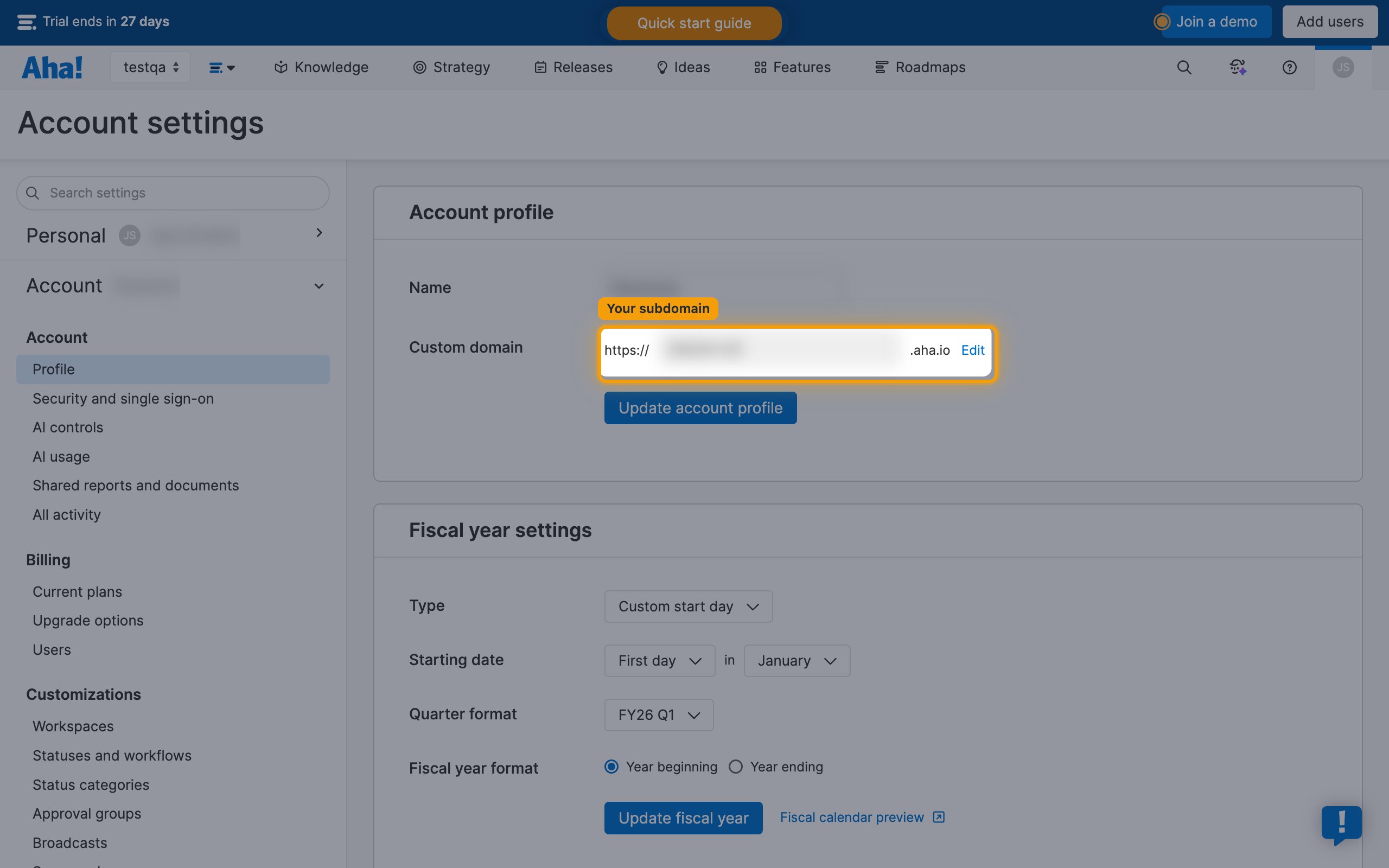
Identify your Aha! subdomain. Set it once in your Connector Profile and it applies to everyone who connects.
- Your subdomain is the part before
.aha.ioin your Aha! URL. - For example, if your URL is
https://acme.aha.io, your subdomain is acme. - Account administrators can confirm it under Settings > Account > Profile, in the Custom domain field.
- Every account linked under this connector profile reaches this one Aha! account. Use the API Key (Multiple Companies) method instead to connect accounts belonging to different Aha! accounts.
Create the StackOne Connector Profile
1
Create a Connector Profile
Enable the connector and create a Connector Profile in your project. See Setup Connector Profile.
2
Link an Account
Once the Connector Profile is created, continue to link an account.