

Request production access
Sign in to the 1up Dev Portal, then
switch to the Production Clients tab to start the approval process.
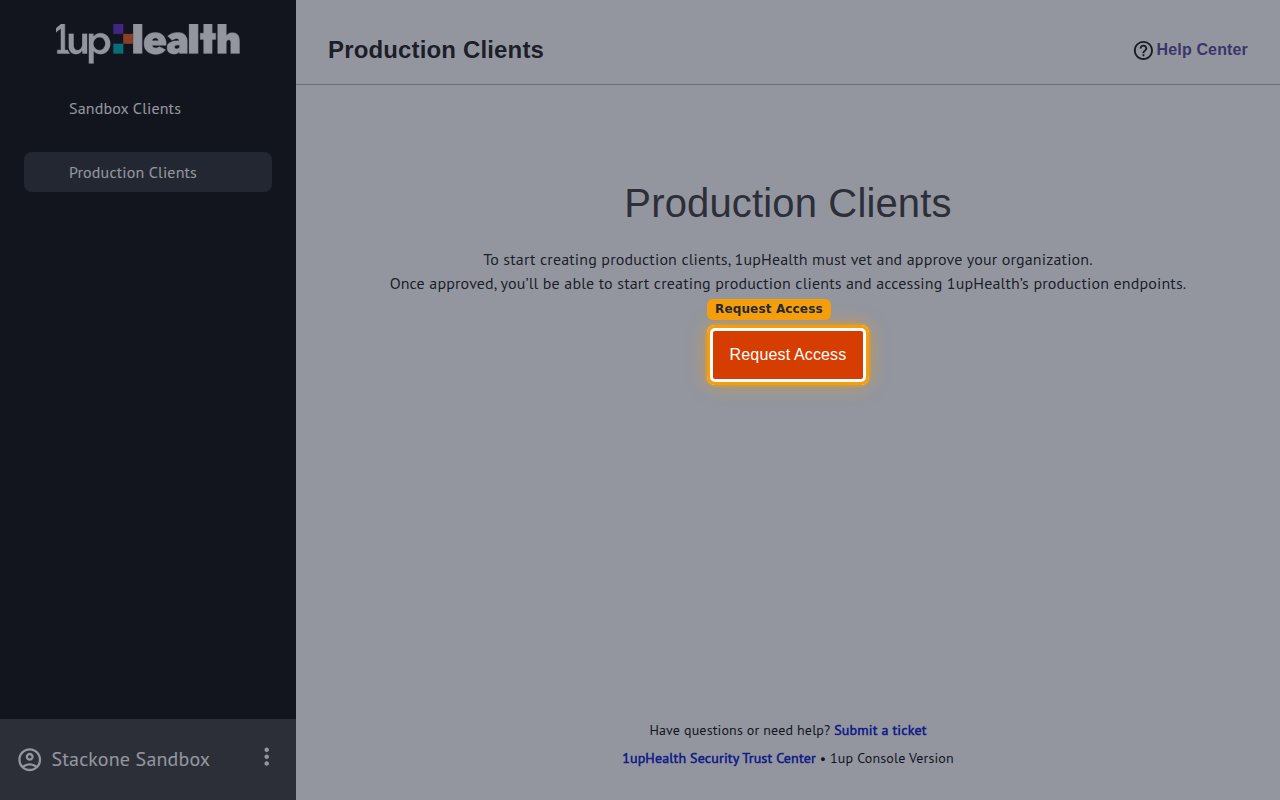
Request access
On the Production Clients tab, click Request Access and submit 1upHealth’s
vetting form. 1upHealth reviews and approves organizations before production clients can
be created.
Create a client
Once your organization is approved, create a production client:
Start the client
On the Production Clients tab, click Create a client.
Fill in the client details
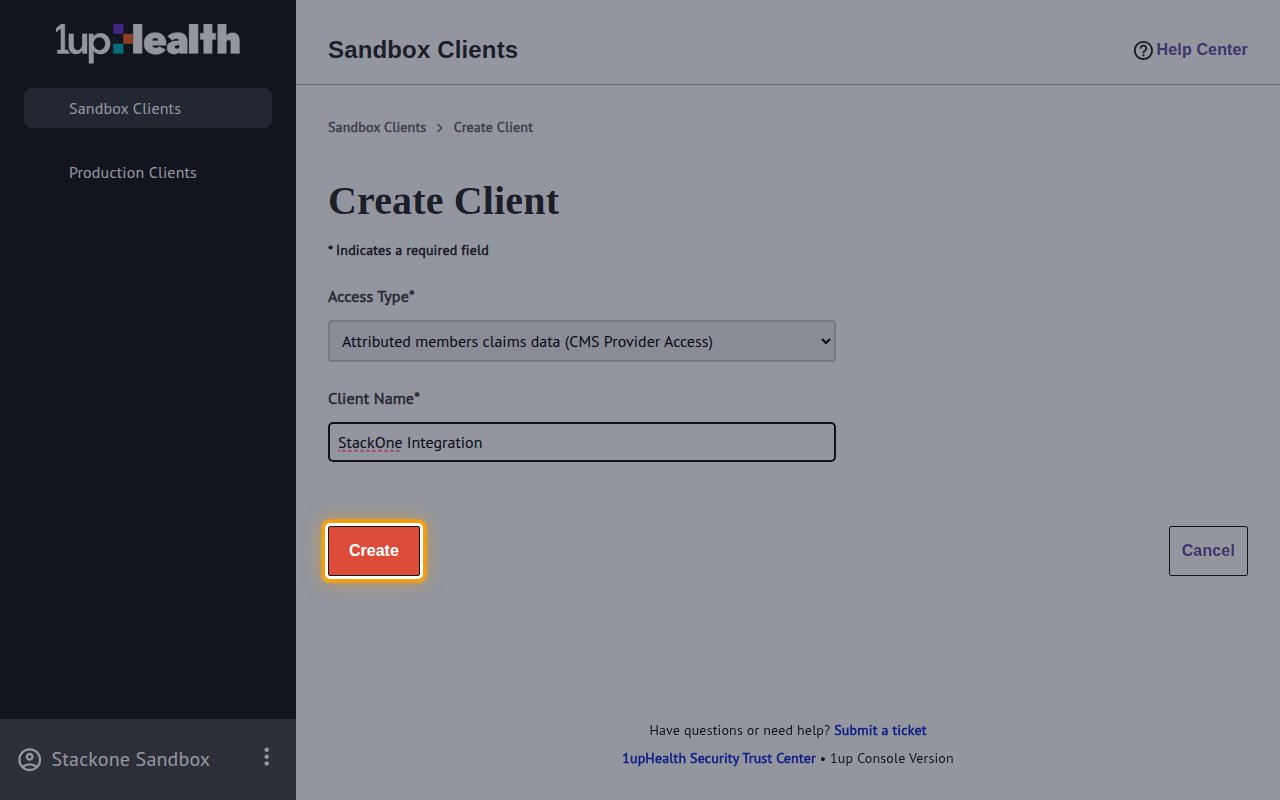
Fill in the client form:
- Access Type: Attributed members claims data (CMS Provider Access)
- Client Name:
StackOne Integration - Click Create.
Copy your credentials
Copy the client’s identifiers into your Connector Profile:
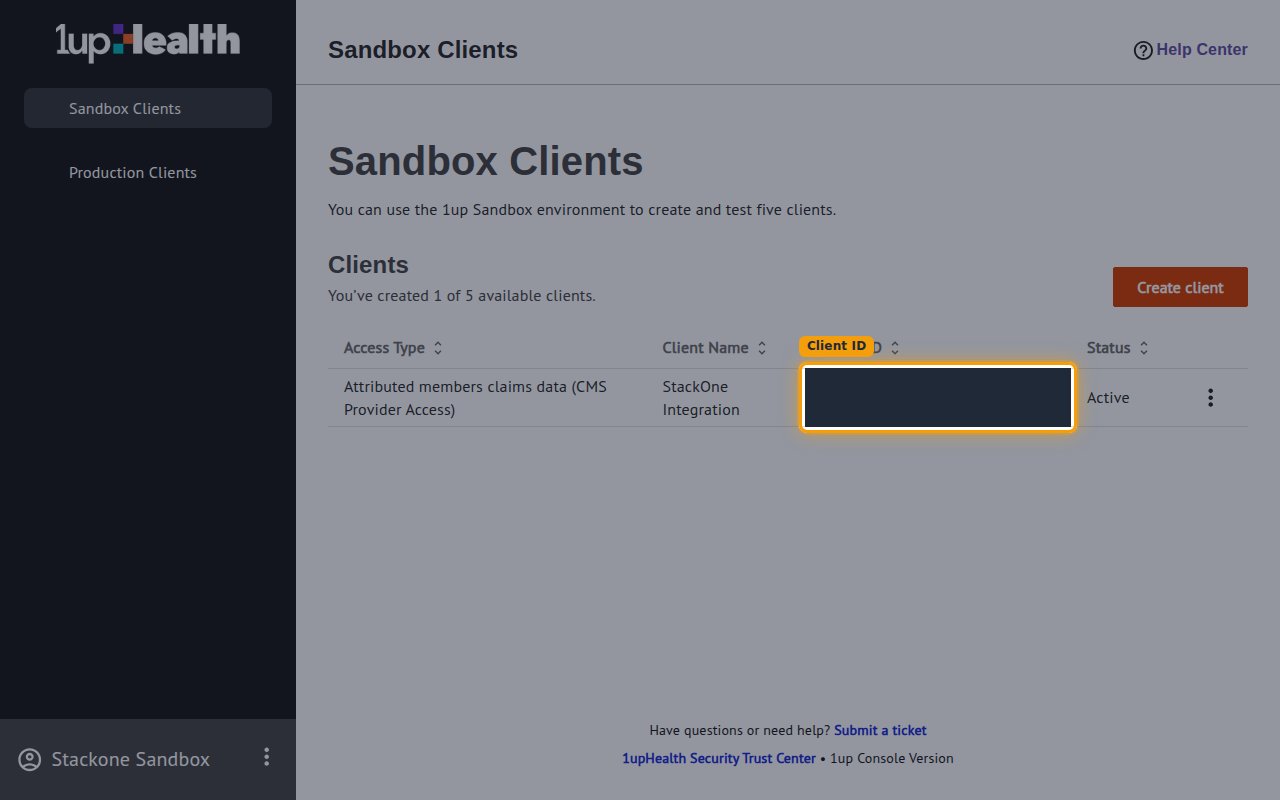
Copy the Client ID
On the clients list, copy the value in the Client ID column for your new client into
your Connector Profile.
Copy the Client Secret
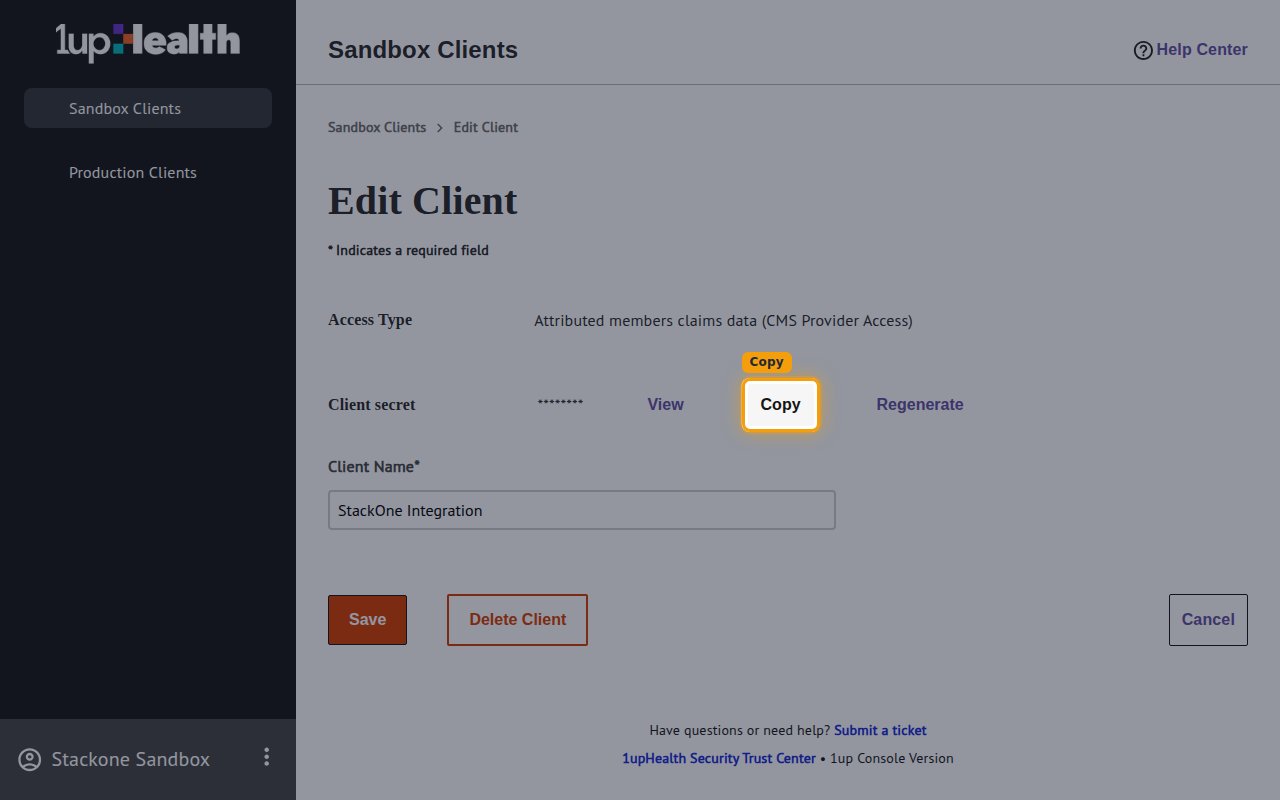
Open the client and click Copy next to Client secret to copy it into your
Connector Profile. 1upHealth shows the secret only in masked form here — if it is ever
lost, click Regenerate to issue a new one.
Create the StackOne Connector Profile
Create a Connector Profile
Link an Account