

Create an OAuth application
Register an OAuth application in Moneybird to obtain the Client ID and Client Secret used by the StackOne Connector profile.
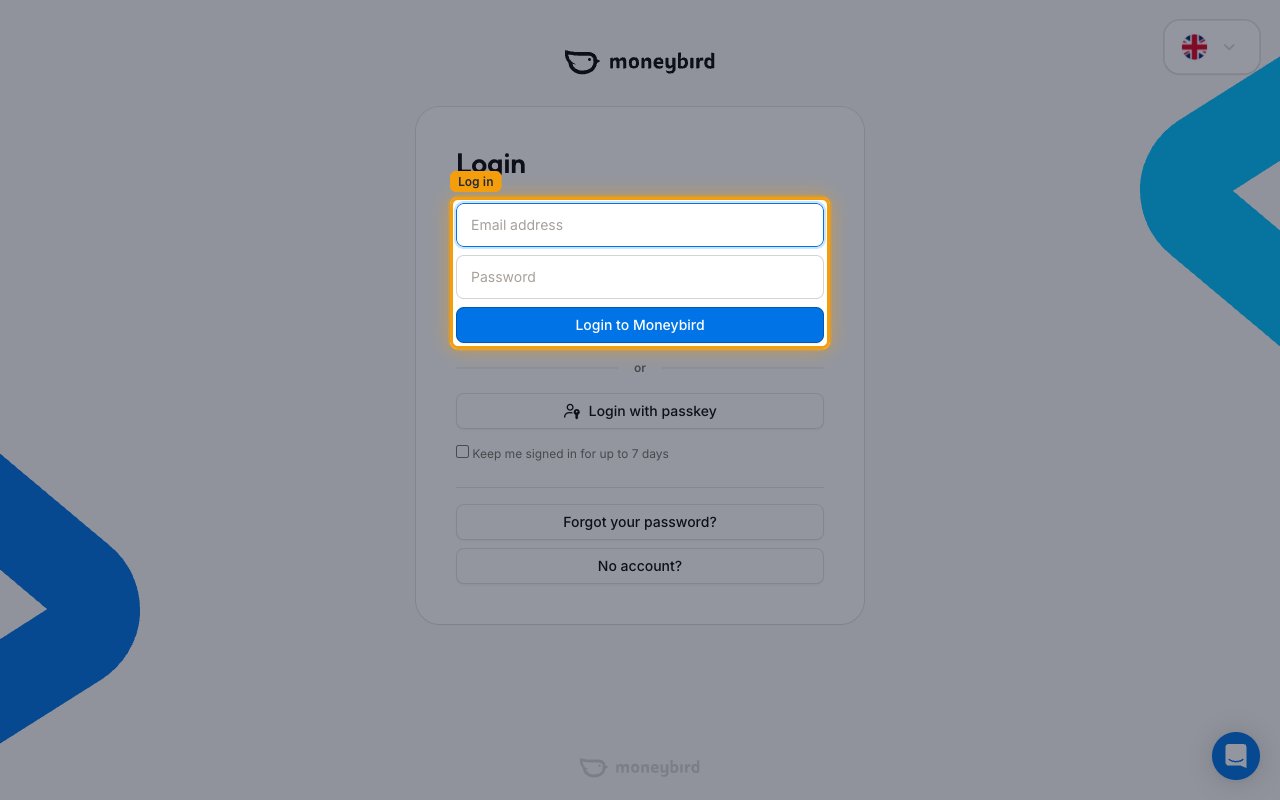
Sign in to Moneybird
Open the Moneybird login page and sign in with your Email address and Password, then click Login to Moneybird.
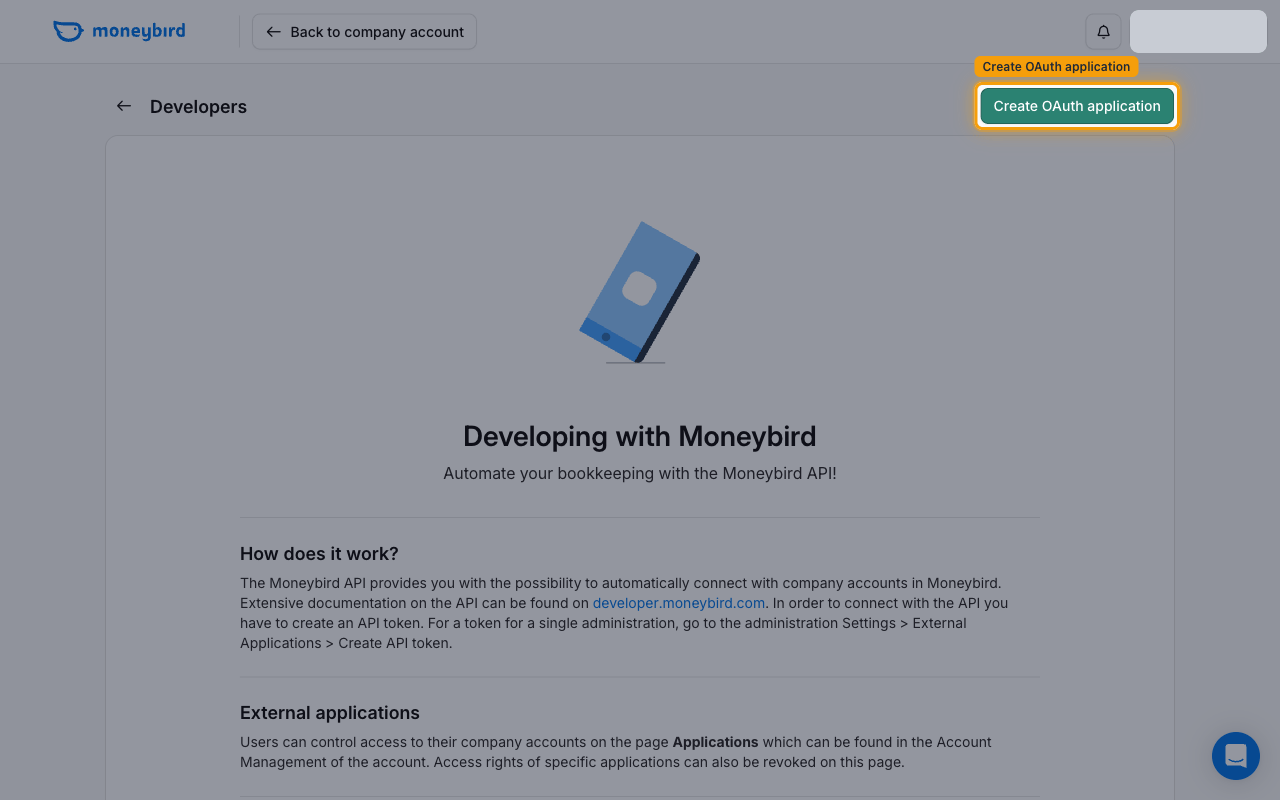
Open the Developers page
Go to the Moneybird Developers page and click Create OAuth application in the top-right corner.
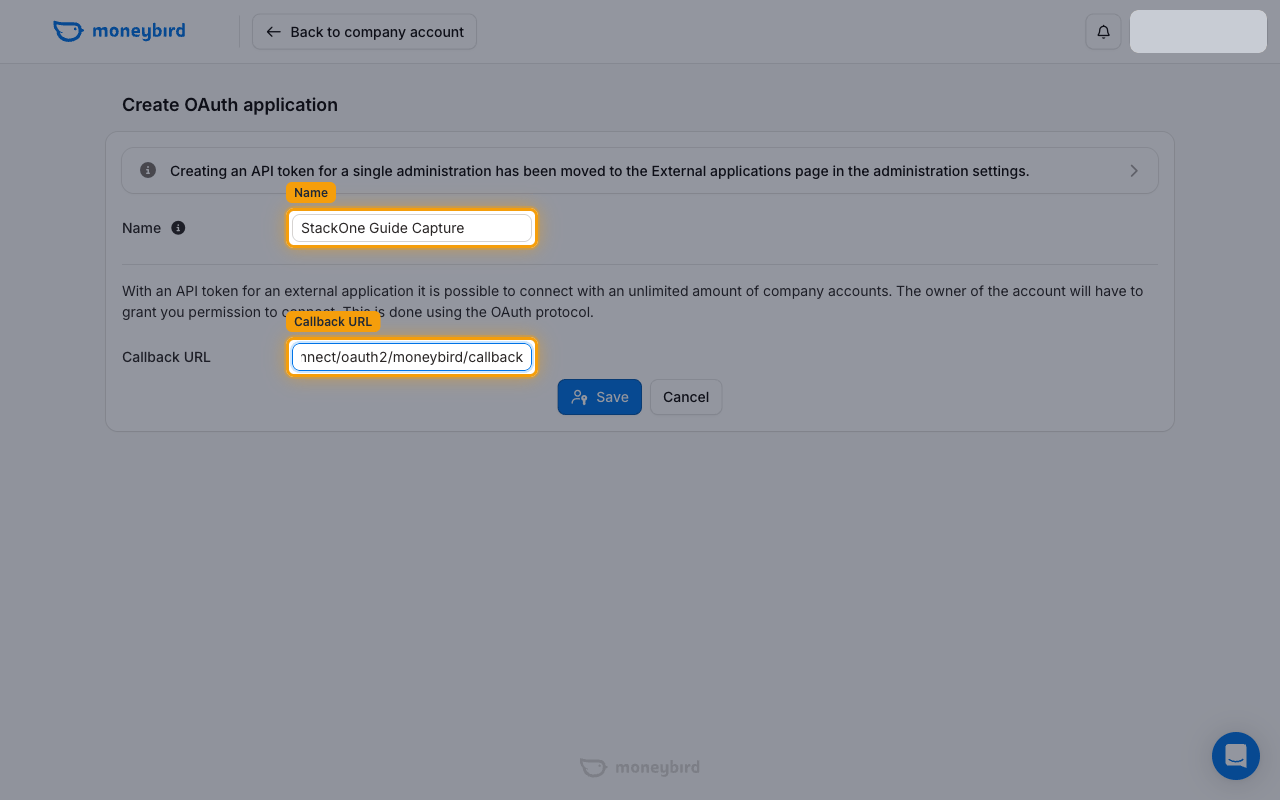
Fill in the application details
On the Create OAuth application form, fill in both fields and click Save.
- Enter a Name for the application (e.g.,
StackOne). This name is shown to users when a connection is made using this API token. - Set the Callback URL to the one shown in your Connector Profile
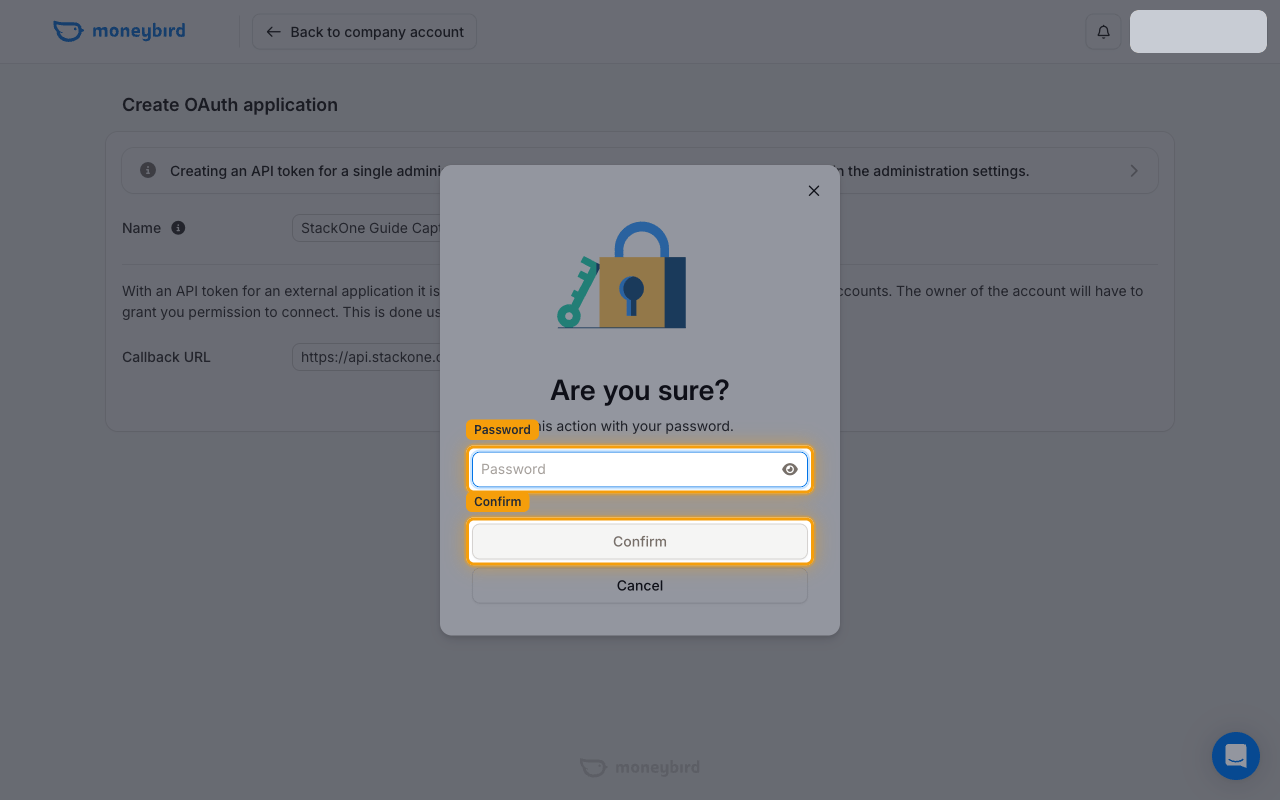
Confirm with your password
Moneybird asks you to confirm the action. In the Are you sure? dialog, enter your Password and click Confirm.
Copy the client credentials
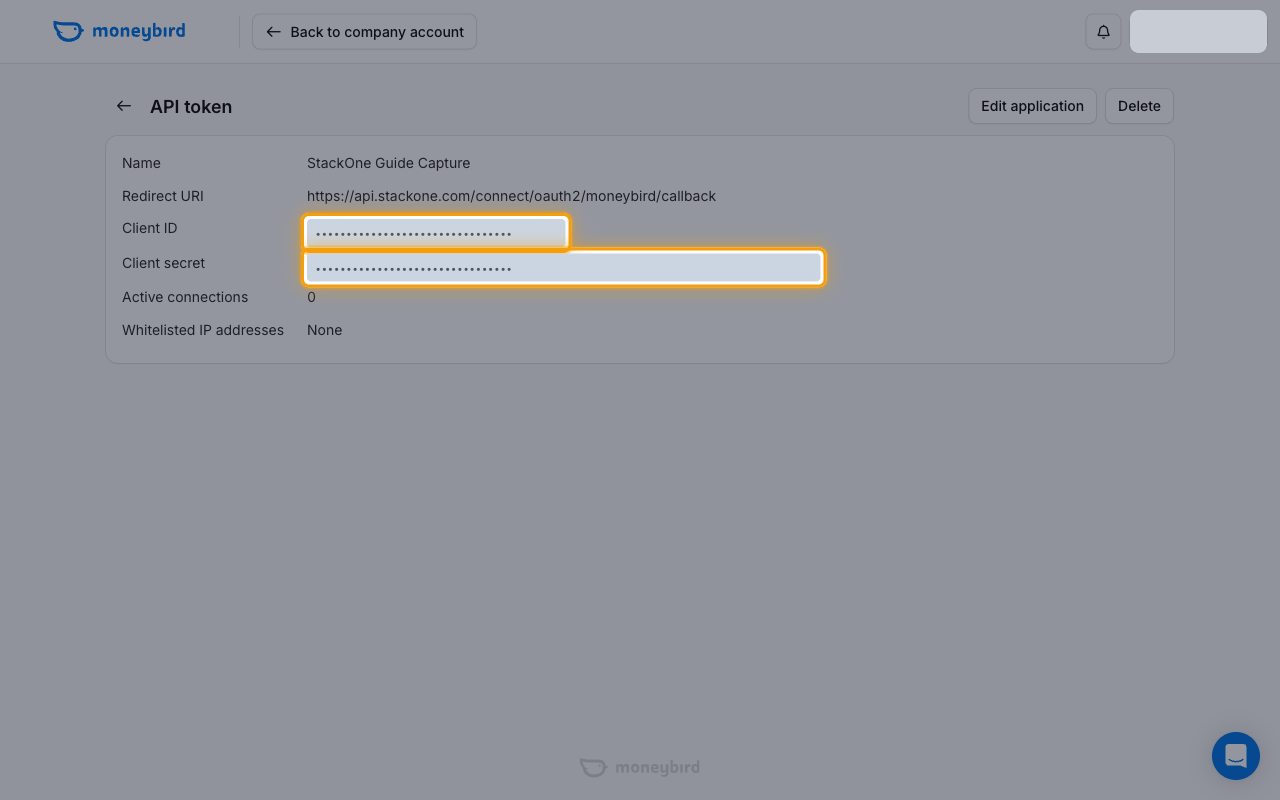
After the application is created, Moneybird shows its details on the API token page.
Copy the Client ID and Client secret
On the application’s API token page, copy the Client ID and Client secret values. Paste them into the Client ID and Client Secret fields in the StackOne Connector profile.
- The Client secret is confidential — store it securely and treat it like a password.
Configure scopes
Moneybird scopes are not set on the OAuth application itself — they are requested when the account owner authorizes the connection. In the Scopes field in the StackOne Connector profile, enter a space-separated list of scopes, or leave it empty to request the default set below.
Create the StackOne Connector Profile
Create a Connector Profile
Link an Account