

Registering an OAuth application
Register an application on the Capsule Developer Portal to obtain the Client ID and Client Secret that StackOne uses to connect accounts.
Sign in to the Capsule Developer Portal
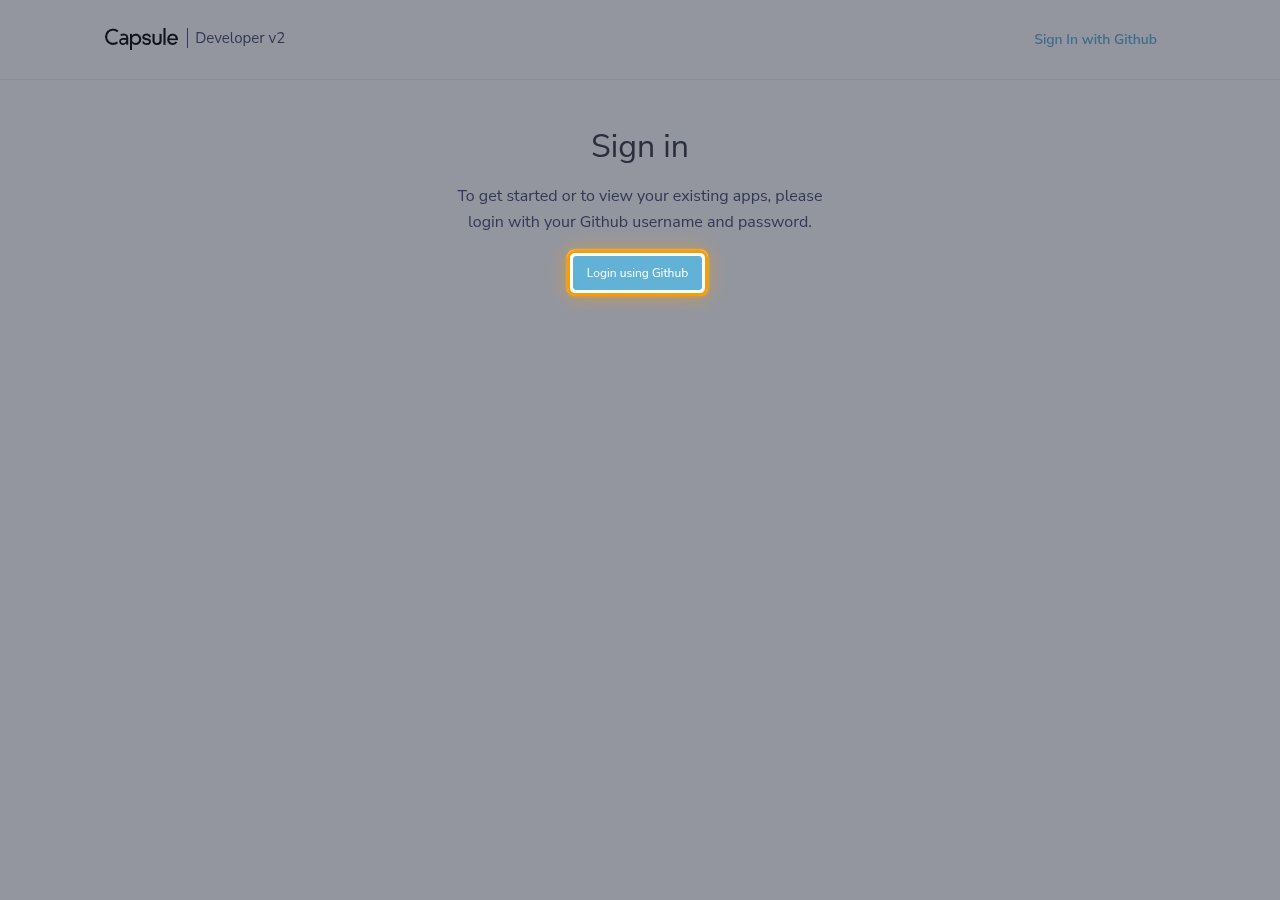
Sign in to the Capsule Developer Portal.
- The portal signs you in with GitHub, not with your Capsule account — on the Sign in page, click Login using Github.
- The page states: To get started or to view your existing apps, please login with your Github username and password.
- If you are already signed in, you go straight to Your Applications.
Open the new application form
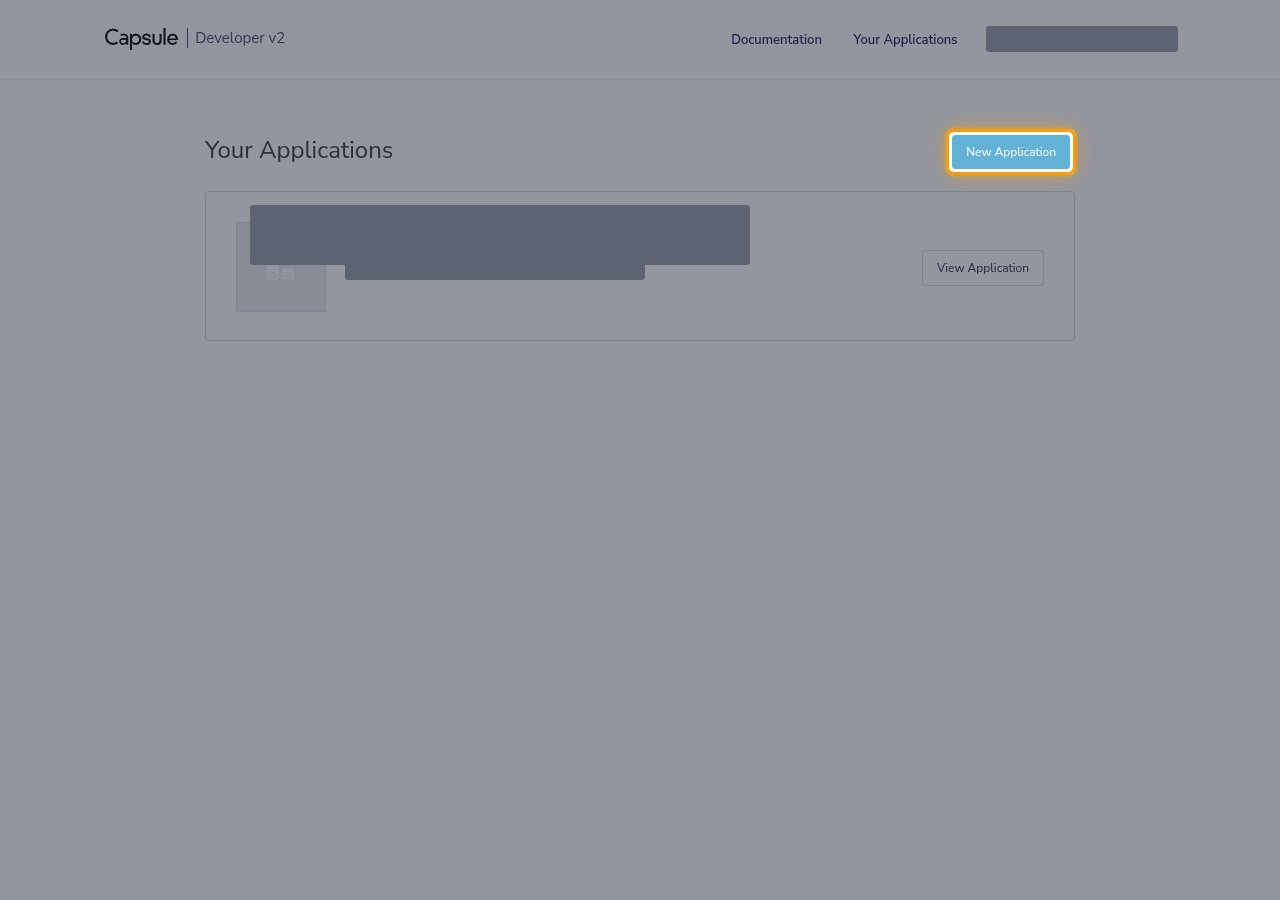
On the Your Applications page, click New Application.
Fill in the application details
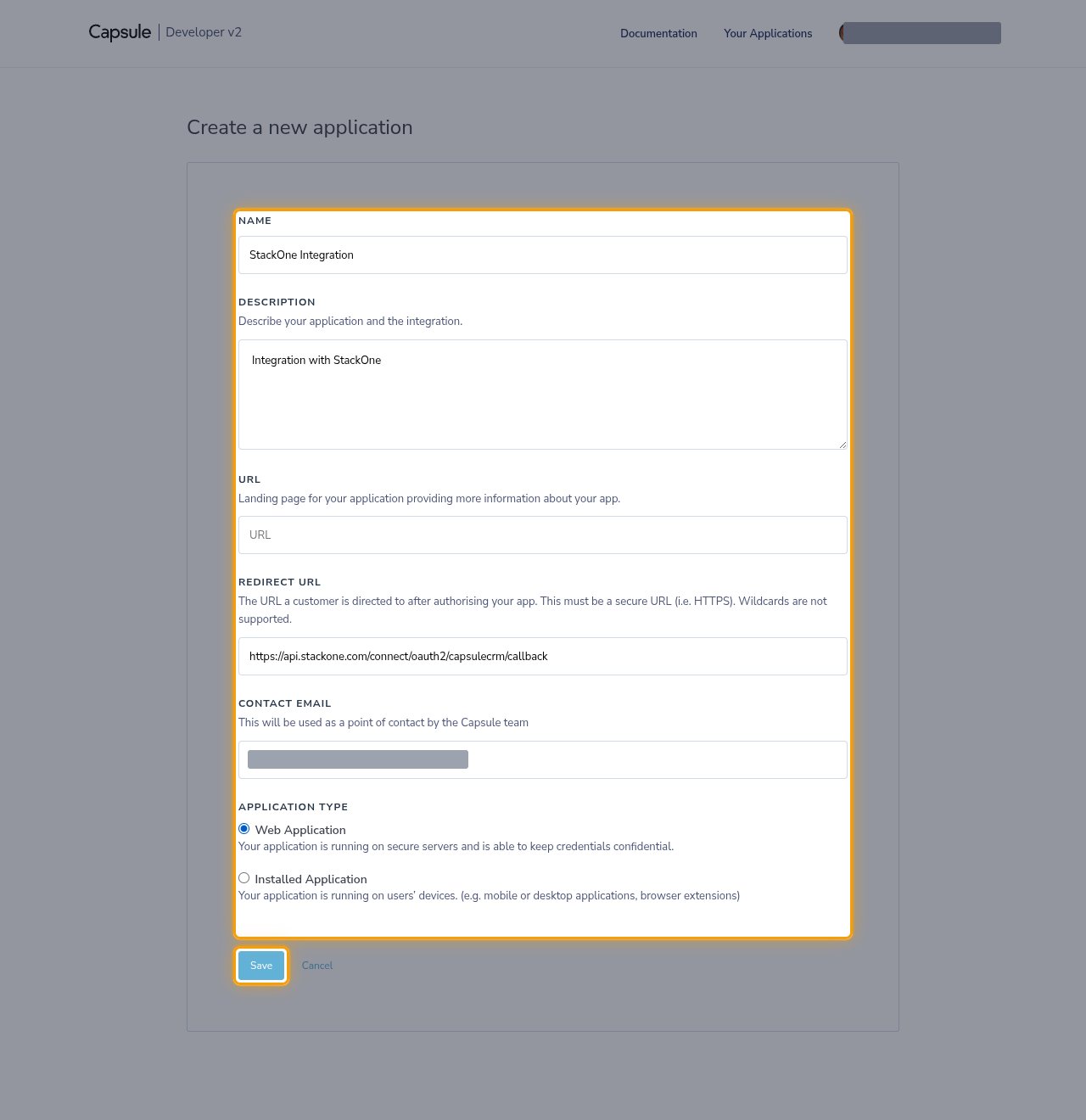
Complete the Create a new application form.
- Name: a name for the application, such as
StackOne Integration - Description: describe your application and the integration, such as
Integration with StackOne - URL: the landing page for your application — this one is optional
- Redirect URL: the Callback URL from your Connector Profile
- Contact Email: an address the Capsule team can use as a point of contact
- Under Application Type, select Web Application — StackOne runs on secure servers and keeps the Client Secret confidential.
- Click Save.
Copy the Client ID and Client Secret
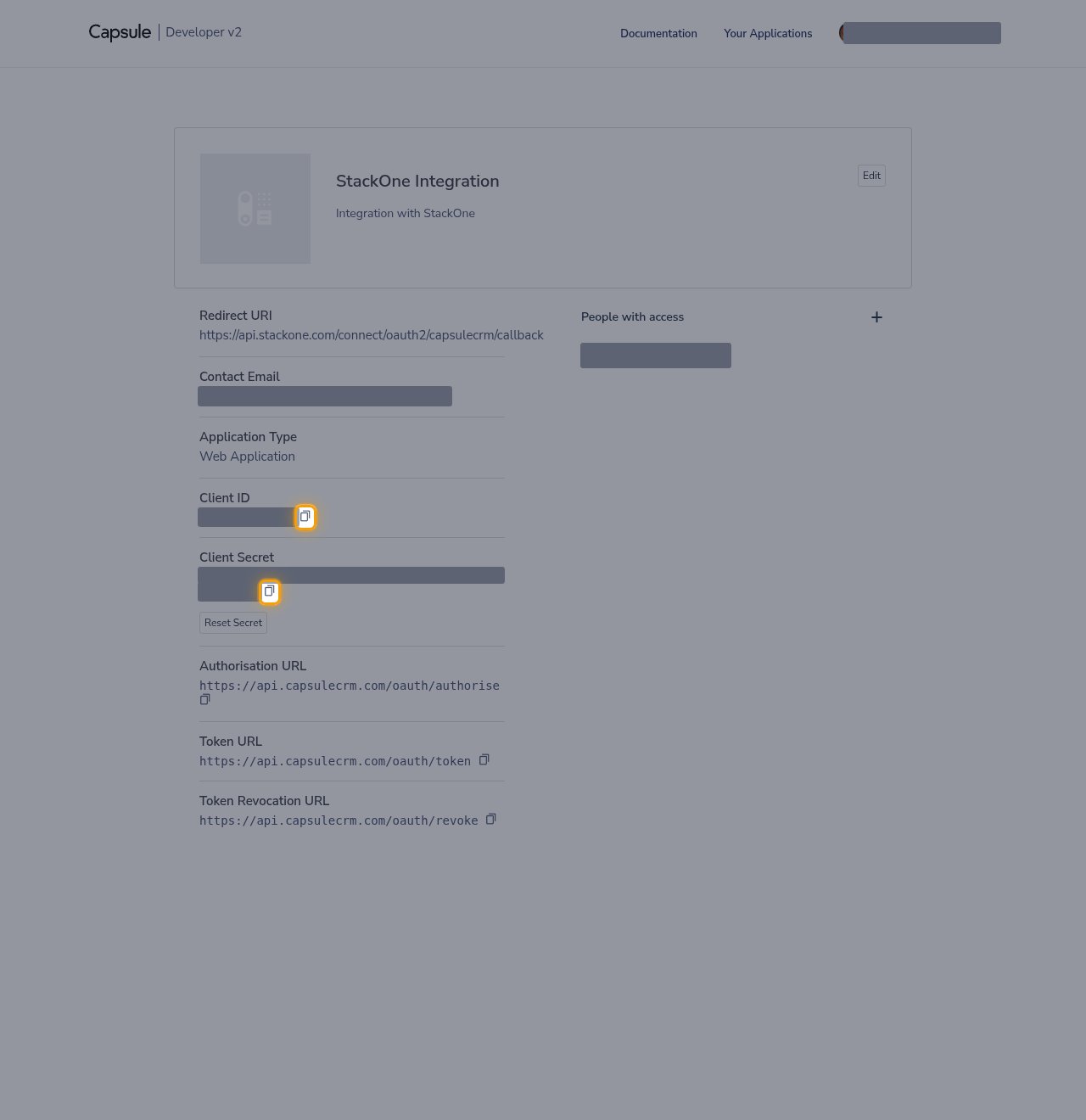
The application page shows the credentials. Click the copy icon beside Client ID and beside Client Secret, then paste each value into the matching field in the StackOne Connector profile.
- Store both values securely for use later.
- Keep the Client Secret server-side and never commit it to source control.
- If the secret is ever exposed, click Reset Secret to issue a new one — existing connections will need updating.
Choosing OAuth scopes
The Scopes field in the StackOne Connector profile controls the permissions StackOne requests when a user authorizes the connection. Capsule has no scope settings on the application itself — the scopes are requested at authorization time.
Select the scopes to request
Leave Scopes empty to use the default of read write, or enter the scopes this integration needs as a space-separated list. write and user_preference each include read.
Create the StackOne Connector Profile
Create a Connector Profile
Link an Account