

Create an AniList API client
AniList does not expose a public multi-tenant API client — each user creates their own
API client and issues their own Client ID and Client Secret.
1
Create the client
Sign in to your AniList account, then select
Settings, then Developer in the sidebar, then select
Create New Client.
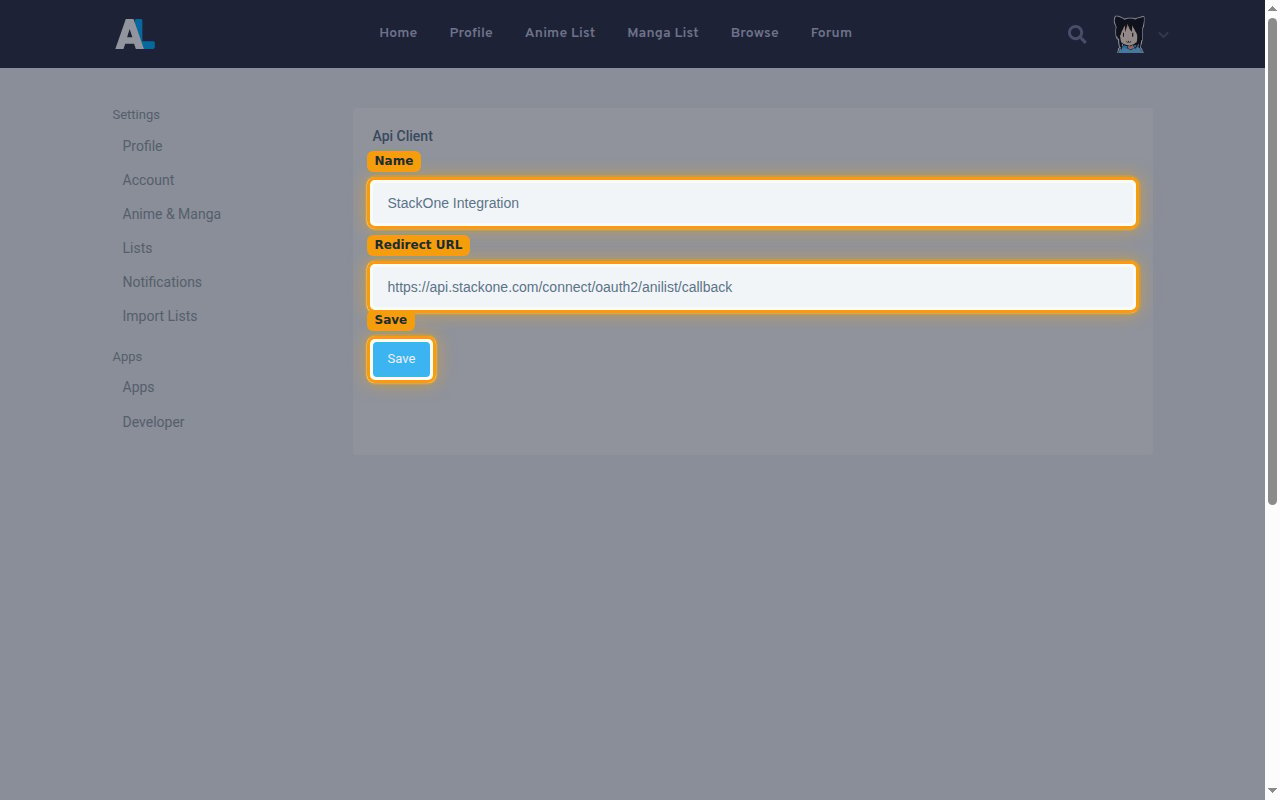
- Name:
StackOne Integration - Redirect URL: the Callback URL from your Connector Profile.
- Select Save.
2
Copy the credentials
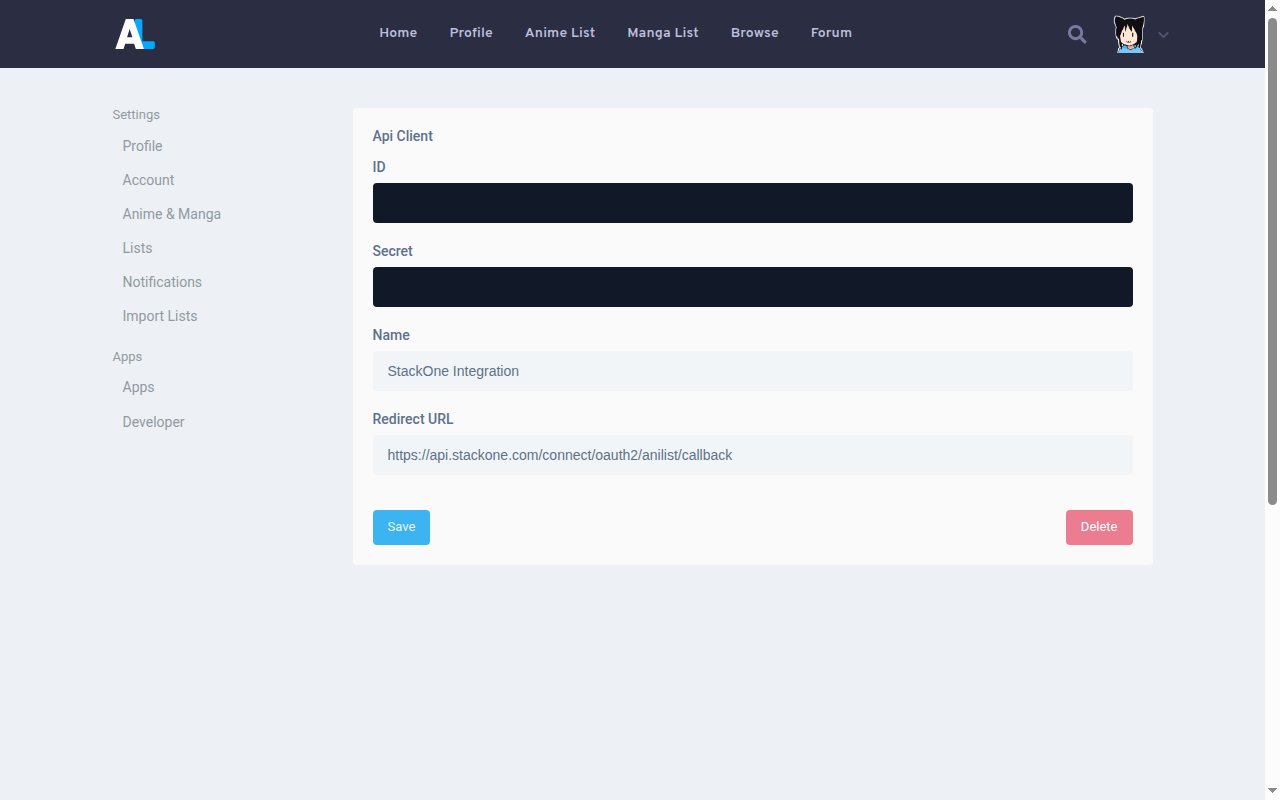
AniList generates an ID and a Secret for the client.
- Copy the ID into your Connector Profile.
- Copy the Secret into your Connector Profile.
- The Secret is only displayed once and cannot be retrieved later.
Create the StackOne Connector Profile
1
Create a Connector Profile
Enable the connector and create a Connector Profile in your project. See Setup Connector Profile.
2
Link an Account
Once the Connector Profile is created, continue to link an account.