

Generating an API key
A Range API key is a long-lived token that lets StackOne make requests to the Range API on your behalf, with the same access as your Range user account.
1
Sign in to Range
Sign in to your Range account.
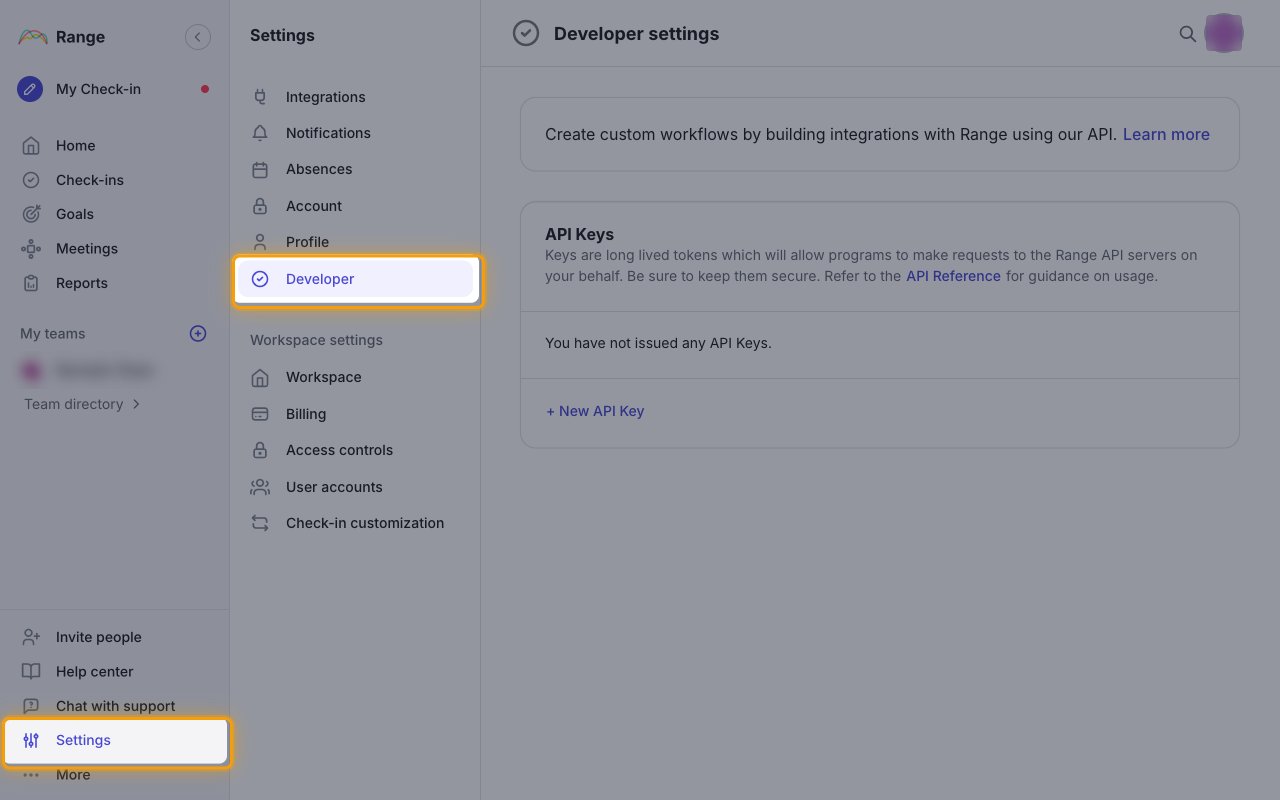
- In the left sidebar, click Settings.
- Under Settings, click Developer to open Developer settings.
2
Create a new API key
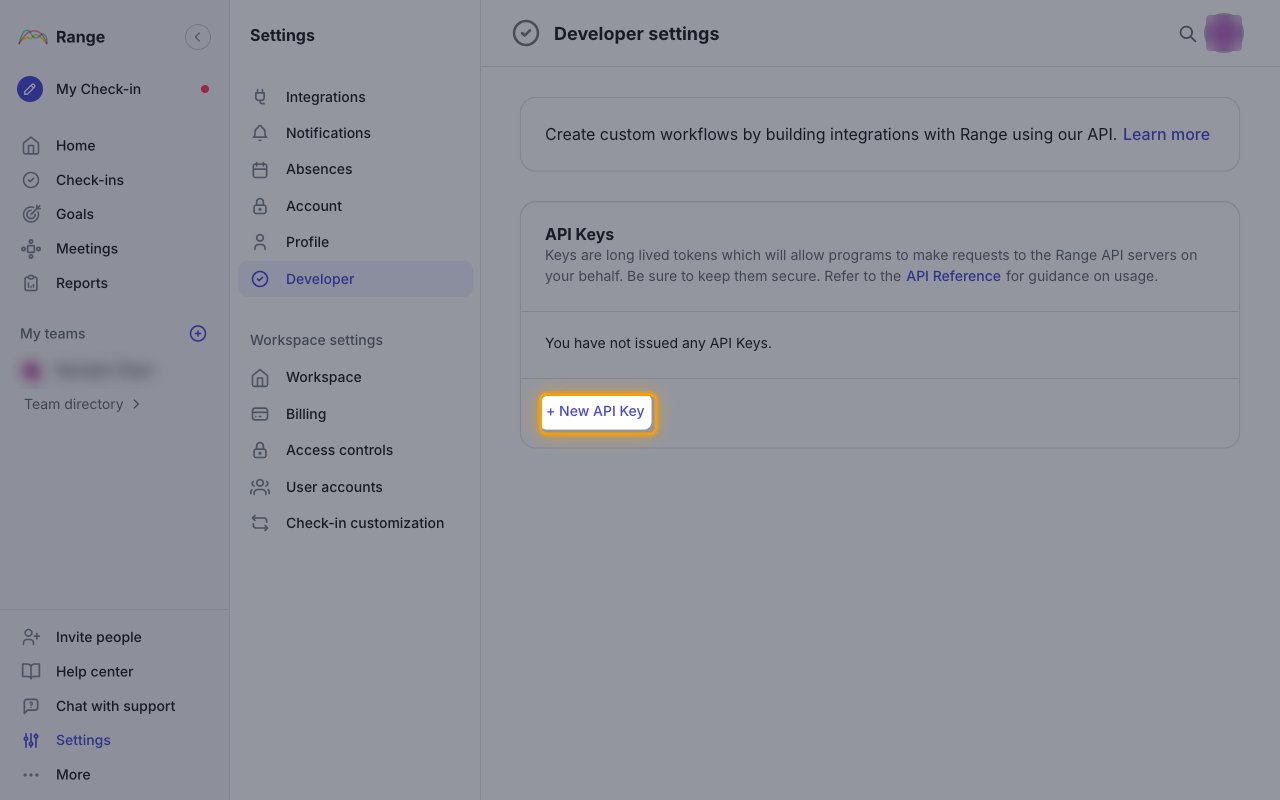
In the API Keys section, click + New API Key.
- Range creates the key immediately and adds it to the Token list.
3
Copy the API key
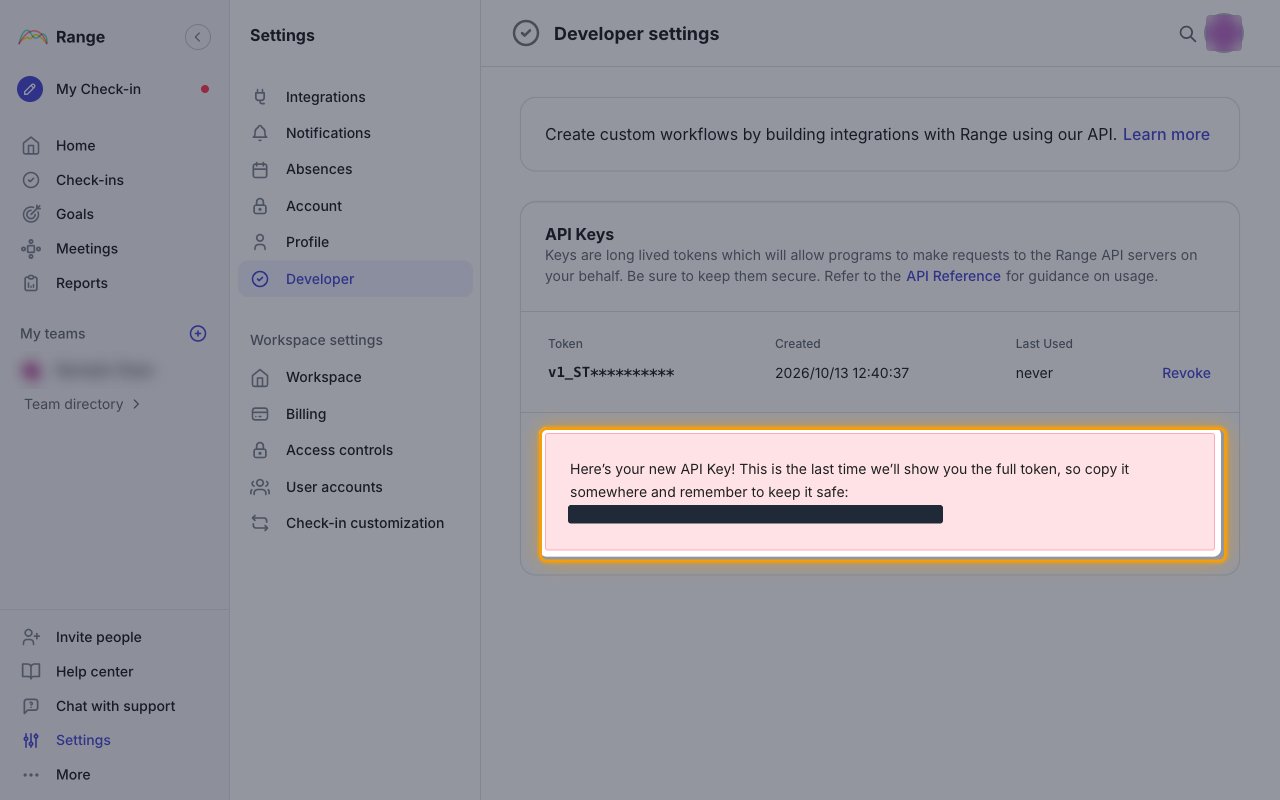
Copy the full token shown in the Here’s your new API Key! message and store it securely for use later.
- The full token is shown only once. After you leave the page, the Token list shows only a masked value and the key cannot be retrieved.
- Paste the token into the API Key field in StackOne Hub.
Link the Account
1
Connect
- Click Connect.
- If applicable, the provider will redirect you to a sign-in or authorization page. Complete the provider’s authorization flow.
- Once authorization is successful, you will see a confirmation popup.
2
Use Actions
Connect an AI platform to the linked account’s actions. See AI Platforms.Other ways to call actions are listed in Protocols & SDKs.