

Connect without authentication
This connector calls the public NCBI E-utilities API, which requires no credentials. Anonymous access is limited to 3 requests/second per IP address — enough for most integrations. There is nothing to obtain from NCBI to connect.
Create the connection
Choose the No Authentication option and create the connection in StackOne Hub. There are no fields to fill in — no API key, username, or password is required. StackOne begins calling the E-utilities API immediately.
Enable higher throughput (optional)
If you need higher throughput, NCBI offers a free API key that raises the limit to 10 requests/second. To use it, create the connection with the API Key authentication option instead of No Authentication, and follow that option’s guide to generate a key.
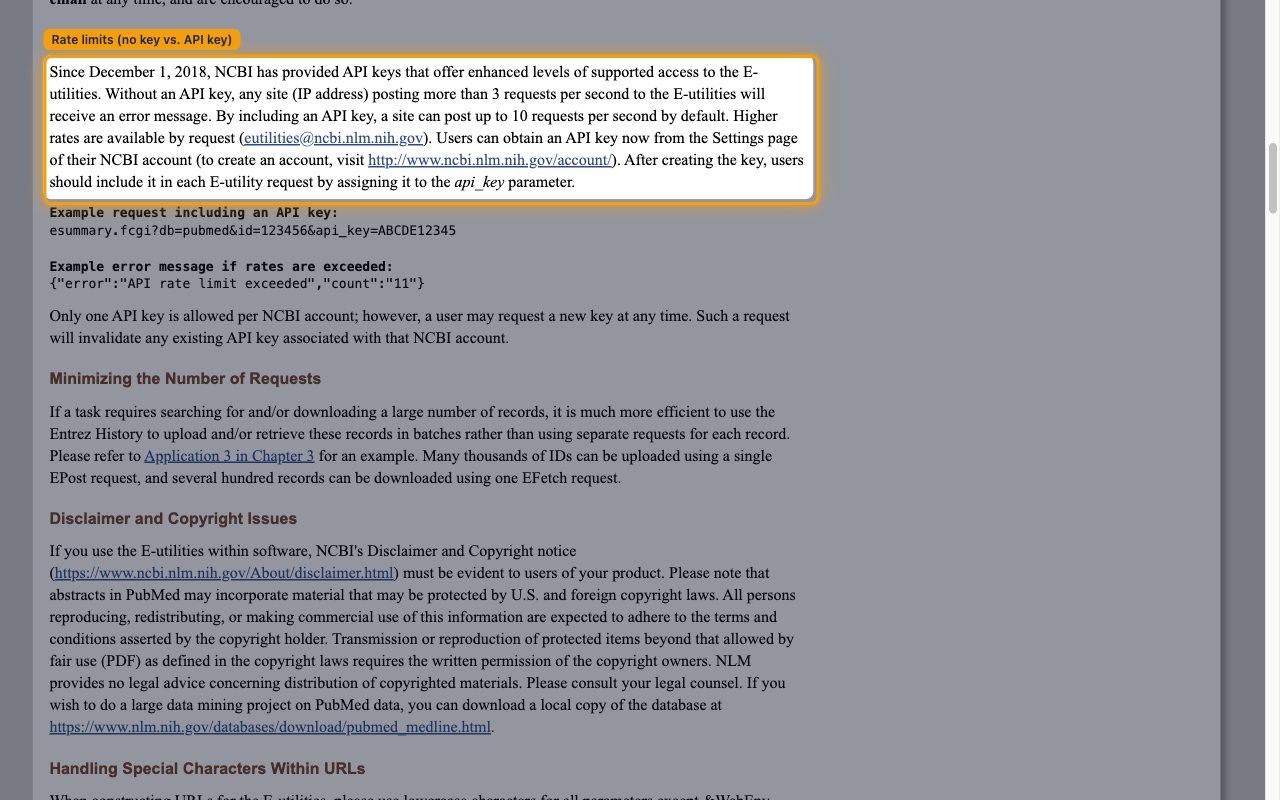
- NCBI’s usage guidelines state: Without an API key, any site (IP address) posting more than 3 requests per second to the E-utilities will receive an error message. By including an API key, a site can post up to 10 requests per second by default.
- You can review the full rules on the NCBI E-utilities usage guidelines page.
- An API key is created from your NCBI account settings — sign up or sign in at the NCBI account page.
Link the Account
Connect
- Click Connect.
- If applicable, the provider will redirect you to a sign-in or authorization page. Complete the provider’s authorization flow.
- Once authorization is successful, you will see a confirmation popup.
Use Actions