

Create your NCBI API key
Create the key in your NCBI account settings.
1
Create or copy your API key
Sign in to your NCBI account with one of the third-party login methods NCBI offers, or Sign up first, then open Account settings.
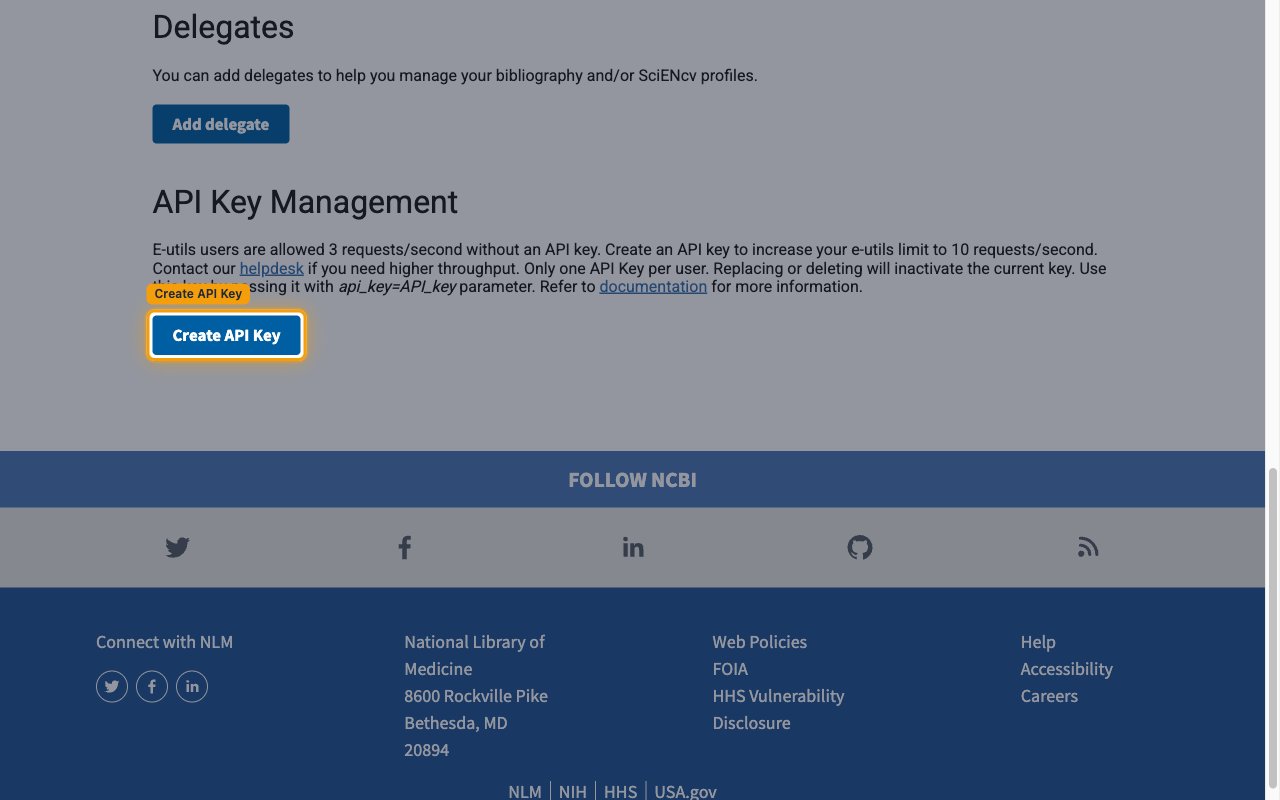
- Scroll to API Key Management.
- Click Create API Key. When the API Key row already shows a key there is no button, so use that key.
- Only one API Key per user. Replacing or deleting it makes the current key inactive.
2
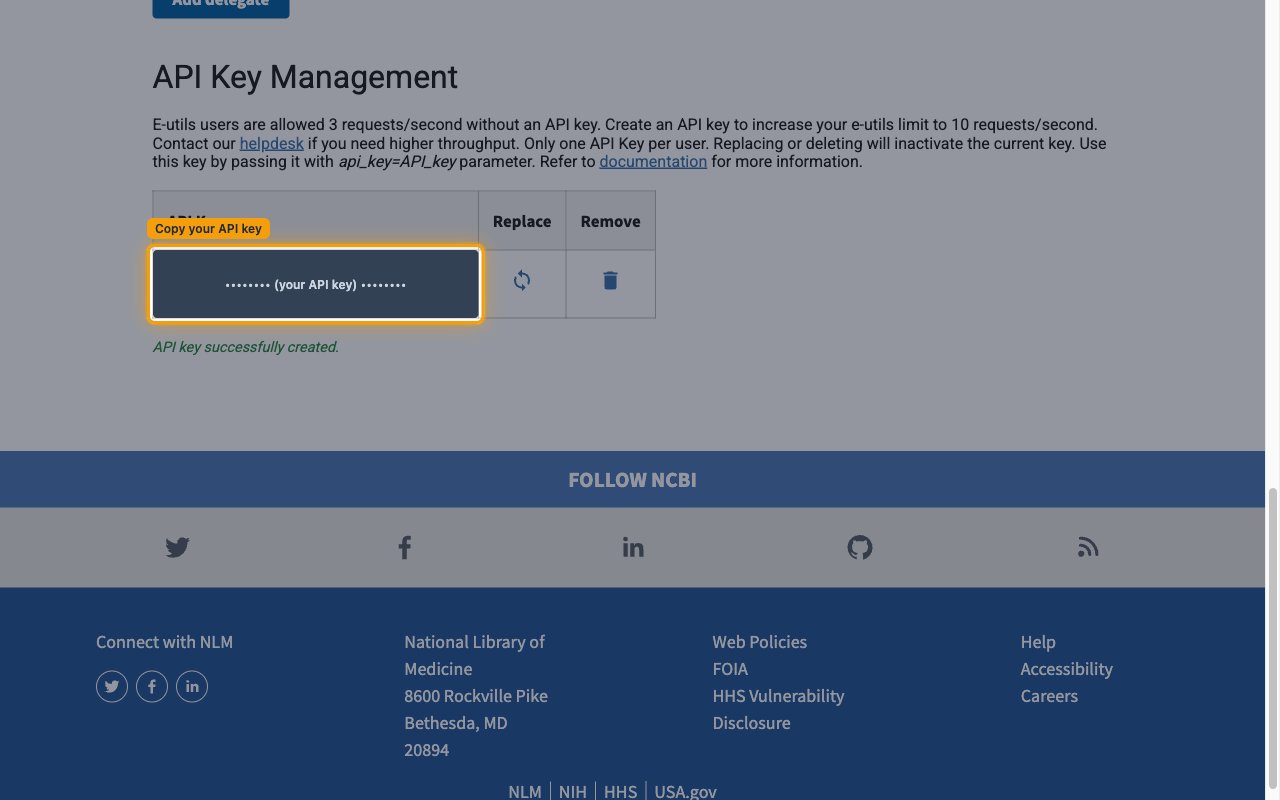
Copy your API key
NCBI shows the key in the API Key row. Copy the API Key across.
- Contact Email: an address NCBI can reach before it throttles heavy use (optional)
Link the Account
1
Connect
- Click Connect.
- If applicable, the provider will redirect you to a sign-in or authorization page. Complete the provider’s authorization flow.
- Once authorization is successful, you will see a confirmation popup.
2
Use Actions
Connect an AI platform to the linked account’s actions. See AI Platforms.Other ways to call actions are listed in Protocols & SDKs.