

Get Your Postmark API Tokens
To connect Postmark with StackOne, you need your Server API Token. Optionally, provide an Account API Token for account-level management.
Sign in to Postmark
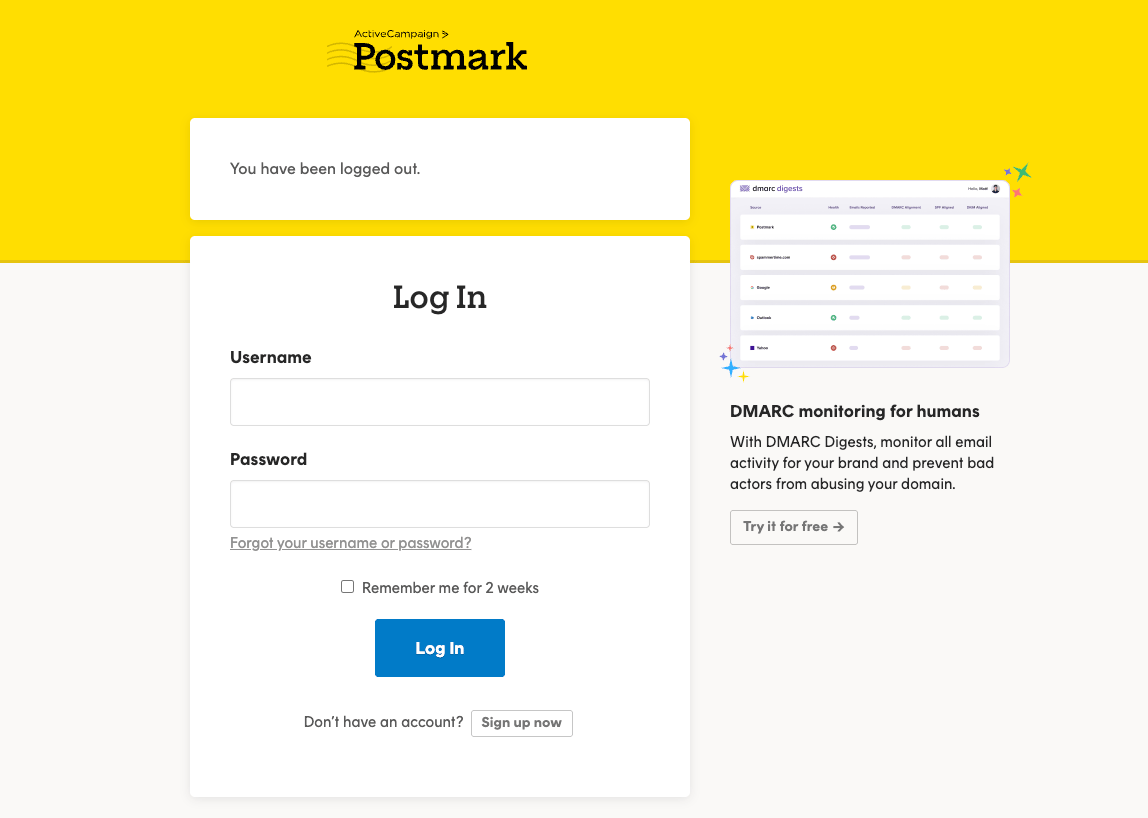
Go to Postmark and sign in with your Username and Password.
Select Your Server
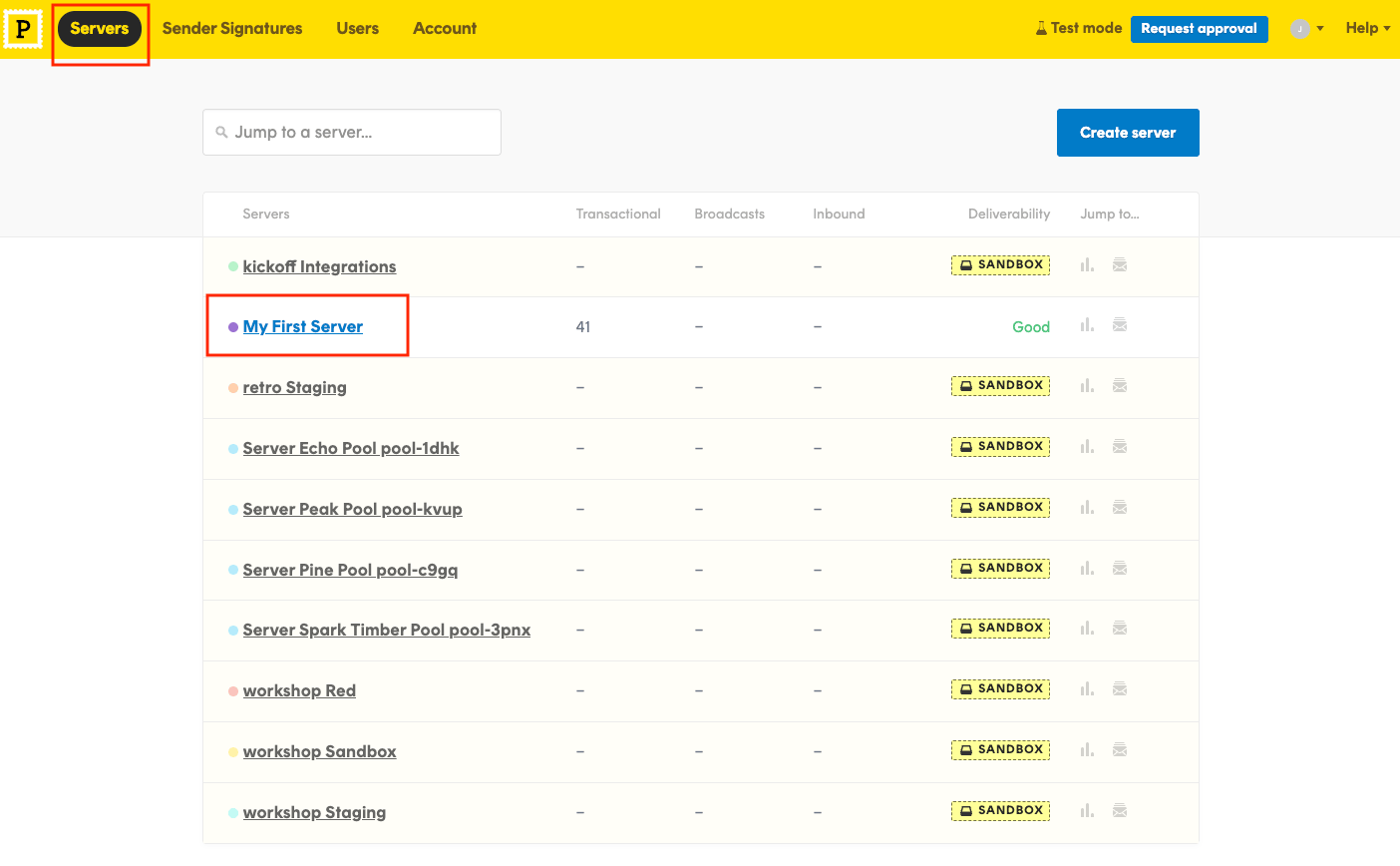
After signing in, you will land on the Servers page. Click on the server you want to connect. If you don’t have a server yet, click Create server to create one.
Copy the Server API Token
Inside your server, click the API Tokens tab in the top navigation. Copy the Server API tokens value.
- The Server API Token is accessible by Account Owners, Account Admins, and Server Admins.

Navigate to Account API Tokens
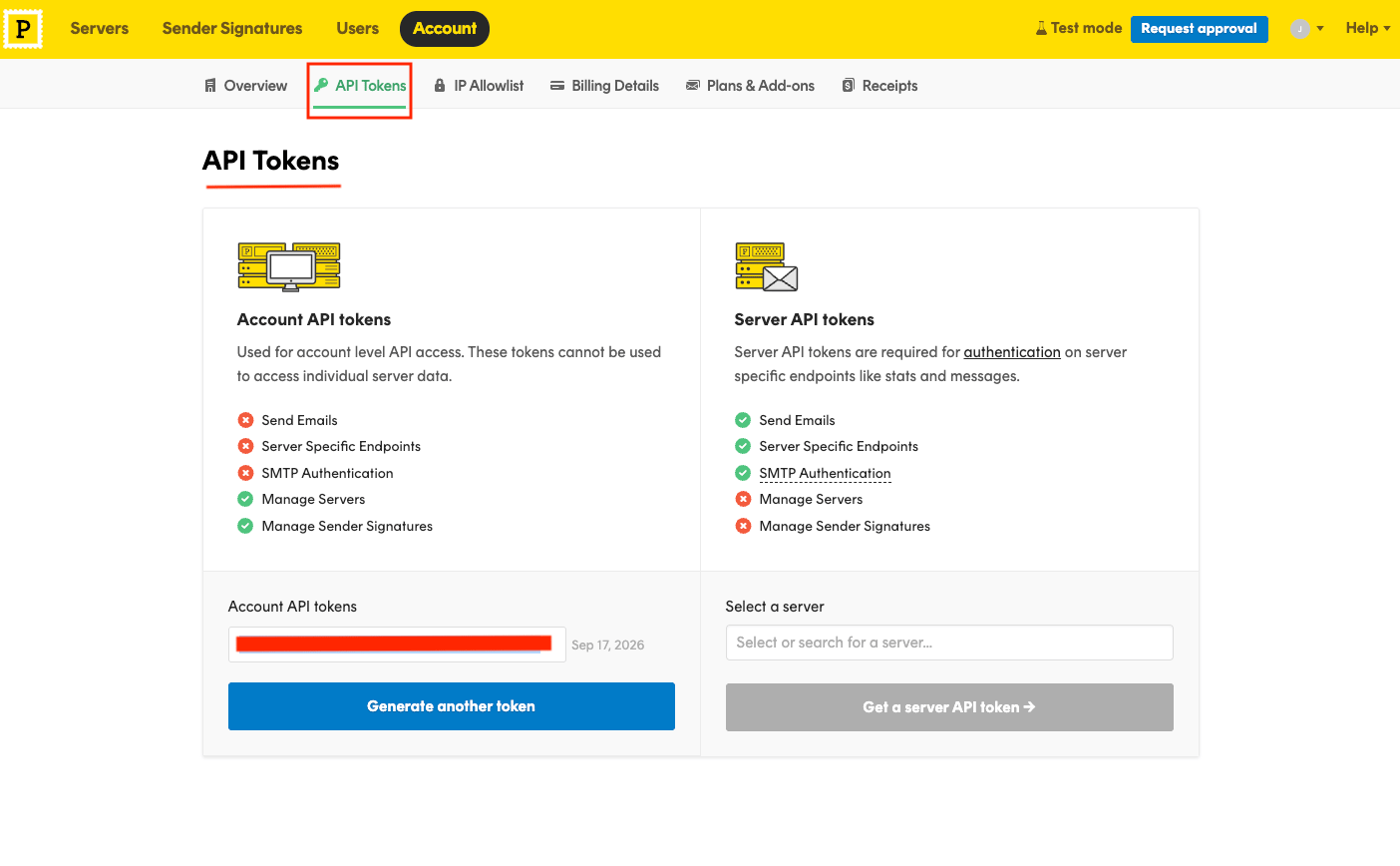
Click on Account in the top navigation bar, then go to the API Tokens tab. This page shows both Account API tokens and Server API tokens sections.
- Copy the Account API tokens value displayed on the left side of the page.
- The Account API Token is accessible only by Account Owners and Account Admins.
Linking the Account from the Hub
Navigate to the Hub
Fill out the fields
- Server API Token
- Account API Token (Optional)
Connect
- Click Connect
- If applicable, the provider will redirect you to a sign-in or authorization page. Complete the provider’s authorization flow.
- Once authorization is successful, you will see a confirmation popup
If the account linking is successful, you will see the newly linked account in your Accounts page.
Next Steps
Webhooks setup
Configure receiving Events for Postmark into StackOne.