

Authorize PlanetScale access
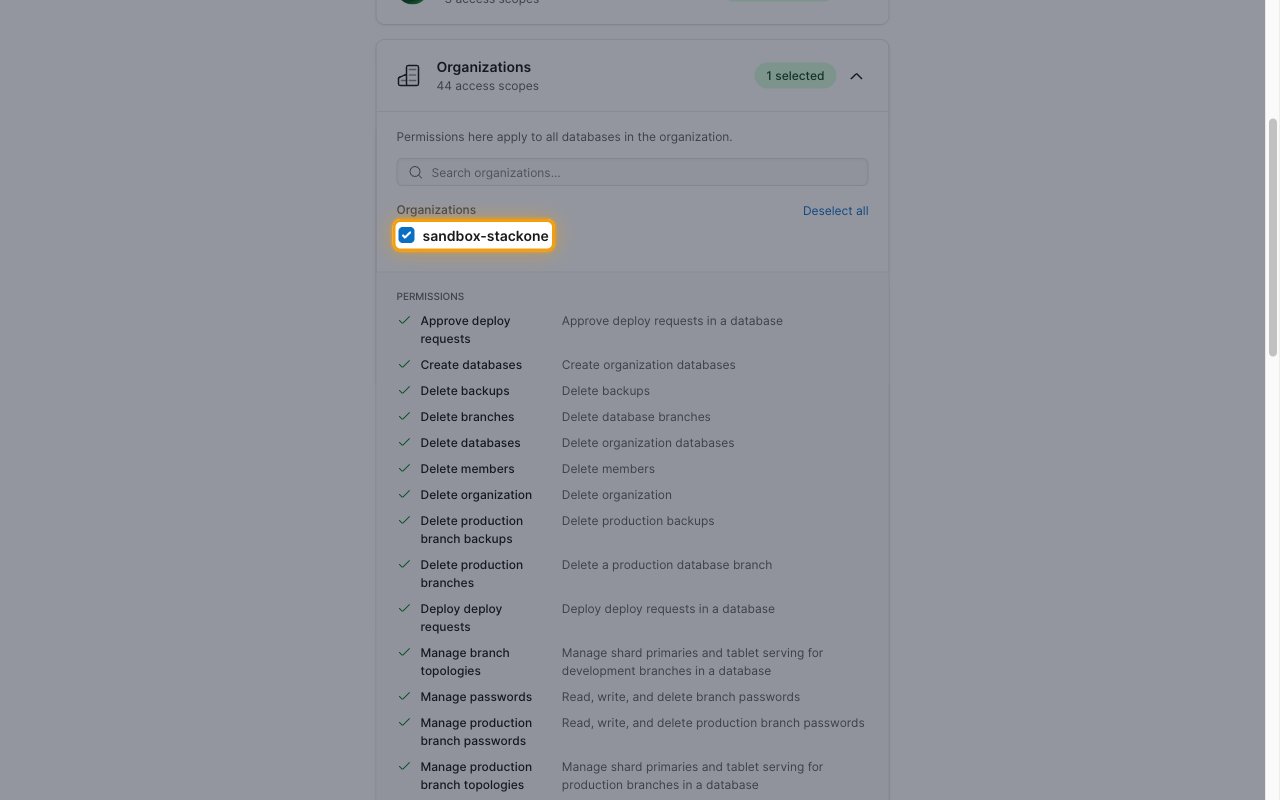
PlanetScale asks which organizations to share when you connect. Organization access covers every database in that organization.
1
Choose the organization
On the PlanetScale consent screen, open Organizations.
- Select the organization to connect.
- Click Authorize access.
Link the Account
1
Connect
- Click Connect.
- If applicable, the provider will redirect you to a sign-in or authorization page. Complete the provider’s authorization flow.
- Once authorization is successful, you will see a confirmation popup.
2
Use Actions
Connect an AI platform to the linked account’s actions. See AI Platforms.Other ways to call actions are listed in Protocols & SDKs.