

Generating an API Access Key
To connect PagerDuty with StackOne, you’ll need to generate an API access key from your PagerDuty account.
Sign in to PagerDuty
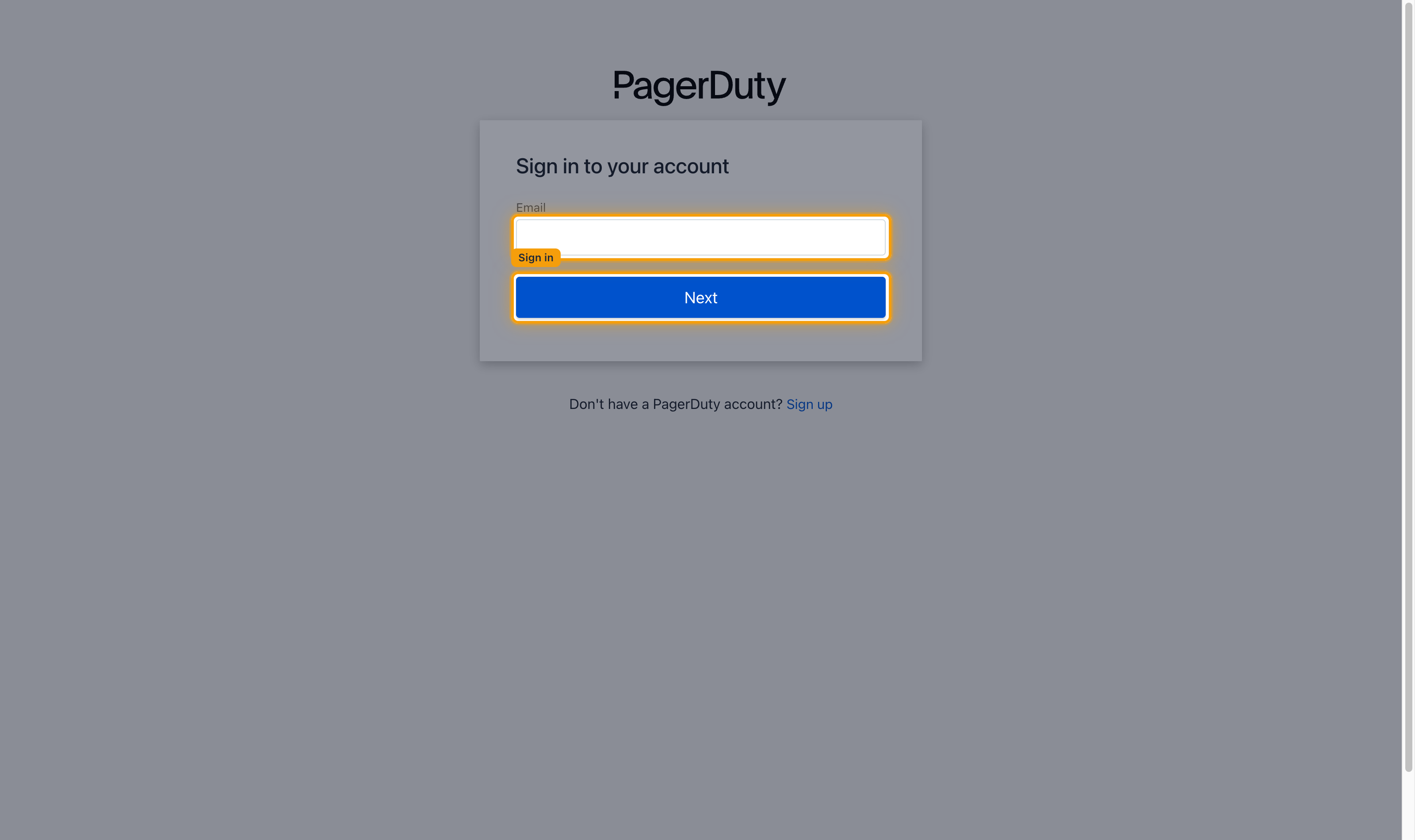
Sign in to your PagerDuty account. Enter your Email and click Next, then complete the password prompt.
Open the main PagerDuty dashboard
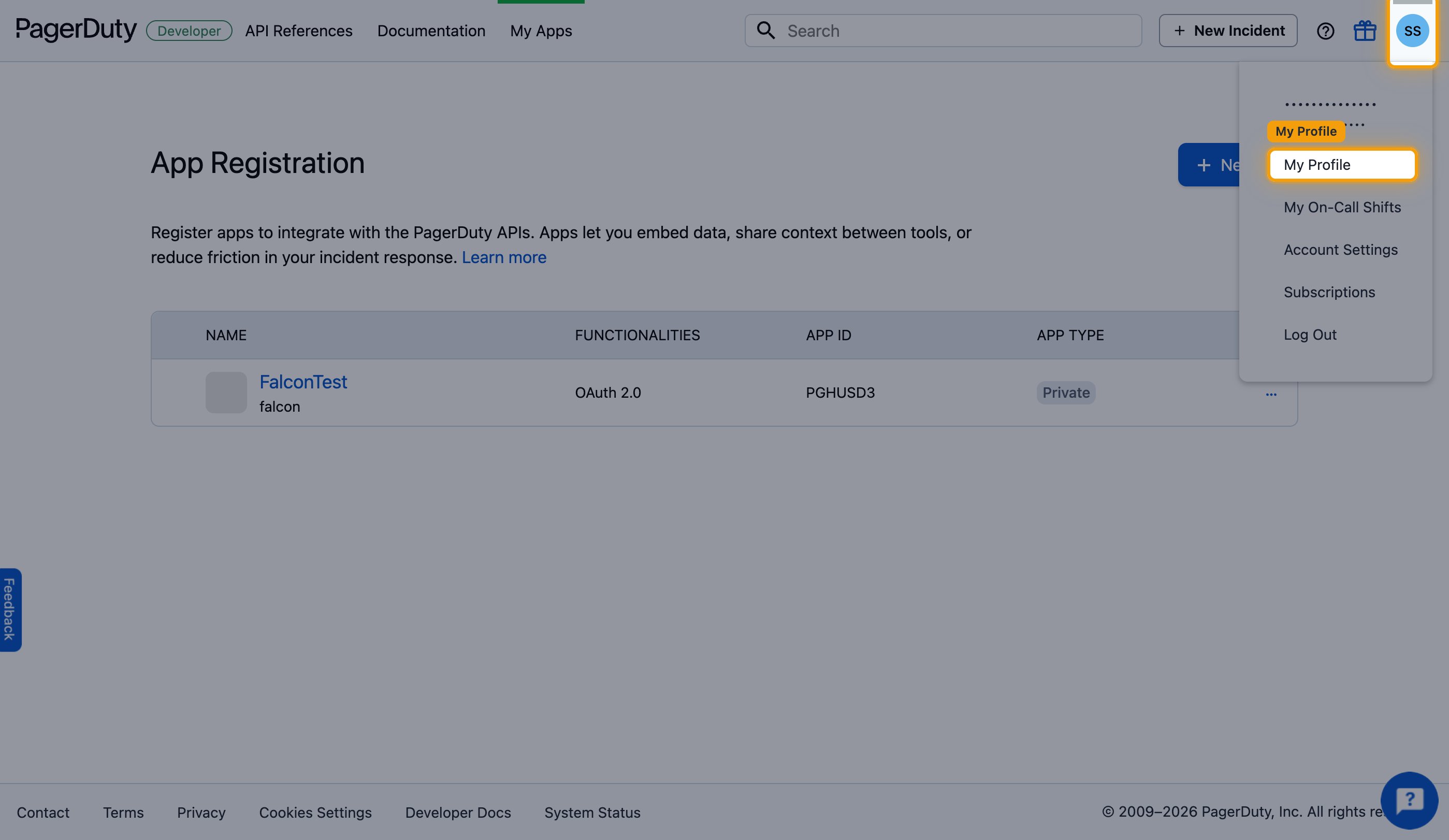
After signing in you land on the Developer Portal. Click the profile icon in the top right and select My Profile to open the main PagerDuty dashboard.
Navigate to API Access Keys
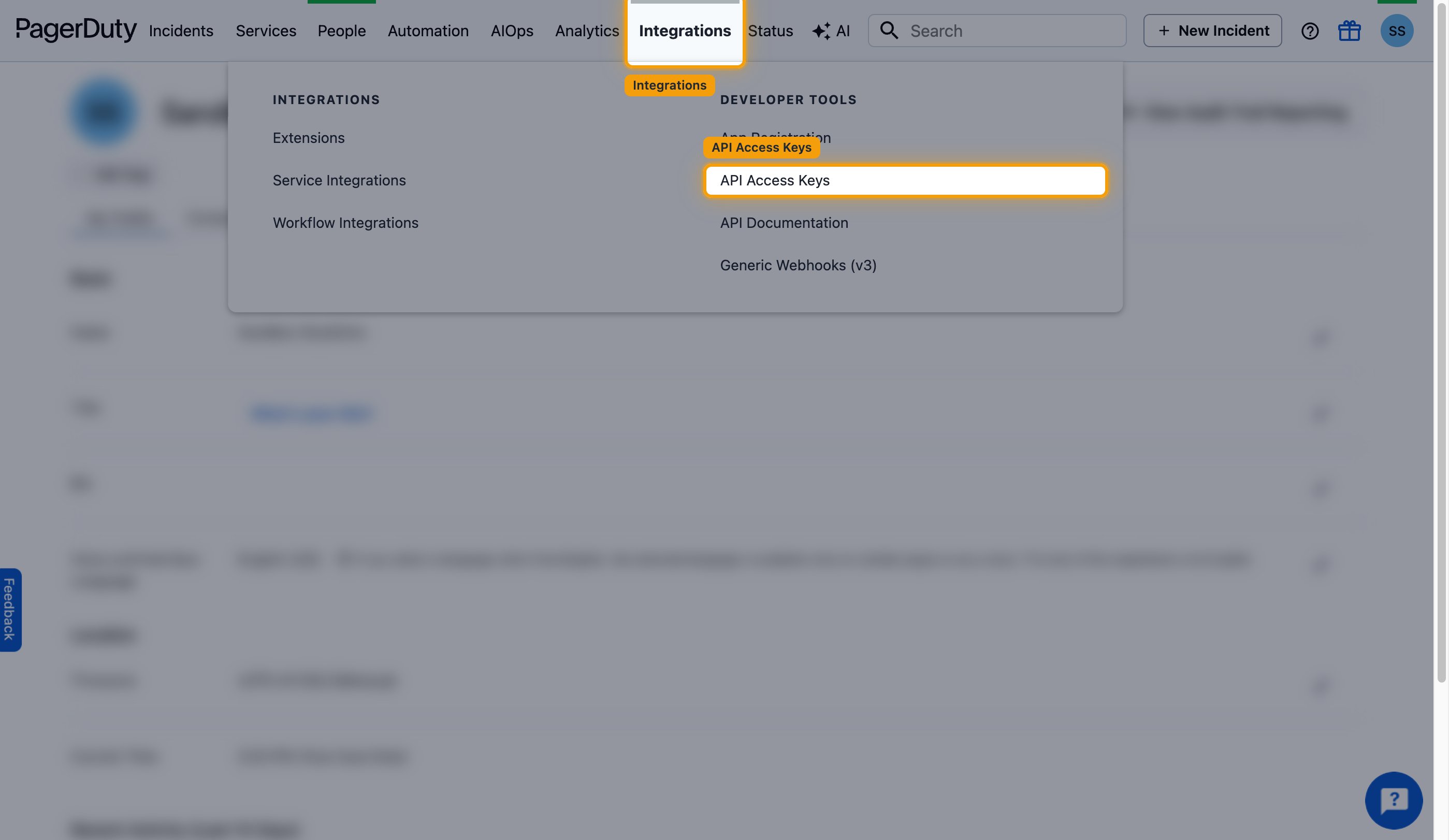
In the top navigation bar, click Integrations. Under Developer Tools, click API Access Keys.
Create a new API key
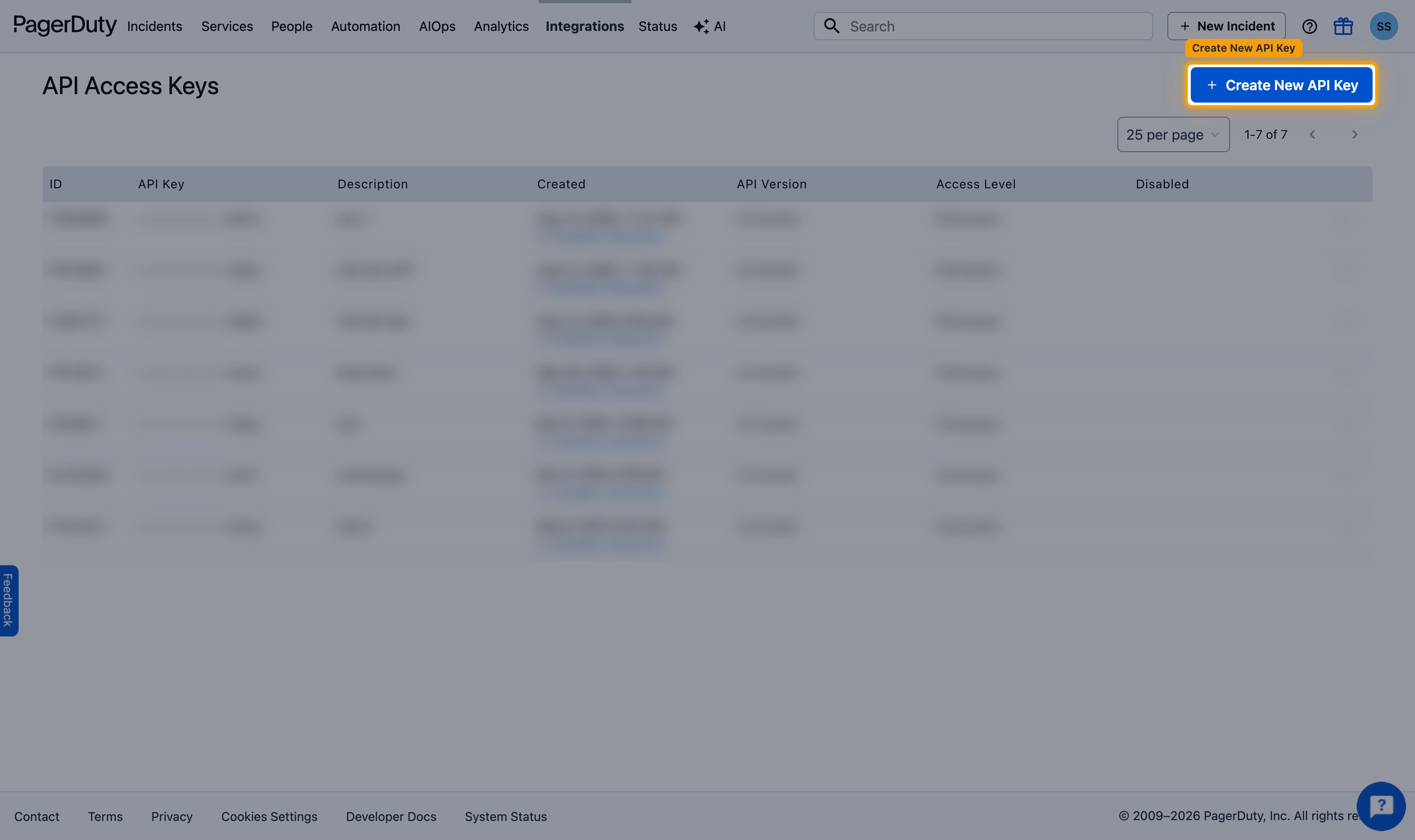
On the API Access Keys page, click + Create New API Key.
Configure the API key
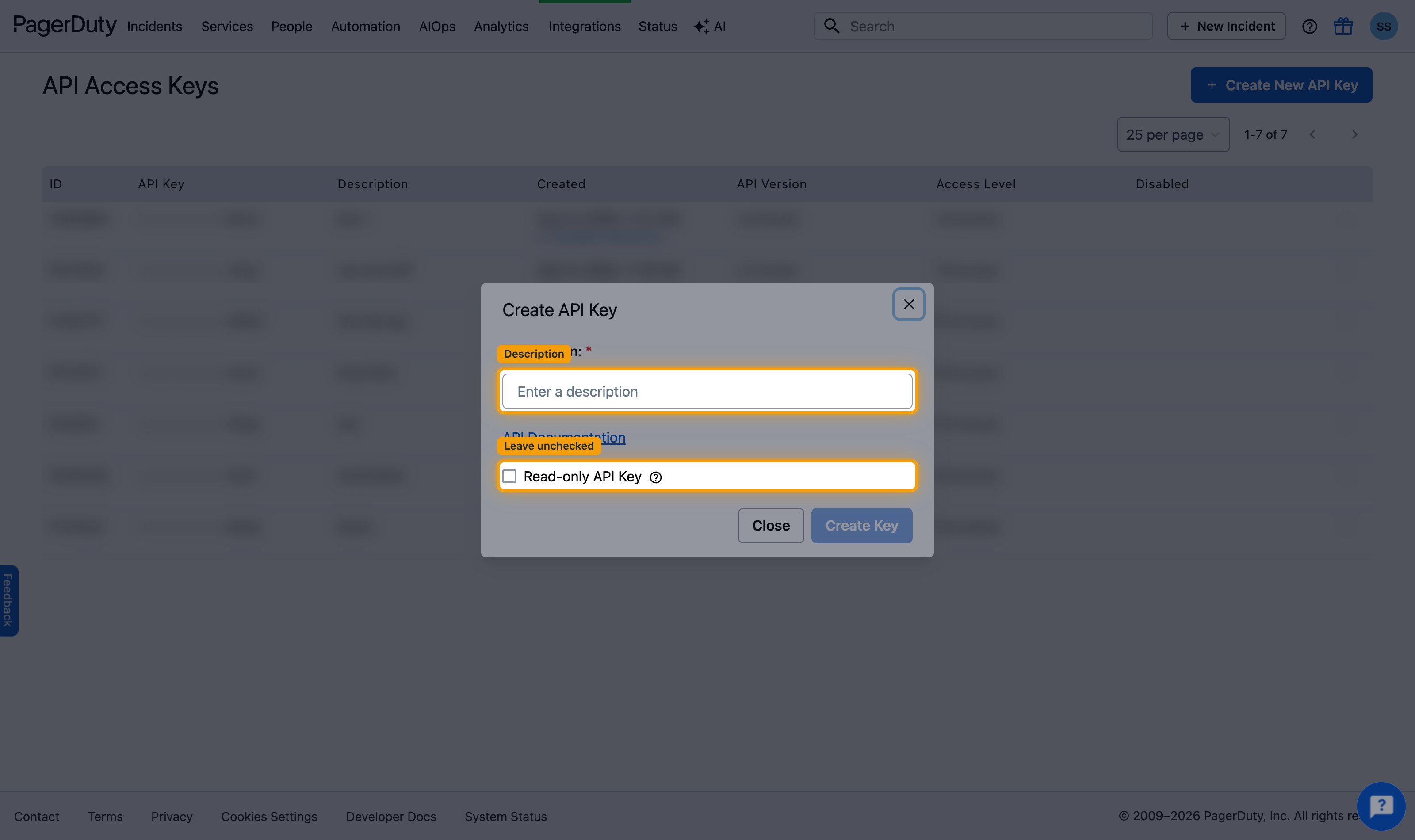
In the Create API Key dialog, describe the key and set its access level.
- Enter a description, for example
StackOne Integration - Check Read-only API Key if you only need read access, or leave it unchecked for full access
- Click Create Key
Copy the API key
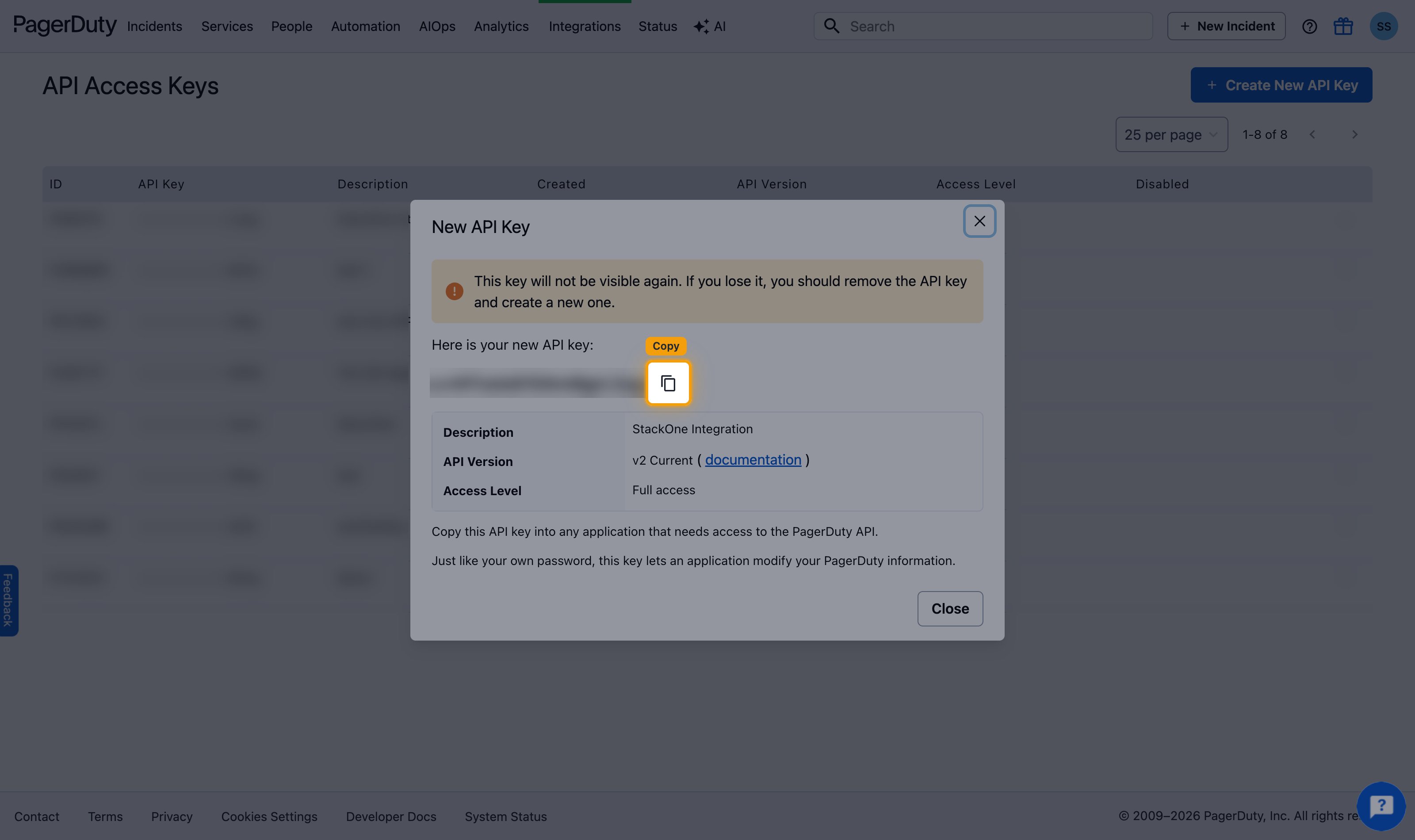
The New API Key dialog appears. Click the copy icon next to the key and paste it into the API Key field on the StackOne connection form. The key is shown only once and cannot be retrieved later, so store it securely.
Linking the Account from the Hub
Navigate to the Hub
Fill out the fields
- API Key
Connect
- Click Connect
- If applicable, the provider will redirect you to a sign-in or authorization page. Complete the provider’s authorization flow.
- Once authorization is successful, you will see a confirmation popup
If the account linking is successful, you will see the newly linked account in your Accounts page.
Next Steps
Webhooks setup
Configure receiving Events for PagerDuty into StackOne.