

Get your NPS API key
The National Park Service API requires a free API key. Fill out a short registration form and the key will be emailed to you.
1
Open the NPS Developer sign-up page
Go to the Get Started with the NPS API page.
2
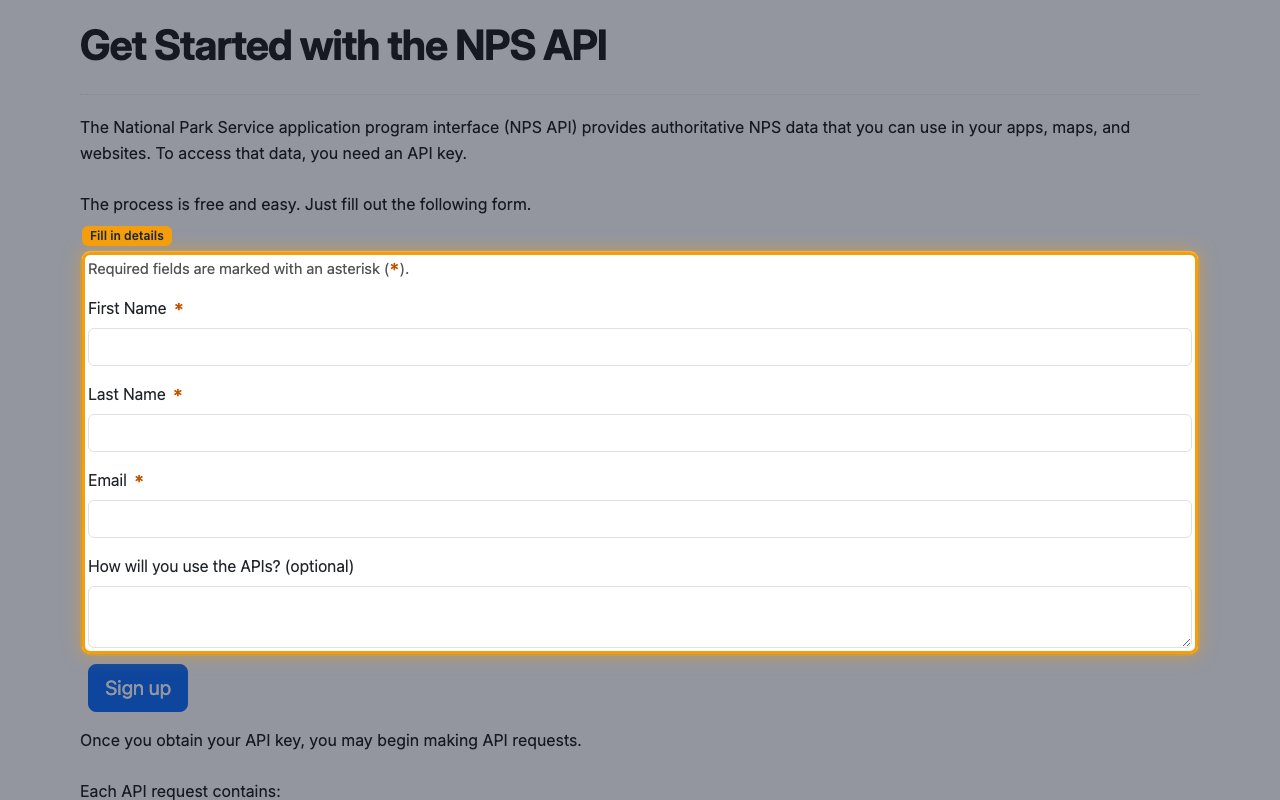
Fill out the registration form
Enter your First Name, Last Name, and Email. All three are required. How will you use the APIs? is optional.
3
Submit and check your email
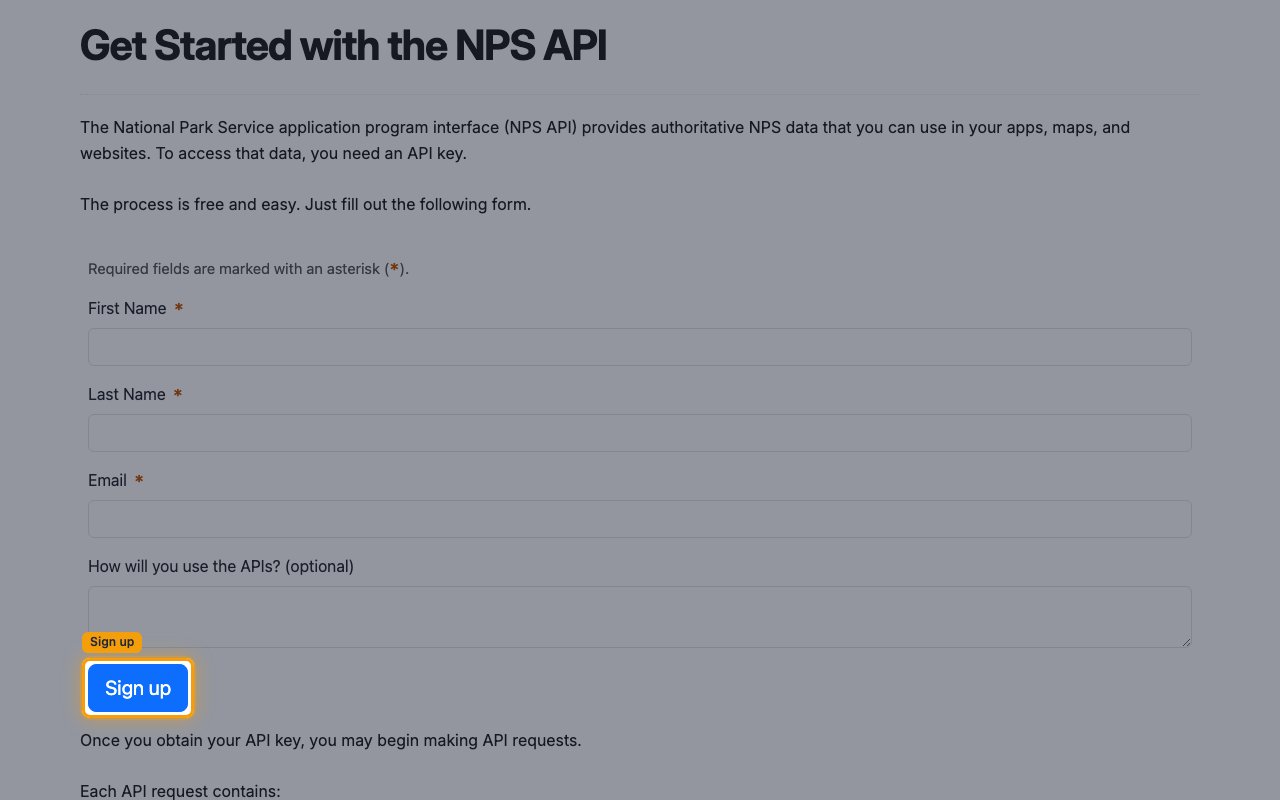
Click Sign up. Your API key will be sent to the email address you provided.
Linking the Account from the Hub
1
Navigate to the Hub
Use one of the three Linking Account Methods to access the Hub.
2
Fill out the fields
Fill out the following fields using details from your provider:
- API Key
3
Connect
- Click Connect
- If applicable, the provider will redirect you to a sign-in or authorization page. Complete the provider’s authorization flow.
- Once authorization is successful, you will see a confirmation popup
If the account linking is successful, you will see the newly linked account on your Accounts page.