

Creating a Developers Portal API key
The API key belongs to your Krisp Developers Portal workspace and is scoped to the selected project.
1
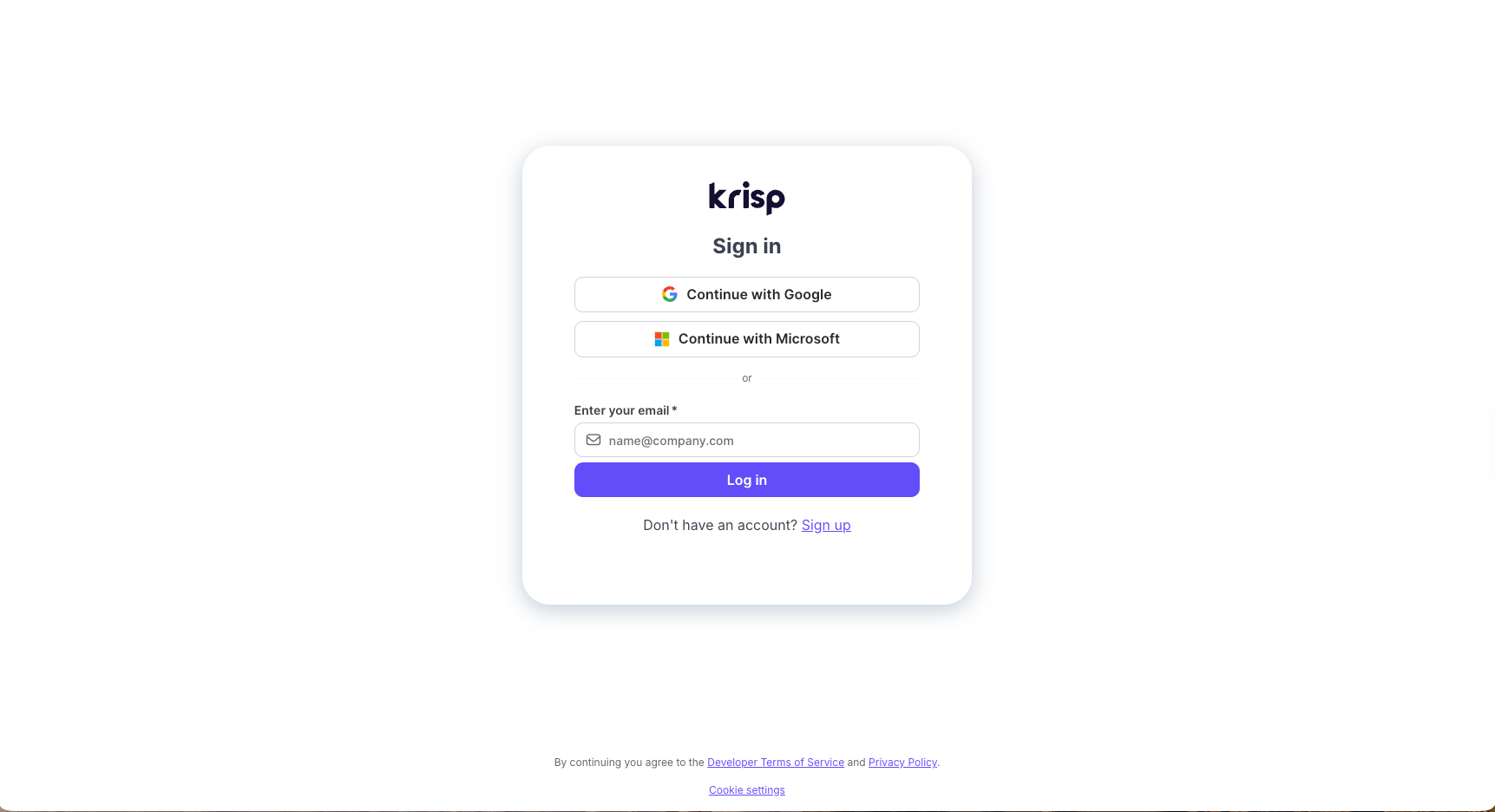
Sign in to the Developers Portal
Sign in to the Krisp Developers Portal.
2
Create the API key
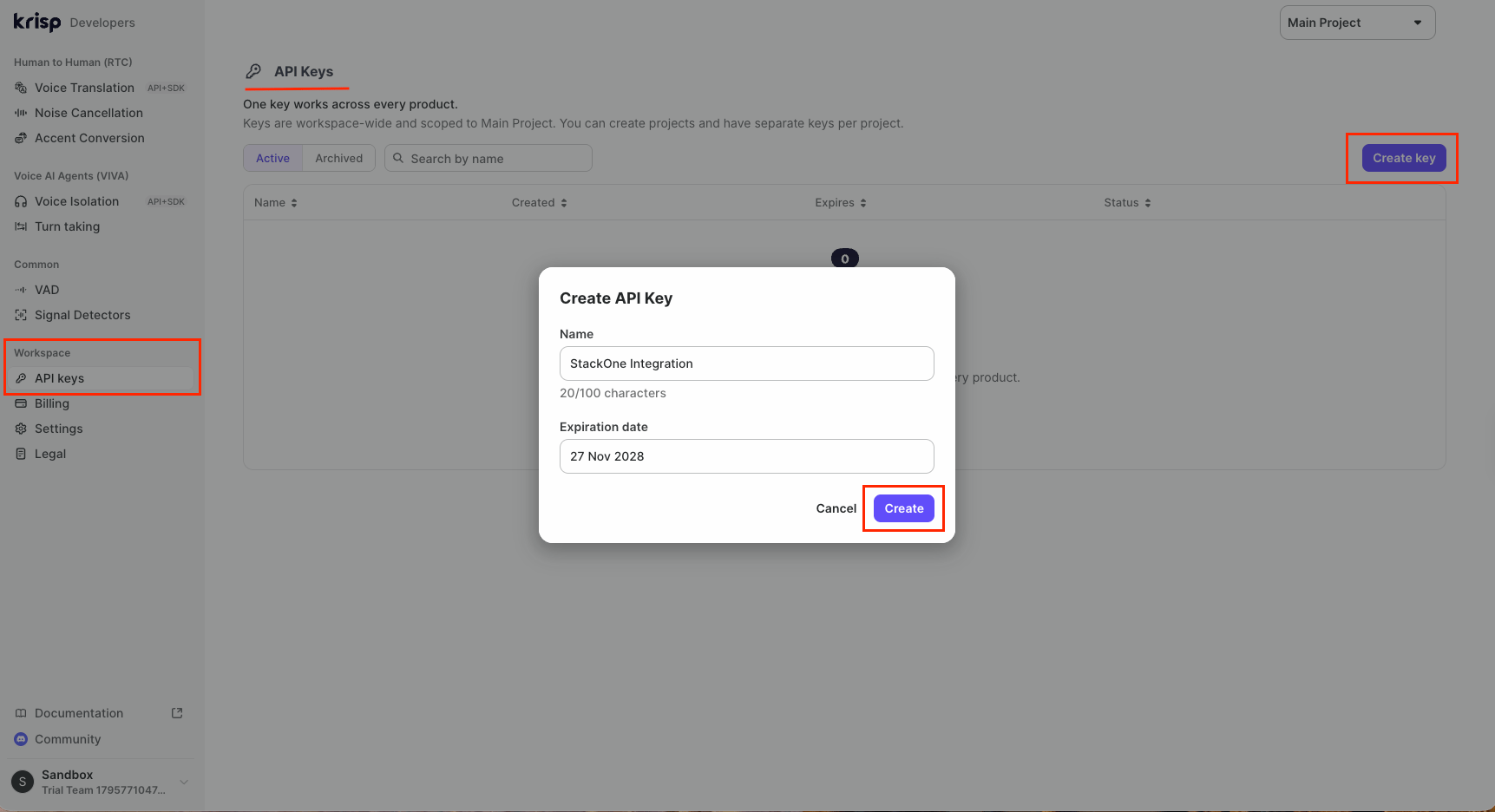
In the left sidebar under Workspace, open API keys.
- Click Create key.
- Name:
StackOne Integration - Expiration date: when the key should stop working
- Click Create.
3
Copy the API key
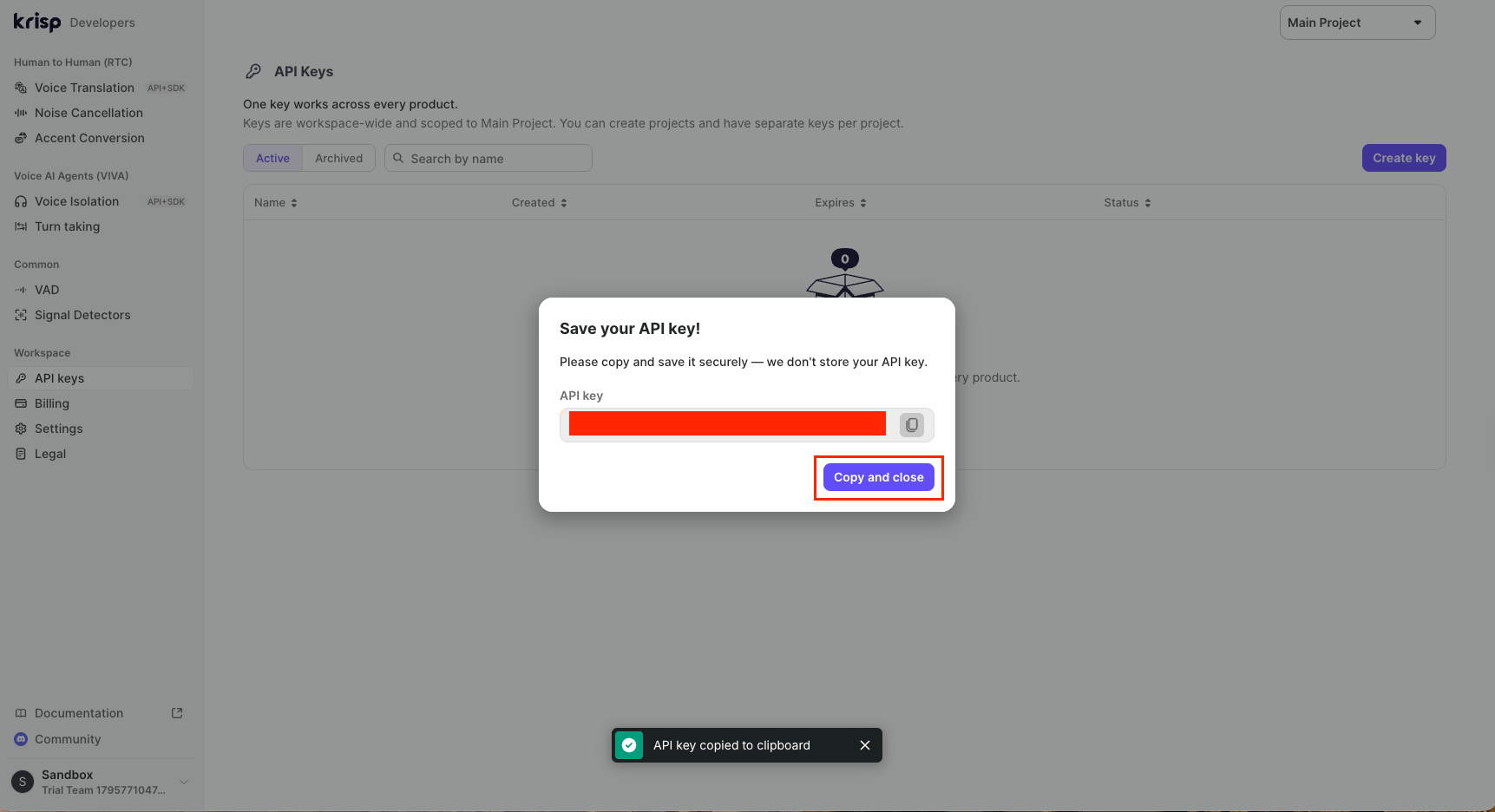
The Save your API key! dialog shows the new key once.
- Click Copy and close.
- Paste it into the API Key field.
- The key is only displayed once and cannot be retrieved later.
Link the Account
1
Connect
- Click Connect.
- If applicable, the provider will redirect you to a sign-in or authorization page. Complete the provider’s authorization flow.
- Once authorization is successful, you will see a confirmation popup.
2
Use Actions
Connect an AI platform to the linked account’s actions. See AI Platforms.Other ways to call actions are listed in Protocols & SDKs.
Next Steps
Webhooks setup
Configure receiving Events for Krisp into StackOne.