

Generate a Company API key
A Company API key authenticates every request to the KiwiHR GraphQL API (sent in the X-Api-Key header). Requests execute on behalf of the first available Administrator, so your company must have at least one Administrator account.
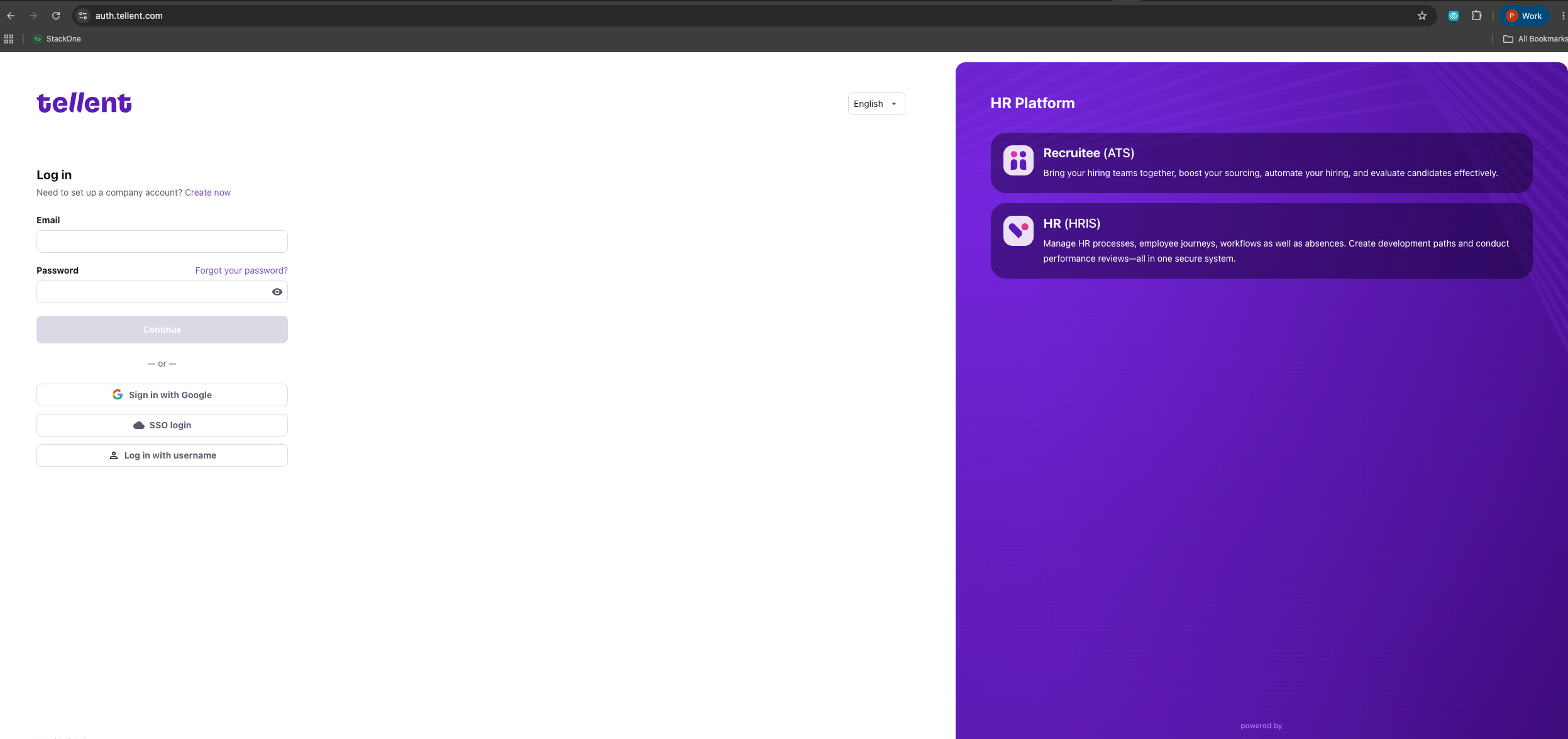
Log in to KiwiHR (Tellent HR)
Sign in to your KiwiHR (Tellent HR) account with your email and password.
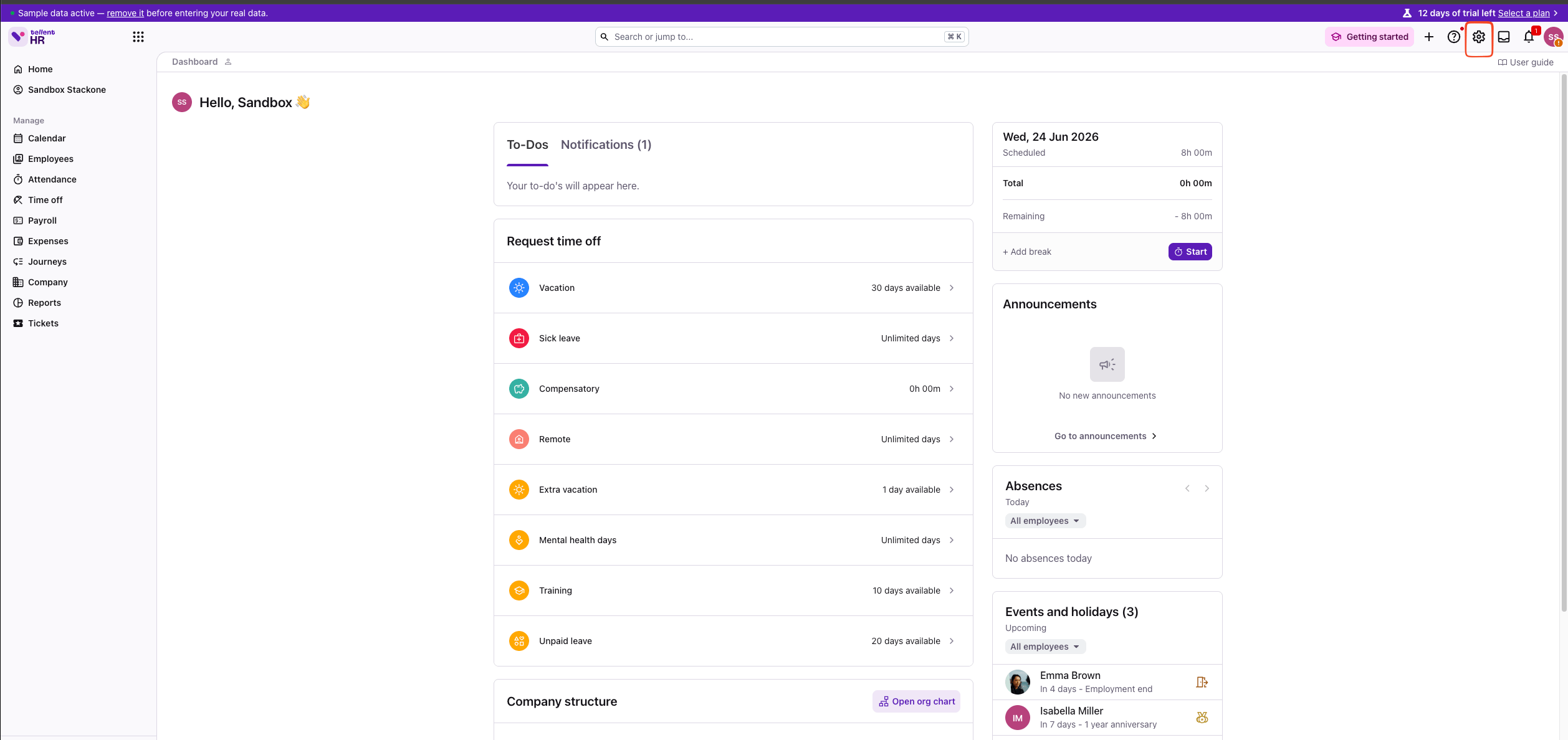
Open Settings
On the dashboard, click the Settings (gear) icon in the top-right corner.
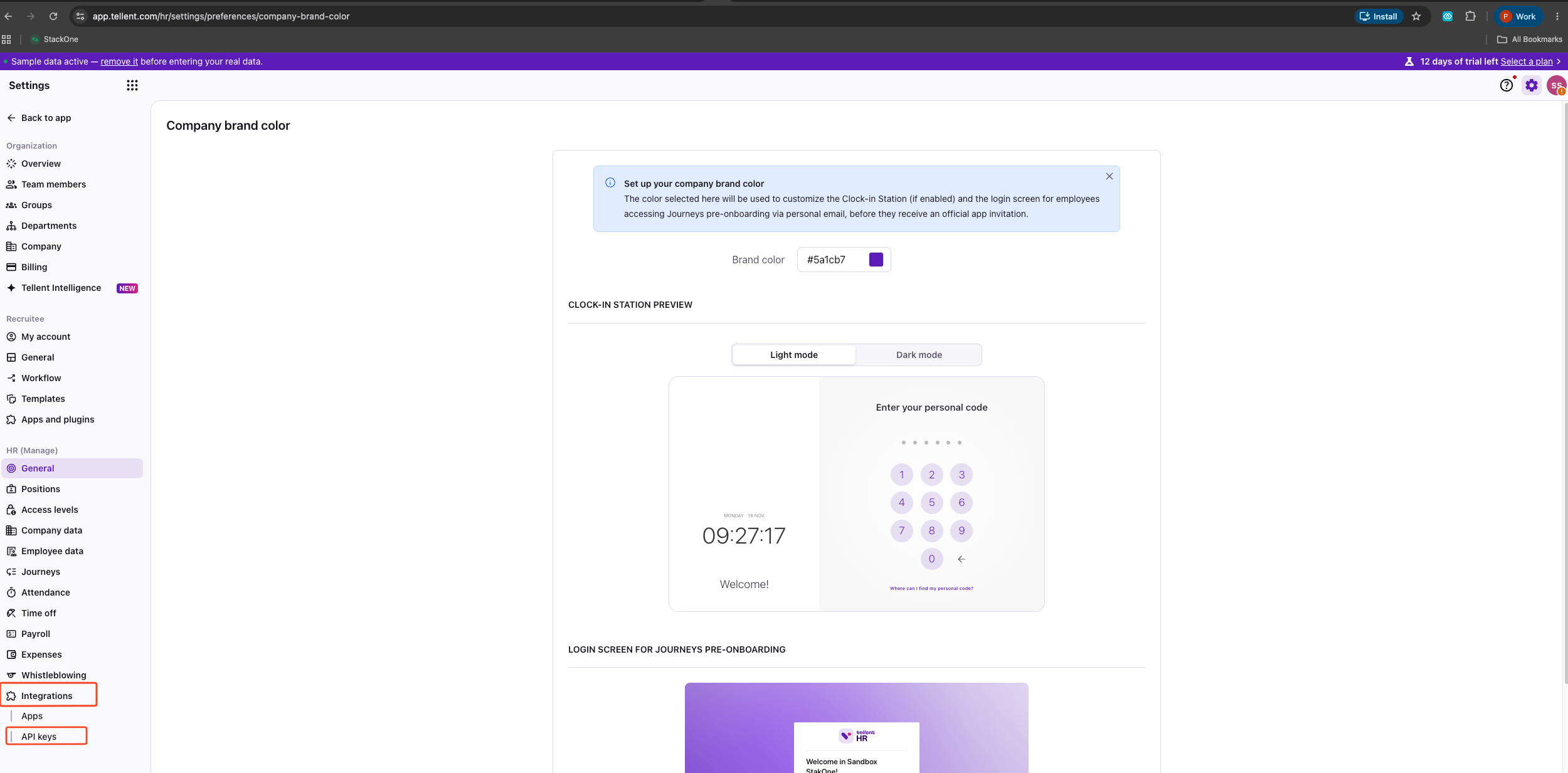
Navigate to API keys
In the Settings left sidebar, scroll to Integrations and select API keys.
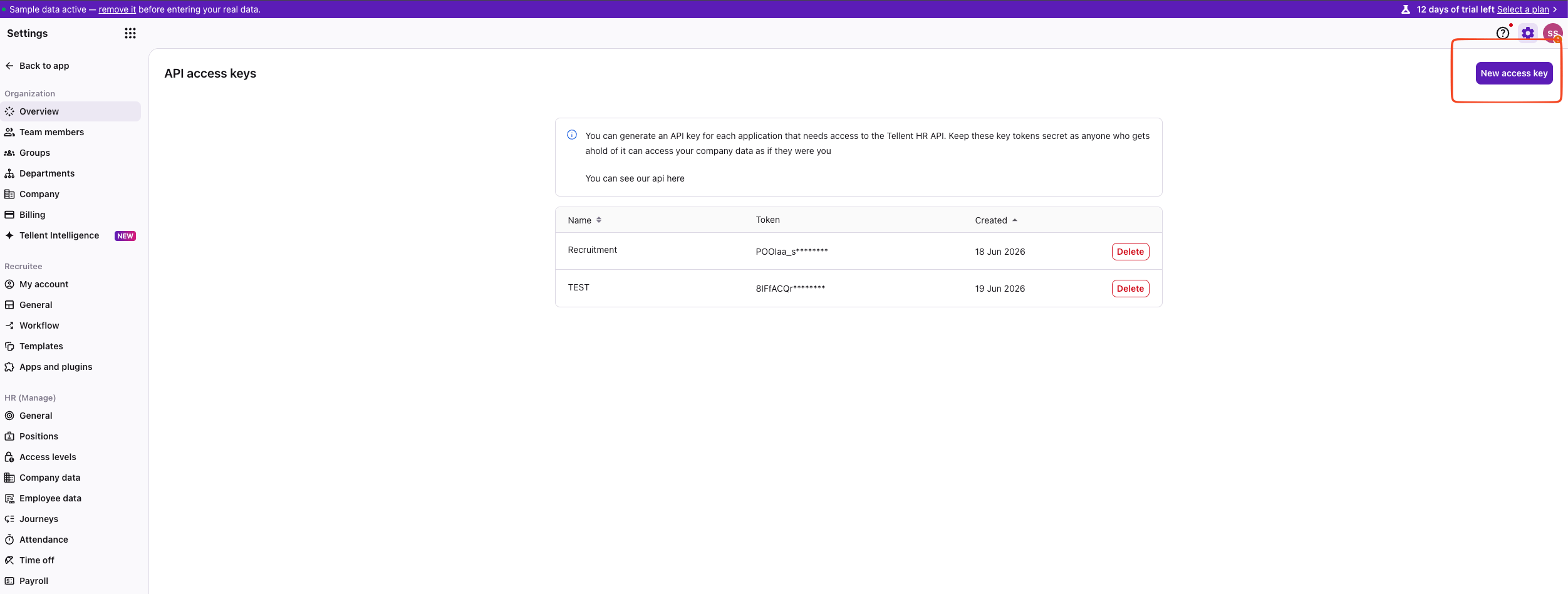
Create a new access key
On the API access keys page, click New access key in the top-right corner.
Name and add the key
In the New API access key dialog, enter a descriptive Name (for example StackOne), then click Add key.
- Once added, the API key token won’t be displayed again — be sure to use a descriptive name.

Copy the API key token
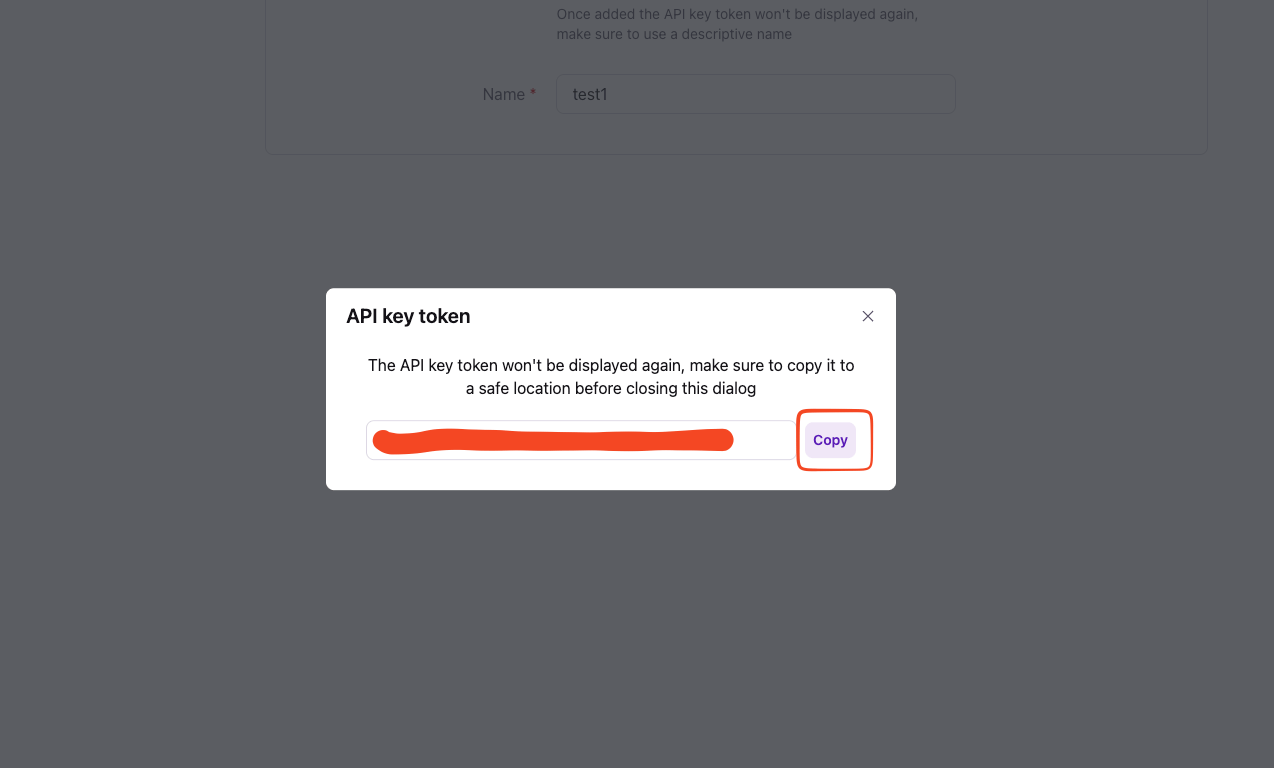
In the API key token dialog, click Copy to copy the token, then store it securely for use later.
- The token won’t be displayed again — copy it to a safe location before closing the dialog.
Linking the Account from the Hub
Navigate to the Hub
Fill out the fields
- API Key
Connect
- Click Connect
- If applicable, the provider will redirect you to a sign-in or authorization page. Complete the provider’s authorization flow.
- Once authorization is successful, you will see a confirmation popup
If the account linking is successful, you will see the newly linked account on your Accounts page.