

Obtain API Credentials
Kameleoon API credentials are a Client-ID / Client-Secret pair, managed on your own user profile rather than in a developer portal.
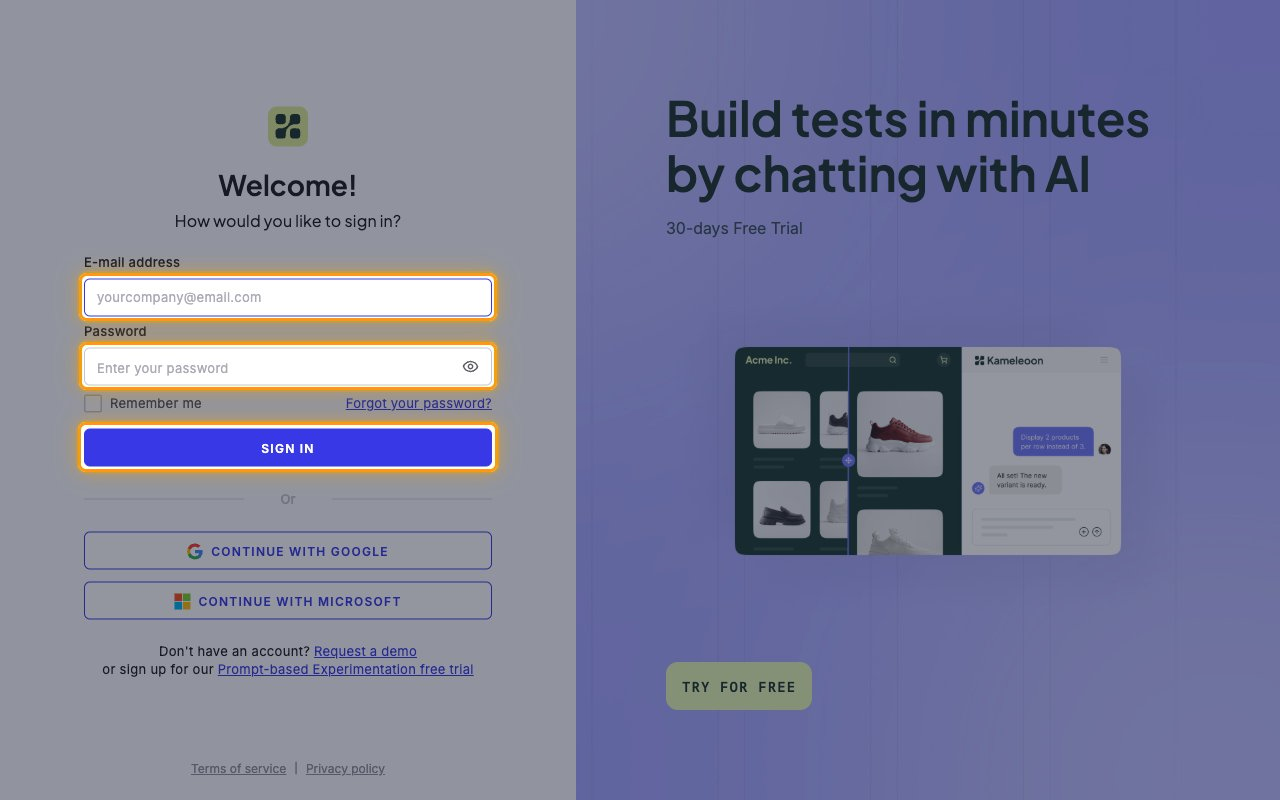
Sign in to Kameleoon
Open the Kameleoon application and sign in with your E-mail address and Password, or use Continue with Google or Continue with Microsoft.
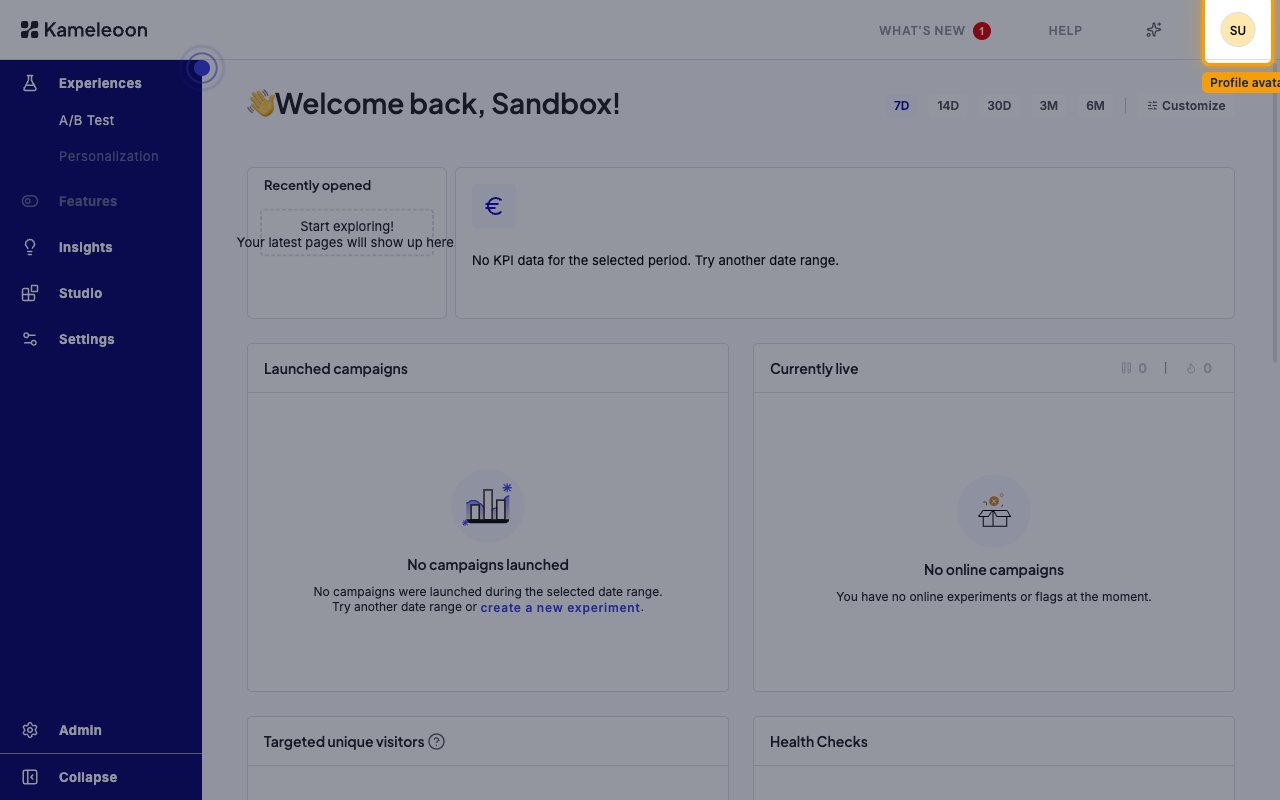
Open the profile menu
Click your profile avatar in the top-right corner of the header, to the right of HELP. The avatar shows your initials.
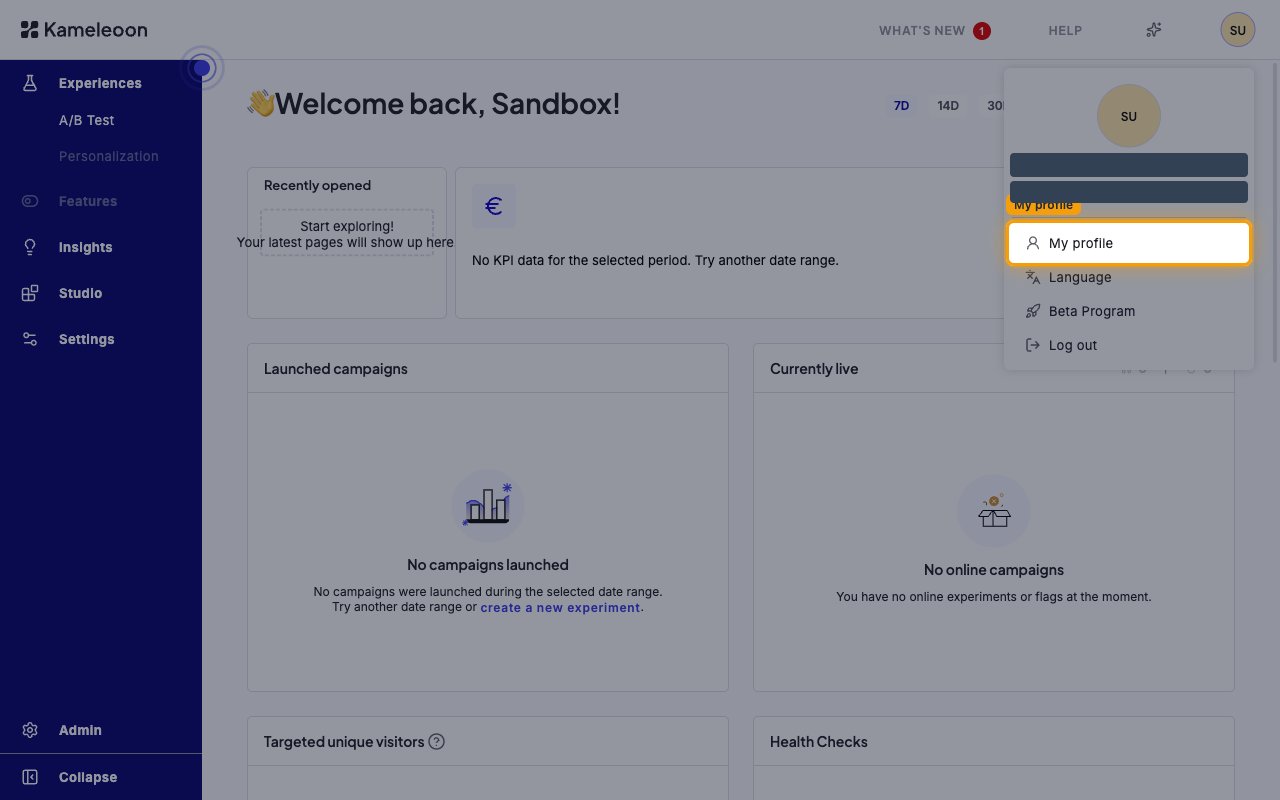
Select My profile
In the menu that opens, click My profile — the first item, above Language, Beta Program and Log out.
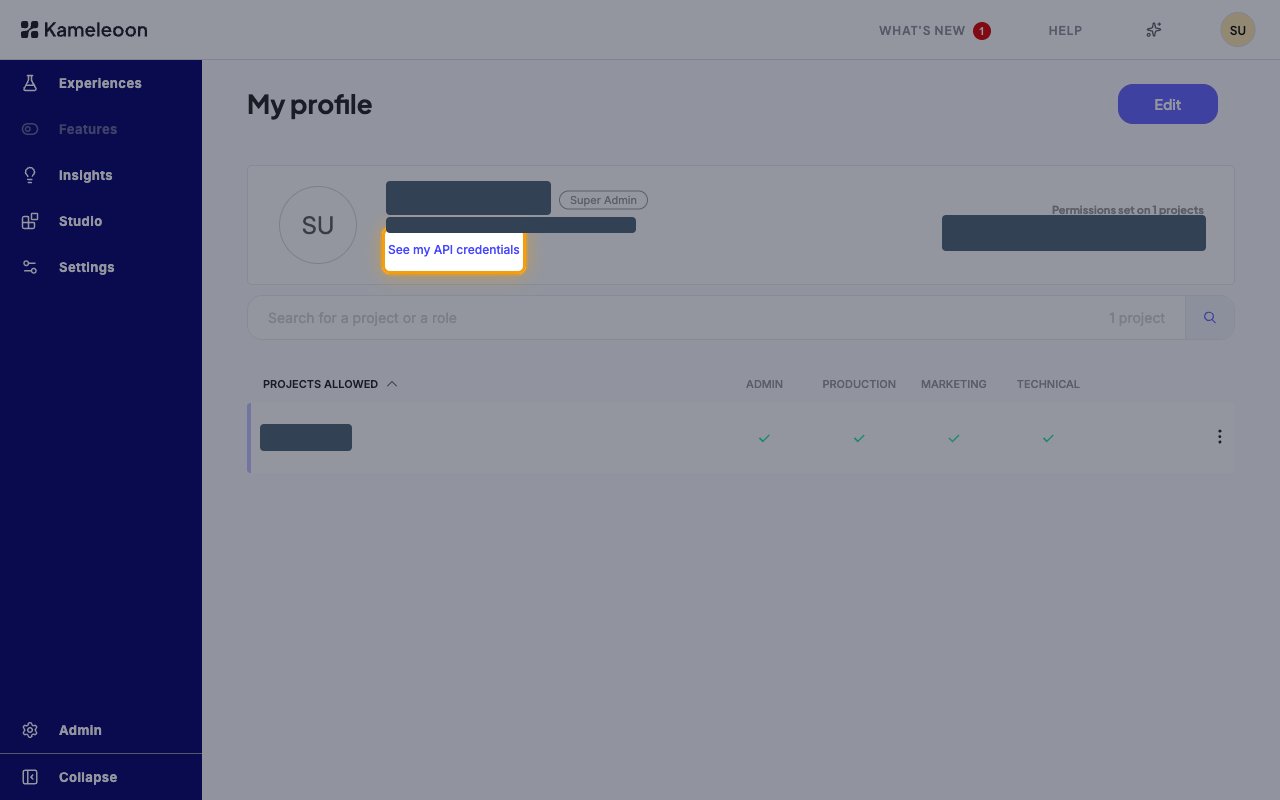
Open your API credentials
On the My profile page, click See my API credentials — the link directly under your e-mail address.
- Your role is shown next to your name. Managing API credentials requires Super Admin
Copy the Client-ID and generate a secret
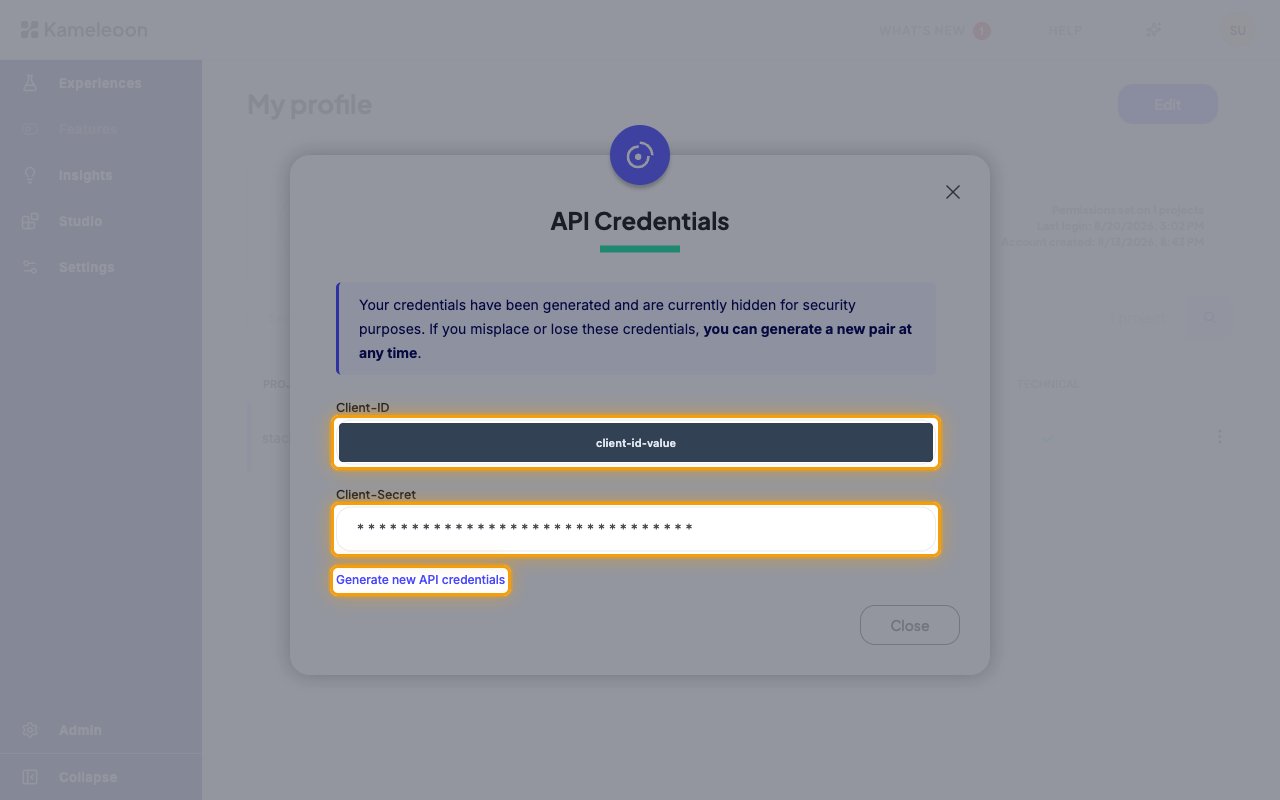
The API Credentials dialog opens, showing your Client-ID and Client-Secret. Copy the Client-ID value.
- If credentials already exist, the dialog states that they have been generated and are currently hidden for security purposes — the Client-Secret shows only asterisks and cannot be revealed
- To obtain a usable secret, click Generate new API credentials. This issues a new pair and invalidates the previous one, so any integration still using the old secret will stop working
- A newly generated Client-Secret is displayed only once and cannot be retrieved later — copy it before closing the dialog
- Click Close when you have copied both values
Enter Credentials in StackOne
Fill in the following fields in StackOne Hub with the values from the API Credentials dialog.
Fill in the connection fields
Each field in StackOne Hub maps to a value from your Kameleoon profile:
- Client ID — paste the Client-ID value from the API Credentials dialog. It stays visible for the lifetime of the credentials, so it can be copied at any time
- Client Secret — paste the Client-Secret value shown when the pair was generated. Kameleoon never shows it again, so generate a new pair if you no longer have it
Find Kameleoon support if you need help
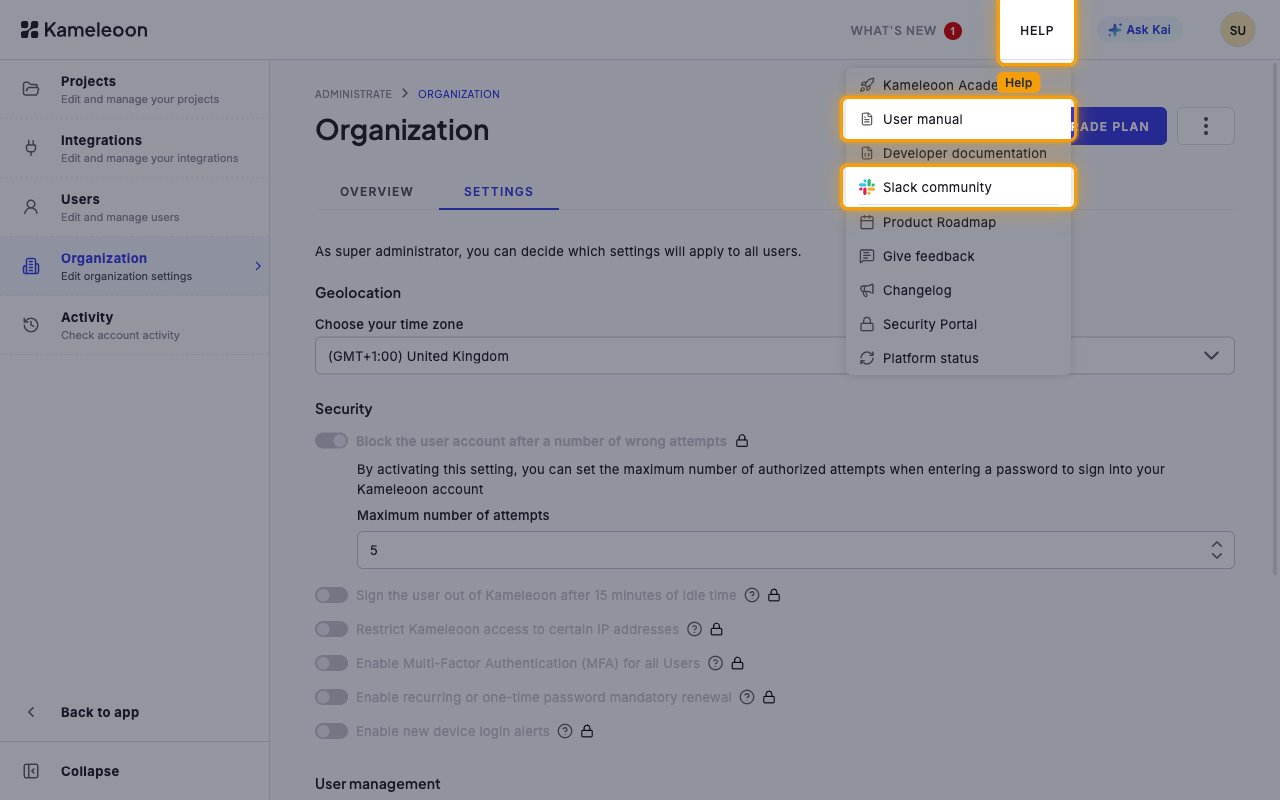
Click HELP in the header for Kameleoon’s documentation and community channels, including User manual and Slack community.
- For account-specific questions, use the Kameleoon Global Support page
Linking the Account from the Hub
Navigate to the Hub
Fill out the fields
- Client ID
- Client Secret
Connect
- Click Connect
- If applicable, the provider will redirect you to a sign-in or authorization page. Complete the provider’s authorization flow.
- Once authorization is successful, you will see a confirmation popup
If the account linking is successful, you will see the newly linked account on your Accounts page.