

Find your Jobsoid subdomain
Your subdomain identifies your Jobsoid account and is used to access the API.
1
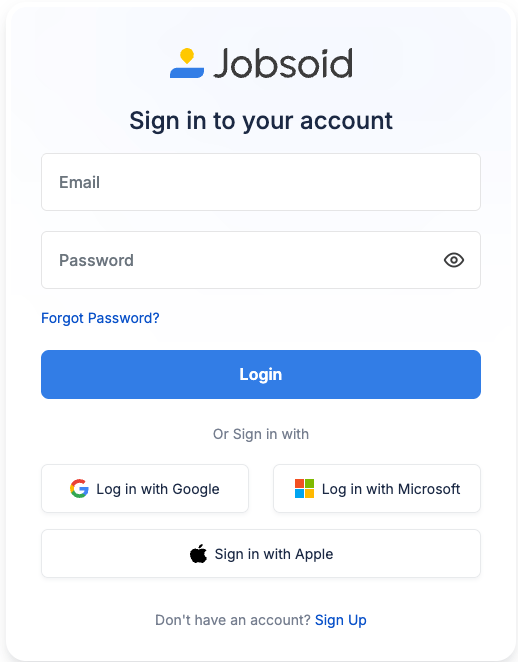
Sign in to Jobsoid
Sign in to your Jobsoid account.
2
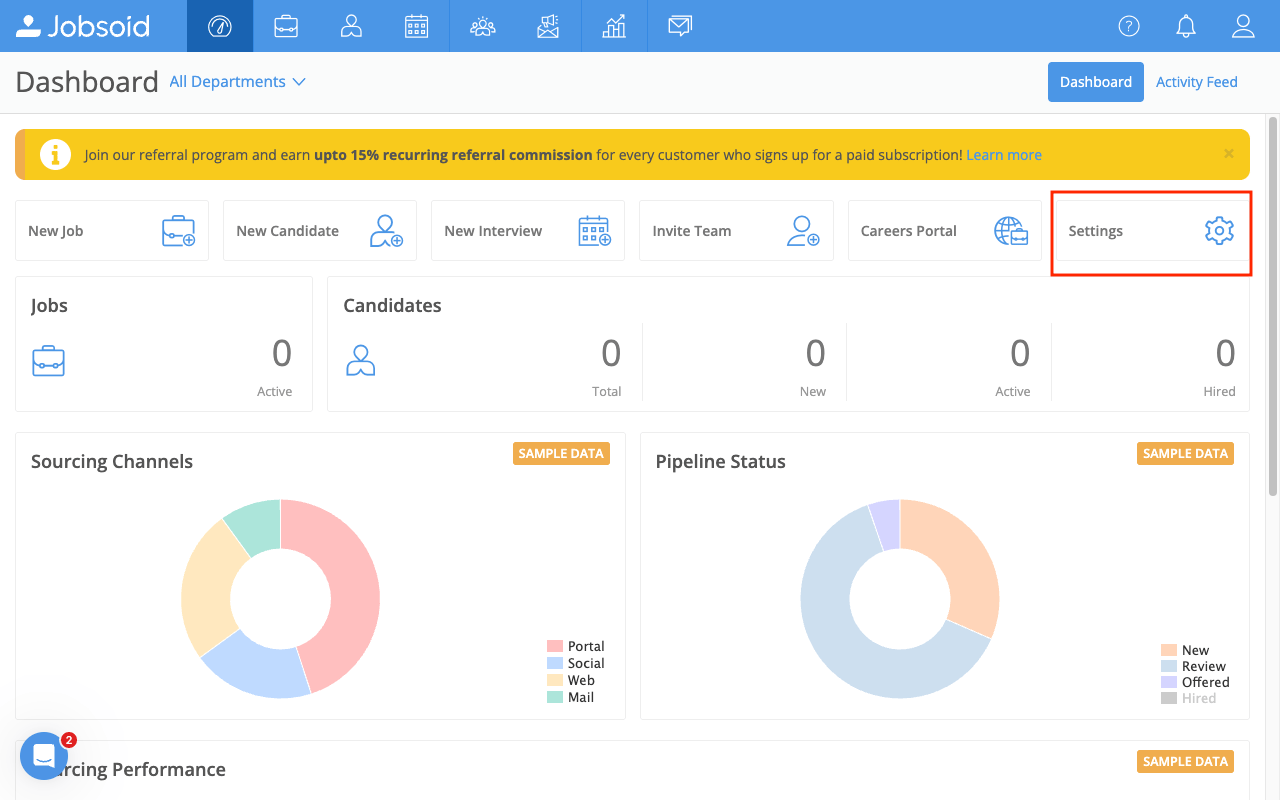
Open Settings
From the dashboard, click Settings in the quick-links bar.
3
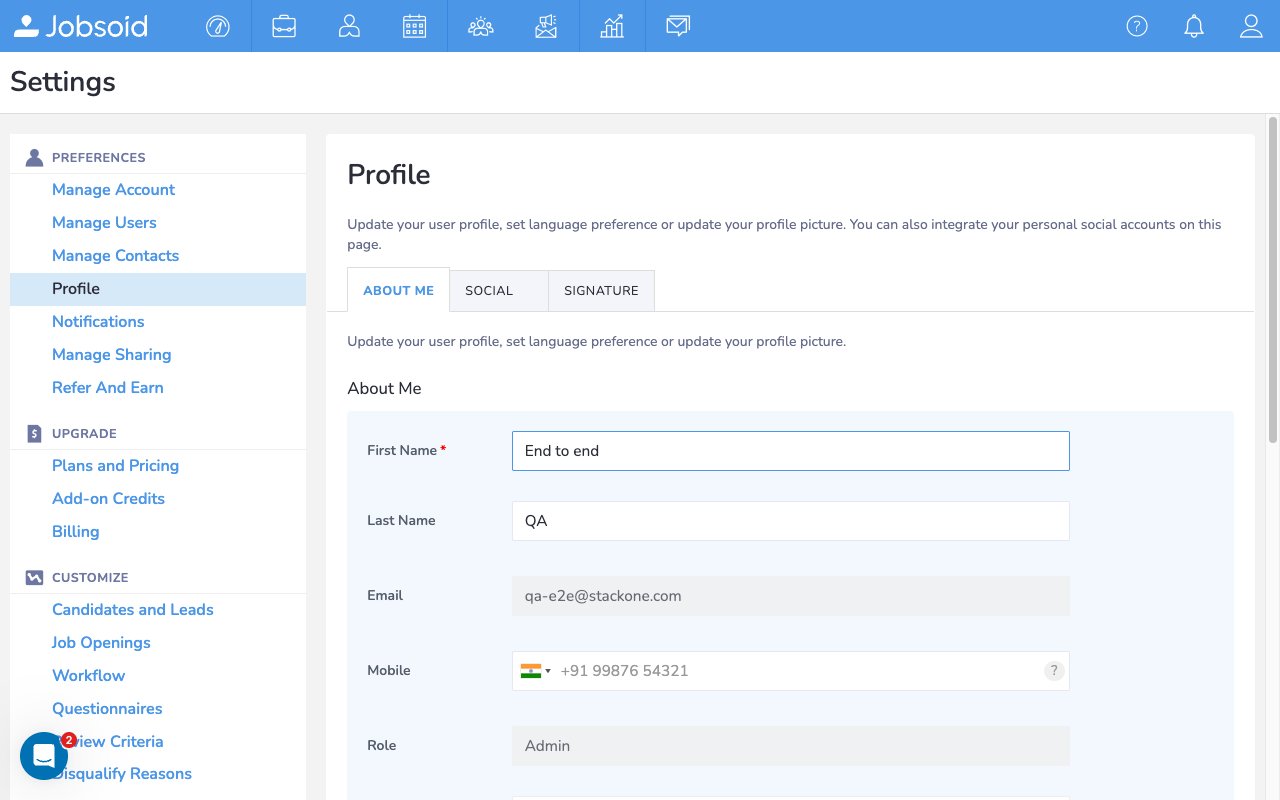
Navigate to Careers Portal
In the left sidebar, scroll down to the Tools section.
4
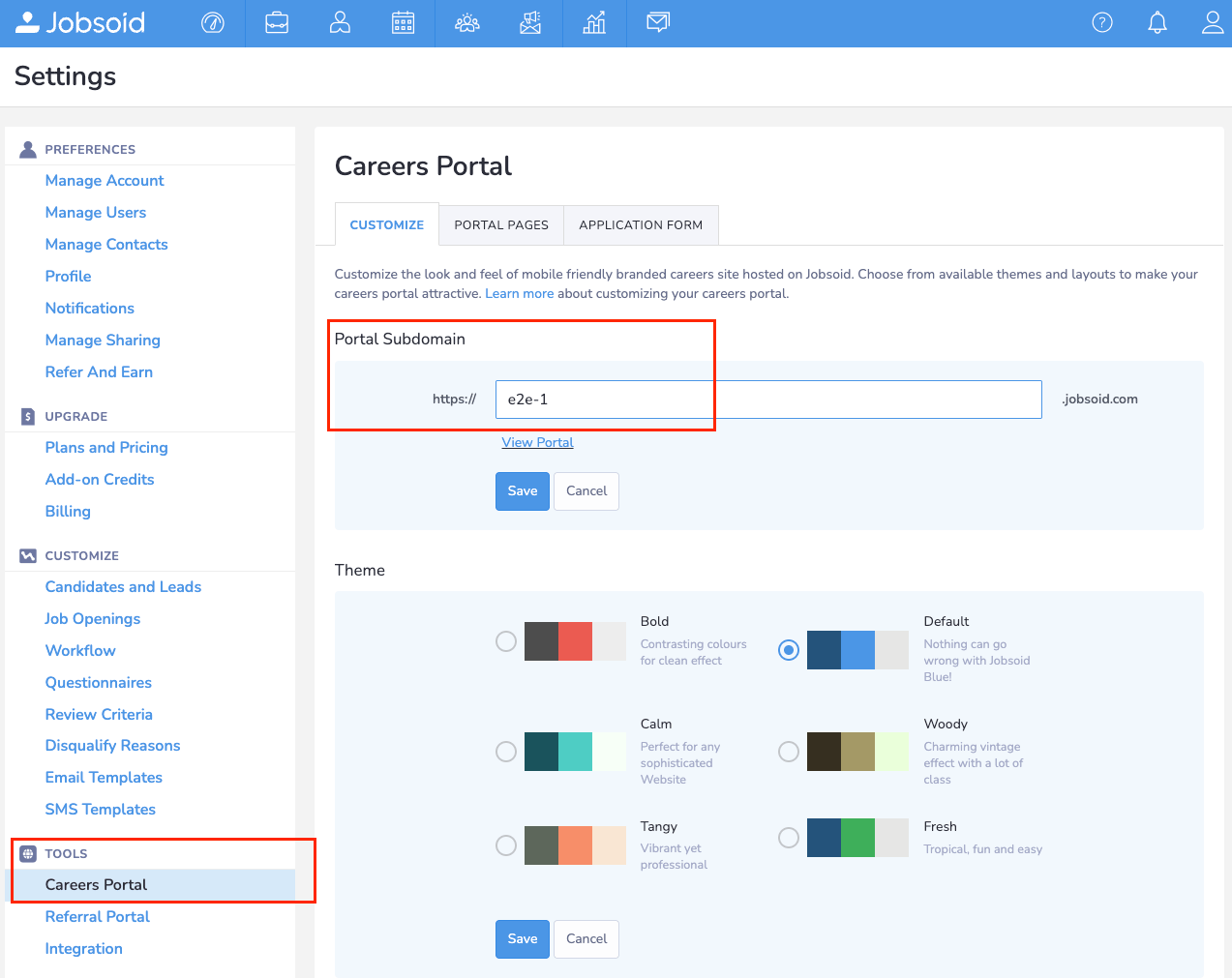
Copy your Portal Subdomain
Click Careers Portal. The Customize tab opens by default. Under the Portal Subdomain heading, copy the value from the text field. For example, if your careers portal URL is https://mycompany.jobsoid.com, your subdomain is mycompany. Enter this value in the Subdomain field in the StackOne Hub.
Linking the Account from the Hub
1
Navigate to the Hub
Use one of the three Linking Account Methods to access the Hub.
2
Fill out the fields
Fill out the following fields using details from your provider:
- Subdomain
3
Connect
- Click Connect
- If applicable, the provider will redirect you to a sign-in or authorization page. Complete the provider’s authorization flow.
- Once authorization is successful, you will see a confirmation popup
If the account linking is successful, you will see the newly linked account in your Accounts page.