

Connect HiPeople with your login
StackOne signs in to HiPeople on your behalf to mint a public/secret API key pair. You only need your HiPeople account region, email, and password.
Select your region
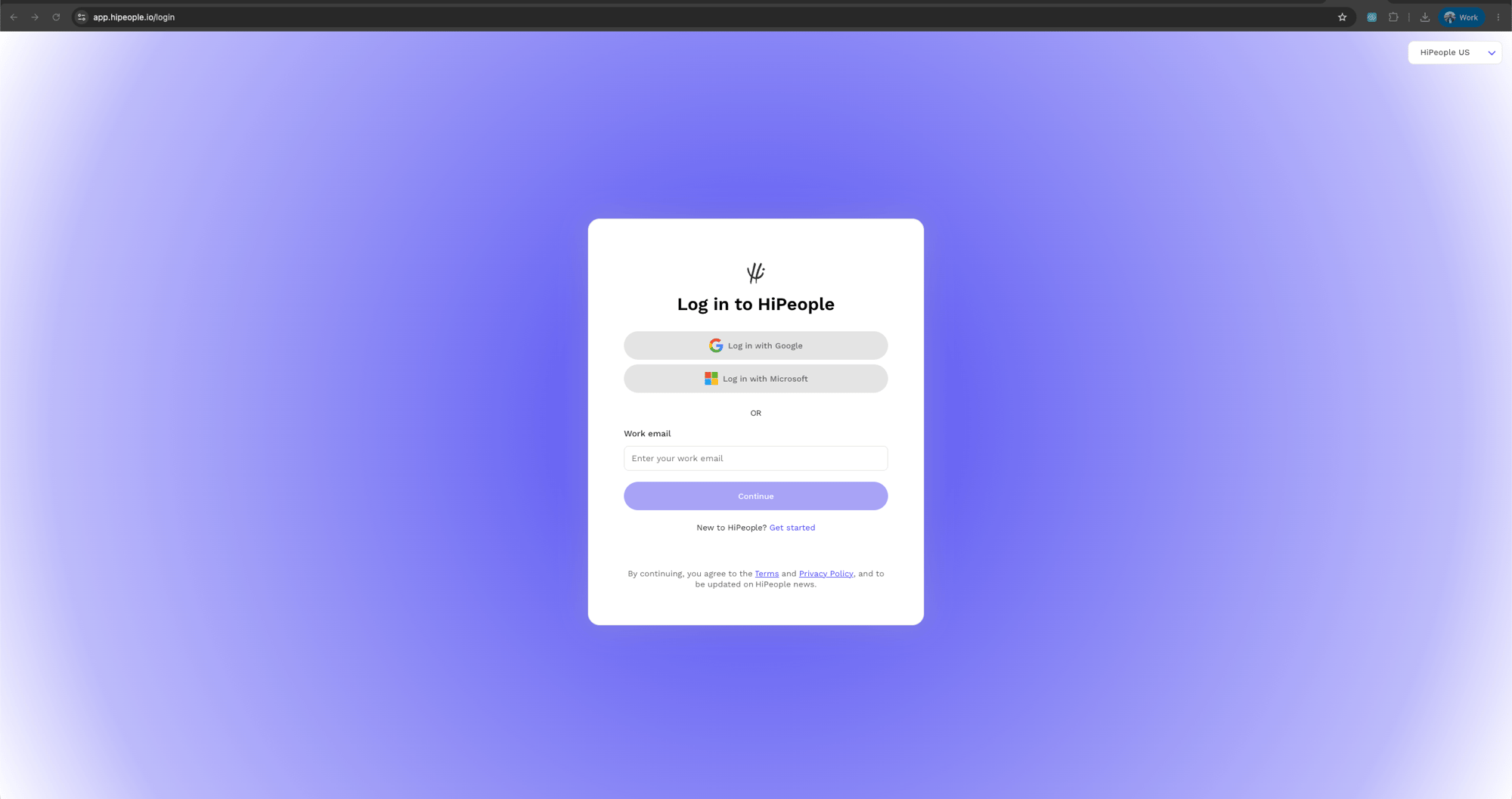
Choose the region your HiPeople account is hosted in. To check, open the HiPeople login page at app.hipeople.io/login and look at the region dropdown in the top-right corner: if it shows HiPeople US, your account is US-hosted — select United States (US) here. If it shows HiPeople (Global/EU), select Global (EU).
Use an admin account
Provide the email and password of a HiPeople account whose permission level you want the integration to inherit. An organization admin gives the fullest access.
- StackOne calls
PUT /sessionson your regional host with your email and password to obtain a bearer token. - StackOne then calls
PUT /access_tokenswith that bearer token to generate the public and secret keys, which are sent asX-API-KeyandX-API-Secreton every request.
Linking the Account from the Hub
Navigate to the Hub
Fill out the fields
- Region
- Password
Connect
- Click Connect
- If applicable, the provider will redirect you to a sign-in or authorization page. Complete the provider’s authorization flow.
- Once authorization is successful, you will see a confirmation popup
If the account linking is successful, you will see the newly linked account in your Accounts page.