

Generating an API key
Each AgentGuard API key belongs to your AgentGuard account and shares its plan limits.
1
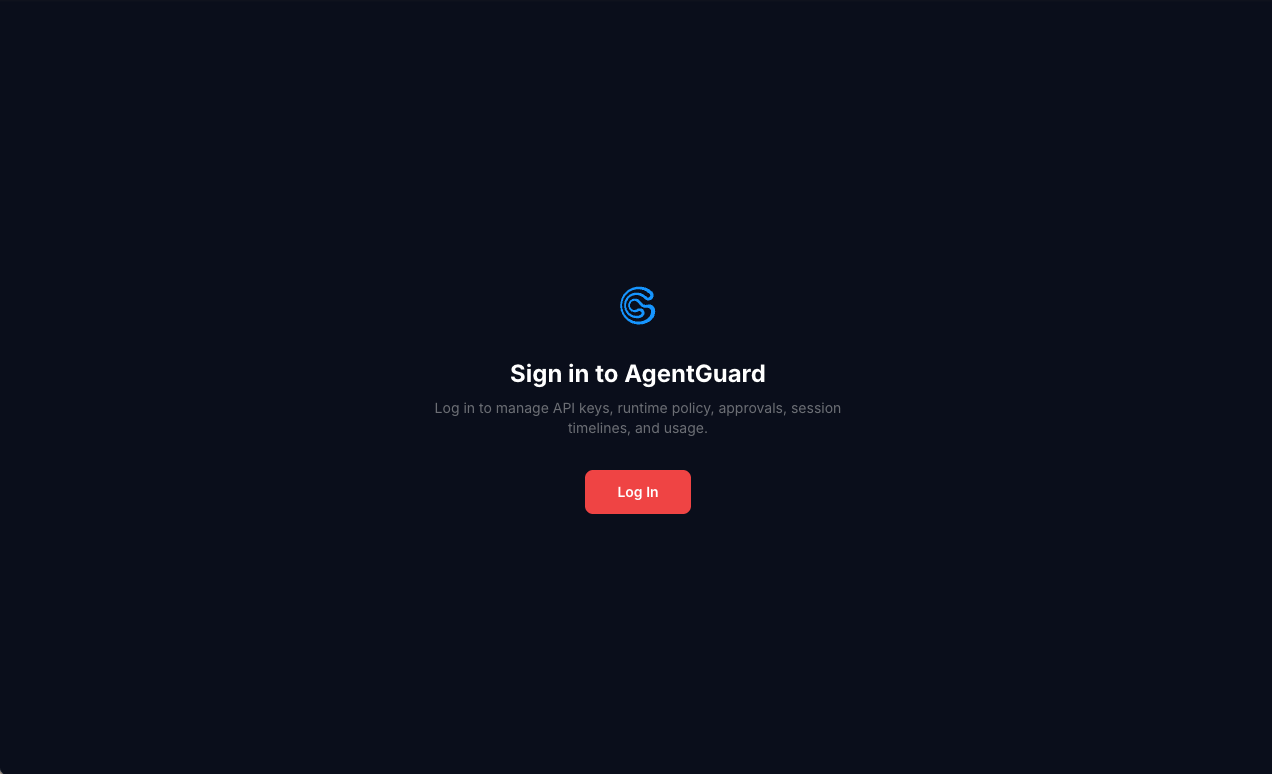
Sign in to AgentGuard
Sign in to your AgentGuard account.
2
Start a new API key
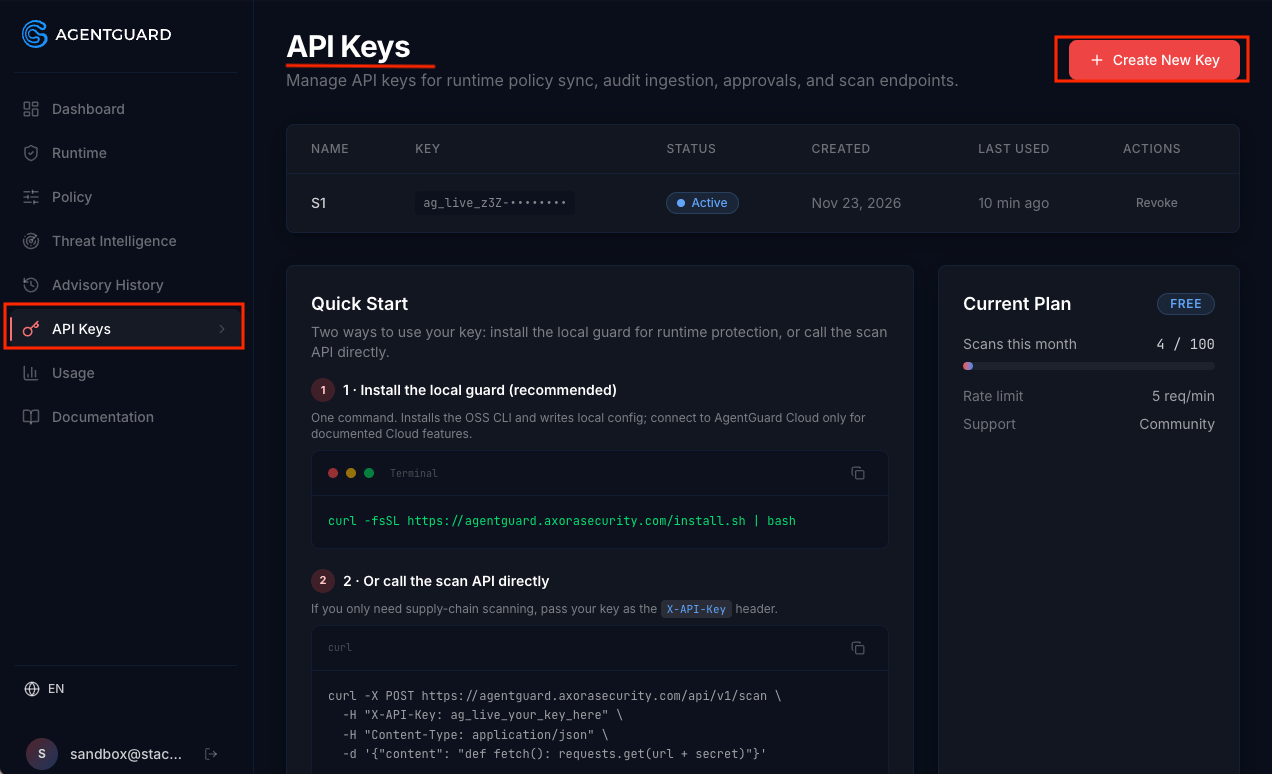
Open the API Keys page to create a key.
- In the sidebar, click API Keys.
- Click Create New Key.
3
Create the API key
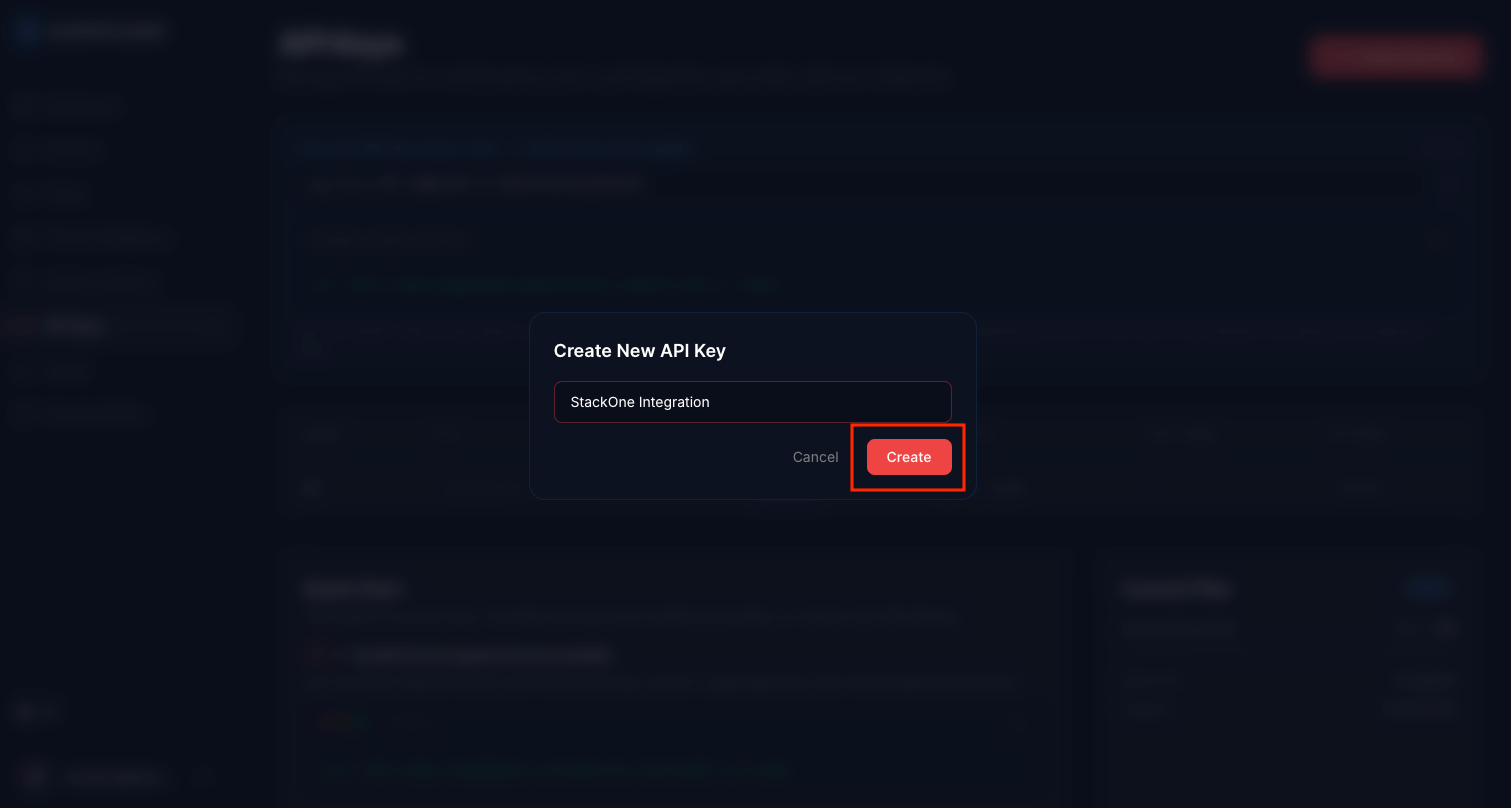
In Create New API Key, name the key, then create it.
- Key name (e.g. Production):
StackOne Integration - Click Create.
4
Copy the API key
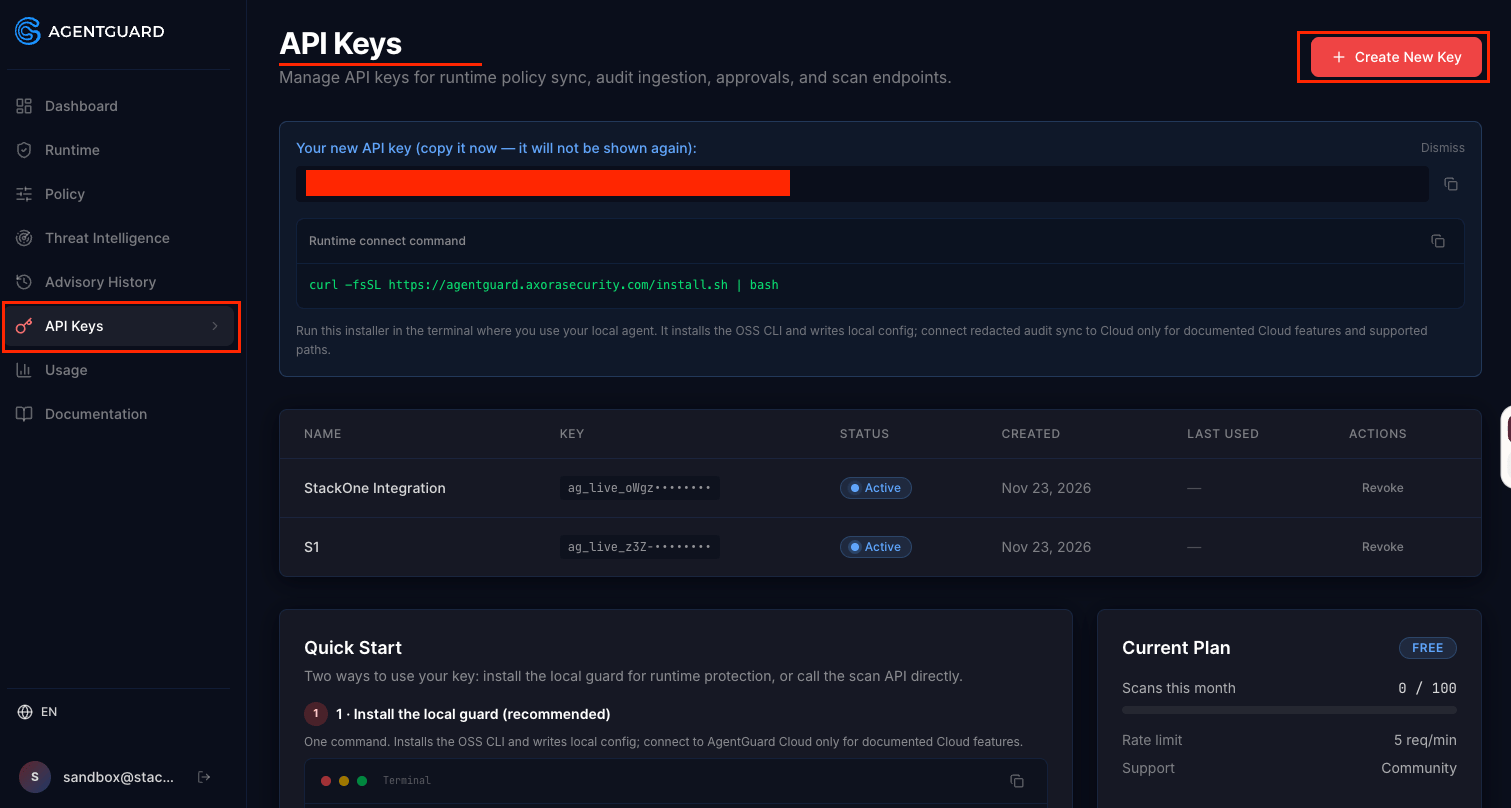
Under Your new API key (copy it now — it will not be shown again):, click the copy icon beside the key.
- Copy the API Key across.
- AgentGuard shows the full key only once. Afterwards the API Keys table lists it masked.
Link the Account
1
Connect
- Click Connect.
- If applicable, the provider will redirect you to a sign-in or authorization page. Complete the provider’s authorization flow.
- Once authorization is successful, you will see a confirmation popup.
2
Use Actions
Connect an AI platform to the linked account’s actions. See AI Platforms.Other ways to call actions are listed in Protocols & SDKs.