

Finding your connection details
Freezerworks runs on your own server, so every value below is specific to your organization.
They are the same details you use to open the Freezerworks Web Client.
Note your Server URL
Server URL is the address you open the Freezerworks Web Client at. Your administrator
sets it from the Web Server Address and the Web Server Port, or the
Web Server SSL Port when SSL Required? is selected.
- Format:
https://{host}, orhttps://{host}:{port}when your server uses a non-standard port. - Example:
https://freezerworks.example.org - Enter it with no trailing slash and without the
/api/v1path.
Sign in to Freezerworks
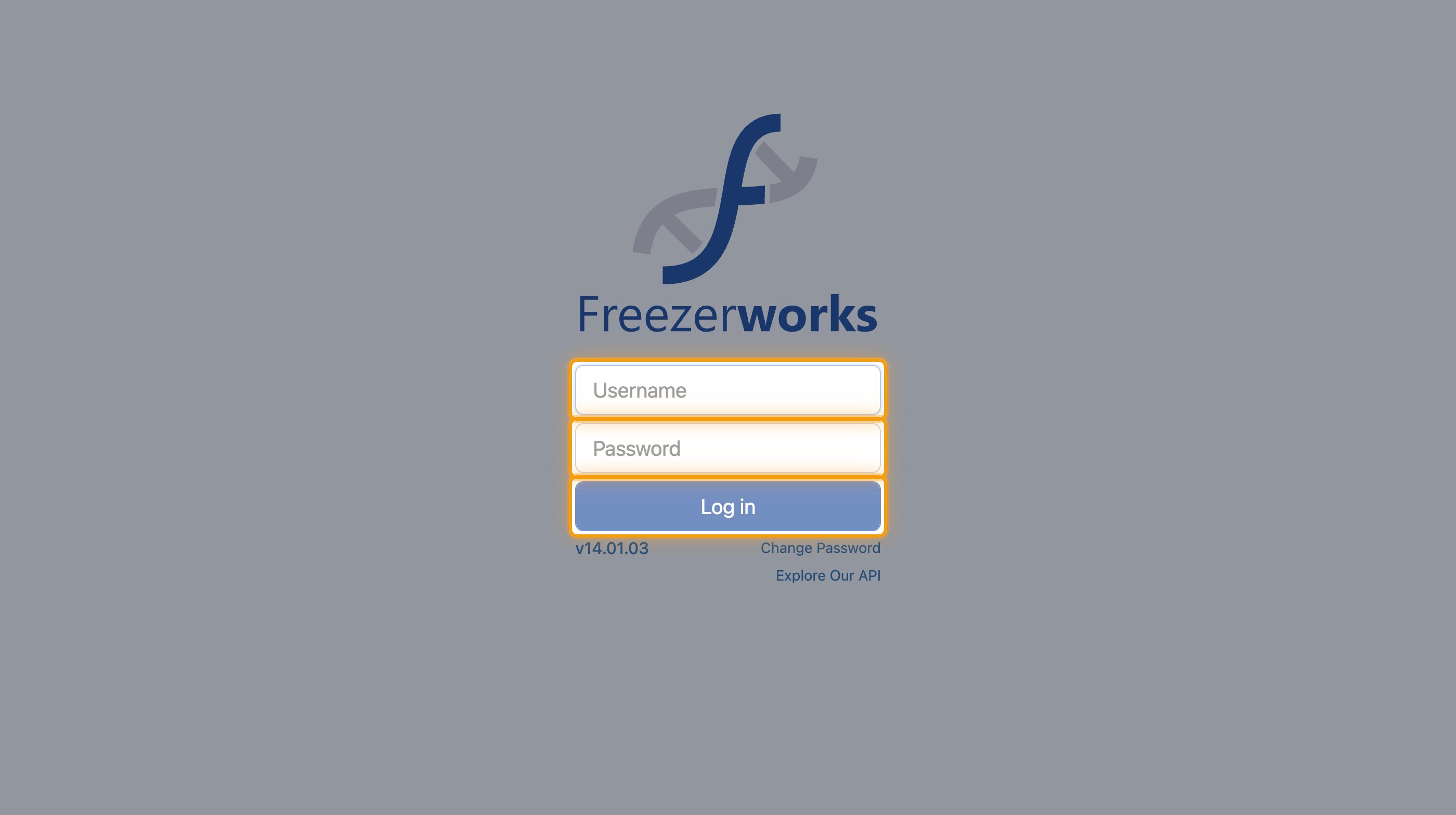
Open your Server URL in a browser. The connection signs in as a Freezerworks user and sees
exactly what that user can see, so use the credentials of the account it should run as.
- Username: copy the user’s username across
- Password: copy the user’s password across
- The account must be marked Active User, and set to Standard User for read and write access or Lite User for read-only access.
Confirm the credentials work
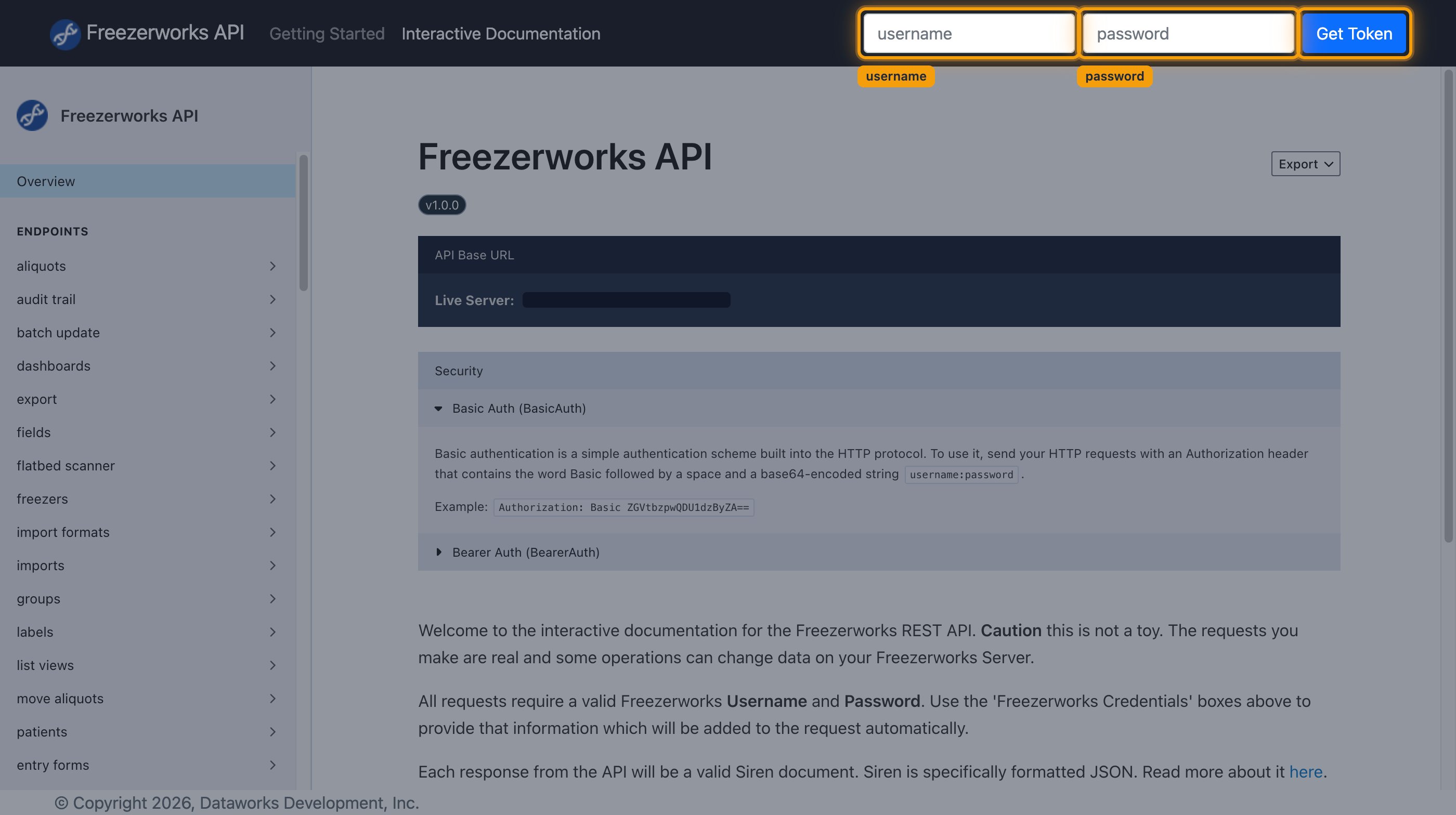
Your server publishes its own copy of the API reference, linked as Explore Our API on
the sign-in screen. Use it to check the credentials before you connect.
- Enter the username and password, then click Get Token.
- A token coming back confirms the same sign-in the connection makes. Tokens expire after five minutes by default, and the connection renews its own automatically.
Link the Account
Connect
- Click Connect.
- If applicable, the provider will redirect you to a sign-in or authorization page. Complete the provider’s authorization flow.
- Once authorization is successful, you will see a confirmation popup.
Use Actions