

Find your Organisation ID
The Organisation ID is the UUID the Employment Hero API uses to identify your organisation. It is returned by the API and is not the number shown in the Employment Hero web app URL.
1
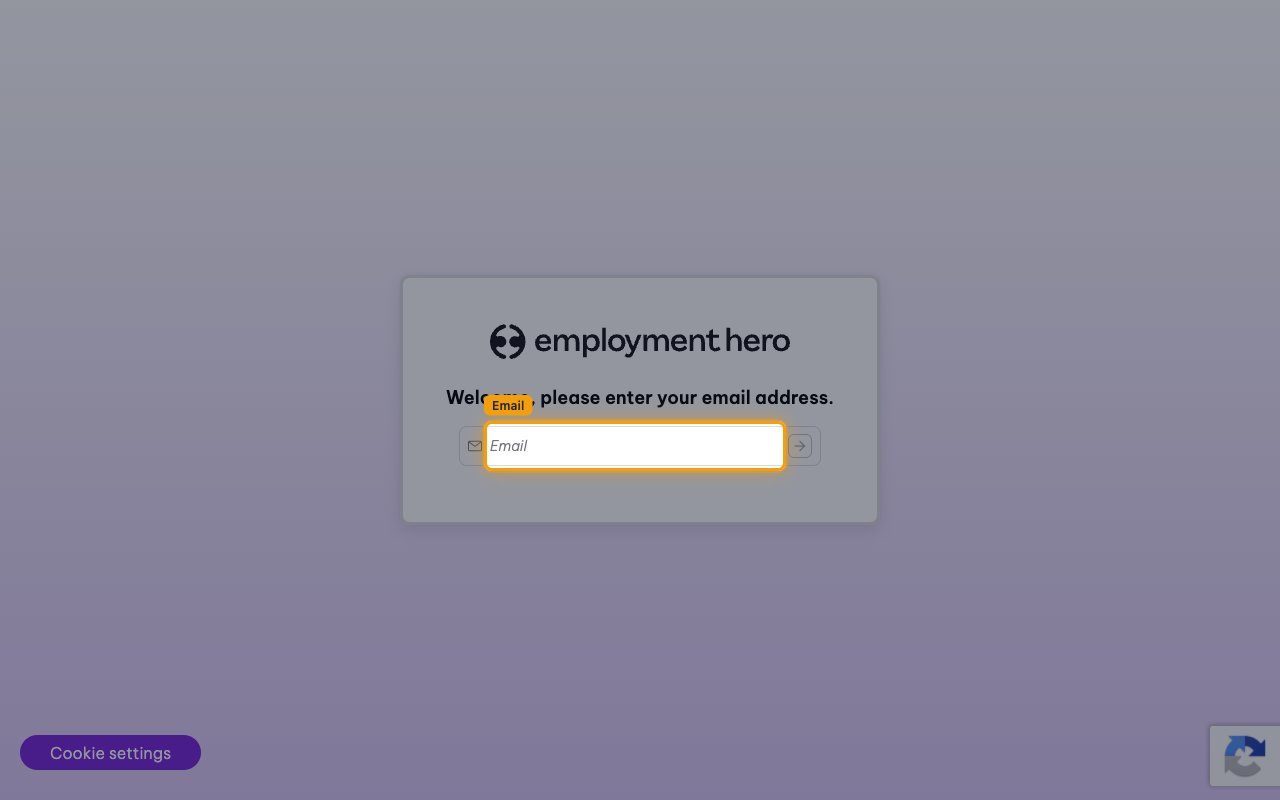
Sign in to Employment Hero
Sign in to your Employment Hero account.
2
Retrieve the organisations your application can access
Using an access token issued to the OAuth application you registered, send a GET request to https://api.employmenthero.com/api/v1/organisations. The response lists every organisation the token can reach.
- Example:
curl -H "Authorization: Bearer <access_token>" https://api.employmenthero.com/api/v1/organisations
3
Copy the organisation id
Find the organisation you want to connect in the response and copy its id value. Paste it into the Organisation ID field in StackOne Hub.
- Format:
xxxxxxxx-xxxx-xxxx-xxxx-xxxxxxxxxxxx— thirty-six characters with hyphens - Do not use the number in the web app URL. In
https://secure.employmenthero.com/app/v2/organisations/21123/dashboardthat number is21123— your platform ID, which Employment Hero support uses to identify your business. It is a short number rather than a UUID, and every API call fails with a permission error if you paste it into the Organisation ID field.
Link the Account
1
Connect
- Click Connect.
- If applicable, the provider will redirect you to a sign-in or authorization page. Complete the provider’s authorization flow.
- Once authorization is successful, you will see a confirmation popup.
2
Use Actions
Connect an AI platform to the linked account’s actions. See AI Platforms.Other ways to call actions are listed in Protocols & SDKs.
Next Steps
Webhooks setup
Configure receiving Events for Employment Hero into StackOne.