

Generating an API key
A DeepL API key authenticates every request StackOne sends to the DeepL API.
1
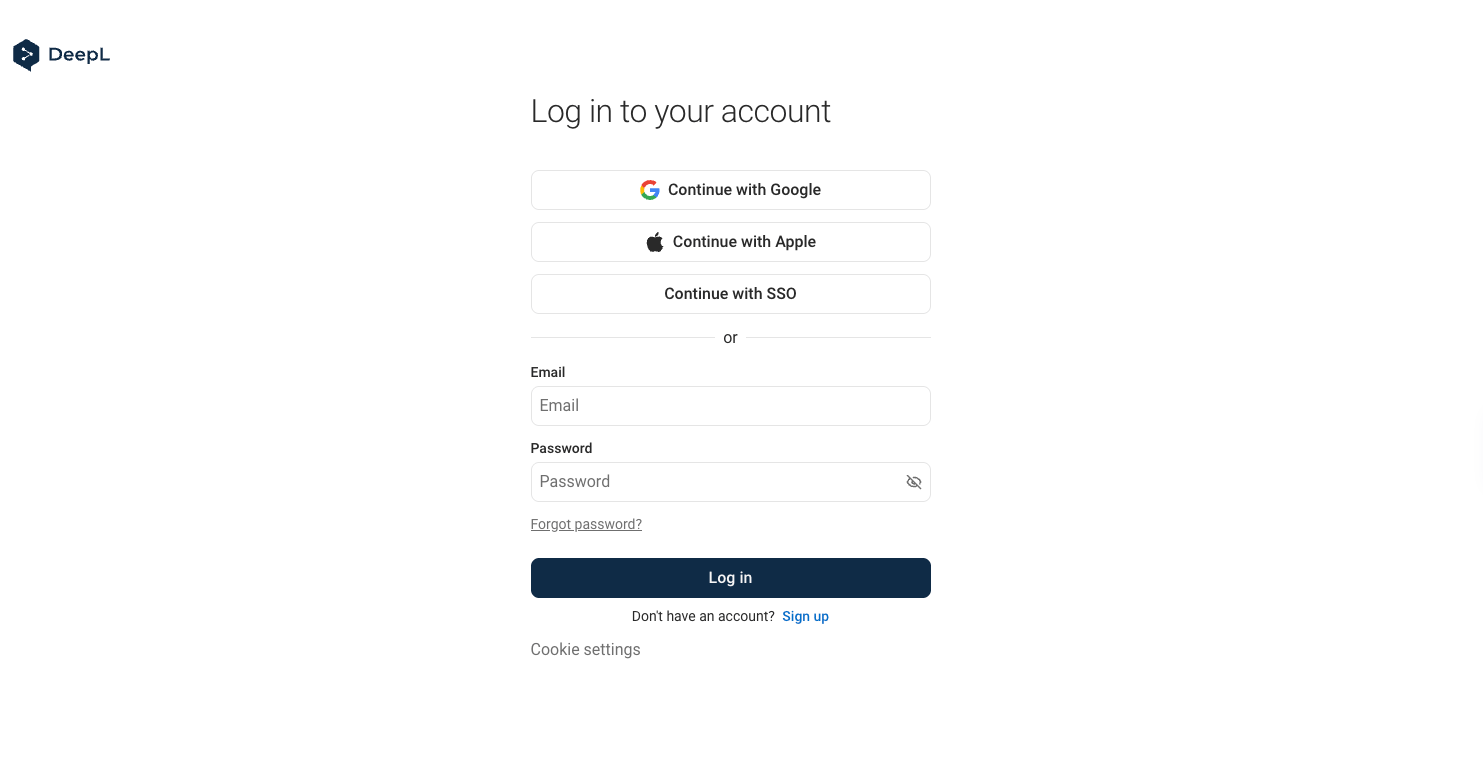
Sign in to DeepL
Sign in to your DeepL API account.
2
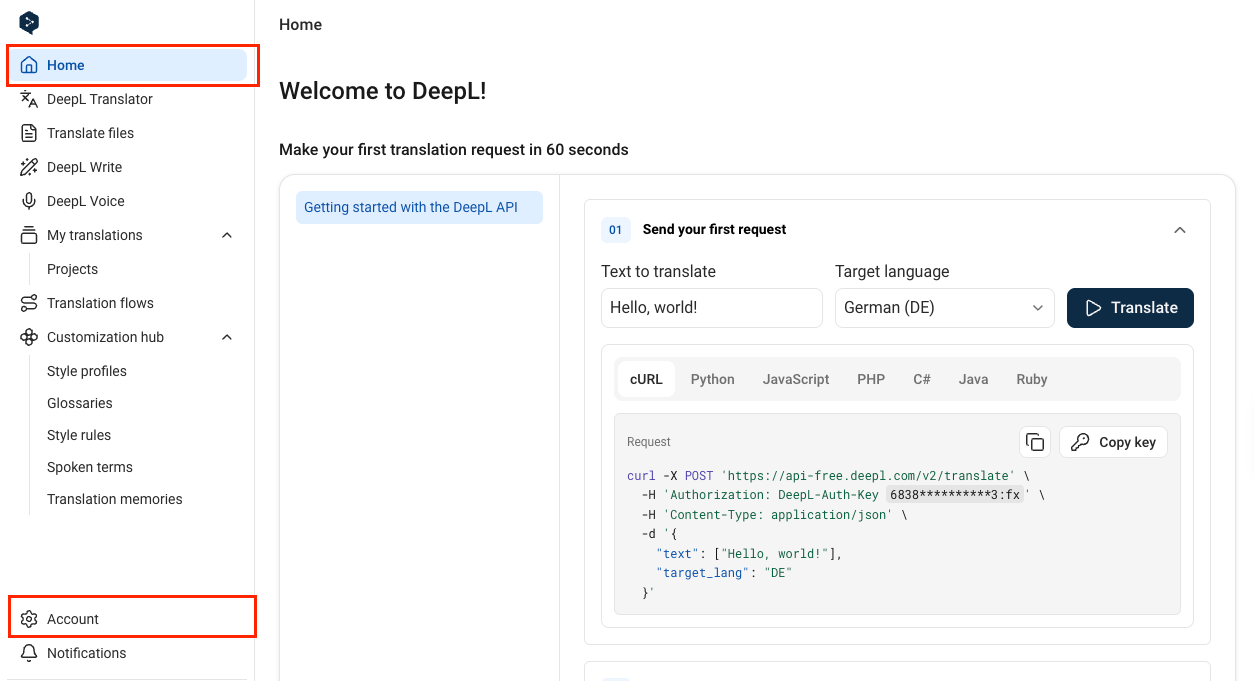
Open your account settings
In the sidebar at the bottom-right, click Account.
3
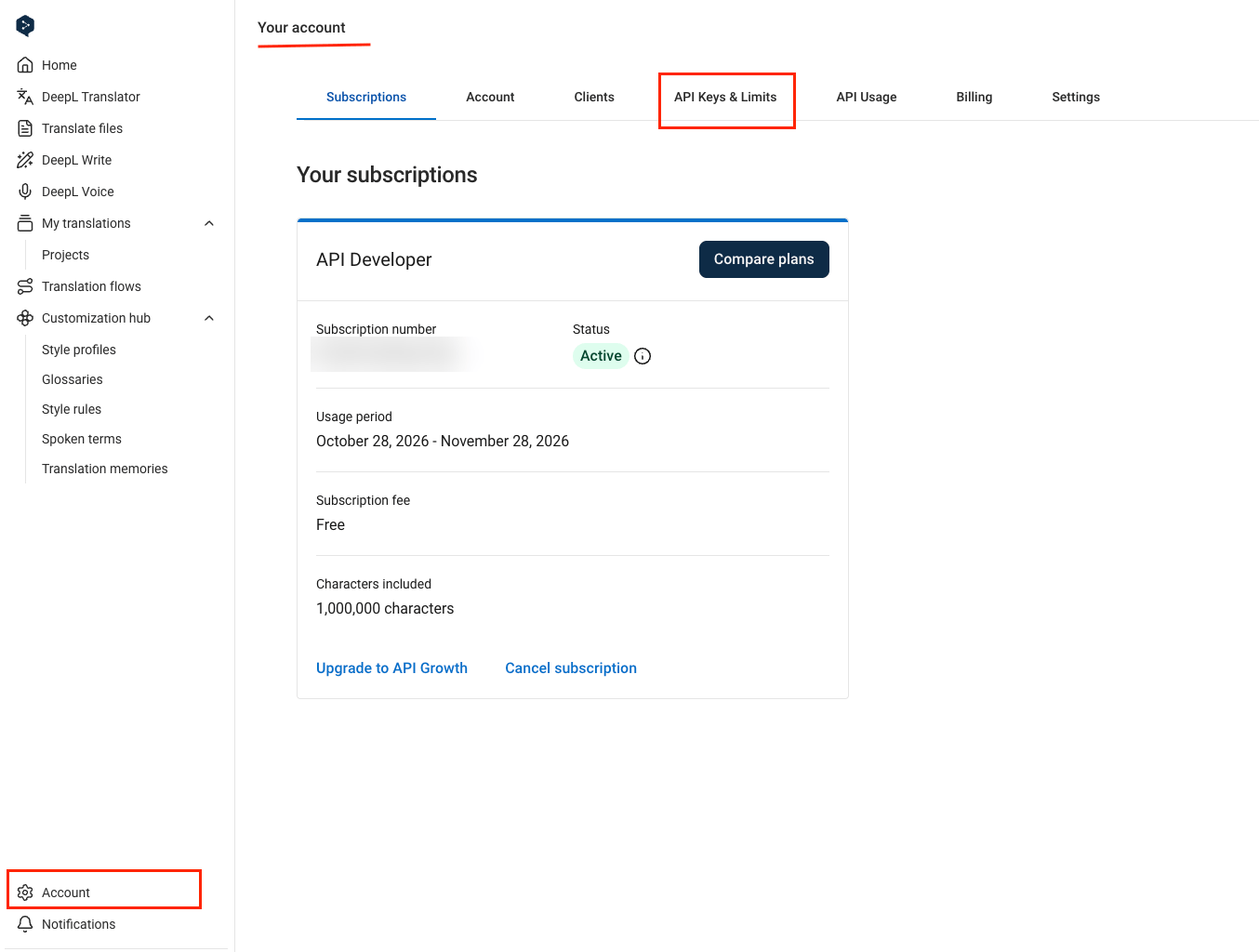
Open API Keys & Limits
On the Your account page, click the API Keys & Limits tab.
4
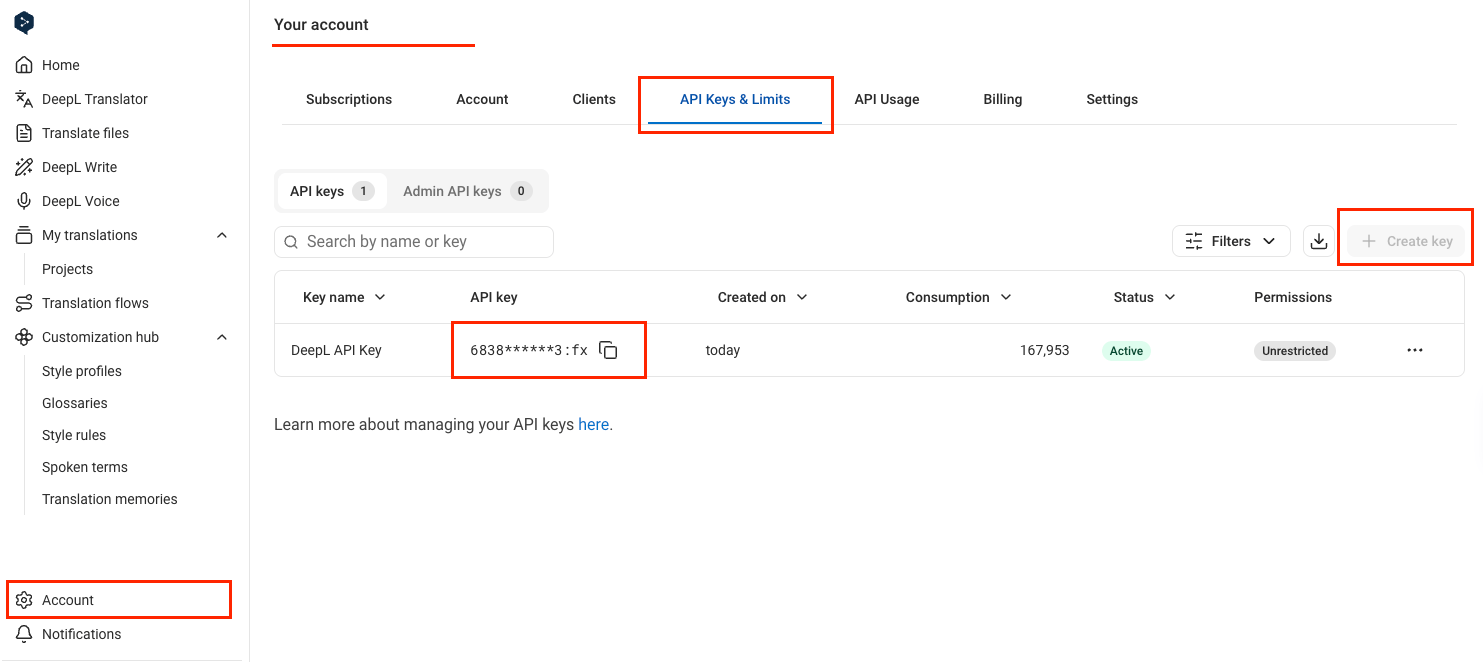
Create and copy a key
On the API keys subtab, click Create key, or use an existing key from the table.
- Leave the permissions unchanged so the Permissions column shows Unrestricted. A key with Custom permissions returns
403 Forbiddenfor any endpoint outside its scopes. - Click the copy icon next to the key in the API key column.
- Paste it into the API Key field in StackOne Hub.
- DeepL API Free keys end in
:fx.
Select your API plan
The API Plan field tells StackOne which DeepL host to call. Free and Pro keys work only on their own host.
- Select DeepL API Free (api-free.deepl.com) for a key that ends in
:fx. - Otherwise, select DeepL API Pro (api.deepl.com).
Linking the Account from the Hub
1
Navigate to the Hub
Use one of the three Linking Account Methods to access the Hub.
2
Fill out the fields
Fill out the following fields using details from your provider:
- API Key
- API Plan
3
Connect
- Click Connect
- If applicable, the provider will redirect you to a sign-in or authorization page. Complete the provider’s authorization flow.
- Once authorization is successful, you will see a confirmation popup
If the account linking is successful, you will see the newly linked account on your Accounts page.