

Creating an OAuth app
StackOne connects to Deel through an OAuth app registered in your Deel Developer settings. The app provides the Client ID and Client Secret for the StackOne Connector profile.
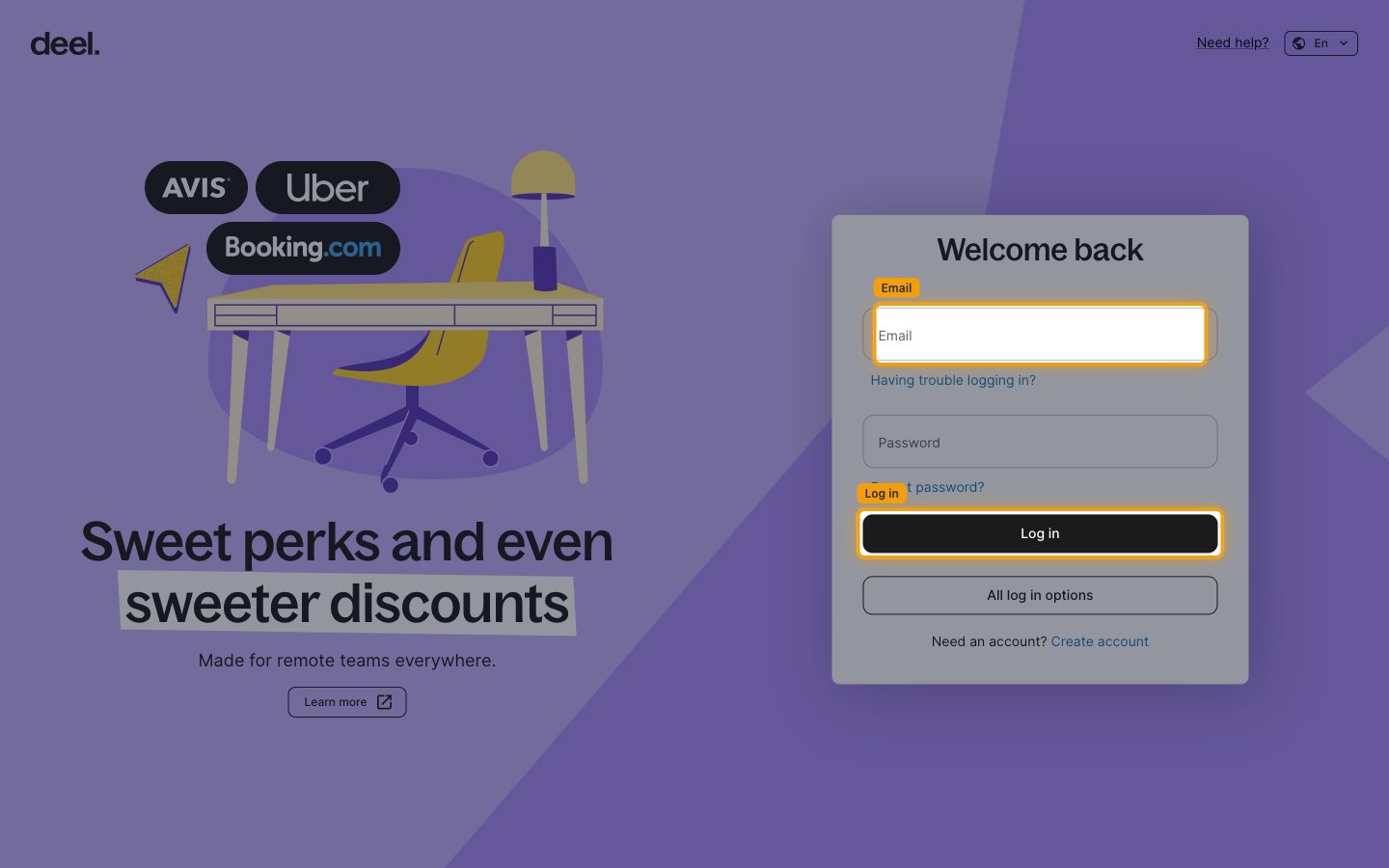
Sign in to Deel
Sign in to the Deel account for the environment you are connecting:
- Production — Deel production sign-in
- Sandbox — Deel demo sign-in
- The steps below are identical in both environments; the screenshots show production.
- Create the app in the same environment you select in the StackOne Connector profile — Client ID and Client Secret are different per environment.
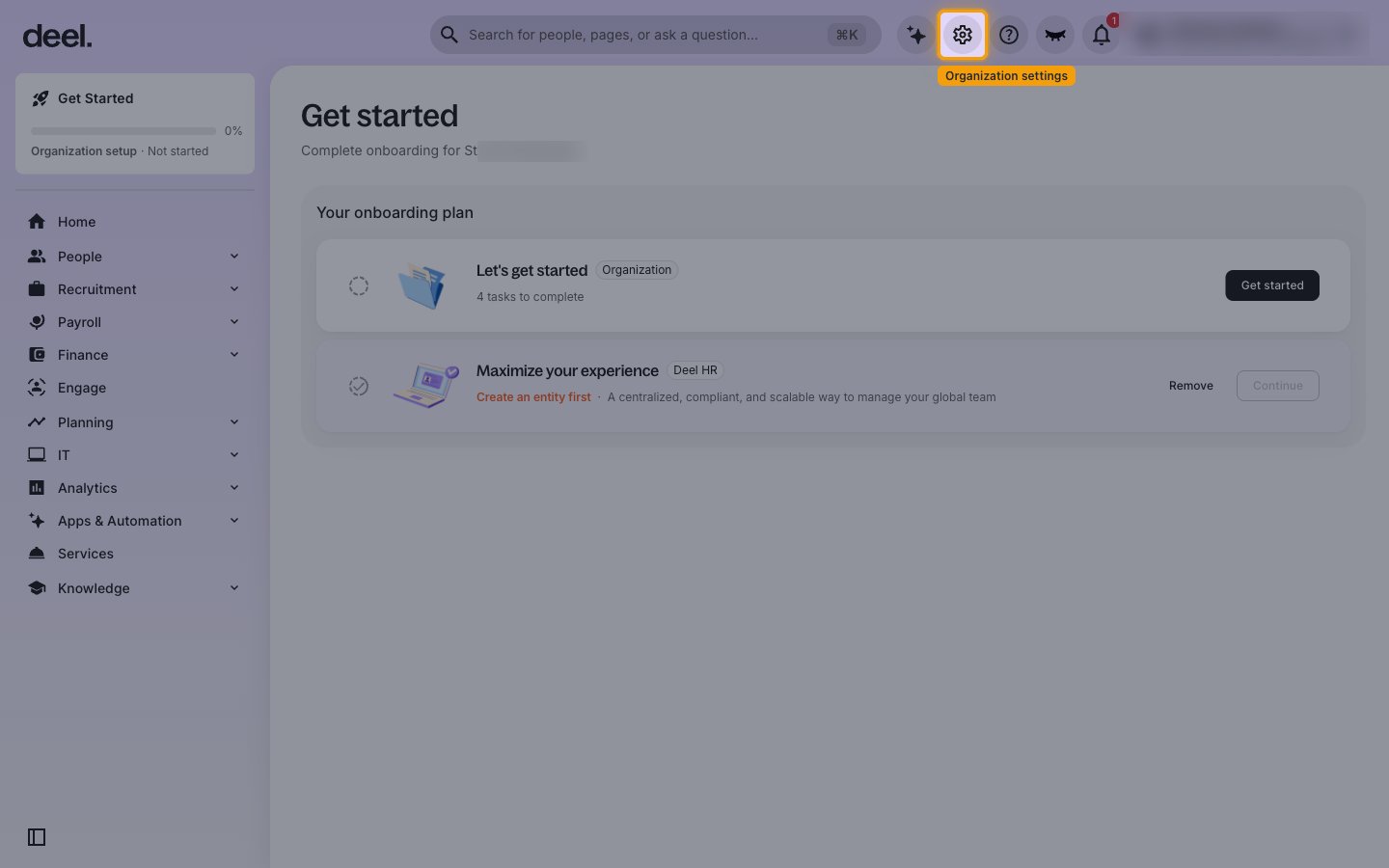
Open Organization settings
Click the Organization settings gear icon in the top bar.
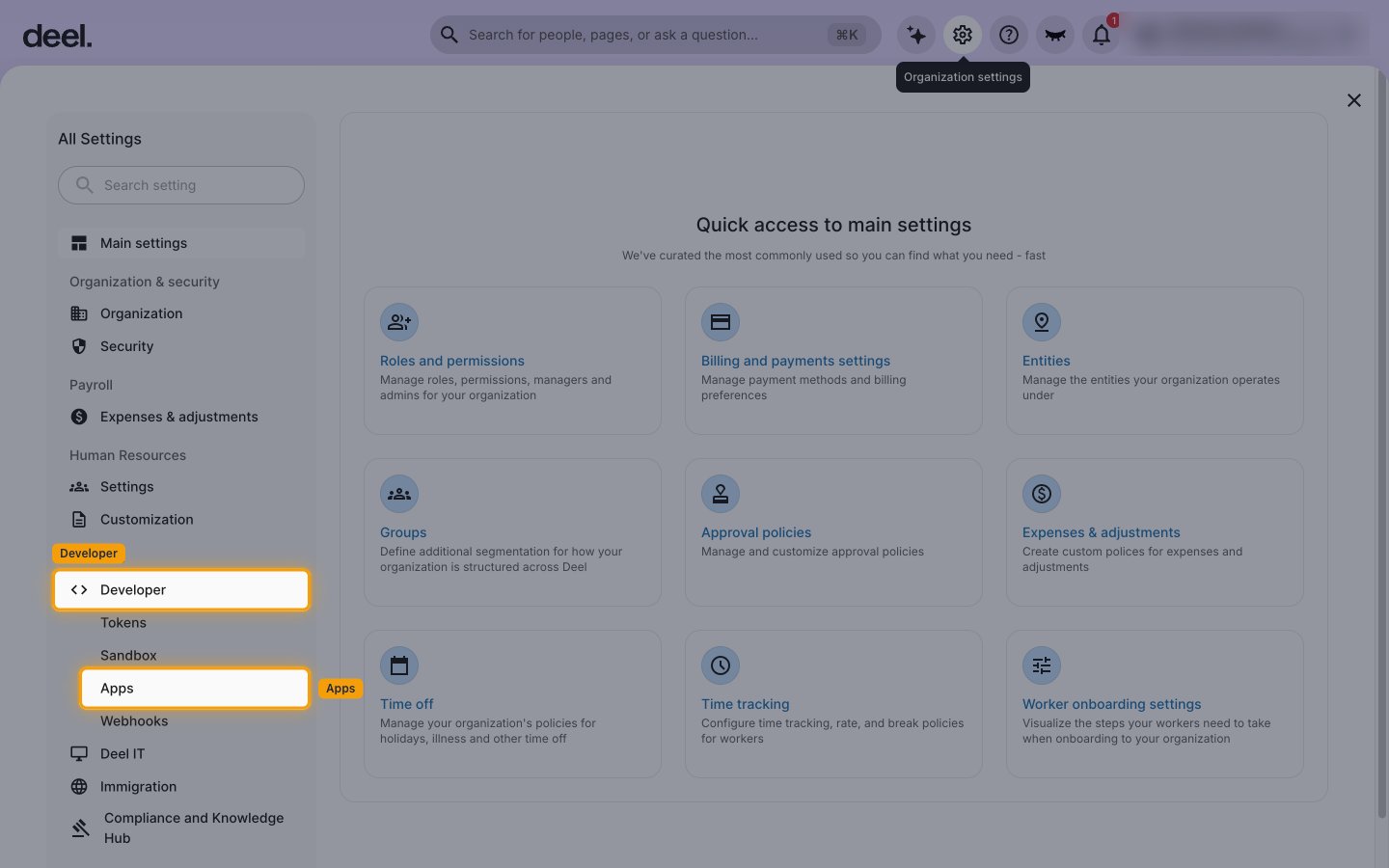
Open the Developer apps page
In All Settings, scroll to the Services group in the left menu.
- Click Developer to expand it.
- Click Apps.
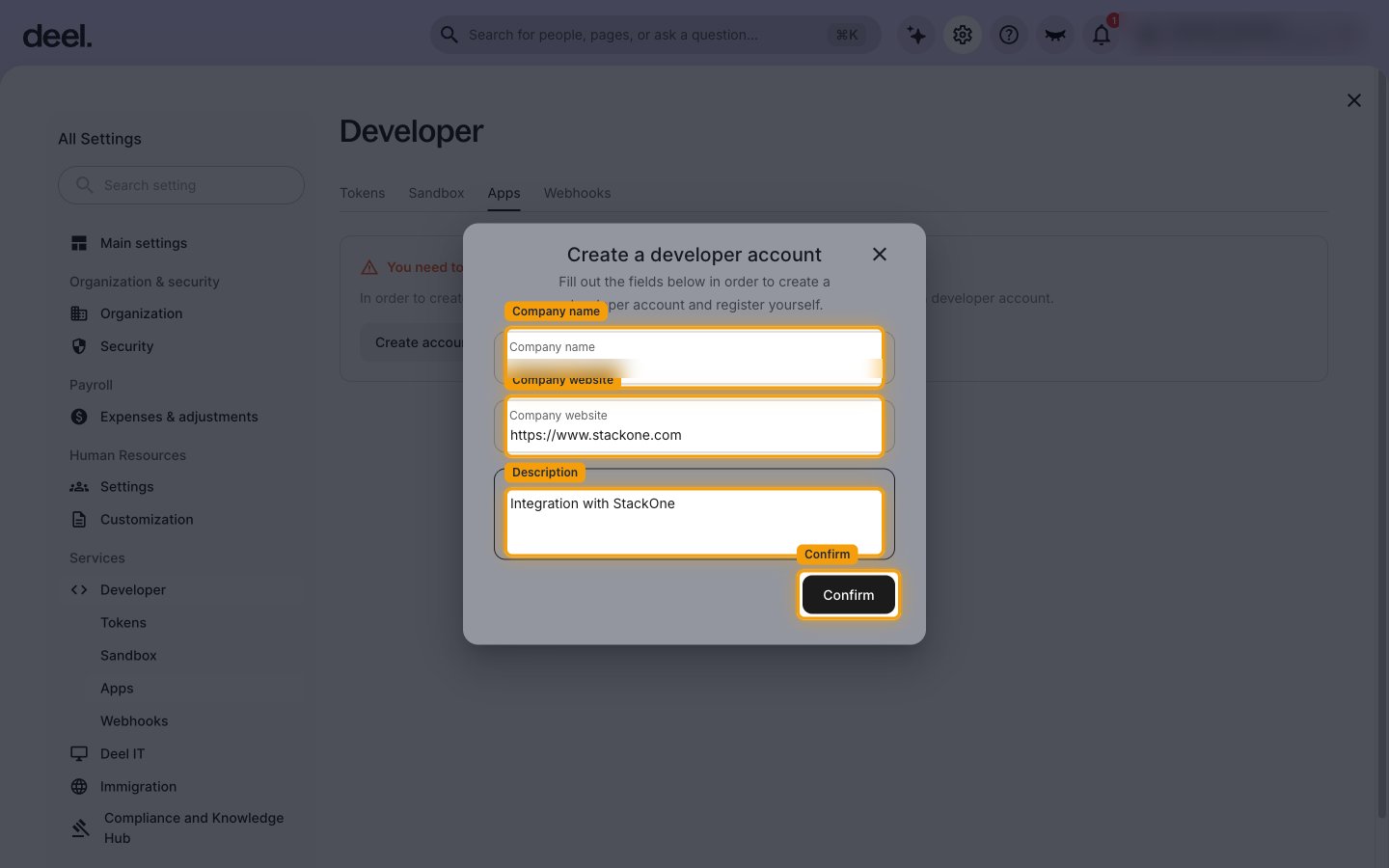
Register as a developer
If the Apps tab shows You need to create a developer account, click Create account. Skip this step if your organization already has a developer account.
- In Create a developer account, check the prefilled Company name.
- Enter your Company website, for example
https://www.example.com. - Enter a Description, for example
Integration with StackOne. - Click Confirm, then click OK on Thanks for registering for a developer account.
Start a new app
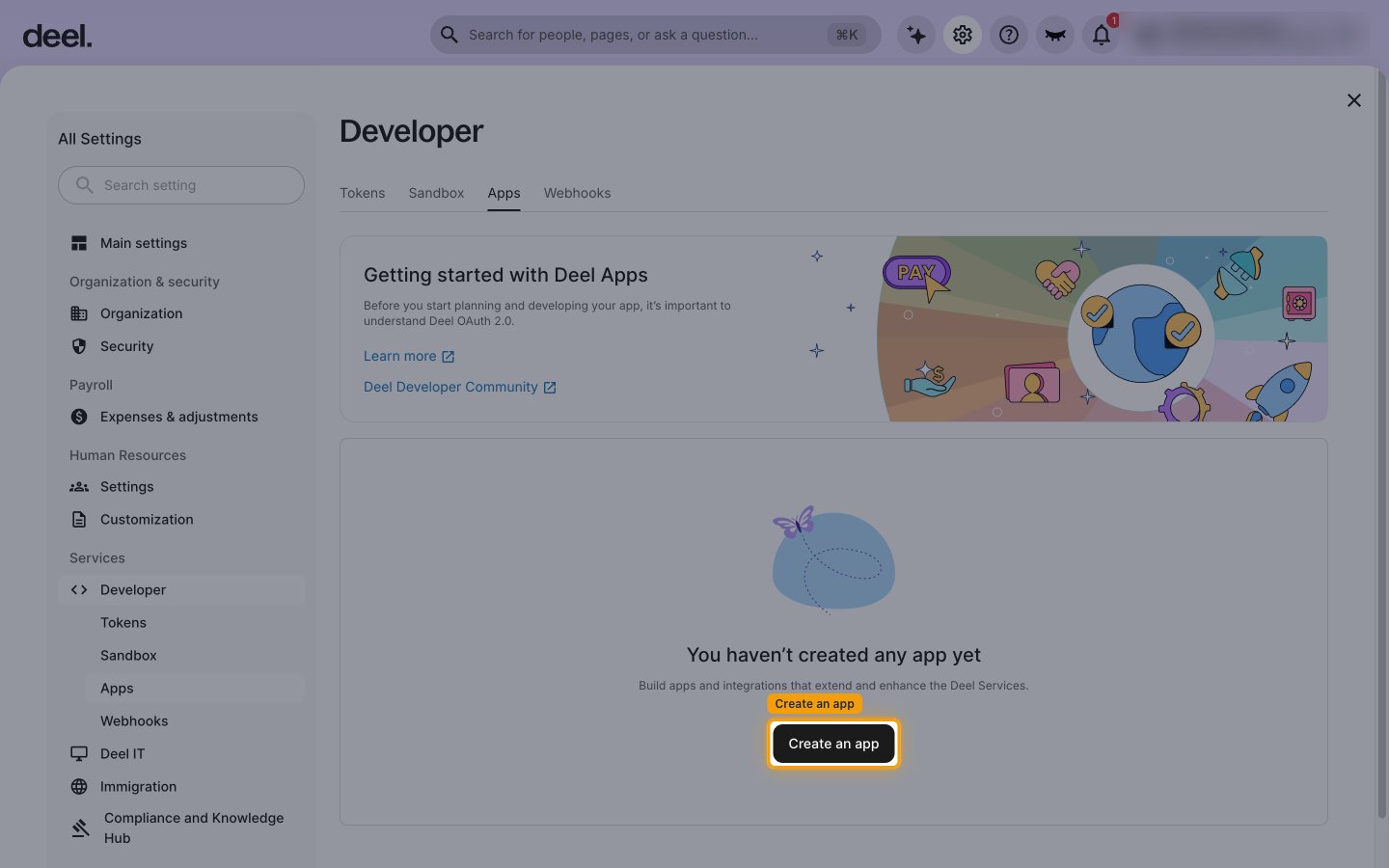
On the Apps tab, click Create an app.
Fill in the app details
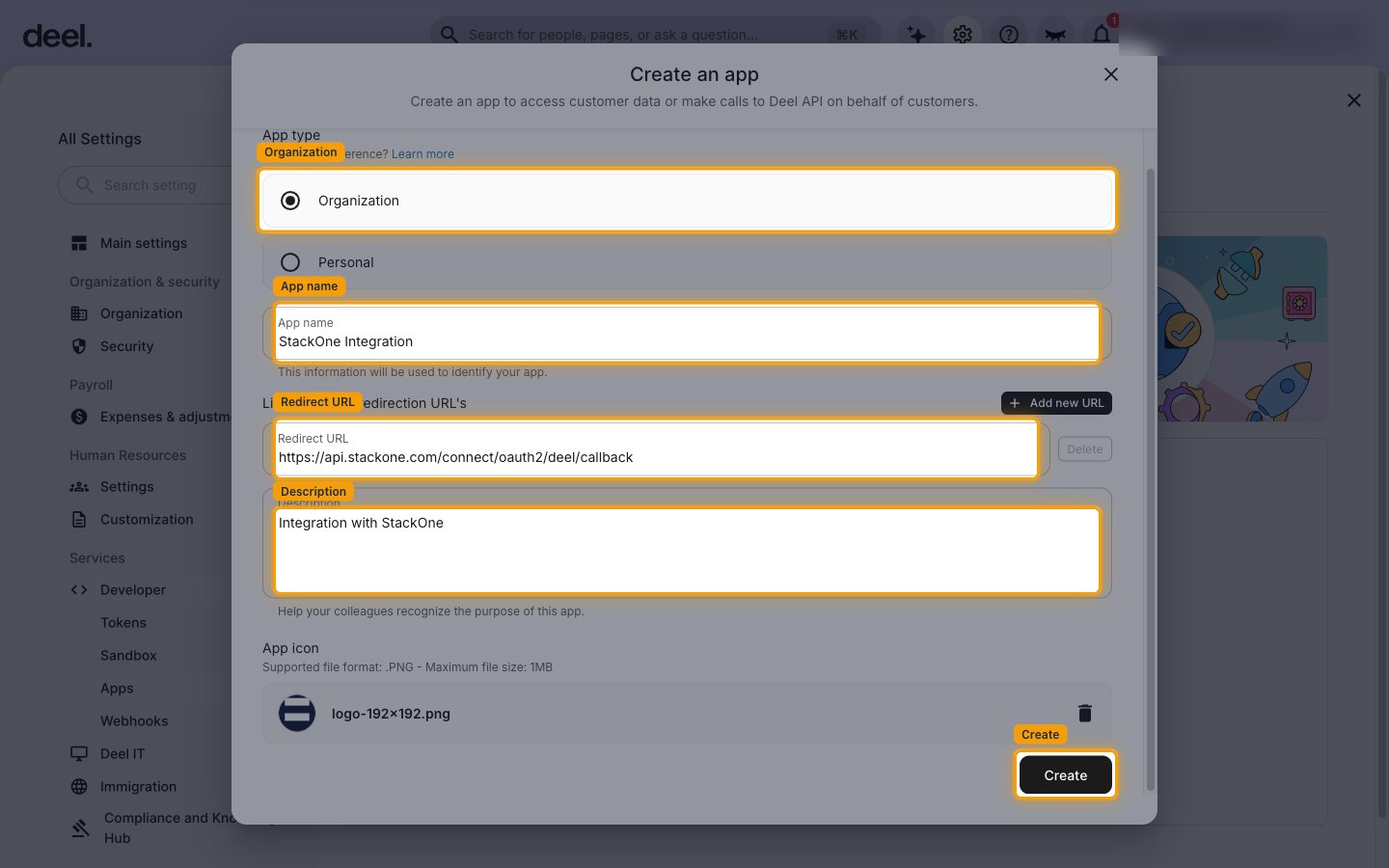
In Create an app, complete the form.
- App type: select Organization.
- App name:
StackOne Integration - Redirect URL:
https://api.stackone.com/connect/oauth2/deel/callback - Description:
Integration with StackOne - App icon: upload a PNG (maximum 1MB). In the App icon dialog that opens, click Upload logo. The Create button stays disabled until an icon is uploaded.
- Click Create.
Copy the app credentials
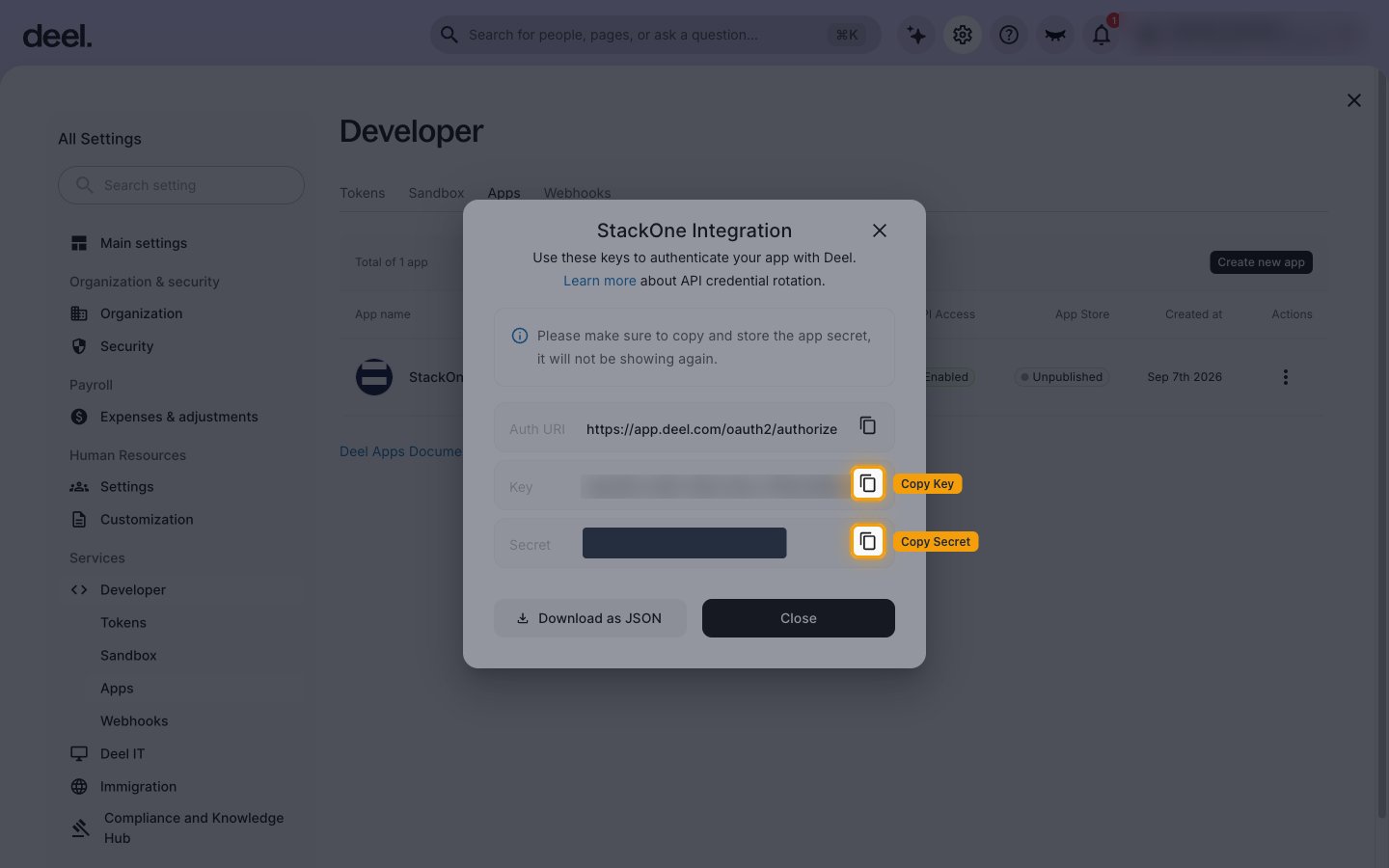
The app’s credentials dialog opens as soon as the app is created. Copy both values and store them securely for use later.
- Key — click Copy next to it and paste it into the Client ID field in the StackOne Connector profile.
- Secret — click Copy next to it and paste it into the Client Secret field in the StackOne Connector profile.
- The Secret is shown only once. If you lose it, you must create a new app.
- Download as JSON saves both values to a file if you prefer.
- Click Close.
- To see the Key again later, open the app’s Actions menu on the Apps tab and click Show Credentials.
Choosing the OAuth scopes
Deel apps do not configure scopes in the Developer settings. StackOne requests the scopes during authorization, and the Deel admin who connects the account approves them on the Deel consent screen.
Enter the scopes to request
In the Scopes field of the StackOne Connector profile, enter the Deel OAuth scopes to request, separated by a space. Leave the field empty to request the connector’s default scopes. The scopes used by this connector’s actions are listed below.
Creating the StackOne Connector Profile
To create the Connector Profile in StackOne for Deel:Navigate to Connector Profiles
Create New Connector Profile
- Click + Connector Profile
- Search for and select Deel
- Select Type as OAuth 2.0
- Fill out the fields using details retrieved from your provider:
- Client ID
- Client Secret
- Scopes (Optional)
- (Optional) Select Actions to be enabled for this Connector Profile
- Click Create profile