

Get your Customer.io Track API credentials
A Track API key and its Site ID let StackOne send people, events and device data to your workspace.
Open Account settings
Sign in to your Customer.io account.
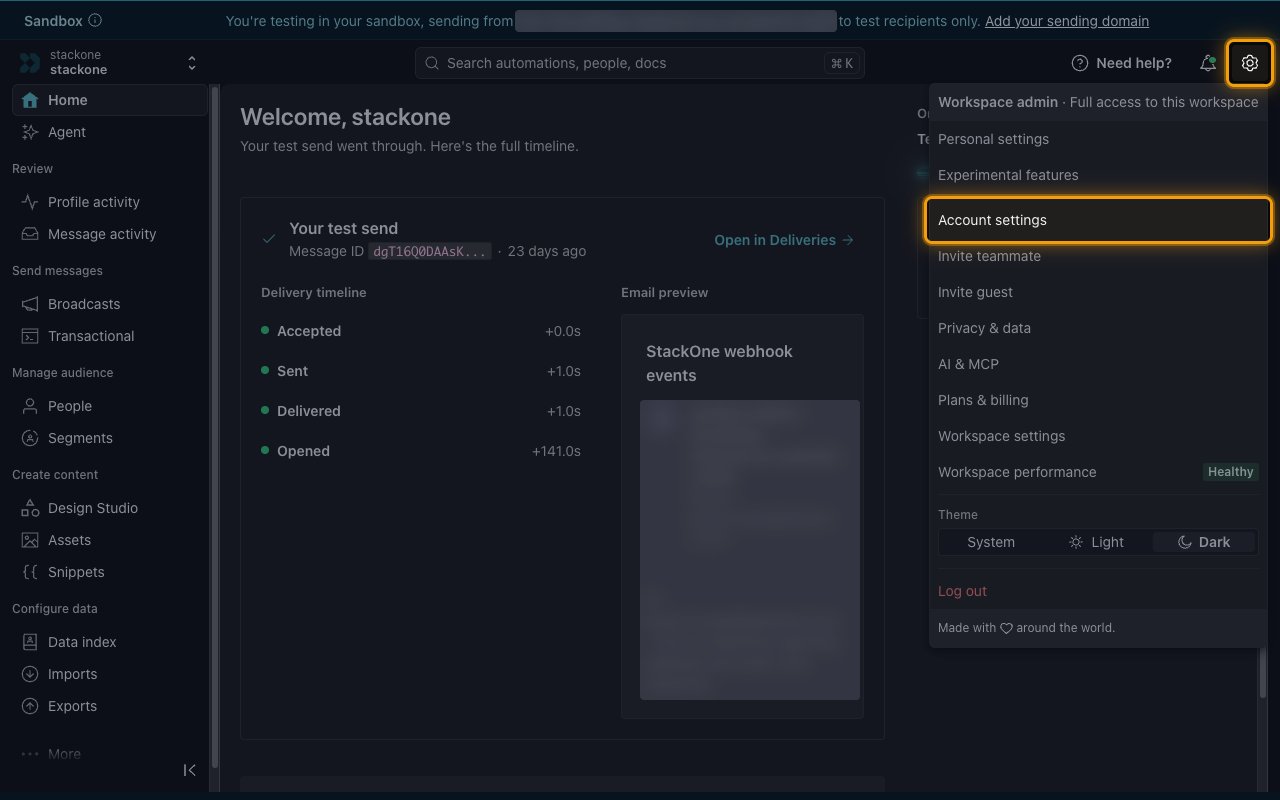
- Click the settings icon in the top right corner.
- Select Account settings.
Open API credentials
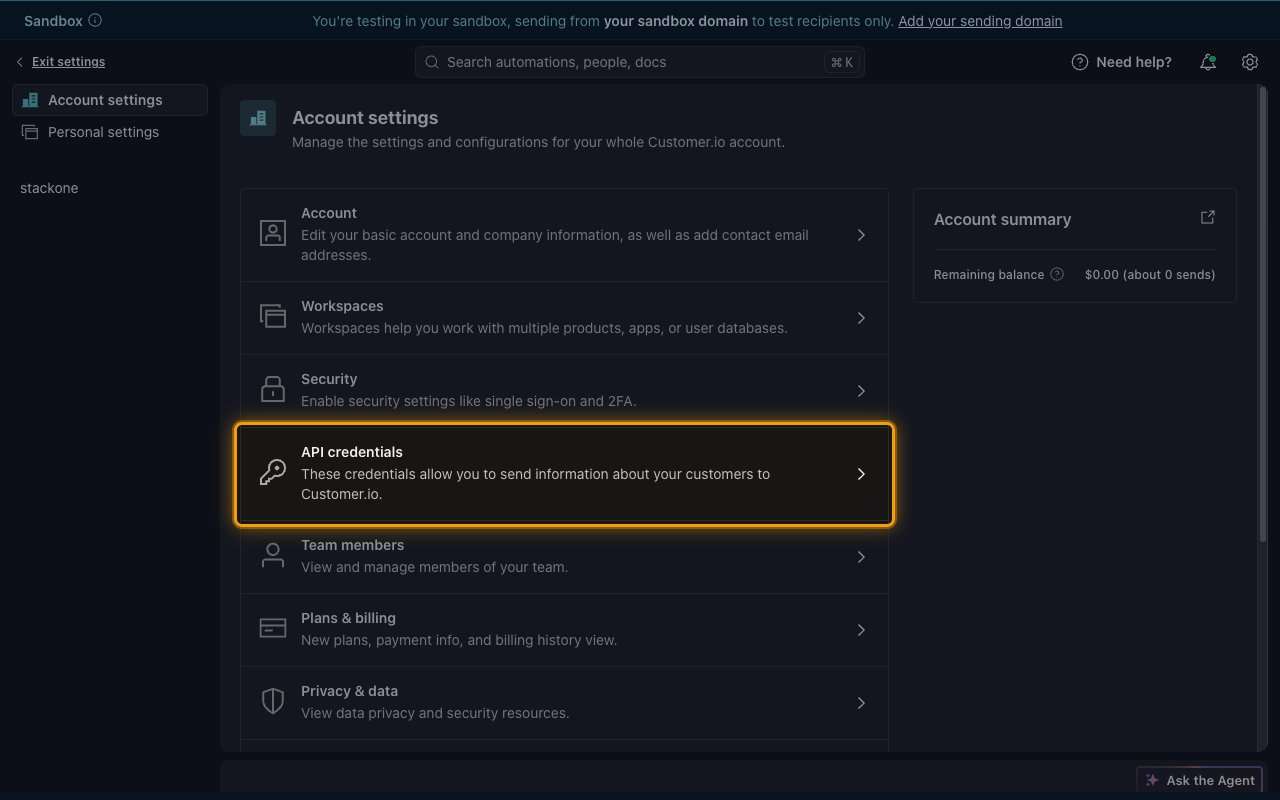
On the Account settings page, click API credentials.
Create a Track API key
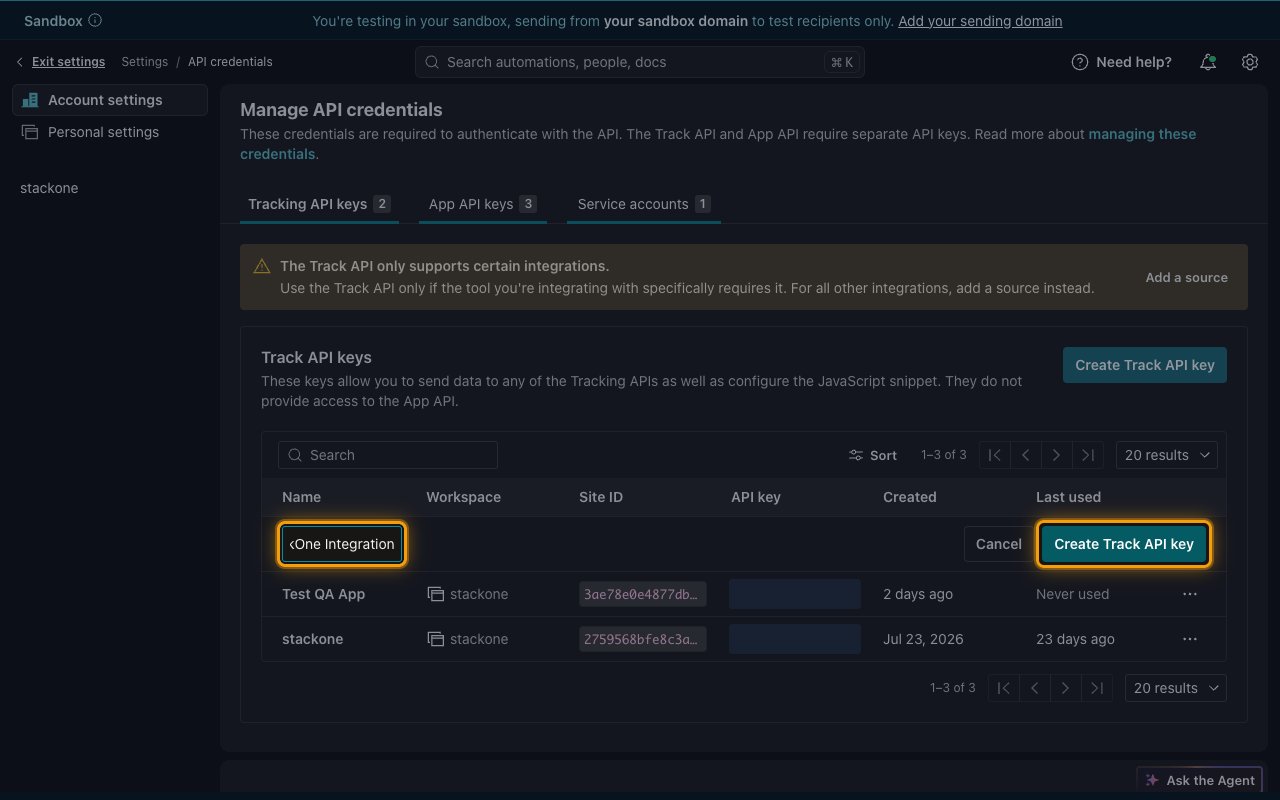
On the Tracking API keys tab, click Create Track API key. A new row opens at the top of the Track API keys table.
- Name: enter a name that identifies the key, e.g.
StackOne Integration. - Click Create Track API key in the new row to save the key.
Copy the Site ID and API key
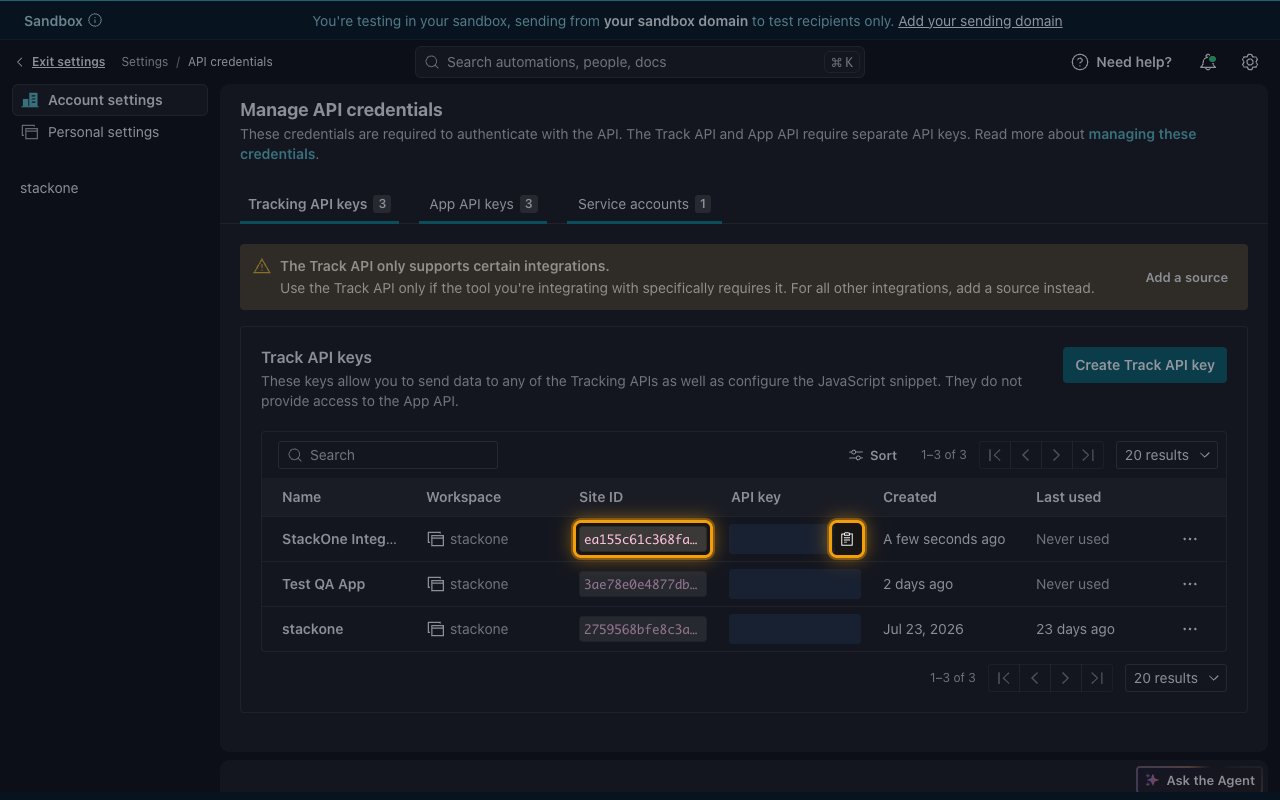
Your new key appears in the table. Hover over a value to show its copy icon.
- Copy the Site ID and paste it into the Site ID field in StackOne Hub.
- Copy the API key and paste it into the Track API Key field in StackOne Hub. Store it securely for use later.
Find your data center
The Track API Region field tells StackOne which Customer.io data center hosts your account.
Check the Data center
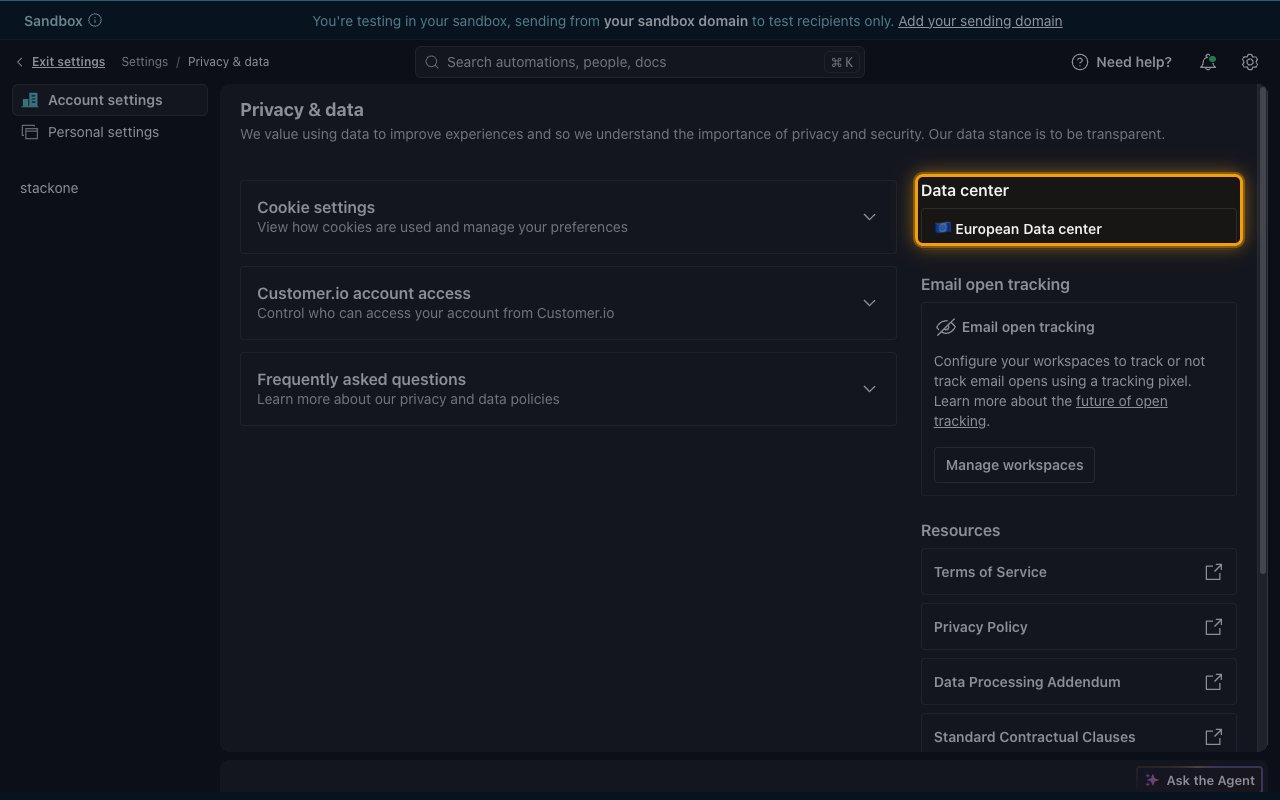
Go back to Account settings and click Privacy & data. The Data center panel shows where your account is hosted.
- If it shows European Data center, select European Union (track-eu) in the Track API Region field in StackOne Hub.
- Otherwise, select United States (track).
- Customer.io redirects Track API requests sent to the other region, so a mismatched region still connects. For an EU account, still select European Union (track-eu), because requests sent to the US address pass through US servers. See Customer.io Track API server addresses.
Link the Account
Connect
- Click Connect.
- If applicable, the provider will redirect you to a sign-in or authorization page. Complete the provider’s authorization flow.
- Once authorization is successful, you will see a confirmation popup.
Use Actions
Next Steps
Webhooks setup
Configure receiving Events for Customer.io into StackOne.