

Prerequisites
The connector should already be set up, with a Connector Profile and a Linked Account. See Getting Started on the Contentful connector page.Subscribe via the StackOne dashboard
This connector uses Programmatic Webhooks. When you enable webhook events for a connected
Contentful account, StackOne automatically creates a webhook definition in the Contentful space
you provided during connection setup, covering the event topics you select.
Ensure Webhook Space IDs are configured
StackOne creates one webhook definition per space listed in the Webhook Space IDs
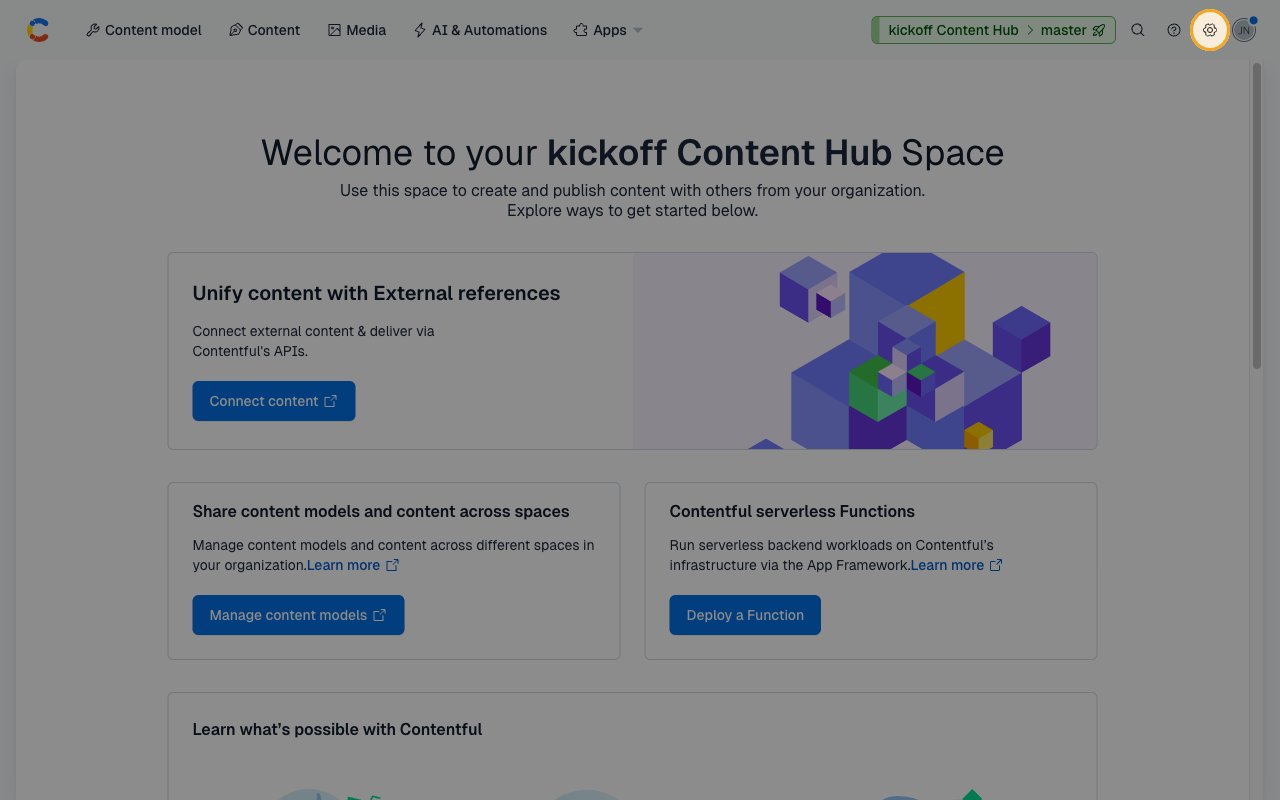
connection field (comma-separated). To verify, click the Settings menu (gear icon,
top-right of the space navigation bar) and confirm the space name in the top-right
corner matches one of your intended spaces.
Select event subscriptions in the StackOne dashboard
In the StackOne dashboard, open the Contentful connector profile and enable the webhook
events you want delivered downstream. StackOne creates the webhook definition on your behalf
using the connected account’s credentials, registered for exactly the topic strings you enable.
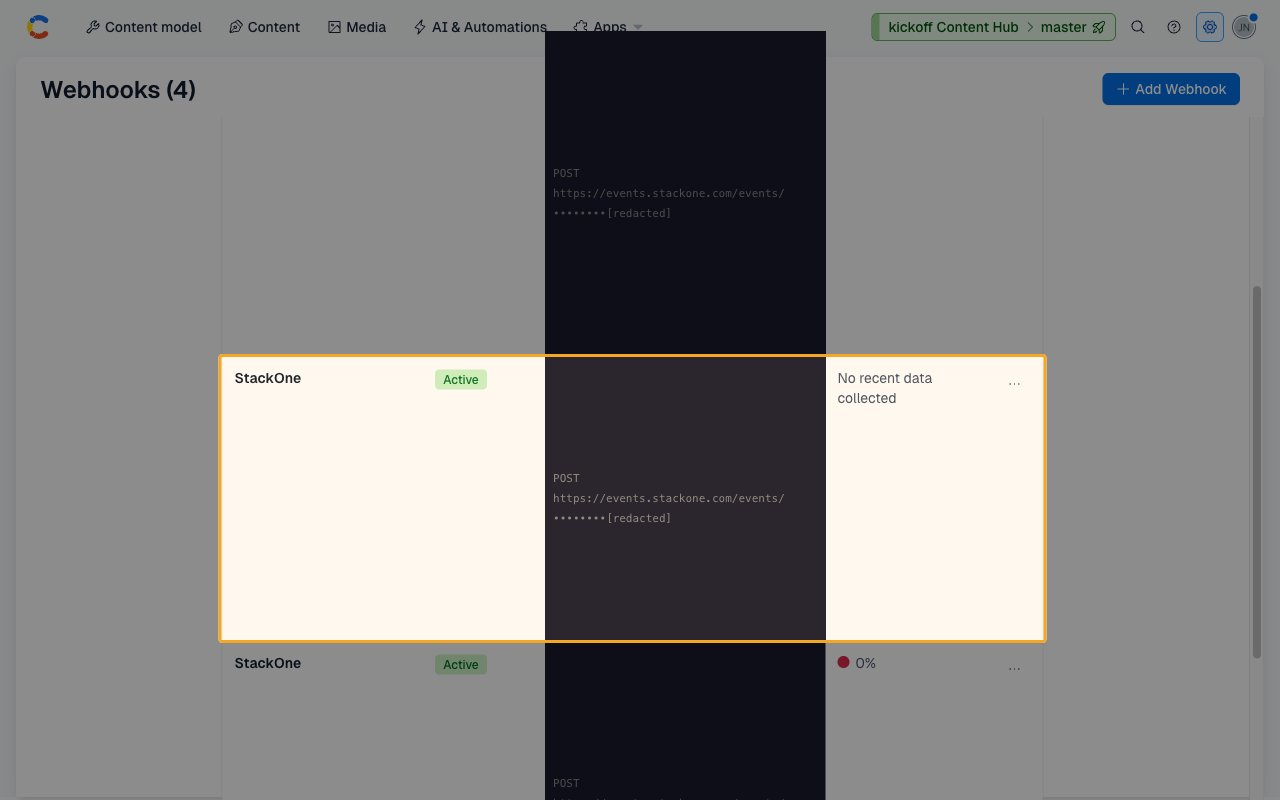
The webhook appears in Contentful under Settings → Webhooks as an entry named
StackOne with Active status.
Verify the webhook was created
After enabling events in StackOne, navigate to Settings → Webhooks in your Contentful
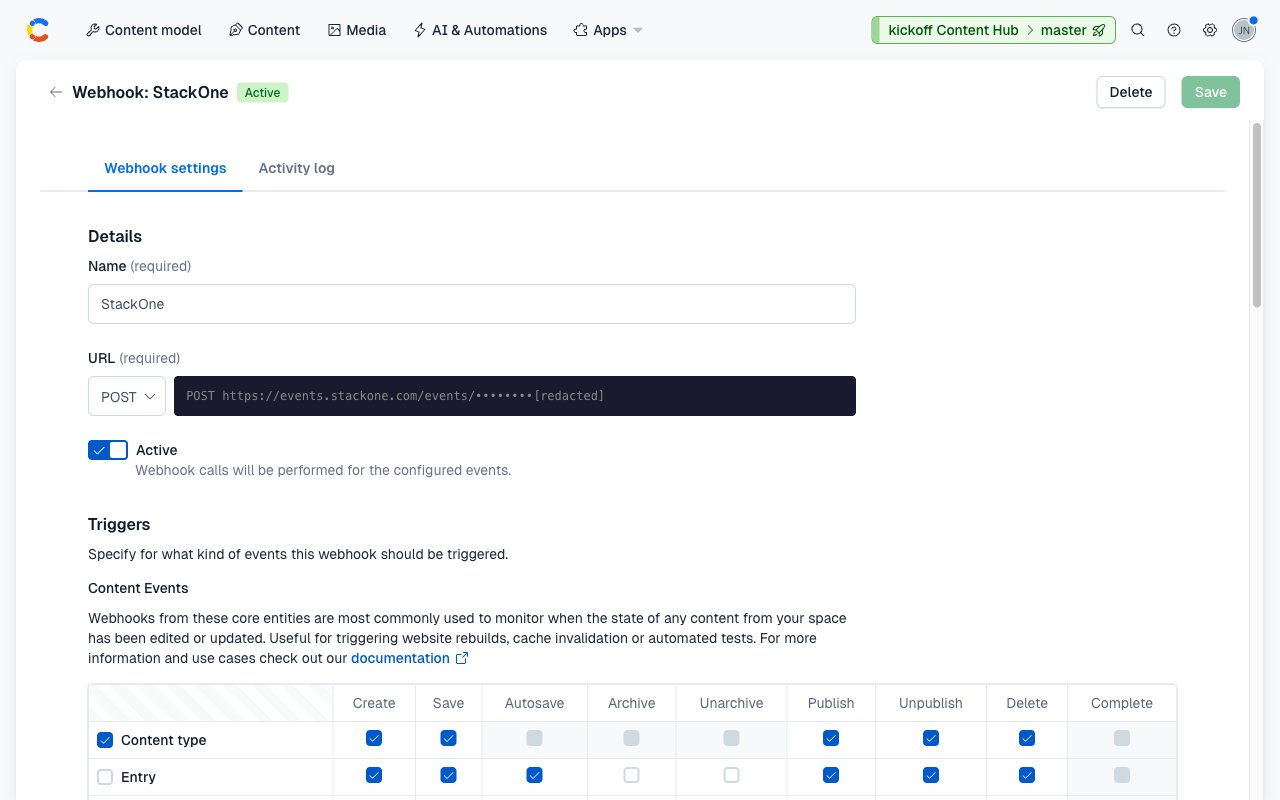
space. Click the StackOne row to open its Webhook settings tab. The page shows the
webhook Name (StackOne), the URL (your StackOne callback endpoint), and the
Active checkbox checked.
Confirm the event topics
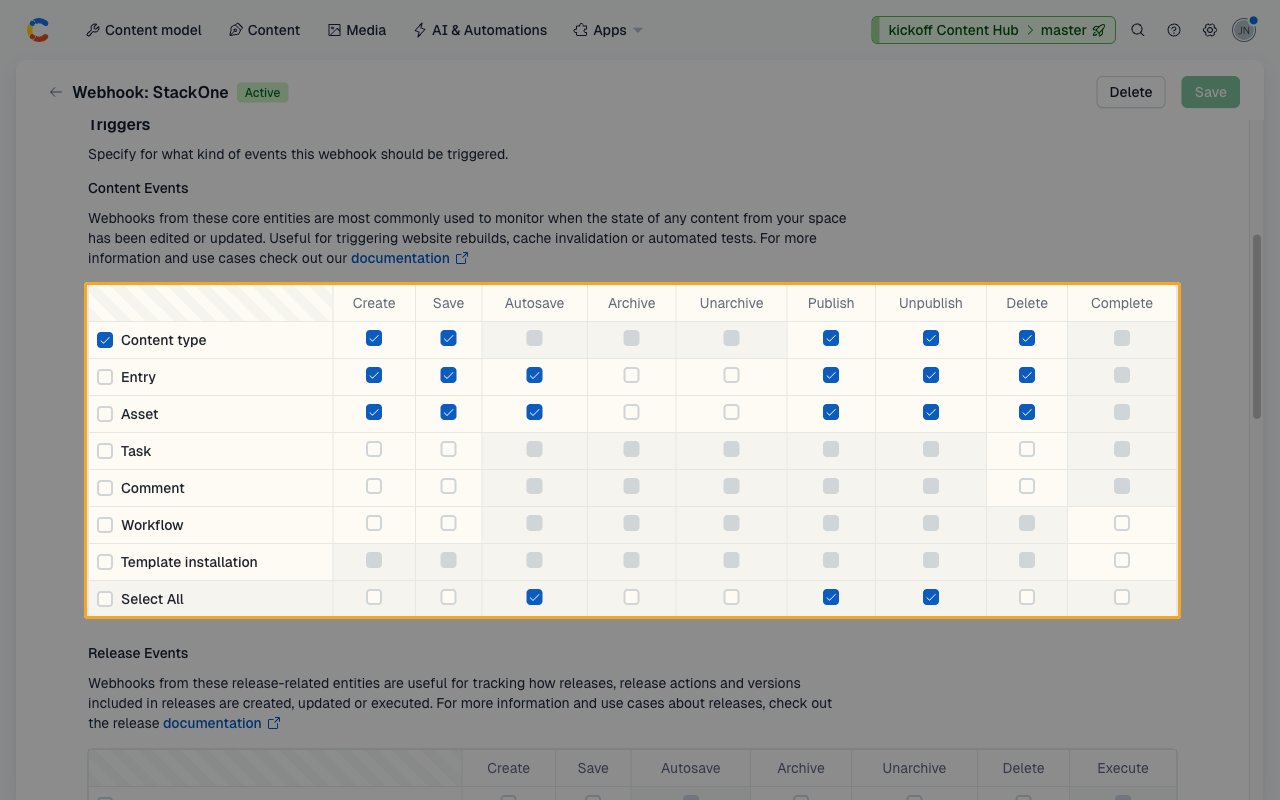
Under Triggers → Content Events, the table shows the topic checkboxes that StackOne
registered. The enabled rows correspond to the event selections you made in the StackOne
dashboard. Trigger a matching change in Contentful (for example, publish an entry in the
configured space) and confirm the event reaches your downstream consumer.
- Contentful delivers each event as an HTTP POST with a JSON body and an
X-Contentful-Topicheader (e.g.ContentManagement.Entry.publish). - StackOne responds with
200 OKautomatically. - Contentful retries failed deliveries up to 3 times with exponential backoff.
Unsubscribe
Changing your event selection in the StackOne dashboard re-registers the StackOne-managed
webhook definitions across all configured spaces. Disconnecting the account deletes all
of them, stopping all deliveries.
Available Webhook Events
The following Contentful topics can be enabled. The StackOne-managed webhook definition is registered in Contentful for exactly the topics you enable.
Entry events
Events fired when content entries change state.
- Entry Published (
ContentManagement.Entry.publish) — Entry made live on the Delivery API - Entry Unpublished (
ContentManagement.Entry.unpublish) — Entry removed from the Delivery API - Entry Created (
ContentManagement.Entry.create) — New entry created in draft state - Entry Saved (
ContentManagement.Entry.save) — Draft changes persisted - Entry Deleted (
ContentManagement.Entry.delete) — Entry permanently deleted - Entry Auto-Saved (
ContentManagement.Entry.auto_save) — Entry auto-saved by the web editor
Asset events
Events fired when media assets change state.
- Asset Published (
ContentManagement.Asset.publish) — Asset made live on the Delivery API - Asset Unpublished (
ContentManagement.Asset.unpublish) — Asset removed from the Delivery API - Asset Created (
ContentManagement.Asset.create) — New asset created - Asset Saved (
ContentManagement.Asset.save) — Asset metadata or file updated - Asset Deleted (
ContentManagement.Asset.delete) — Asset permanently deleted - Asset Auto-Saved (
ContentManagement.Asset.auto_save) — Asset auto-saved by the web editor
Content Type events
Events fired when content model schemas change.
- Content Type Published (
ContentManagement.ContentType.publish) — Content type made available for new entries - Content Type Unpublished (
ContentManagement.ContentType.unpublish) — Content type removed from active use - Content Type Created (
ContentManagement.ContentType.create) — New content type created - Content Type Saved (
ContentManagement.ContentType.save) — Content type schema changes saved - Content Type Deleted (
ContentManagement.ContentType.delete) — Content type permanently deleted
Delivery format
Details of how Contentful delivers events to StackOne.
JSON payloads
Contentful delivers each event as an HTTP POST with a JSON body. The sys block contains the entity ID (sys.id), entity type (sys.type), space ID (sys.space.sys.id), and timestamps. The fields block contains the entity’s localized field values (absent for delete events, which only carry the sys block).
Topic header
The X-Contentful-Topic header contains the full event topic string (e.g. ContentManagement.Entry.publish). StackOne uses this header to route deliveries to the correct event handler.