

Prerequisites
The connector should already be set up, with a Connector Profile and a Linked Account. See Getting Started on the ChartMogul connector page.Send MRR movements to StackOne
ChartMogul delivers events through a Webhook destination. Add one that points at this account’s Native Webhook URL, and ChartMogul sends every real-time MRR movement to StackOne.
Retrieve StackOne Native Webhook URL
The Native Webhook URL is generated once an account has been linked.
- Open the linked account in StackOne.
- Copy the value from Native Webhook URL.
- The URL contains a secure per-account key, so treat it like a secret.
Sign in to ChartMogul
Sign in to your ChartMogul account, then open the destinations settings.
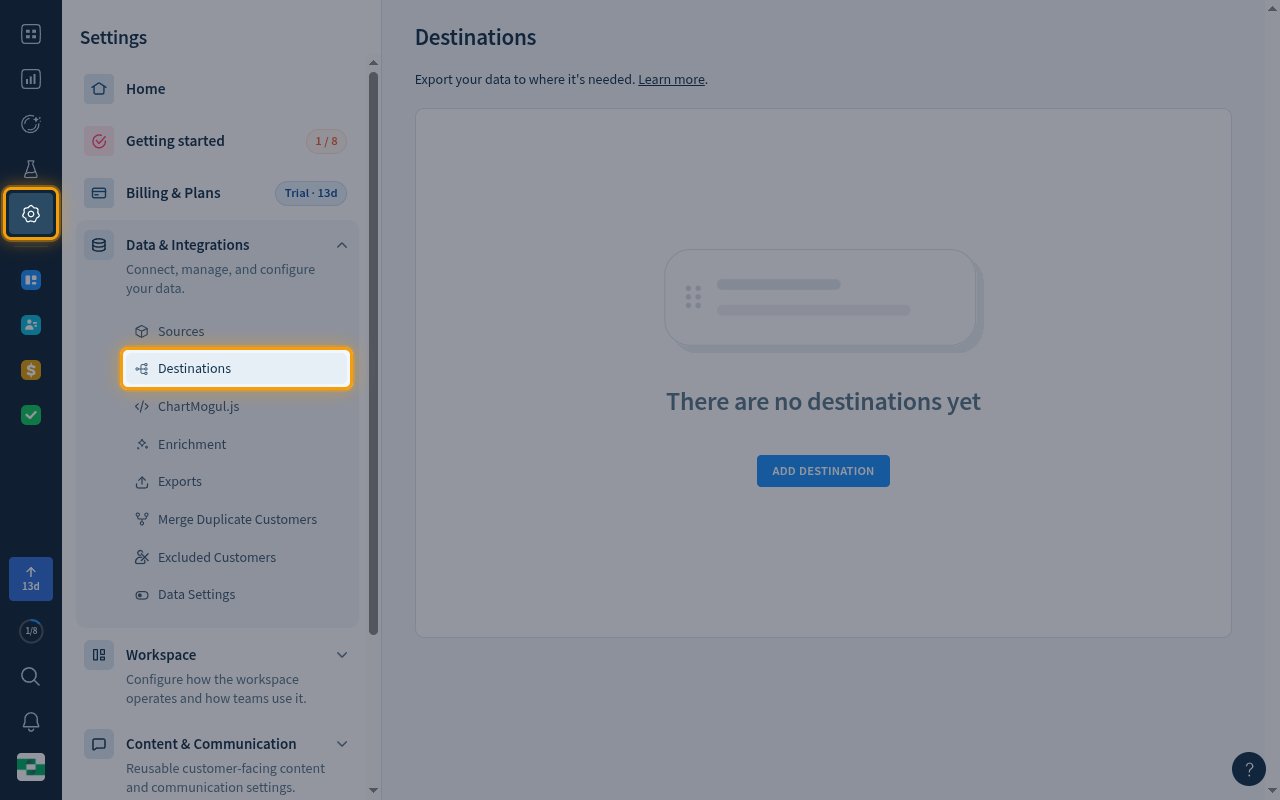
- Click Settings (the gear icon) in the left navigation bar.
- Under Data & Integrations, click Destinations.
Add a destination
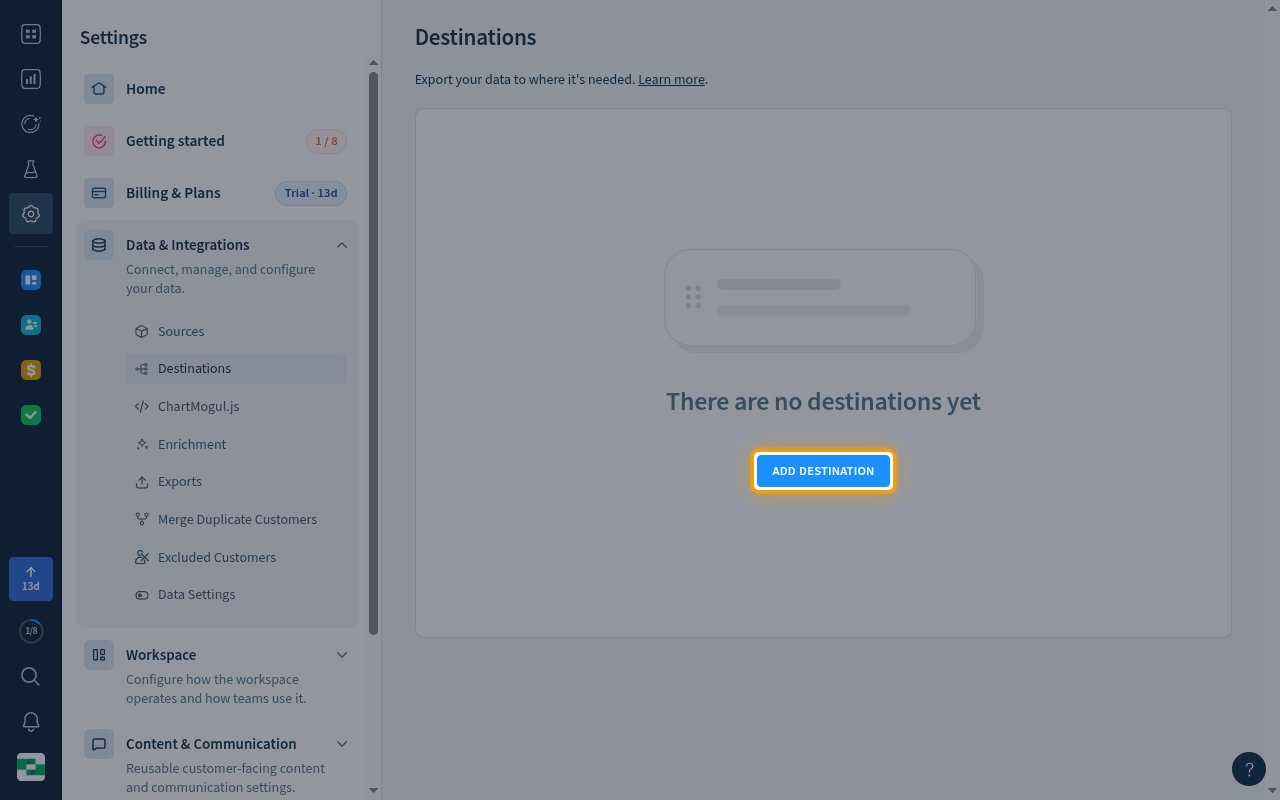
On the Destinations page, click ADD DESTINATION.
Select Webhook
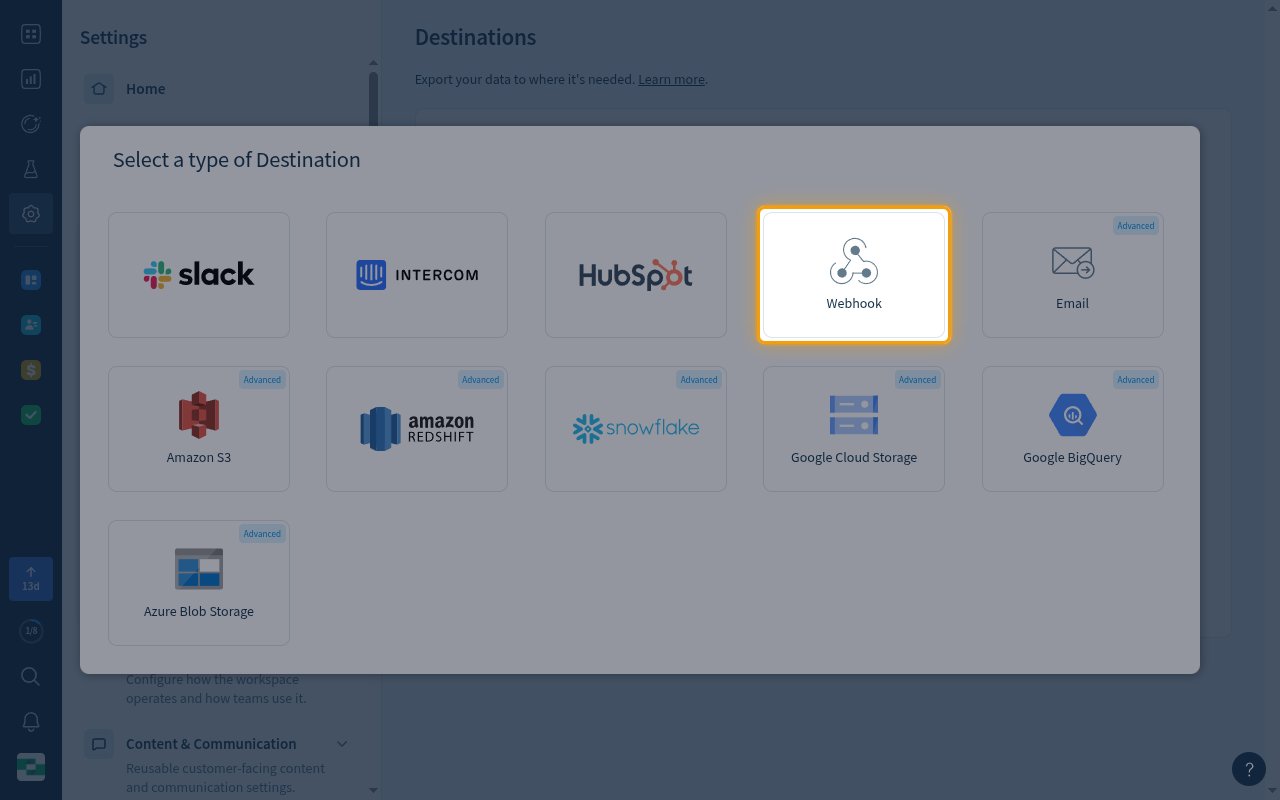
In Select a type of Destination, click Webhook.
Configure the webhook endpoint
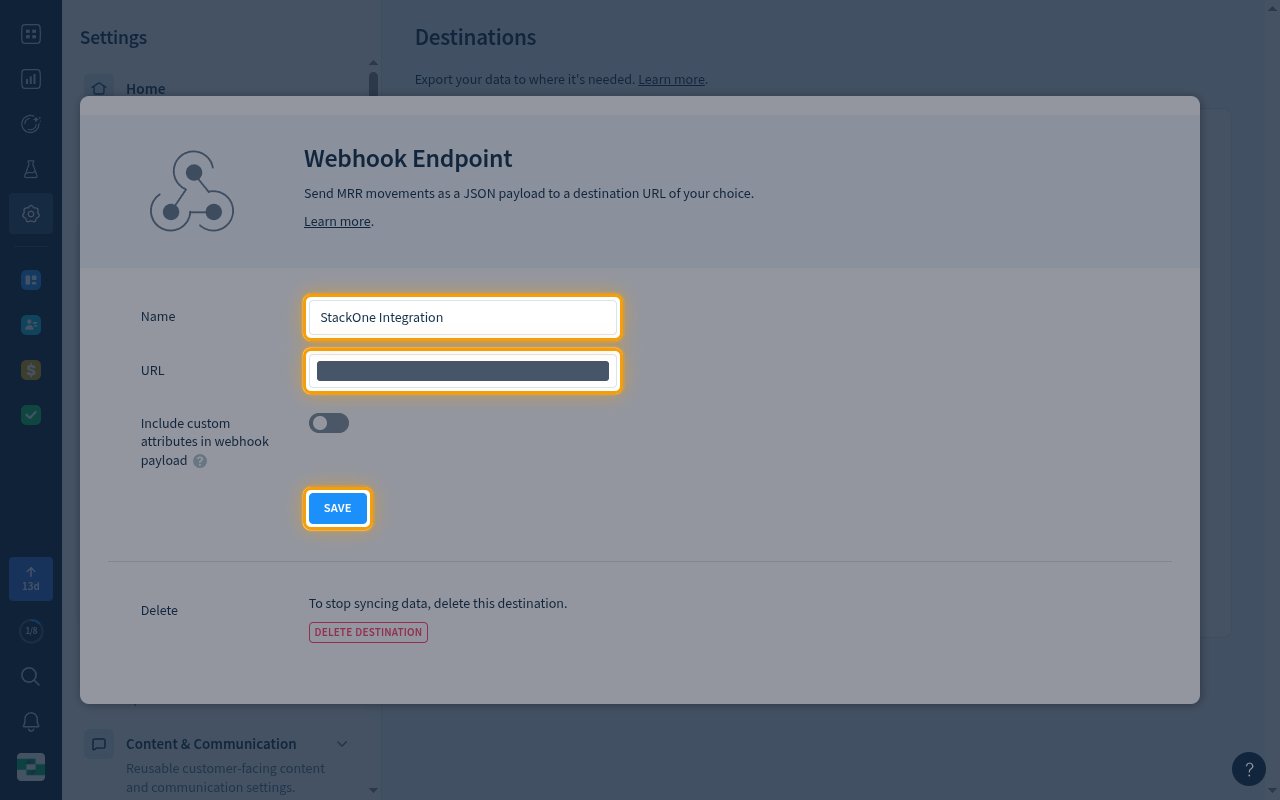
Complete the Webhook Endpoint form, then click SAVE.
- Name — a unique name for the destination, for example
StackOne Integration. - URL — paste the Native Webhook URL you copied from StackOne.
- Include custom attributes in webhook payload — optional. Turn it on to add the customer’s custom attributes to each payload.
Confirm the destination is active
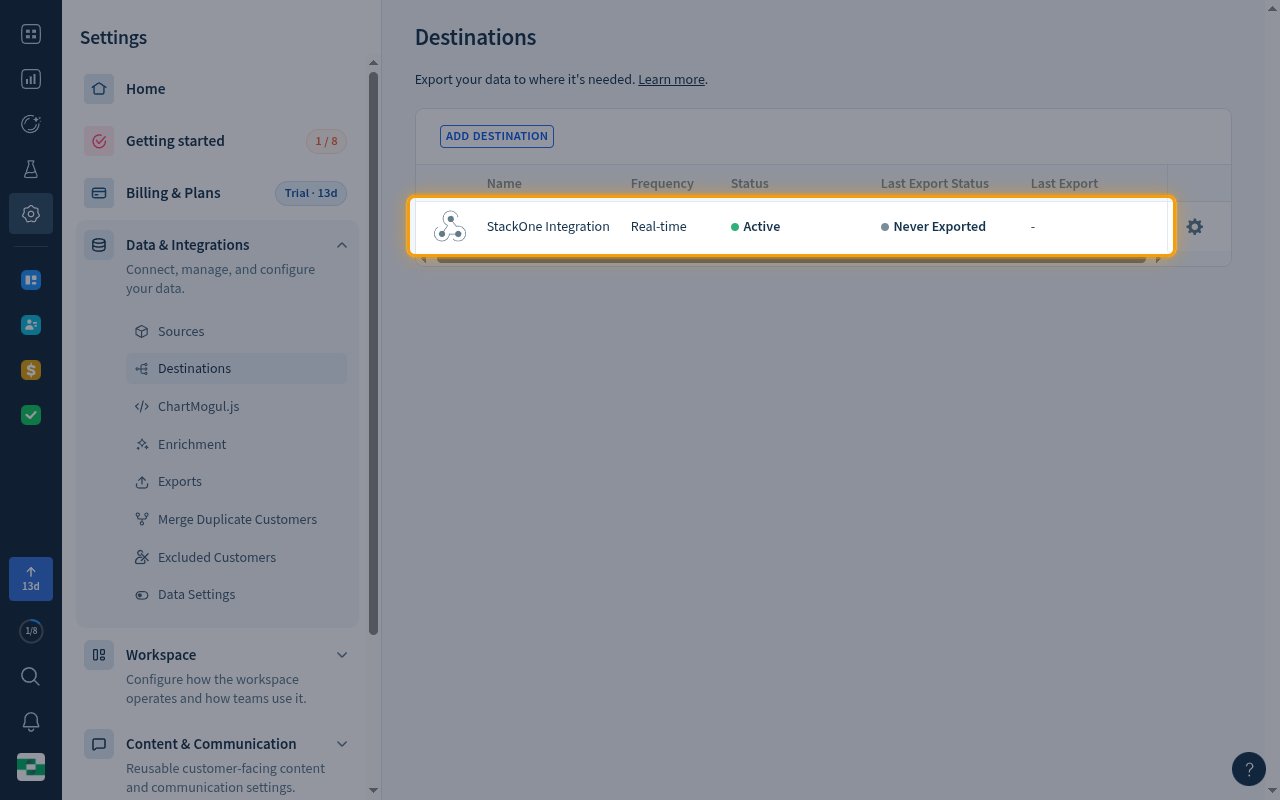
The new destination appears in the Destinations table with Frequency set to Real-time and Status set to Active.
- Last Export Status shows Never Exported until the first MRR movement is sent.
- If StackOne does not return a 2xx response, ChartMogul retries the delivery up to 17 times and then marks it as failed.
- To edit or delete the destination later, click the settings icon at the end of its row.
Available webhook events
ChartMogul sends one webhook per real-time MRR movement, and a Webhook destination always sends every movement type. Only events enabled in StackOne are delivered to your StackOne webhook.
MRR movement events
Events fired when a customer’s monthly recurring revenue (MRR) changes.
- MRR Movement New Business (
mrr_movement.new_biz) — Fired when a new subscription adds MRR for a customer. - MRR Movement Expansion (
mrr_movement.expansion) — Fired when a subscription change increases a customer’s MRR, for example an upgrade or a quantity increase. - MRR Movement Contraction (
mrr_movement.contraction) — Fired when a subscription change decreases a customer’s MRR, for example a downgrade or a quantity decrease. - MRR Movement Churn (
mrr_movement.churn) — Fired when a cancellation removes a customer’s MRR. - MRR Movement Reactivation (
mrr_movement.reactivation) — Fired when a previously churned customer starts paying again.
Delivery format
Details of how ChartMogul delivers events to StackOne.
One MRR movement per request
Each request is a single JSON object for one MRR movement. Its type is always mrr_movement, and movement_type (new_biz, expansion, contraction, churn or reactivation) tells StackOne which event it is.
- ChartMogul only sends real-time movements. Data imported a day or more late (for example from App Store Connect or Google Play) does not trigger a webhook.
- No webhook is sent when a change does not alter MRR, when historical MRR changes (merging customers, editing MRR, connecting subscriptions), or when the movement is below 0.5% of total MRR or five cents.
- Requests carry no signature. The per-account key in the Native Webhook URL identifies the account.