

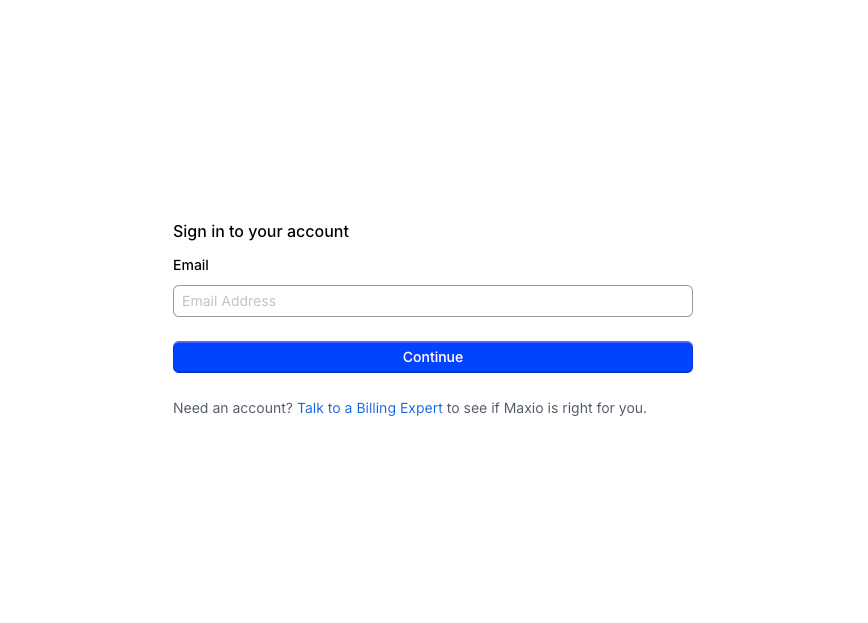
Sign in to your Chargify (Maxio) account
Sign in to your Chargify (Maxio) account at https://app.chargify.com/login.html or https://login.maxio.com/u/login. If you do not have an account, you can create a free sandbox account for testing. After signing in, navigate to your Chargify dashboard using your subdomain, e.g. https://{your-subdomain}.chargify.com/dashboard.
Generate your API key
Create an API key from the Chargify (Maxio) Advanced Billing dashboard.
Open the Integrations settings
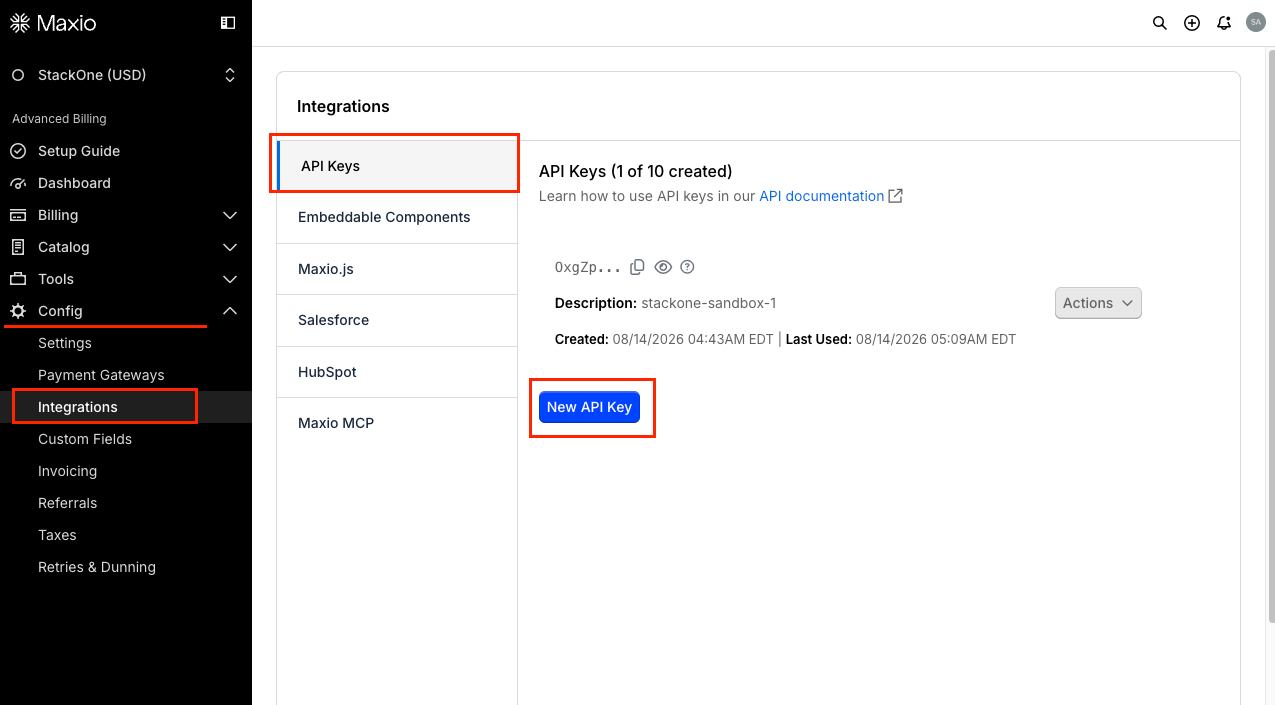
Navigate to Config > Integrations from the left sidebar.
Create a new API key
Click New API Key to open the key creation dialog.
- Only admin users can manage API keys.
- You can have up to 10 API keys per site.
Enter a description and create the key
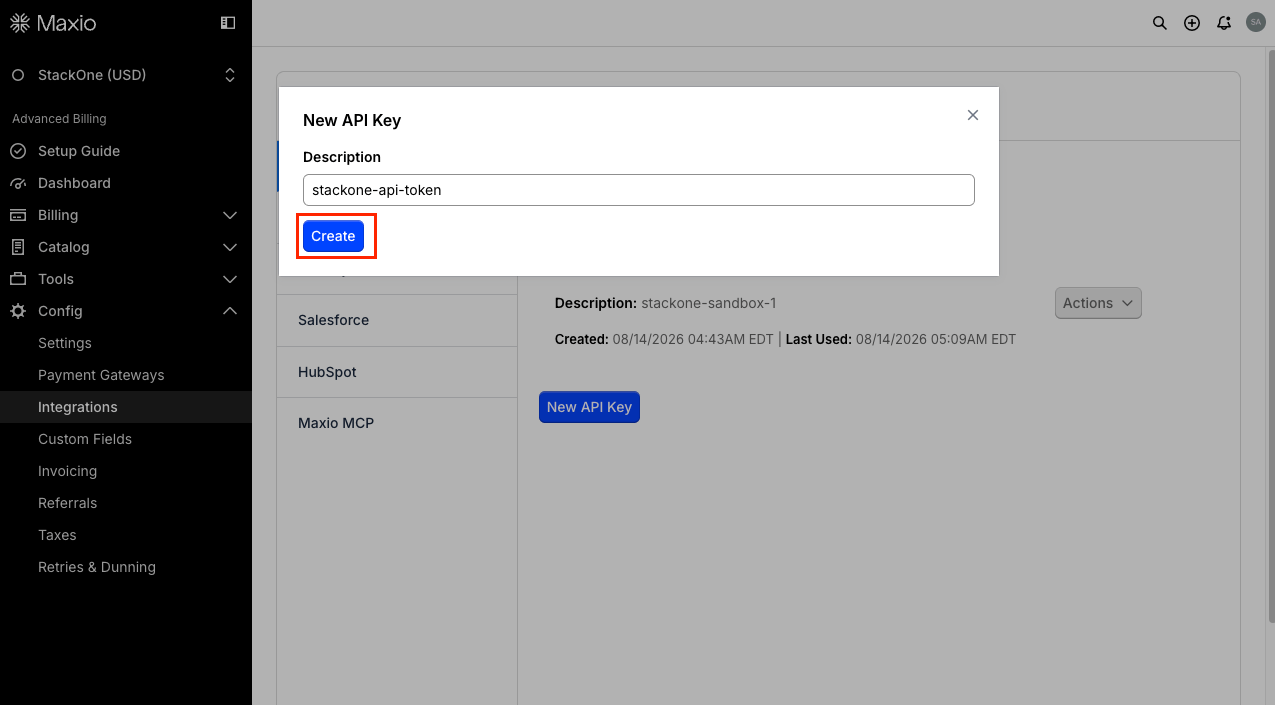
In the New API Key dialog, enter a Description to identify the key, for example StackOne, then click Create.
Copy the API key
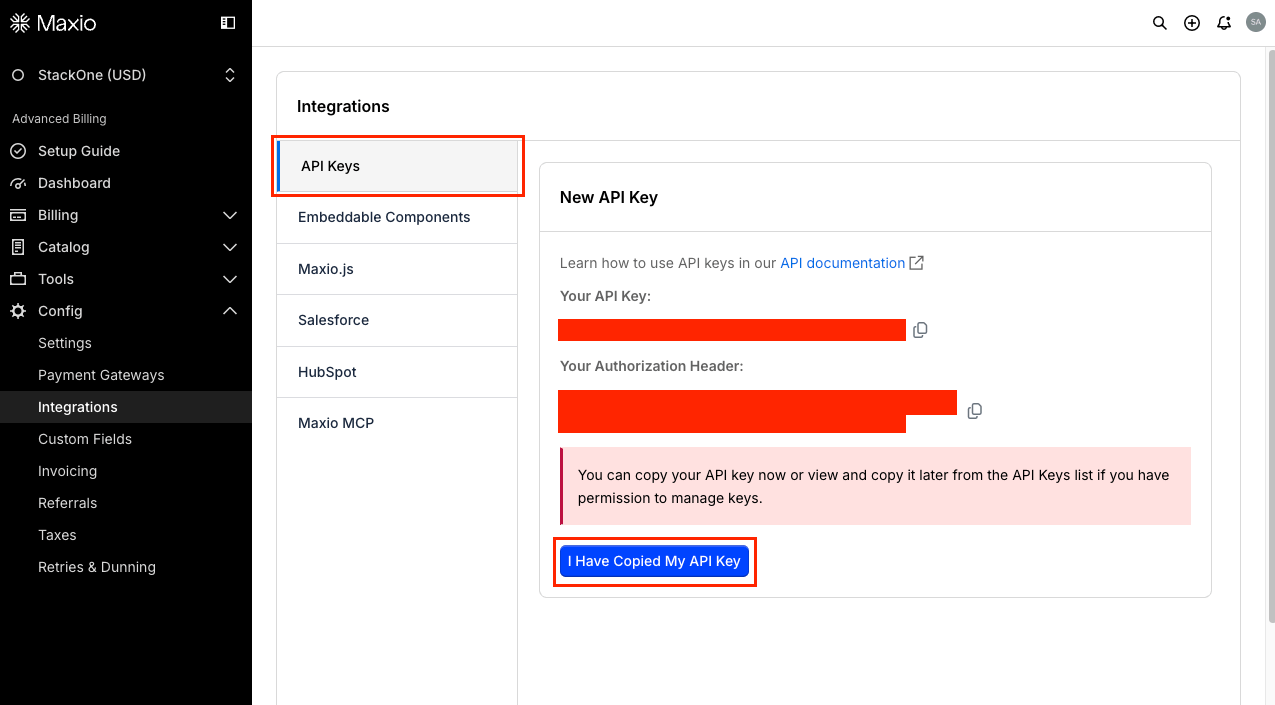
Copy Your API Key and store it securely, then click I Have Copied My API Key to dismiss the panel. If you have permission to manage keys, you can view and copy the key again later from the API Keys list.
Retrieve your site subdomain
Your subdomain is the first part of your Chargify (Maxio) dashboard URL. For example, if your URL is https://mycompany.chargify.com or https://mycompany.ebilling.maxio.com, your subdomain is mycompany.
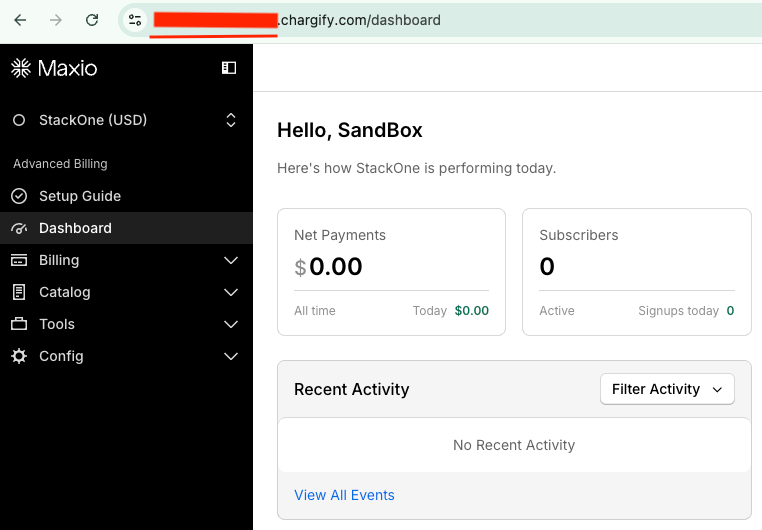
Select your data region
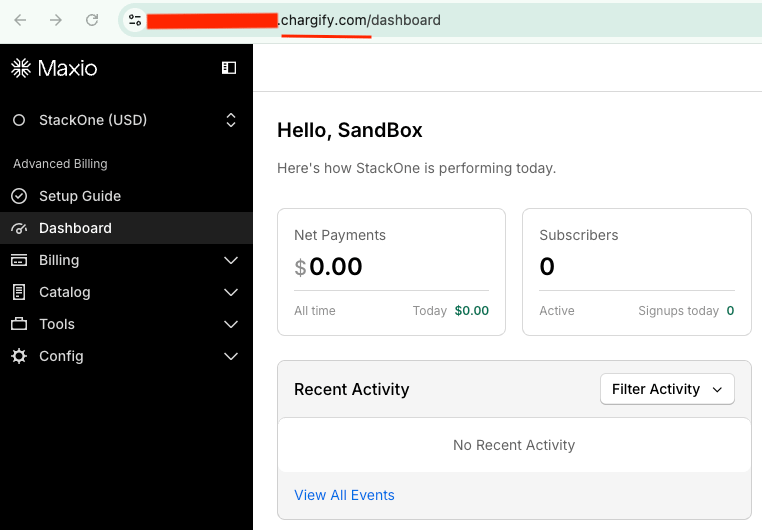
Choose the region that matches where your Chargify (Maxio) account is hosted. You can determine this from your dashboard URL.
- US — Dashboard URL contains
chargify.com - EU — Dashboard URL contains
ebilling.maxio.com
Linking the Account from the Hub
Navigate to the Hub
Fill out the fields
- API Key
- Site Subdomain
- Region
Connect
- Click Connect
- If applicable, the provider will redirect you to a sign-in or authorization page. Complete the provider’s authorization flow.
- Once authorization is successful, you will see a confirmation popup
If the account linking is successful, you will see the newly linked account in your Accounts page.