

Generating an administrator API key
Campaign Monitor lists two kinds of key on the API & integrations page. StackOne connects with the Administrator API key, because the connector reads account-wide resources such as clients, administrators, and billing details.
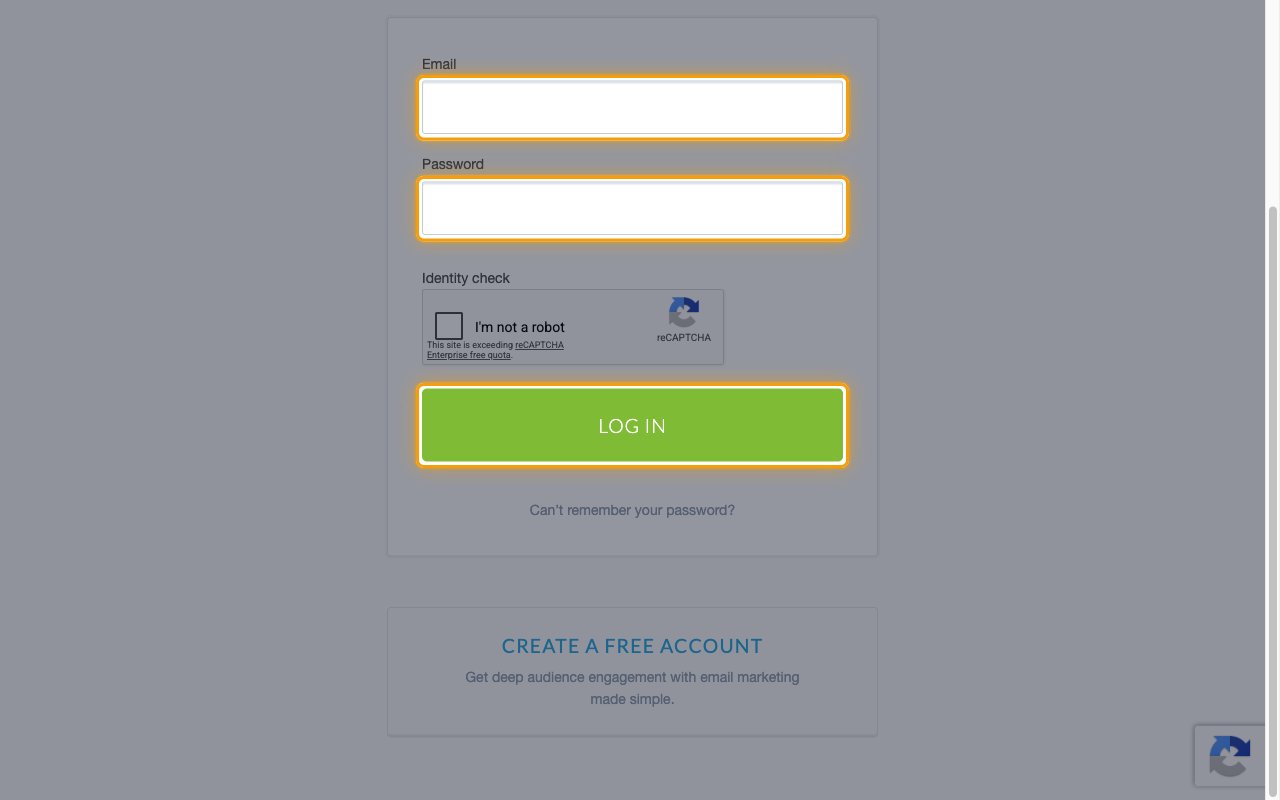
Sign in to Campaign Monitor
Sign in to your Campaign Monitor account.
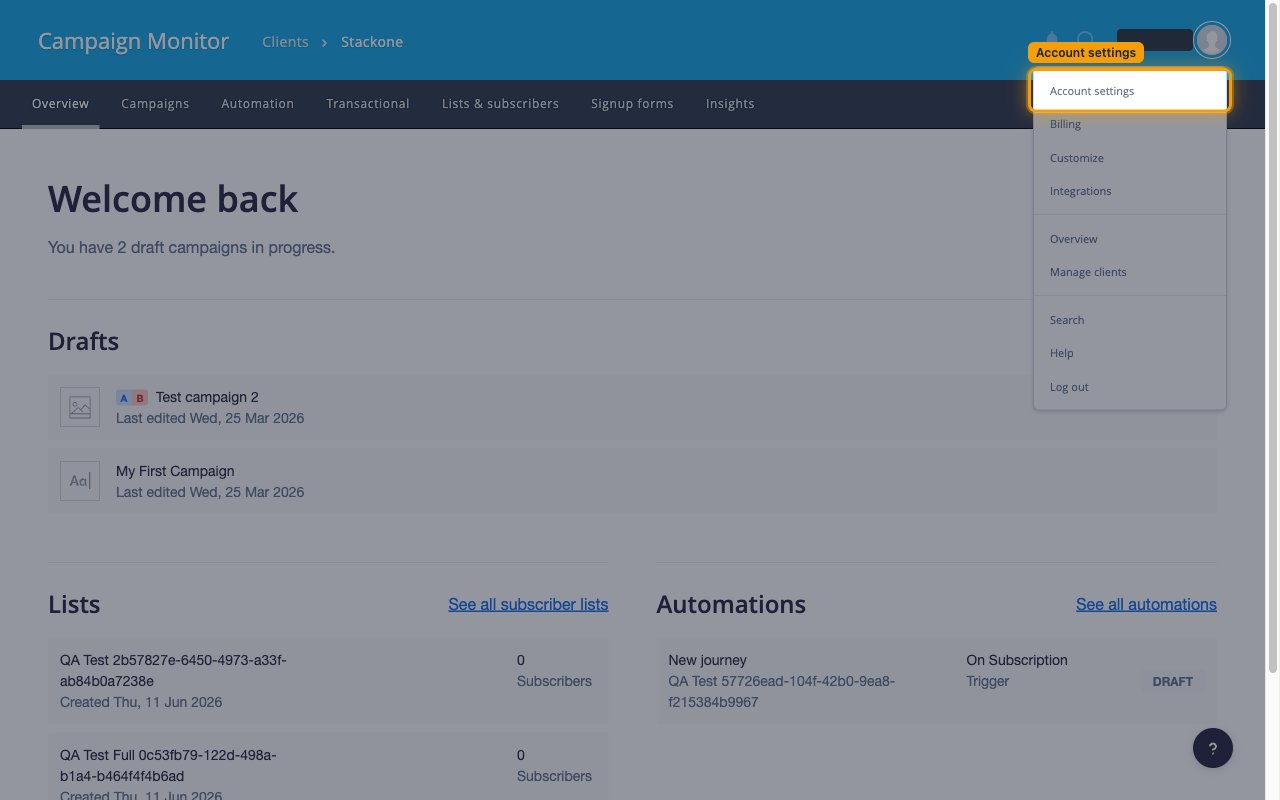
Open your account settings
Click your profile image in the top right corner.
- Select Account settings from the menu.
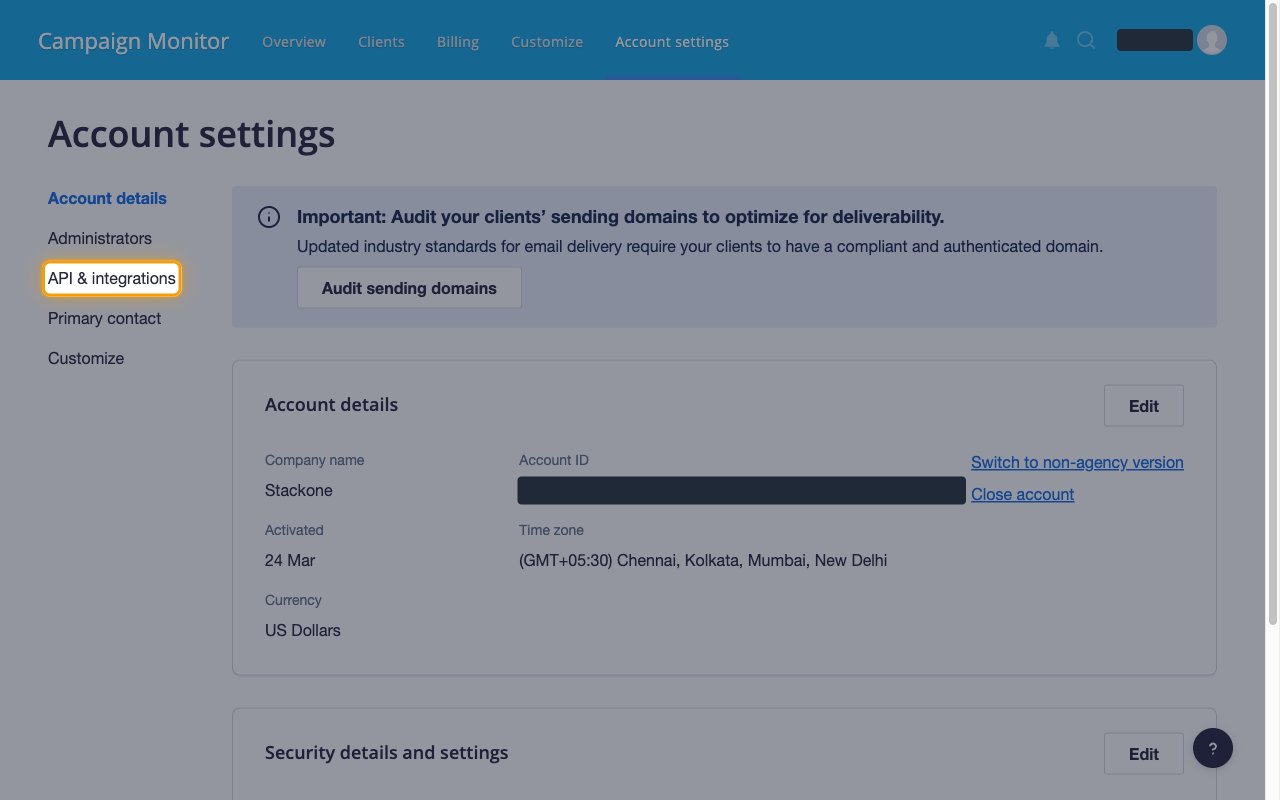
Open API & integrations
On the Account settings page, click API & integrations in the left menu.
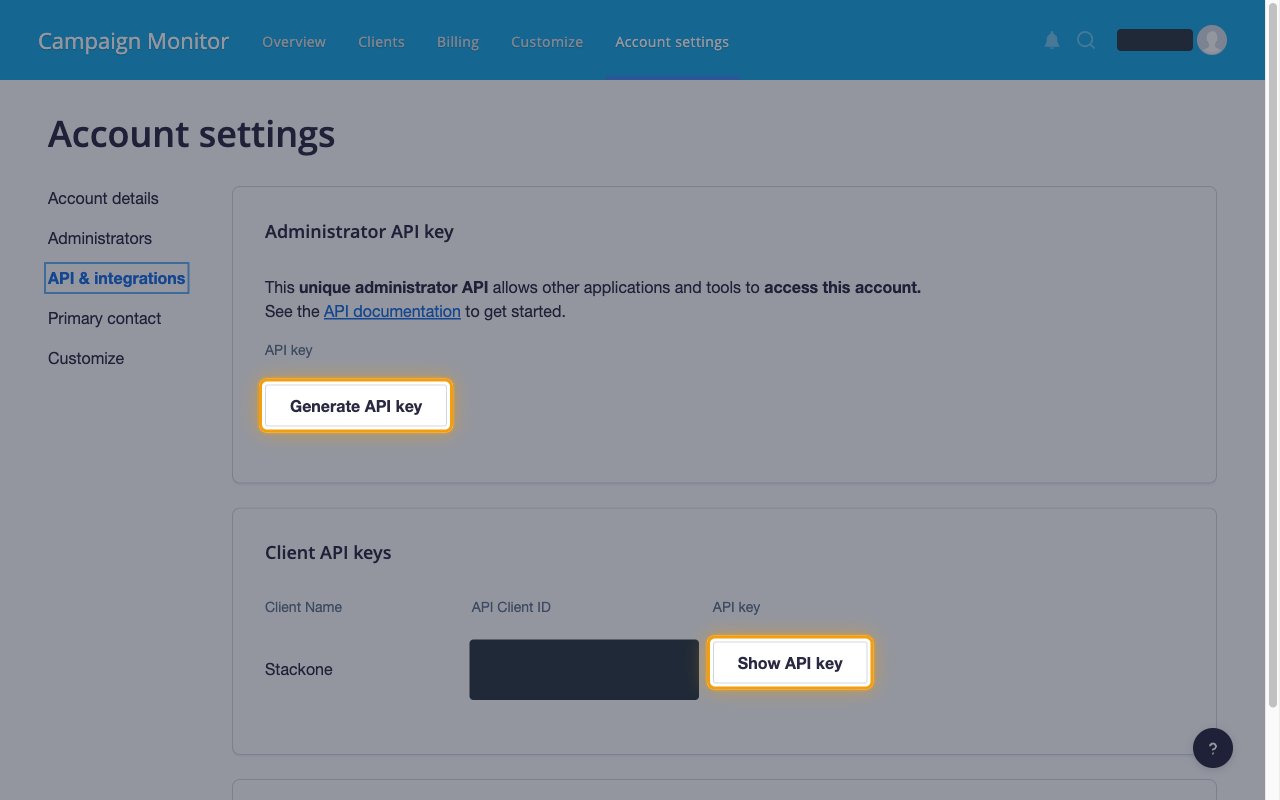
Generate the administrator API key
Under Administrator API key, click Generate API key.
- Once a key exists the button is replaced by Generate a new API key, which issues a replacement and invalidates the previous key.
- The Client API keys section below lists a separate key per client, so Show API key there is not the account-wide value StackOne needs.
Confirm your password
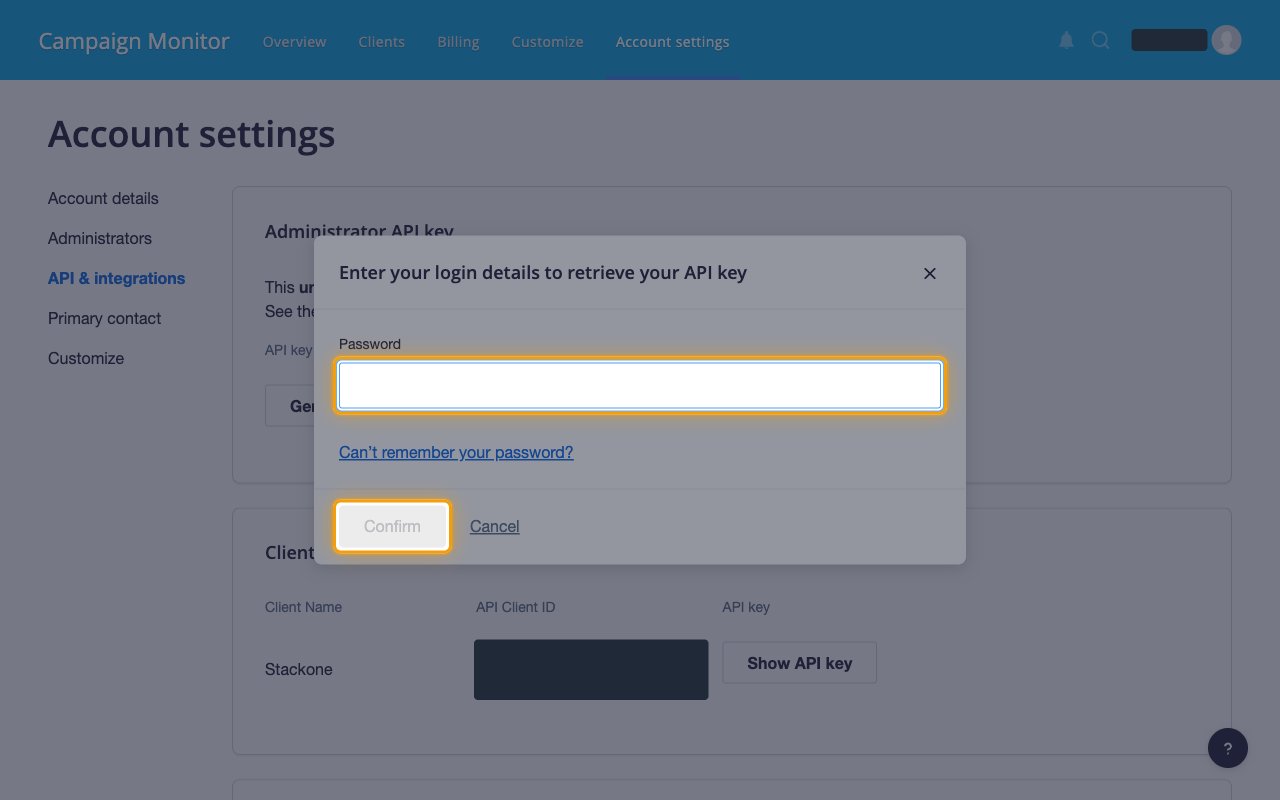
Campaign Monitor re-checks your identity before it reveals the key. Enter your password in Password and click Confirm.
Copy the API key
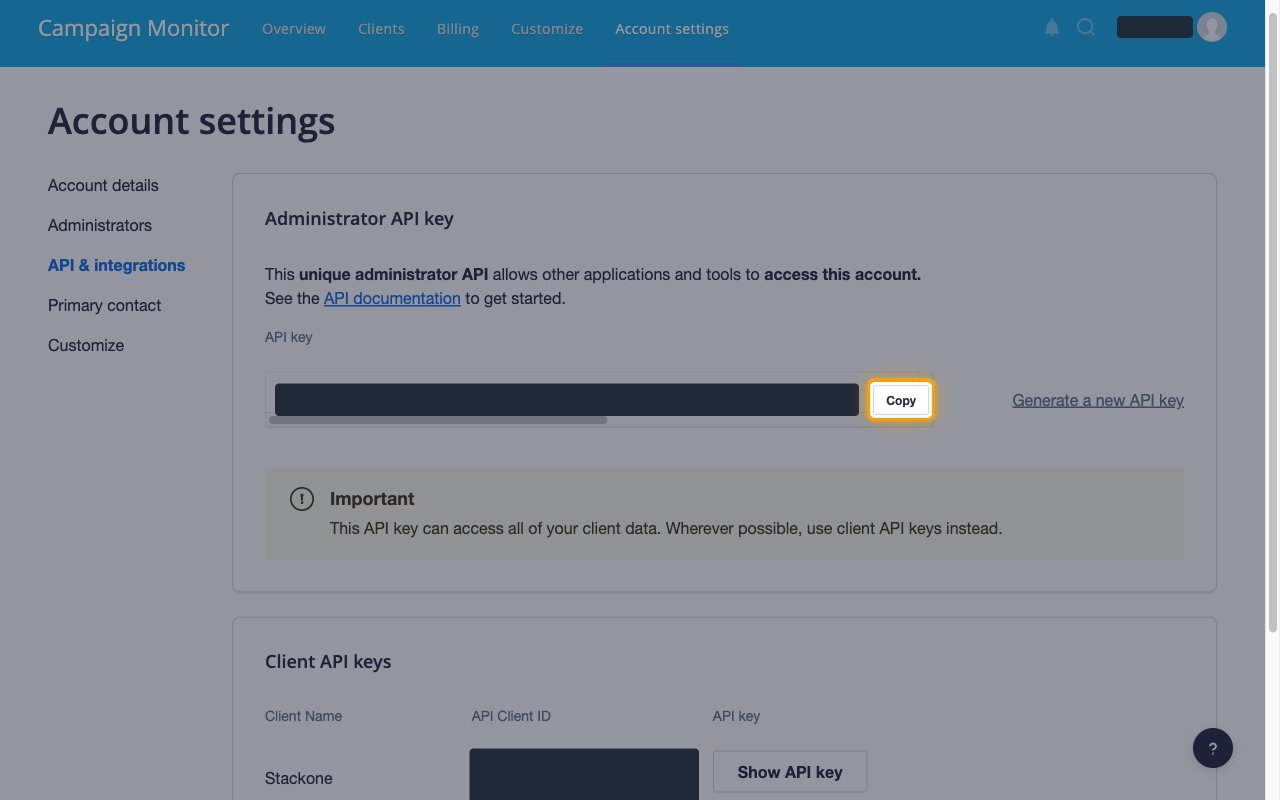
Click Copy beside the API key value and store it securely for use later.
- Campaign Monitor marks this key Important — it can access all of your client data.
- Paste it into the API Key field in StackOne Hub.
Linking the Account from the Hub
Navigate to the Hub
Fill out the fields
- API Key
- Webhook List IDs (Optional)
Connect
- Click Connect
- If applicable, the provider will redirect you to a sign-in or authorization page. Complete the provider’s authorization flow.
- Once authorization is successful, you will see a confirmation popup
If the account linking is successful, you will see the newly linked account in your Accounts page.
Next Steps
Webhooks setup
Configure receiving Events for Campaign Monitor into StackOne.