

Prerequisites
The connector should already be set up, with a Connector Profile and a Linked Account. See Getting Started on the Bronto connector page.How Bronto delivers events
Bronto emits an event when one of your Monitors changes state (alert, warning, or recovery). On connection, StackOne automatically registers a webhook integration named StackOne Events in your Bronto organisation, pointing at your account’s receiver URL — there is no URL to copy and no verification step to complete. A webhook only fires for the monitors that use it as a notification, so the one remaining step is to add StackOne Events to your monitors.
Attach StackOne Events to a monitor
Add the StackOne Events webhook as a notification on any monitor you want to forward to StackOne.
Open a monitor and add a Webhook notification
In the Bronto sidebar open Monitors, then open an existing monitor or click New Monitor. In the Notifications & Details section, under Notifications, open the channel-type dropdown and choose Webhook.
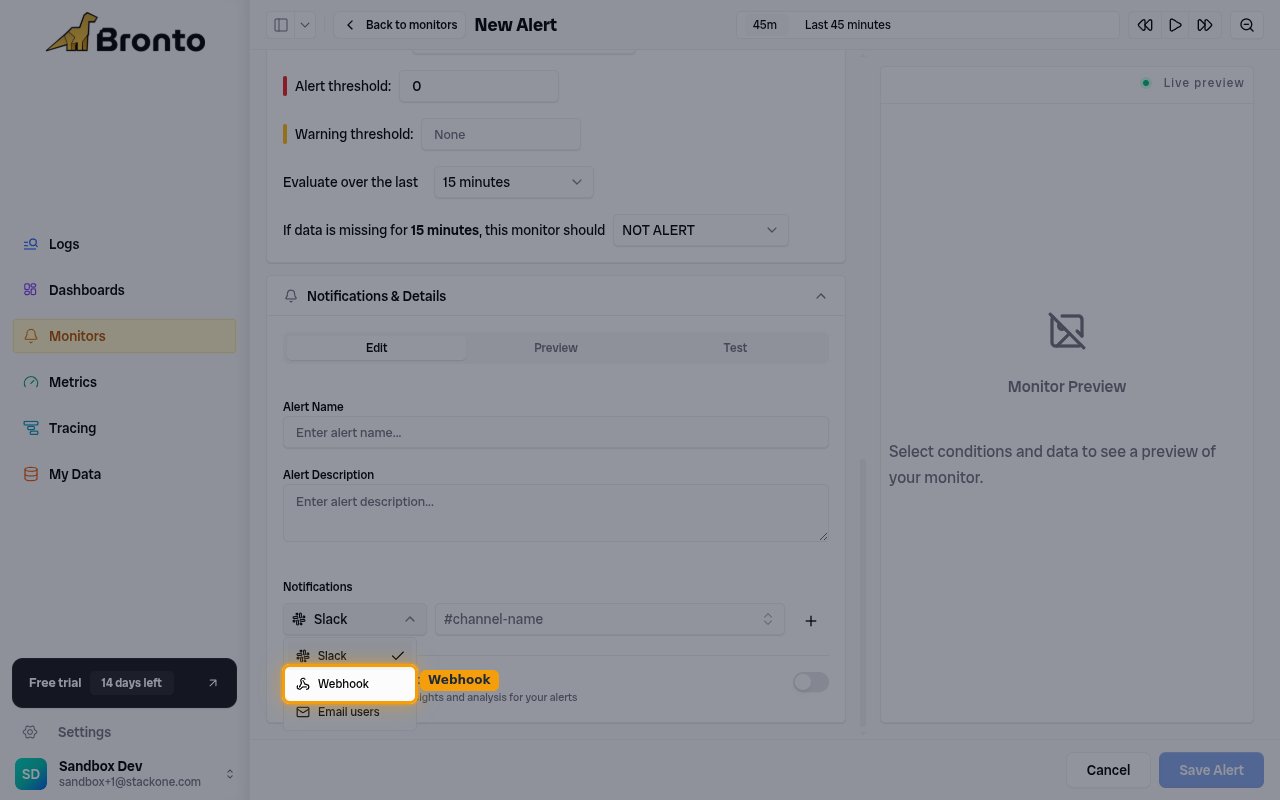
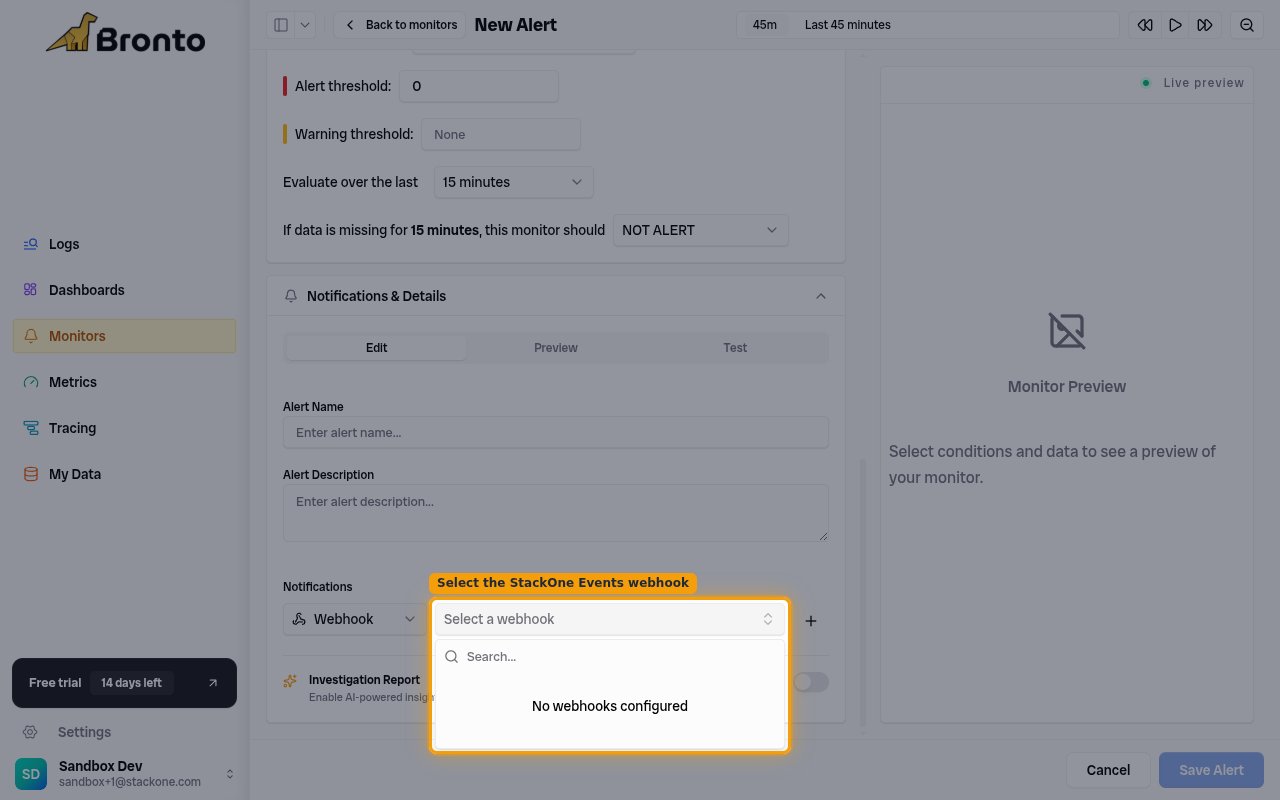
Select the StackOne Events webhook
In the Select a webhook dropdown next to it, choose StackOne Events, click Add notification, then Save Alert.
- If the list shows No webhooks configured, the account is not connected yet — connect Bronto in StackOne first so the StackOne Events integration is created, then reopen this dropdown.
Available webhook events
Only monitor state changes are delivered. StackOne routes each delivery to the matching handler by the payload’s status field — you do not select individual event types in Bronto; every monitor that uses the StackOne Events webhook delivers all of the following.
Monitor state-change events
Events emitted as a monitor transitions between states.
- Monitor Alert Triggered (
monitor.alert) — Fired when a monitor’s evaluated value crosses its alert threshold. - Monitor Warning Triggered (
monitor.warn) — Fired when a monitor’s value crosses its warning threshold but not the alert threshold. - Monitor Recovered (
monitor.ok) — Fired when a monitor returns to the OK state after having been in alert or warning. - Monitor Event (
monitor.event) — Catch-all for any monitor state that is not alert, warning, or recovery.
Delivery format
How Bronto delivers each event to StackOne.
One JSON object per state change
Each delivery is a single HTTP POST with a JSON body describing one monitor state change — including alert_id, monitor_id, monitor_name, status, previous_status, current_value, threshold, the evaluated query, and the time window. Bronto performs no URL-verification handshake; the per-account receiver token secures the endpoint. eventId is taken from alert_id and the payload is passed through as the event data.