

Copy the Notify Auth Token
Alchemy has one Notify Auth Token per team, shared by all of its Apps.
1
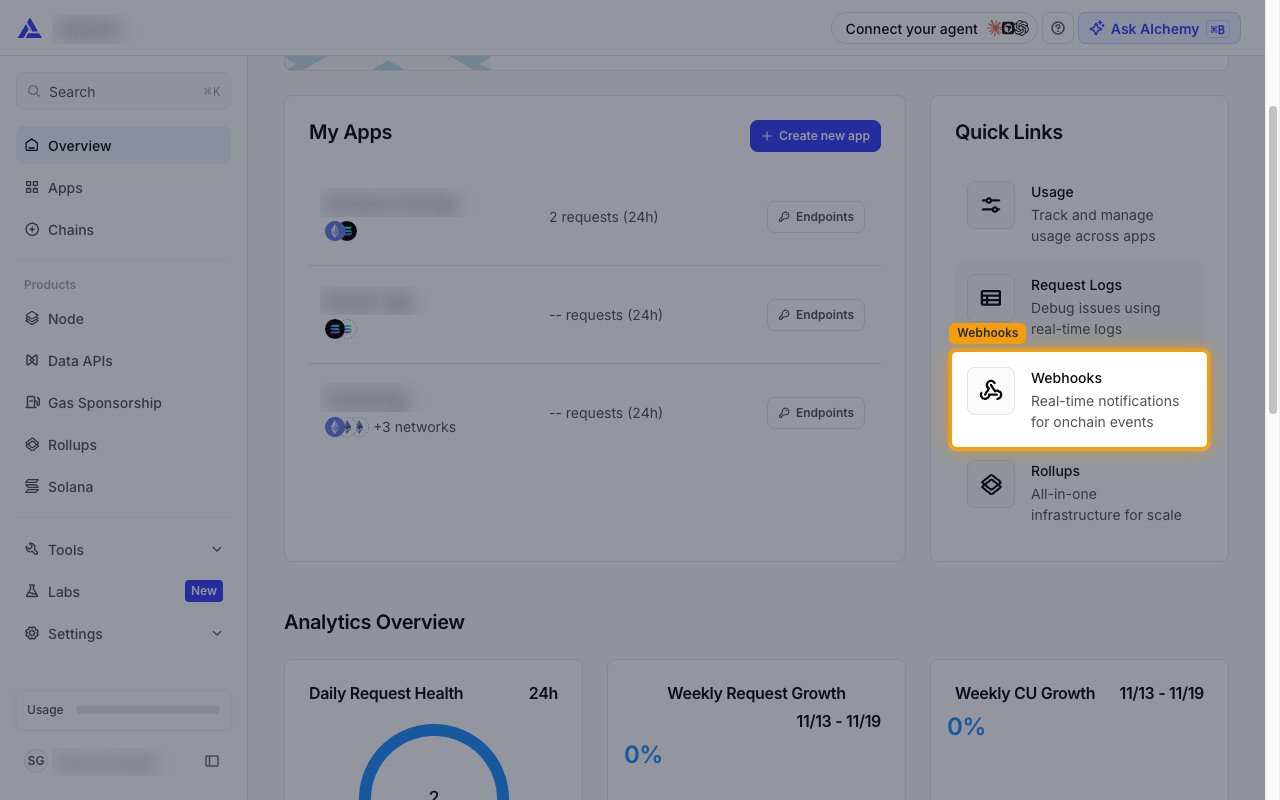
Open Webhooks
On the Alchemy dashboard, under Quick Links, click Webhooks.
2
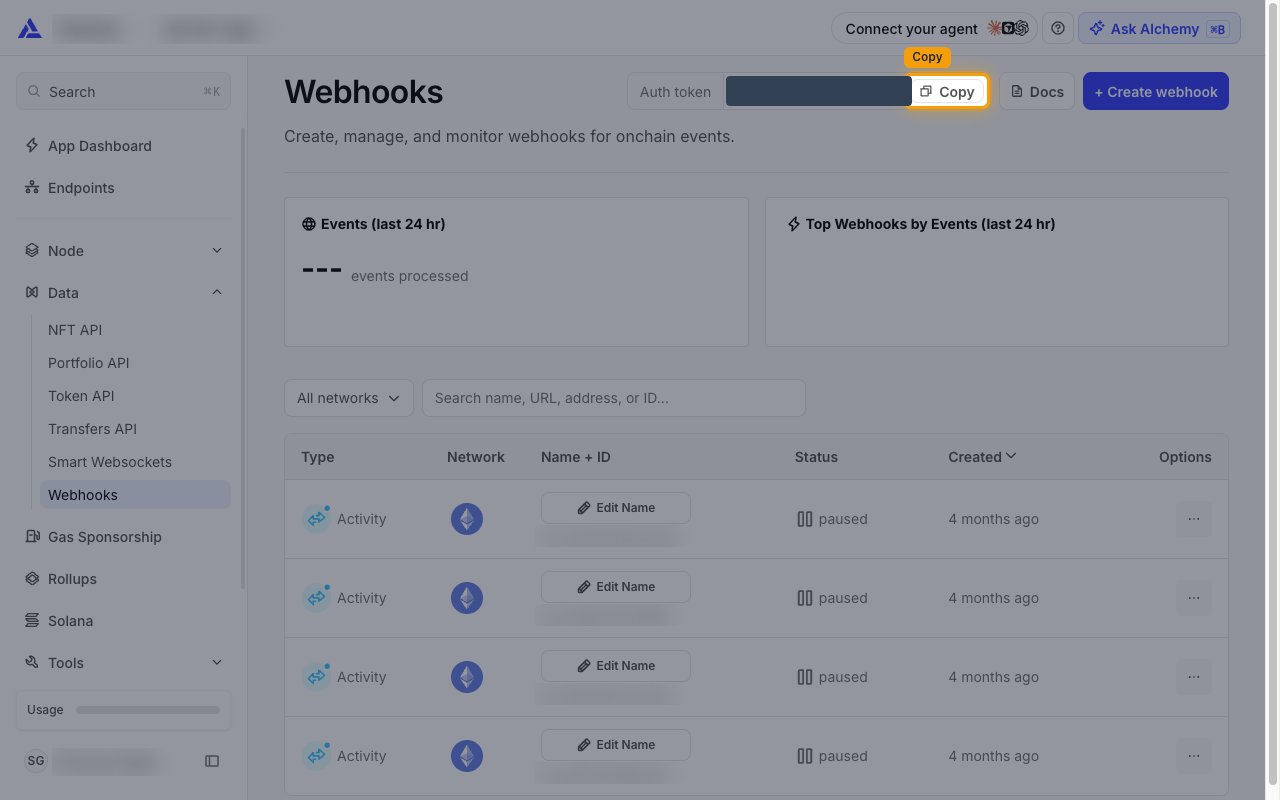
Copy the Auth token
Click Copy next to Auth token in the top-right. Copy the Notify Auth Token across.
Link the Account
1
Connect
- Click Connect.
- If applicable, the provider will redirect you to a sign-in or authorization page. Complete the provider’s authorization flow.
- Once authorization is successful, you will see a confirmation popup.
2
Use Actions
Connect an AI platform to the linked account’s actions. See AI Platforms.Other ways to call actions are listed in Protocols & SDKs.
Next Steps
Webhooks setup
Configure receiving Events for Alchemy into StackOne.