

Find your Airship region (EU or US)
Login to your Airship tenant and check your browser’s URL bar to determine your region.
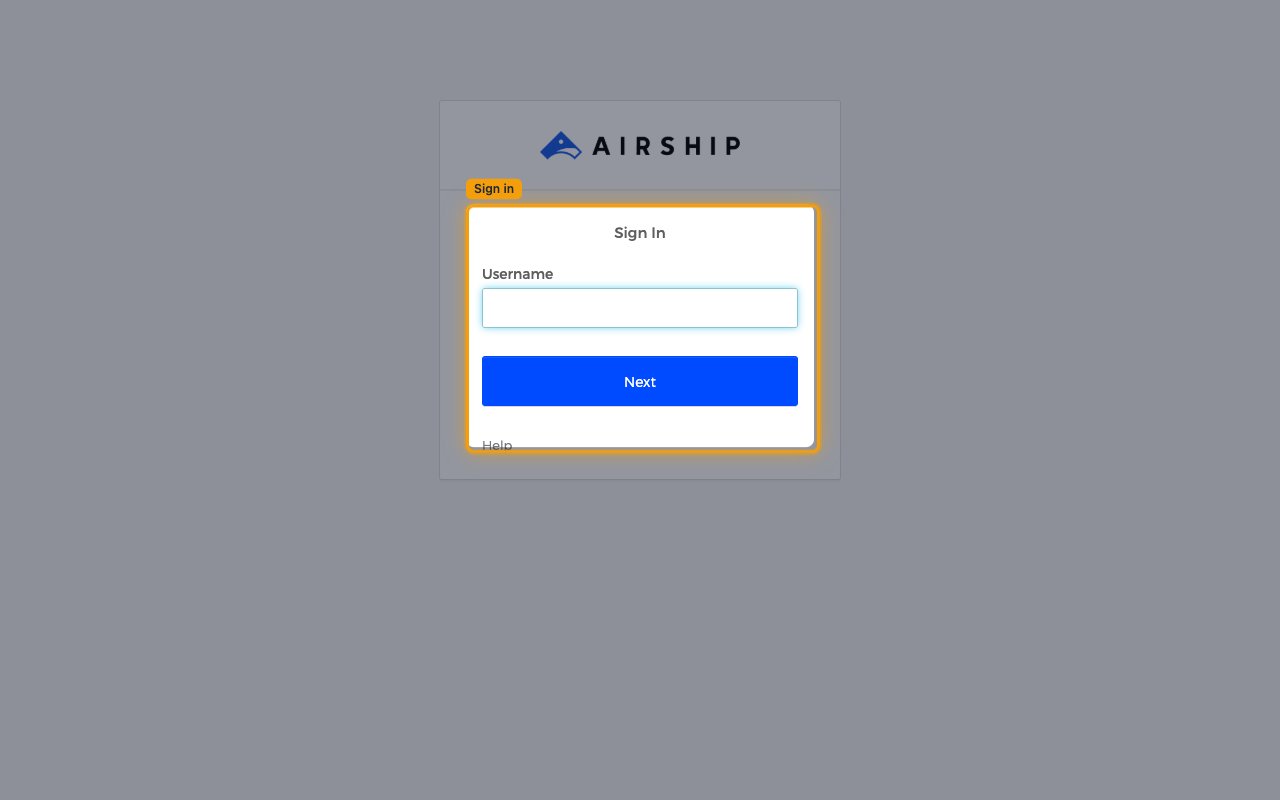
Confirm your region
Your region is determined by the Airship domain your account is hosted on. Once you are
logged in, check your browser’s address bar and match the domain below.
go.urbanairship.com→ USgo.airship.eu→ EU- For example, the URL
https://go.airship.eu/apps/means your region is EU.
Retrieve your App Key
The App Key identifies your Airship project.
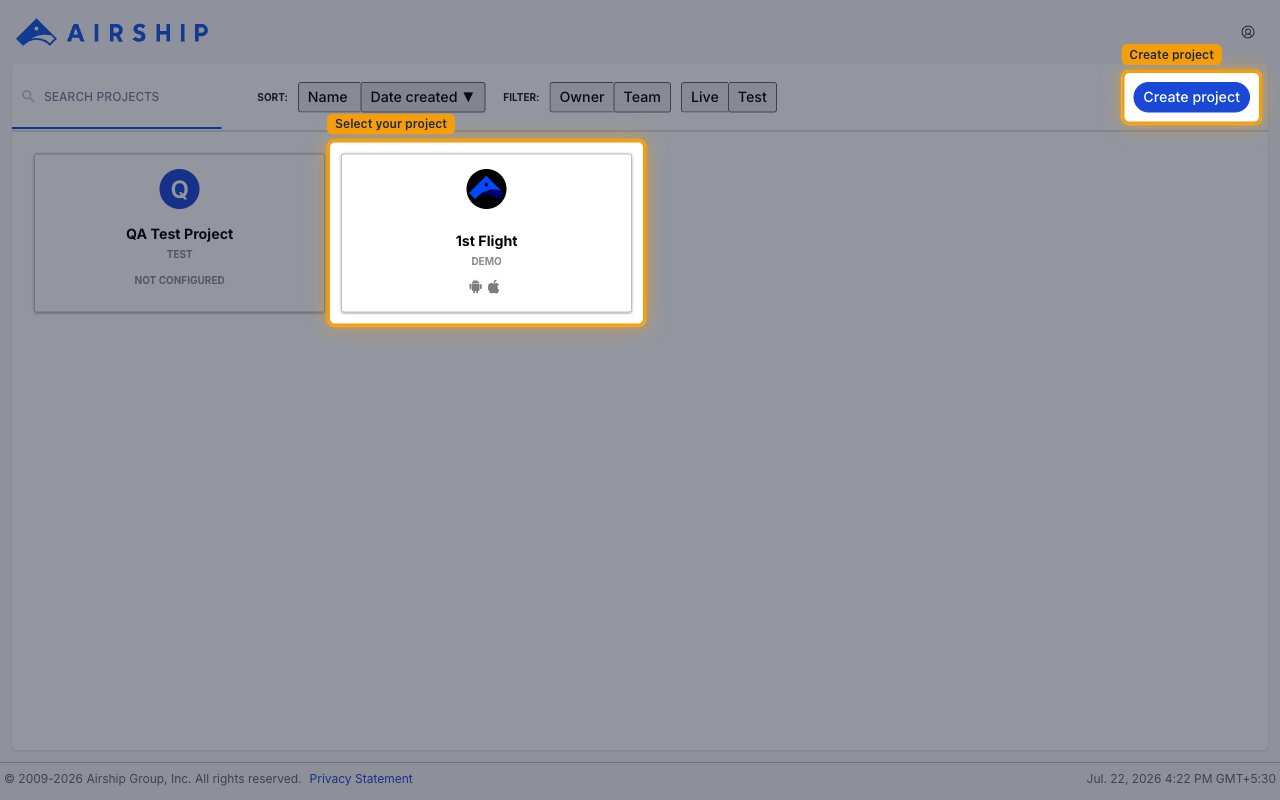
Select your project
After logging in, the project dashboard lists the projects you have access to. Select the project you want to connect.
- If you do not have a project yet, click Create project in the top-right corner to create one.
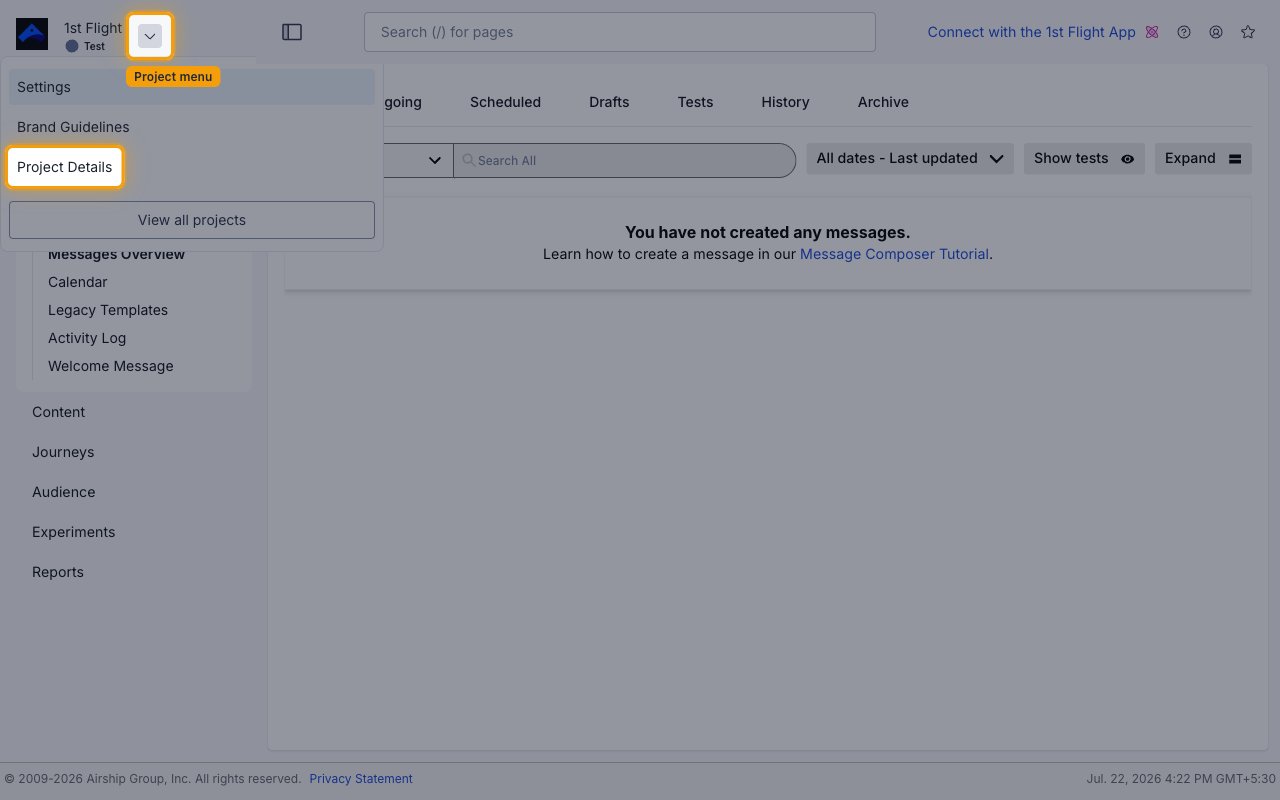
Open Project Details
Click the dropdown arrow next to the project name in the top-left corner, then select Project Details from the menu.
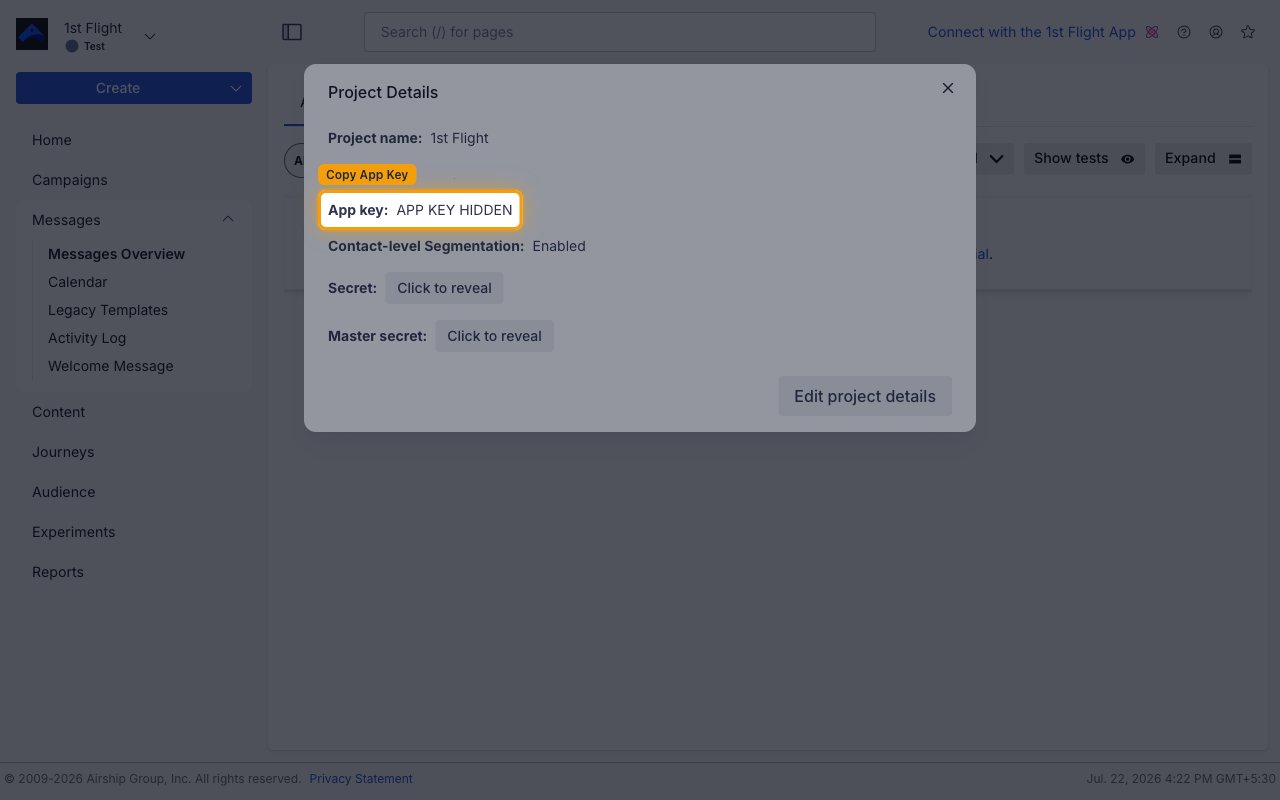
Copy App Key
In the Project Details panel, copy the App key and store it securely for use later.
Retrieve your Master Secret
The Master Secret is used for API authentication.
Reveal Master Secret
In the same Project Details panel, select Click to reveal next to Master secret.
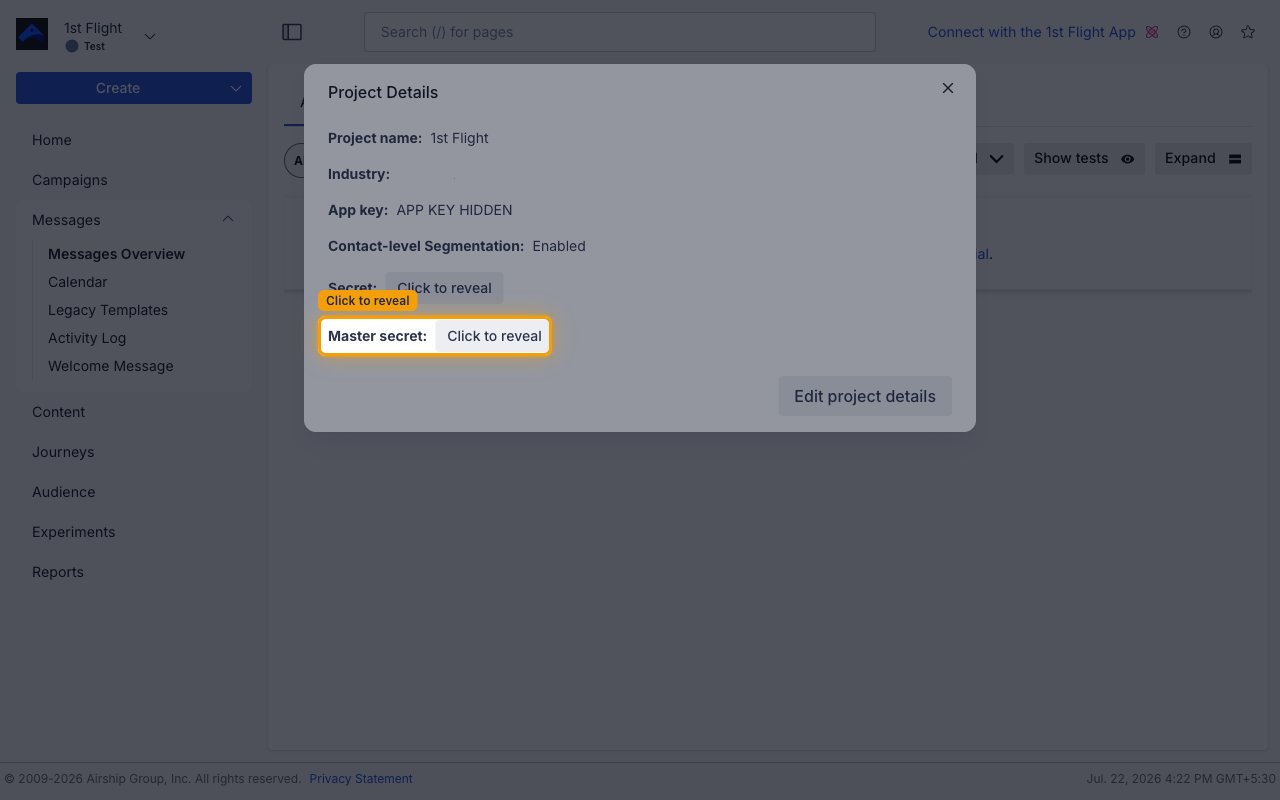
Copy Master Secret
Copy the contents of Master secret and store it securely for use later.
Linking the Account from the Hub
Navigate to the Hub
Fill out the fields
- Region
- App Key
- Master Secret
Connect
- Click Connect
- If applicable, the provider will redirect you to a sign-in or authorization page. Complete the provider’s authorization flow.
- Once authorization is successful, you will see a confirmation popup
If the account linking is successful, you will see the newly linked account in your Accounts page.