

Prerequisites
An Accurate Developer Portal account. Click Sign Up on the Accurate Developer Portal to create one with an email address and password, or with a Google account.
Copy your API credentials
The Client ID and Client Secret are your HTTP Basic Authentication credentials. Sandbox and production each have their own pair.
- Each StackOne account connects to a single environment. To use both sandbox and production, link two accounts, one for each pair of credentials.
Sign in to the Developer Portal
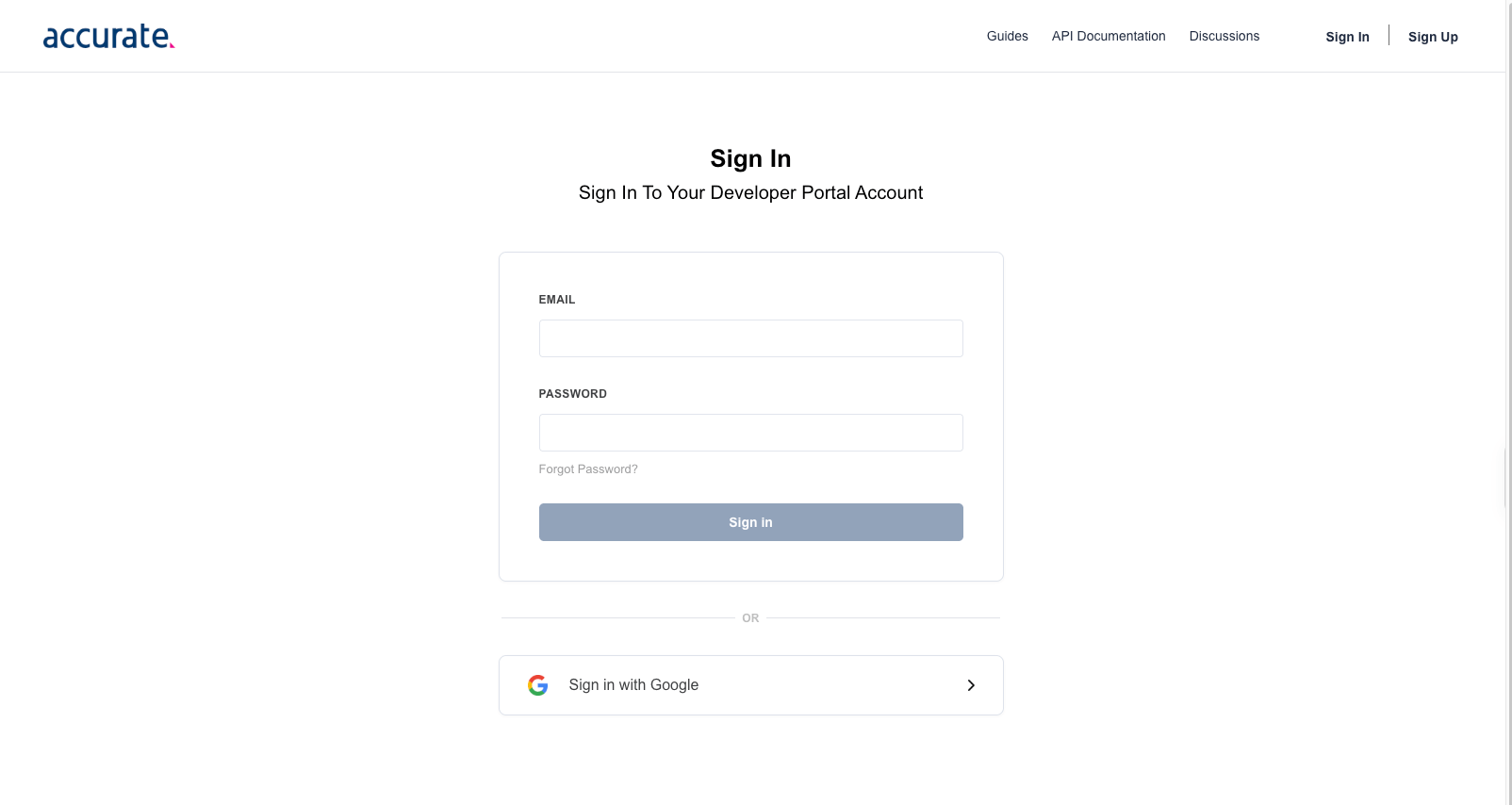
Open the Accurate Developer Portal and click Sign In. Enter your EMAIL and PASSWORD and click Sign in, or click Sign in with Google.
Copy the sandbox Client ID and Client Secret
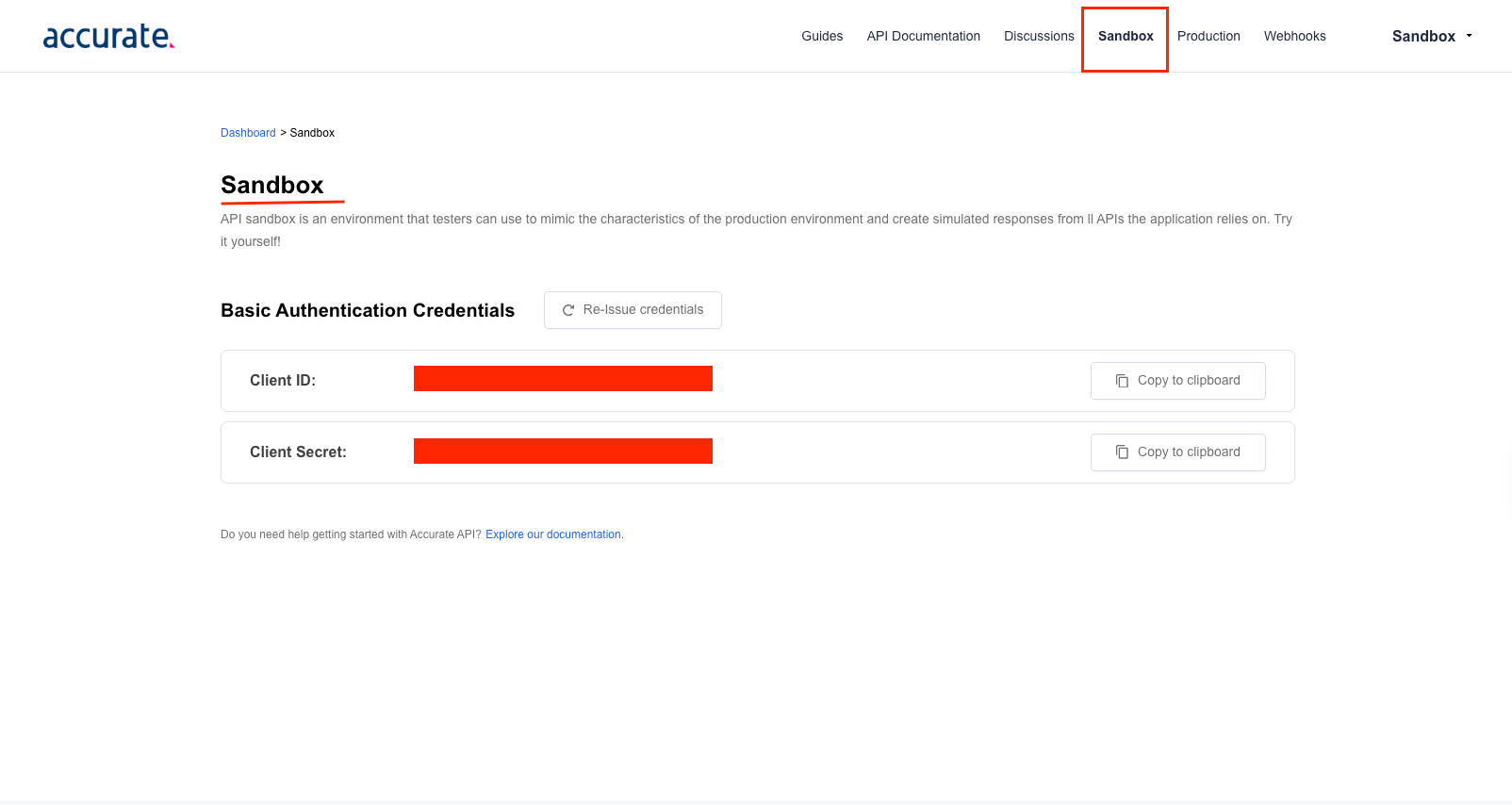
Click Sandbox in the top menu. Under Basic Authentication Credentials, click Copy to clipboard next to Client ID and copy the Client ID across. Then click Copy to clipboard next to Client Secret and copy the Client Secret across.
- Sandbox credentials are available as soon as you create your account and return pre-built test results free of charge.
- Re-Issue credentials replaces both values and the old pair stops working, so update your StackOne account with the new values.
Request production credentials
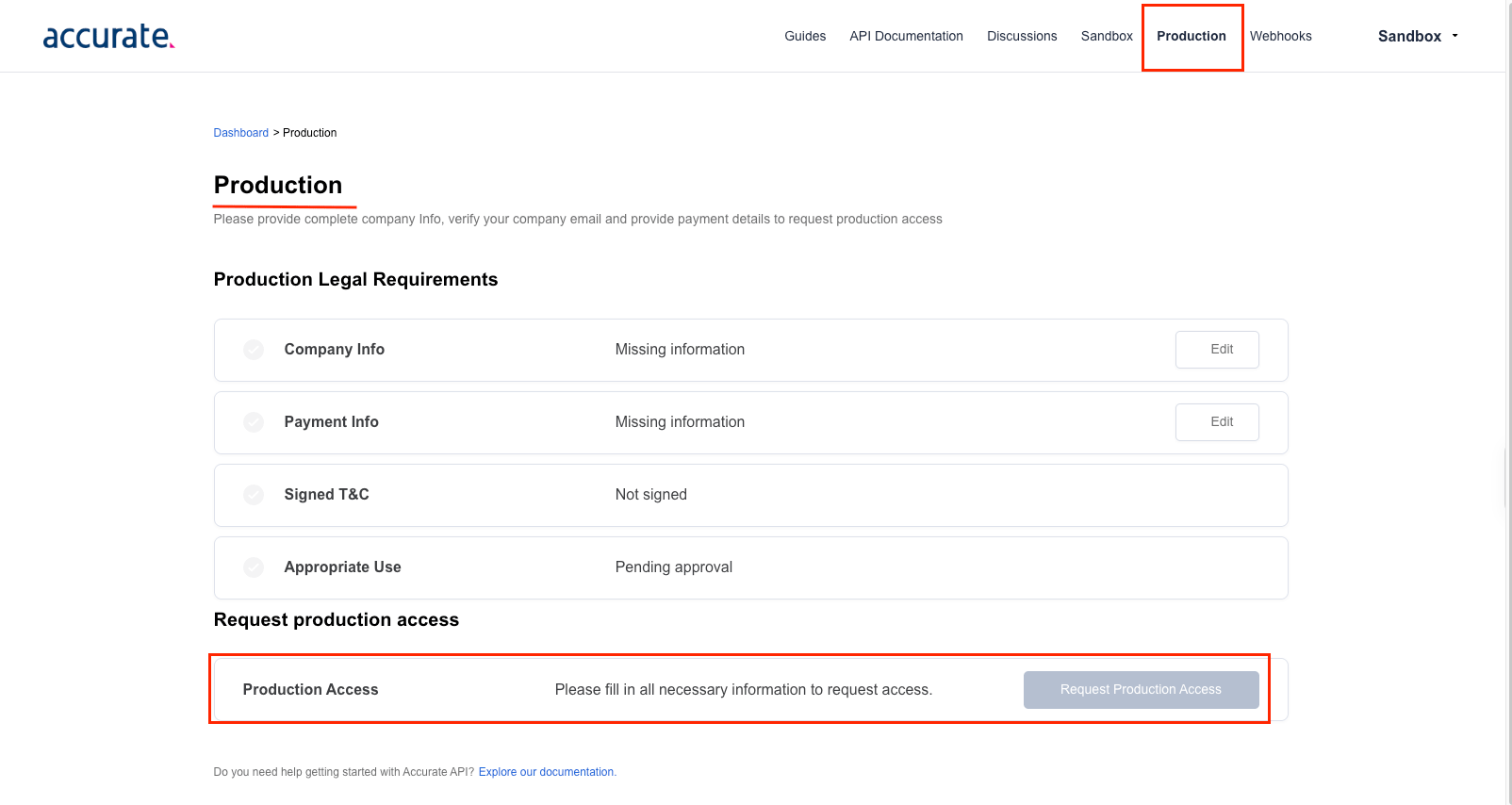
Click Production in the top menu. Under Production Legal Requirements, complete Company Info, Payment Info, Signed T&C and Appropriate Use, then click Request Production Access. After Accurate approves the request, your production Client ID and Client Secret appear in the Developer Portal. Copy the Client ID and Client Secret across.
- The Request Production Access button remains disabled until all requirements are complete.
Link the Account
Connect
- Click Connect.
- If applicable, the provider will redirect you to a sign-in or authorization page. Complete the provider’s authorization flow.
- Once authorization is successful, you will see a confirmation popup.
Use Actions
Next Steps
Webhooks setup
Configure receiving Events for Accurate Background into StackOne.