

 MCP
MCP A2A
A2AProject Details
Update your project name anytime without affecting linked accounts or other settings. The region cannot be changed after creation.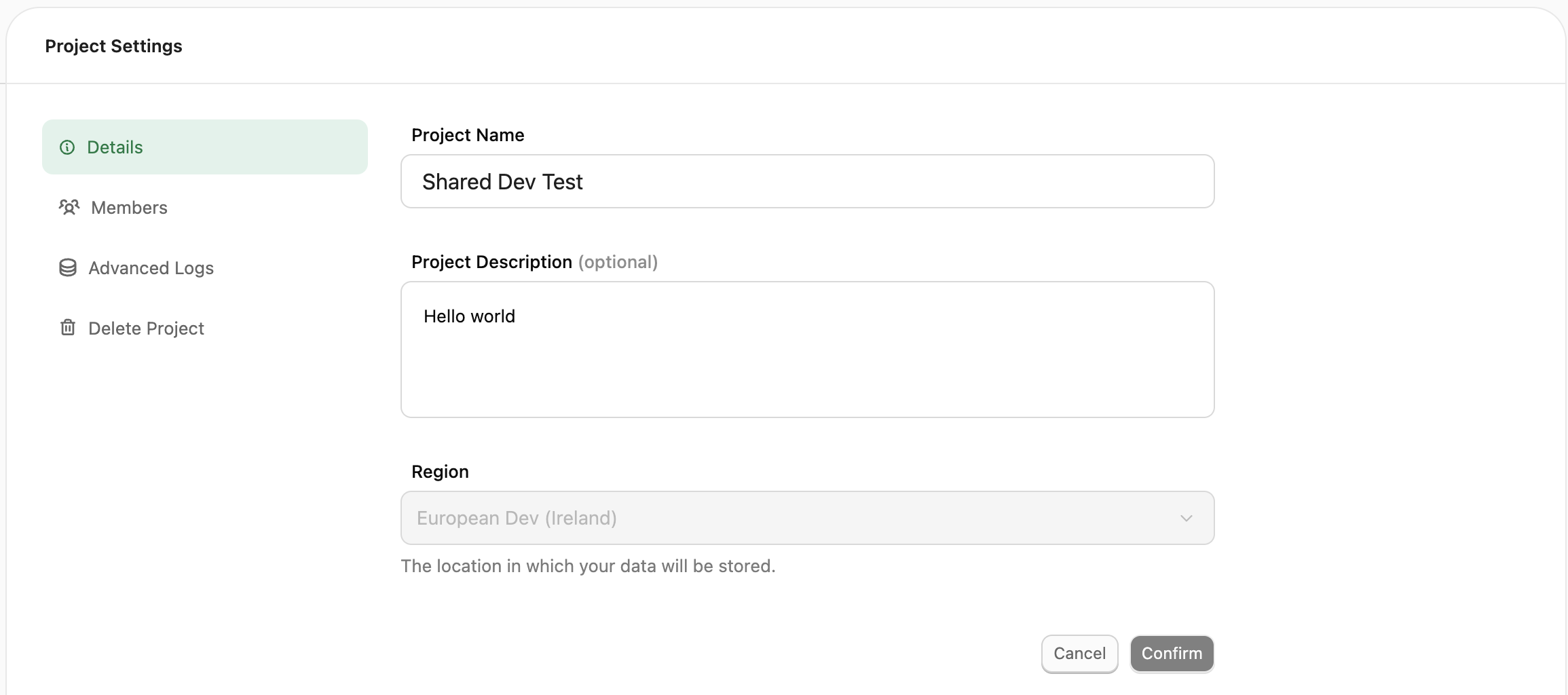
Team Members
Add, remove, or modify project-level roles for team members.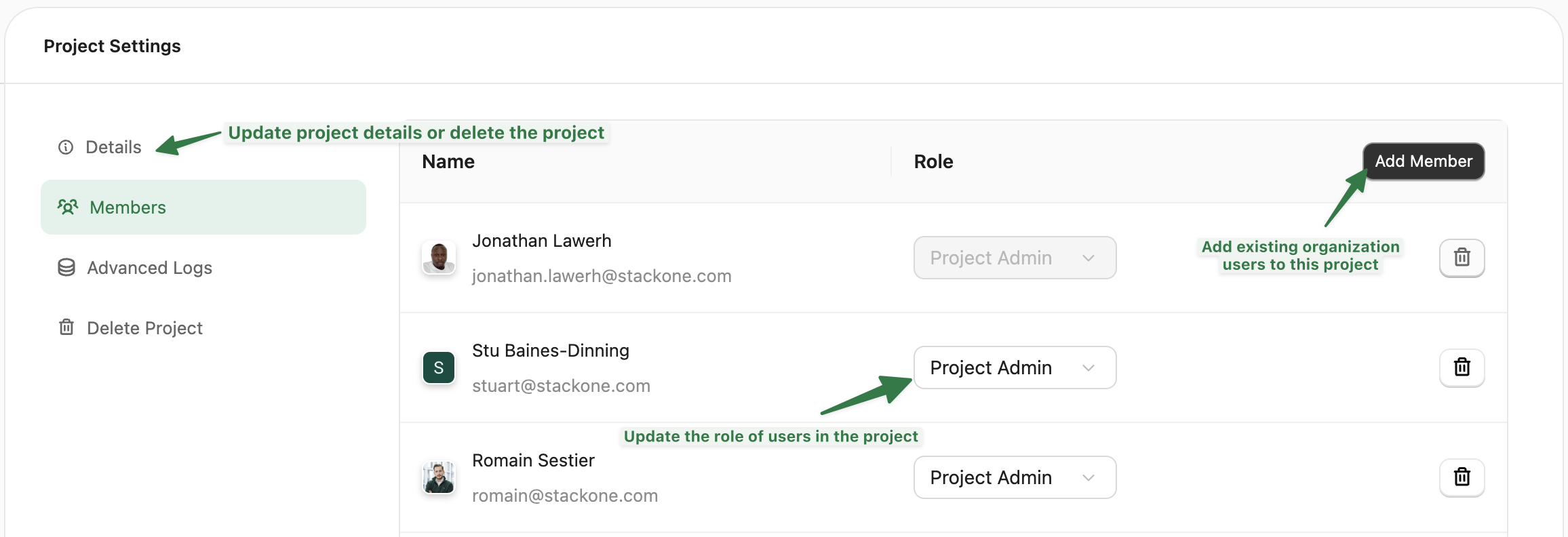
Access Roles:
- Viewer: Can view Dashboard, Accounts, and Connector Profiles. Cannot access API keys or modify settings.
- Project Admin: Full access to manage accounts, connectors, API keys, webhooks, and project settings.
Advanced Logs
Enable detailed request logging for debugging. Configure:- Retention period: How long logs are stored before automatic deletion
- Error-only mode: Store only logs with HTTP status ≥ 400
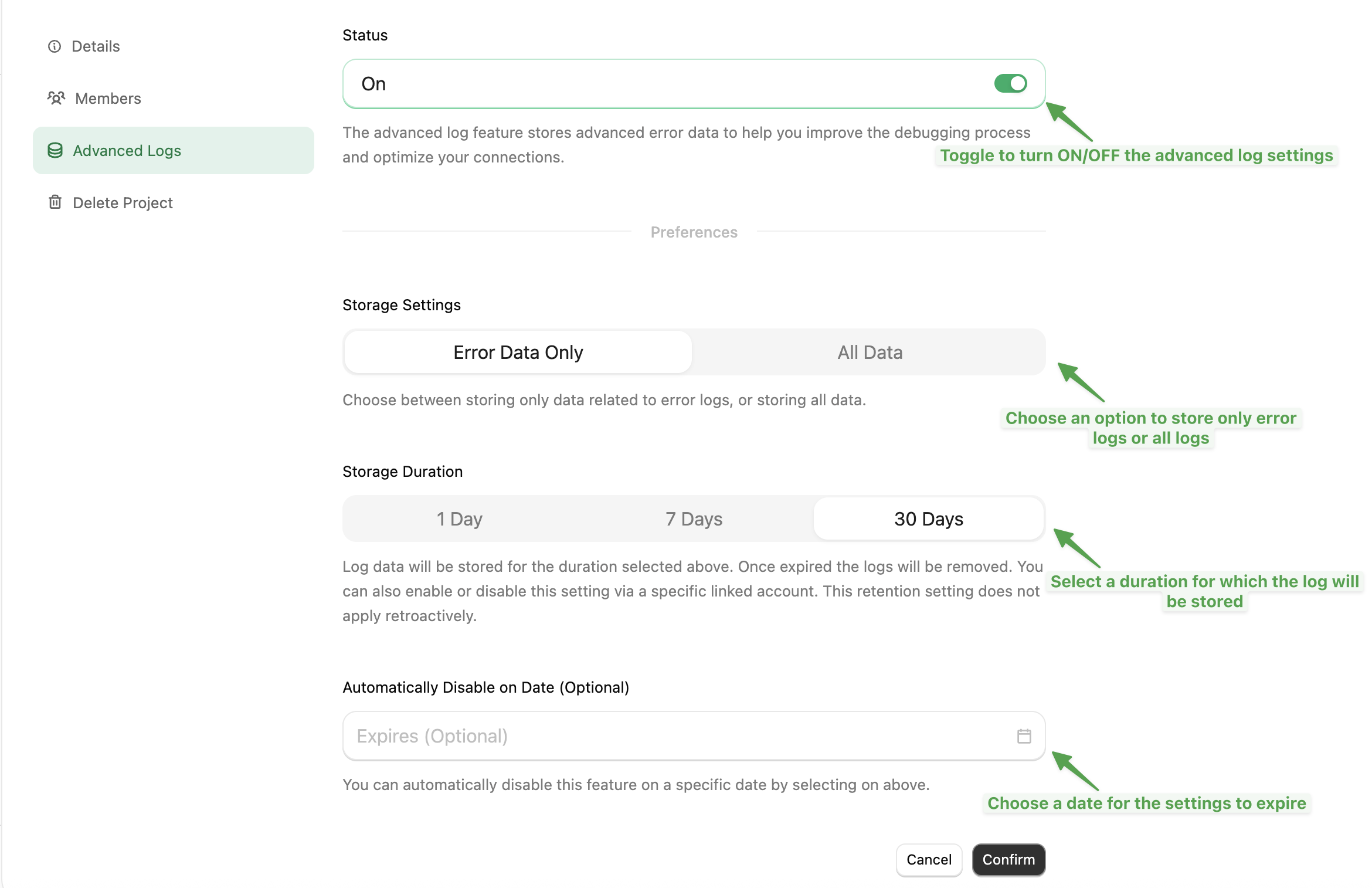
Changes to retention period only apply to new logs. Existing logs keep their original retention.
IP Restrictions
Available to enterprise customers only
- Single IP:
192.168.1.100 - Range:
192.168.1.100-192.168.1.150 - CIDR:
192.168.1.0/24
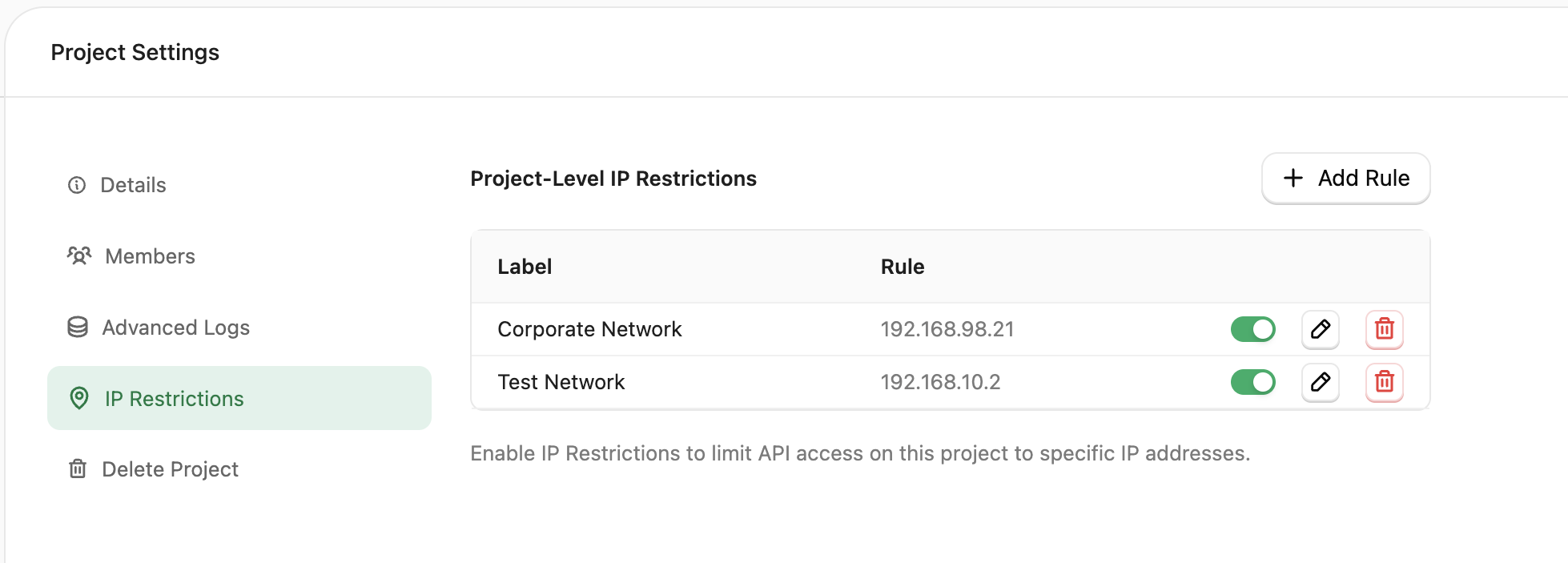
With no allowlist configured, all IPs are allowed. Once you add entries, only those IPs can access your project’s API.
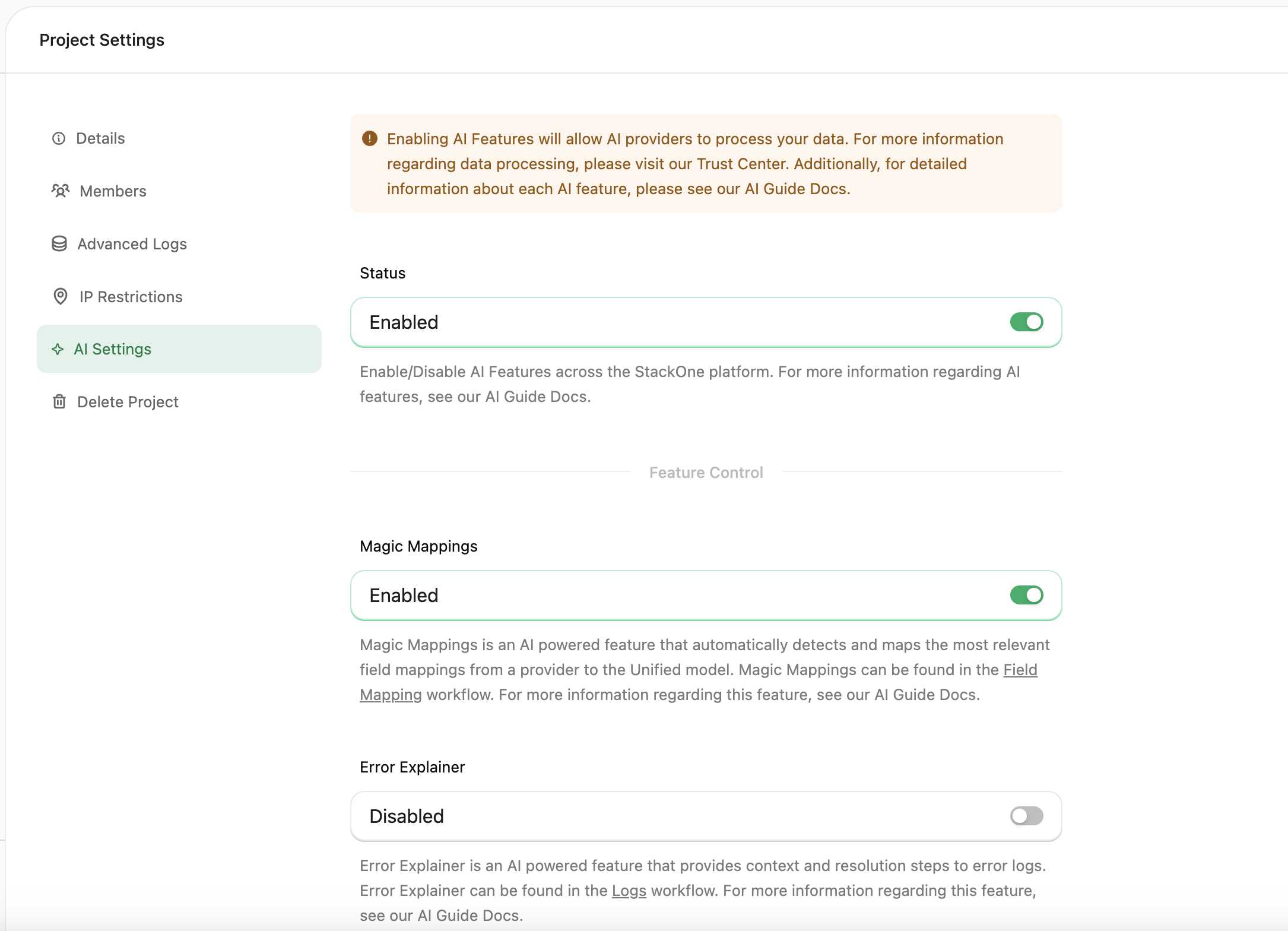
AI Settings
Control AI-powered features at the project level. Global Toggle: Enable or disable all AI features for the project. Individual Features:- Error Explainer: Provides context and resolution steps for error logs
Defender
Configure Defender — StackOne’s prompt-injection defense for tool call responses — at the project level. Status: Enable or disable Defender scanning for this project. Enabled by default on new projects. Block High Risk Content: When on, responses classified as high or critical risk are blocked from reaching your agent. Off by default — flagged content still surfaces in the response metadata so you can observe before enforcing. Advanced Settings: Detection Mode (pattern, AI, or both), risk thresholds, large-response handling, boundary annotation, and the Semantic Field Extractor preprocessor. High Risk Threshold must be greater than or equal to Medium Risk Threshold.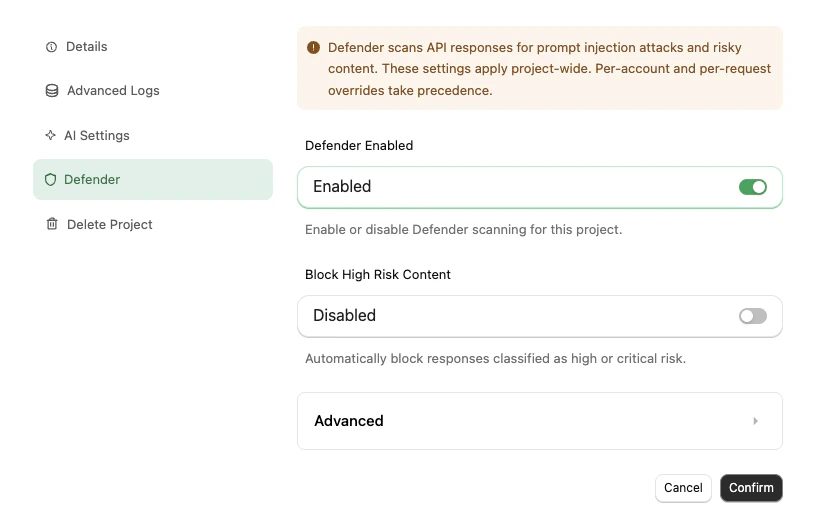
Danger Zone
The Danger Zone tab contains settings that affect connector publishing behaviour and project lifecycle.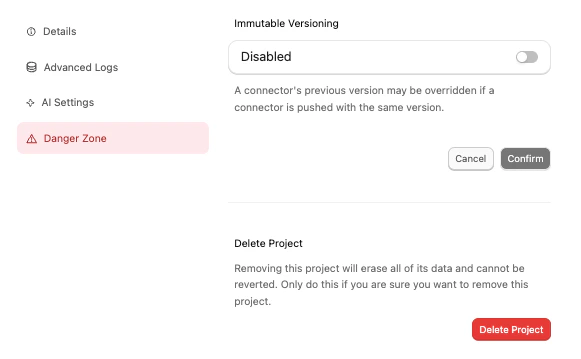
Immutable Versioning
Controls whether published connector versions can be overwritten. Enabled by default — each version number is locked once published, and subsequent pushes must use a new version number. When disabled, the CLI’sstackone push --force flag can overwrite an existing version.
See Connector Versioning for the full behaviour and how this interacts with linked accounts pinned to a version.