

 MCP
MCP A2A
A2A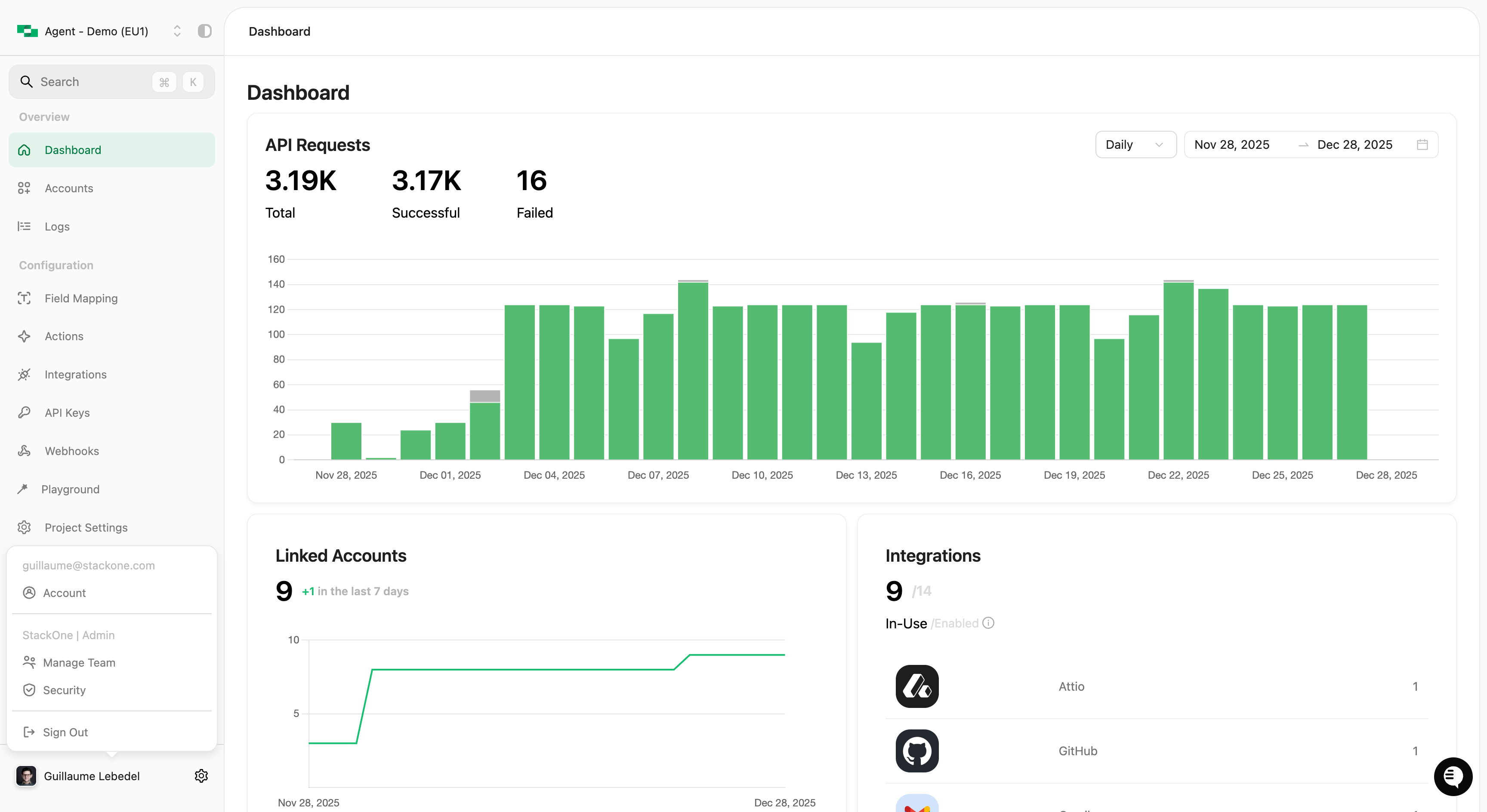
Click your name to access user settings
Your Profile
The Account settings page displays your profile information:To change your name or email, contact your organization administrator or StackOne support.
Change Password
- Click Change Password in your account settings
- Enter your current password
- Enter and confirm your new password
- Click Save
Multi-Factor Authentication
Add an extra layer of security to your account with MFA:- Click Enable Multi-Factor Authentication
- Scan the QR code with your authenticator app (Google Authenticator, Microsoft Authenticator, 1Password, etc.)
- Enter the 6-digit code from your authenticator
- Click Confirm
Sign Out
Click Sign Out from the user menu to end your session. You’ll be redirected to the login page.Related
Managing Your Organization
Team management and organization security (Org Admins only)
API Keys
Create and manage API keys for your projects