

1
Open Manage Team
In the StackOne dashboard, go to Organization > Manage Team.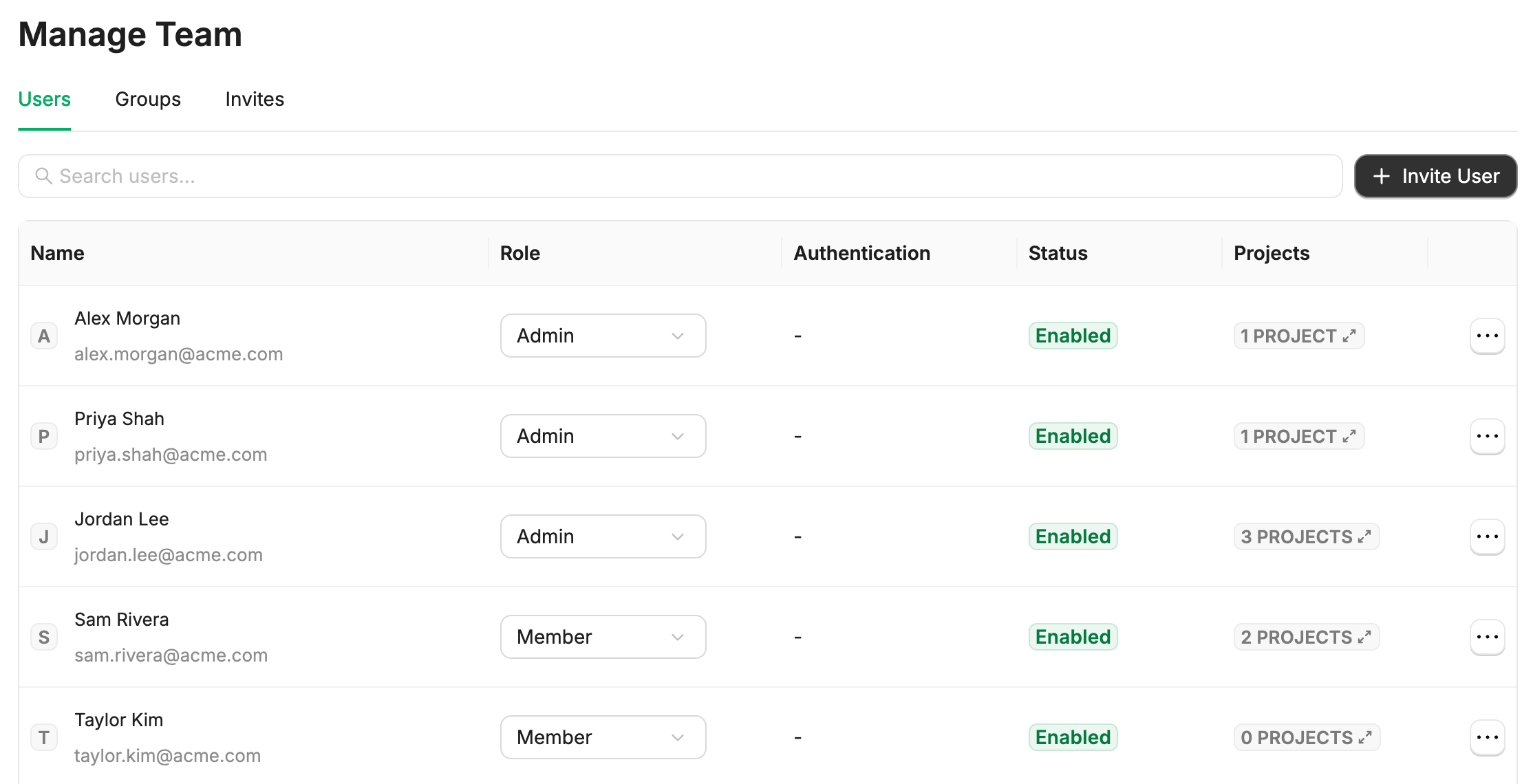
2
Enter their email
Click Invite User and enter the person’s email address. To invite several people at once, separate their addresses with commas.
3
Choose their roles
- Pick their organization Role: Organization Admin or Organization Member. See Organization Roles.
- Optionally, select the Projects to add them to, and their Project Role. See Project Roles.
You can also add them to projects later, from Project Settings > Access.
4
Send the invite
Click Confirm.