

Quick search (Cmd+K)
PressCmd+K (Mac) or Ctrl+K (Windows/Linux) anywhere in the dashboard, or click Search at the top of the sidebar, to open the command palette. It opens on actions such as Link Account, Create Auth Link and Invite User, then lists the dashboard’s pages and your projects. The palette offers only the pages and actions your role can use, the same ones the sidebar shows you.
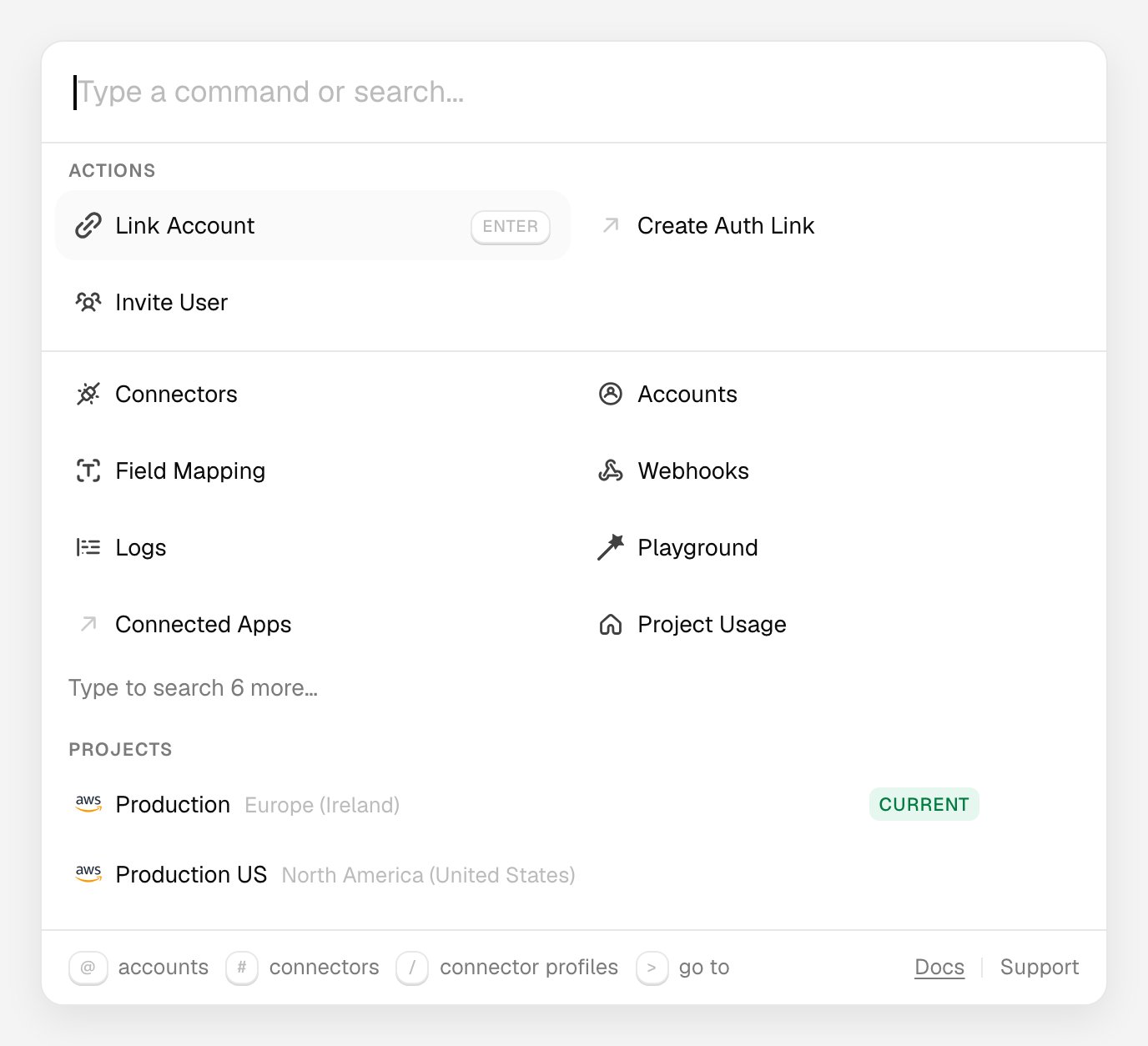
The command palette before you type
Search one kind of result
Start your search with one of these characters to search only one kind of result:
The scope appears as a label in the search box.
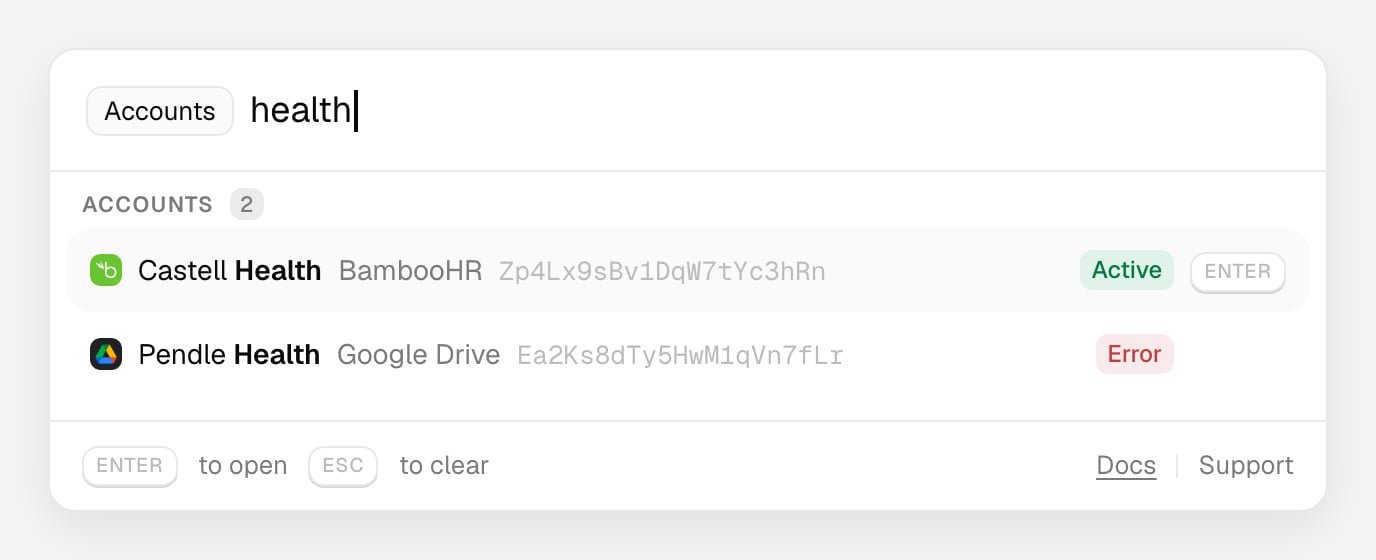
Searching Linked Accounts with @