Get end-users to connect their accounts with only a link!
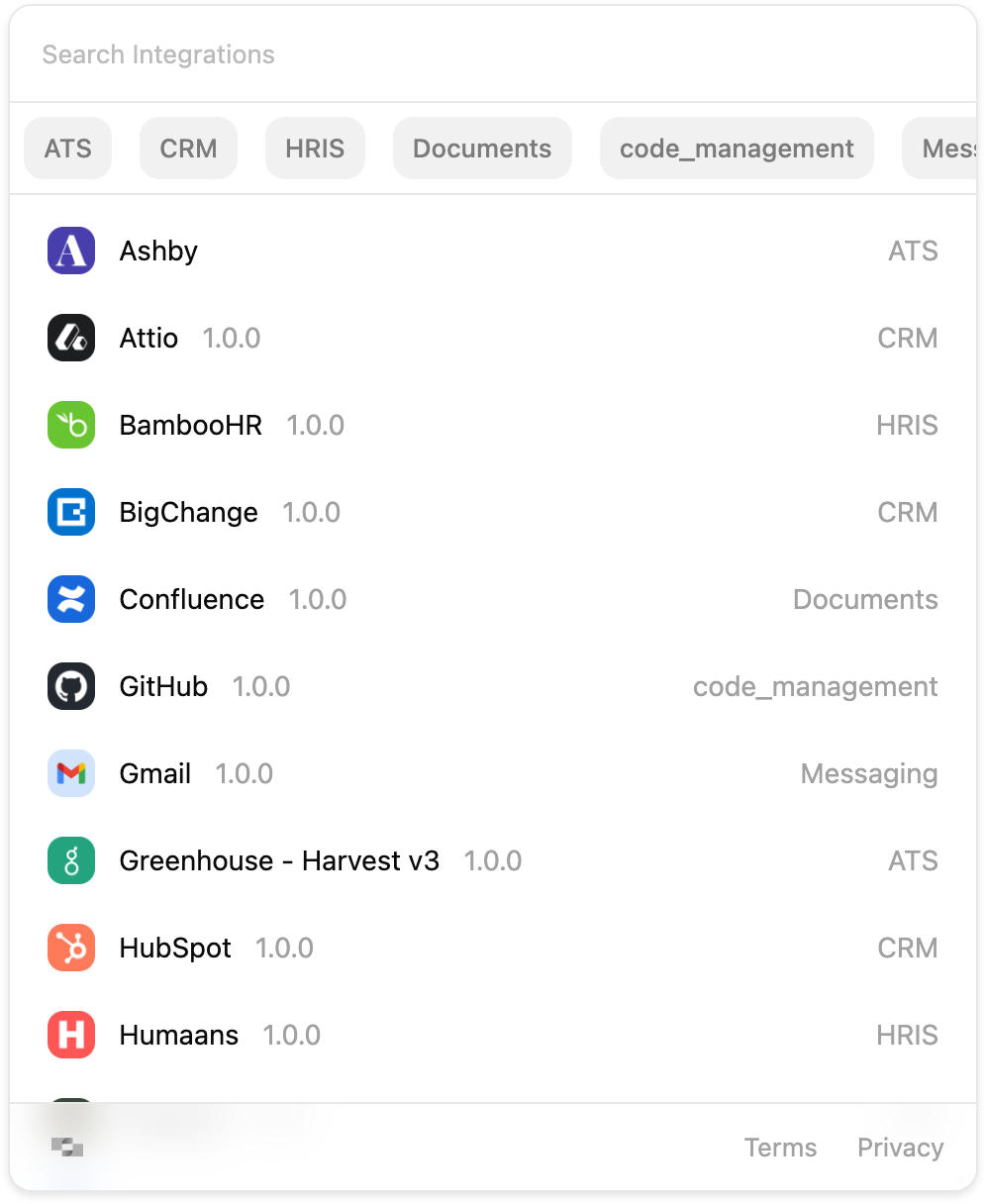
Hub Auth Links let you deliver a secure URL to your end users for a secure, in-browser connection experience without embedding the StackOne Hub in your application. The hosted webpage already includes an implementation of the Hub so there’s no front end implementation required from your side.
You can generate an Auth Link from the dashboard or programmatically via the API.
Manually via Dashboard
Programmatically via API
An Auth Link can be generated directly from the StackOne dashboard. Here’s how:
1
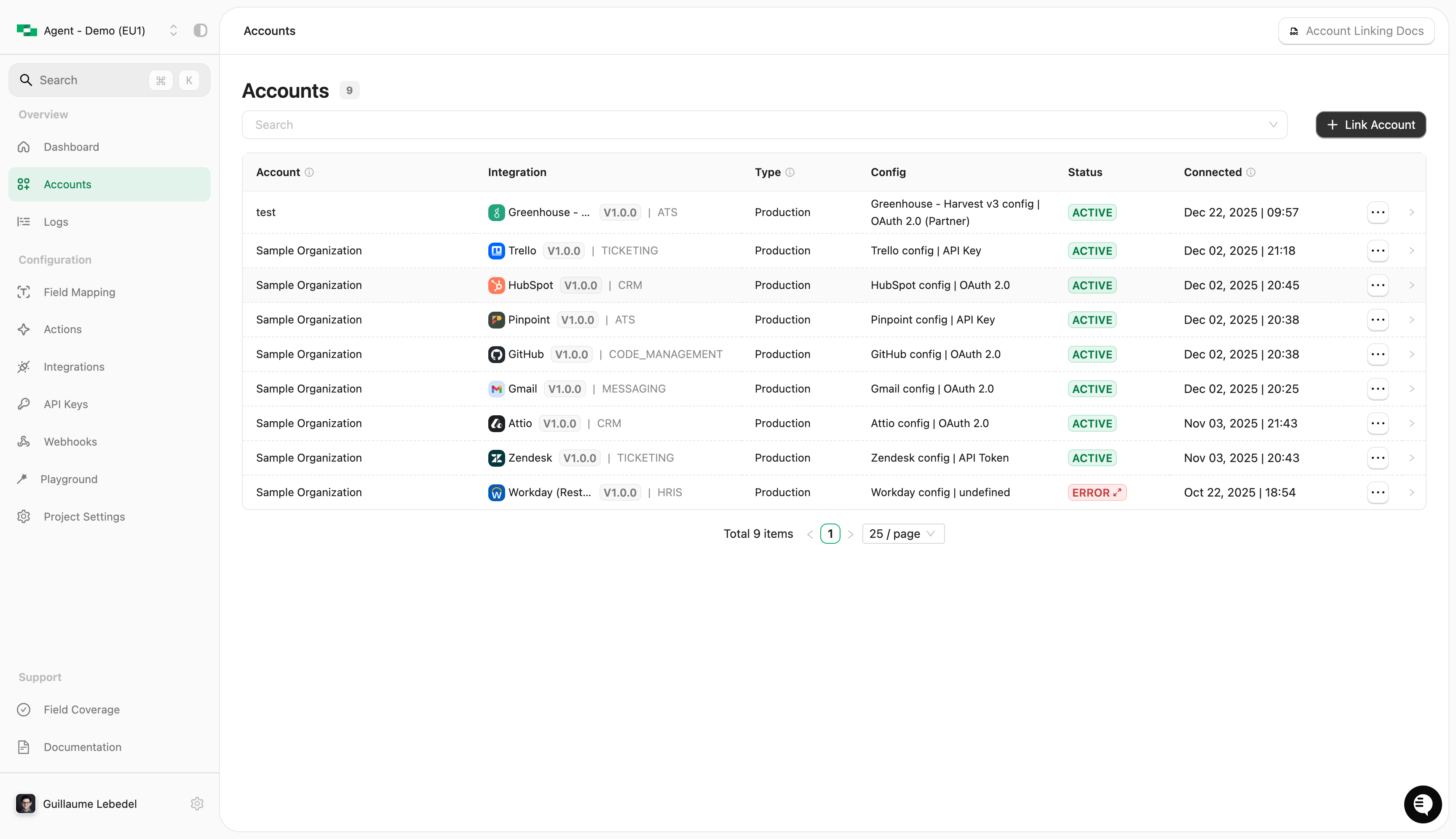
Navigate to Accounts
Log in to the StackOne dashboard and select Accounts from the left menu.
2
Click the + Link Account button
A popup will appear asking you to select a method. Choose Method 1 - Request Authentication.
3
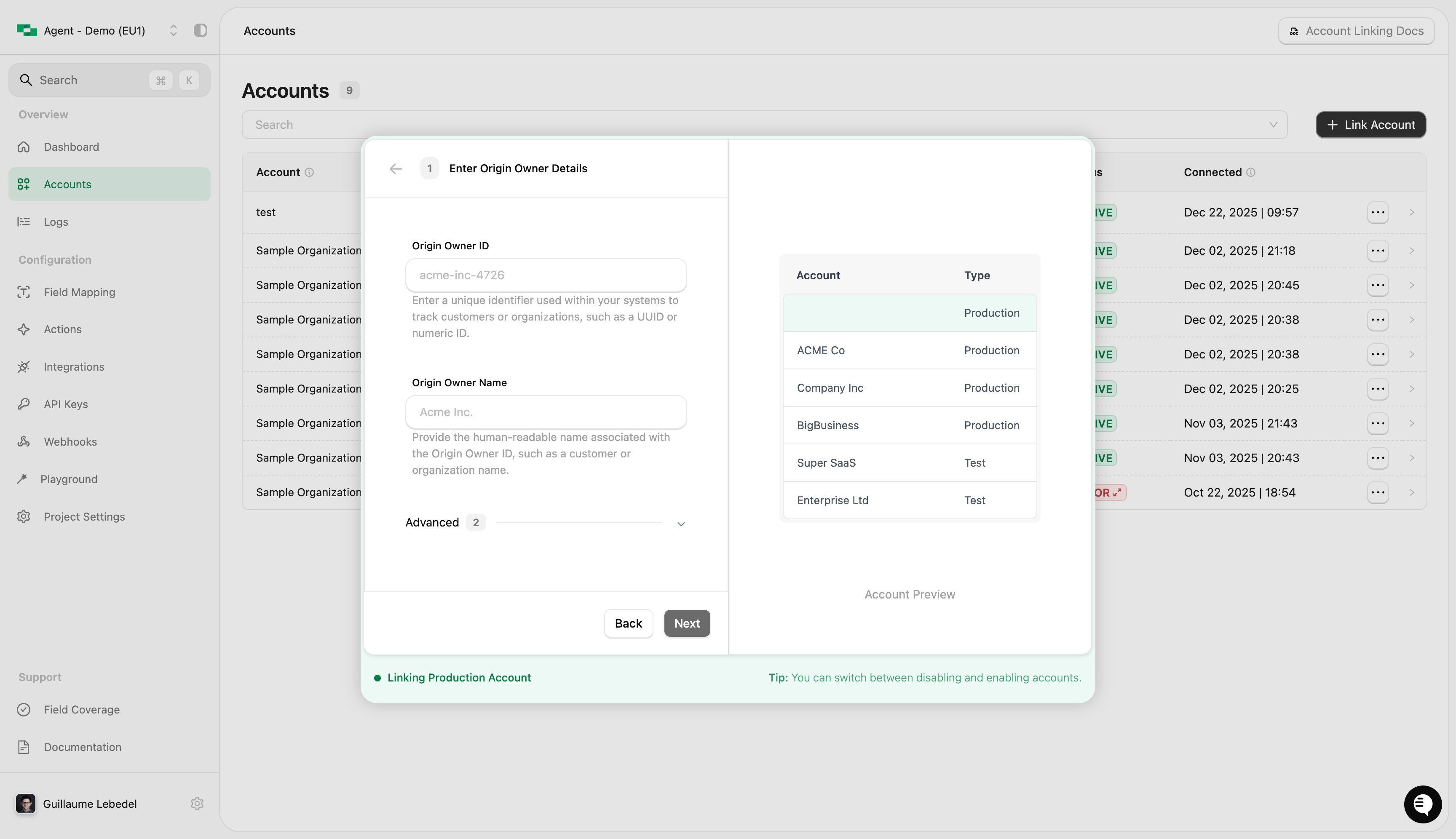
Fill in the required fields
Origin owner ID - This should be the end-user identifier you use in your own system(s) (most likely, a UUID or integer)
Origin owner name - This is the end-user name in your own system(s)
Origin username (optional) - The end-user’s username (eg: an email address) that will connect or be responsible for the connection
Then click Next.
4
Optionally add a filter and expiry
Filter by category - Filter the list of connectors displayed to the end-user by category.
Connector profiles - Select one or more connector profiles across connectors. Selecting categories clears connector profiles, and vice versa.
Link Expiry - Control how long the link stays valid (default is 30 days).
Then click Generate.
5
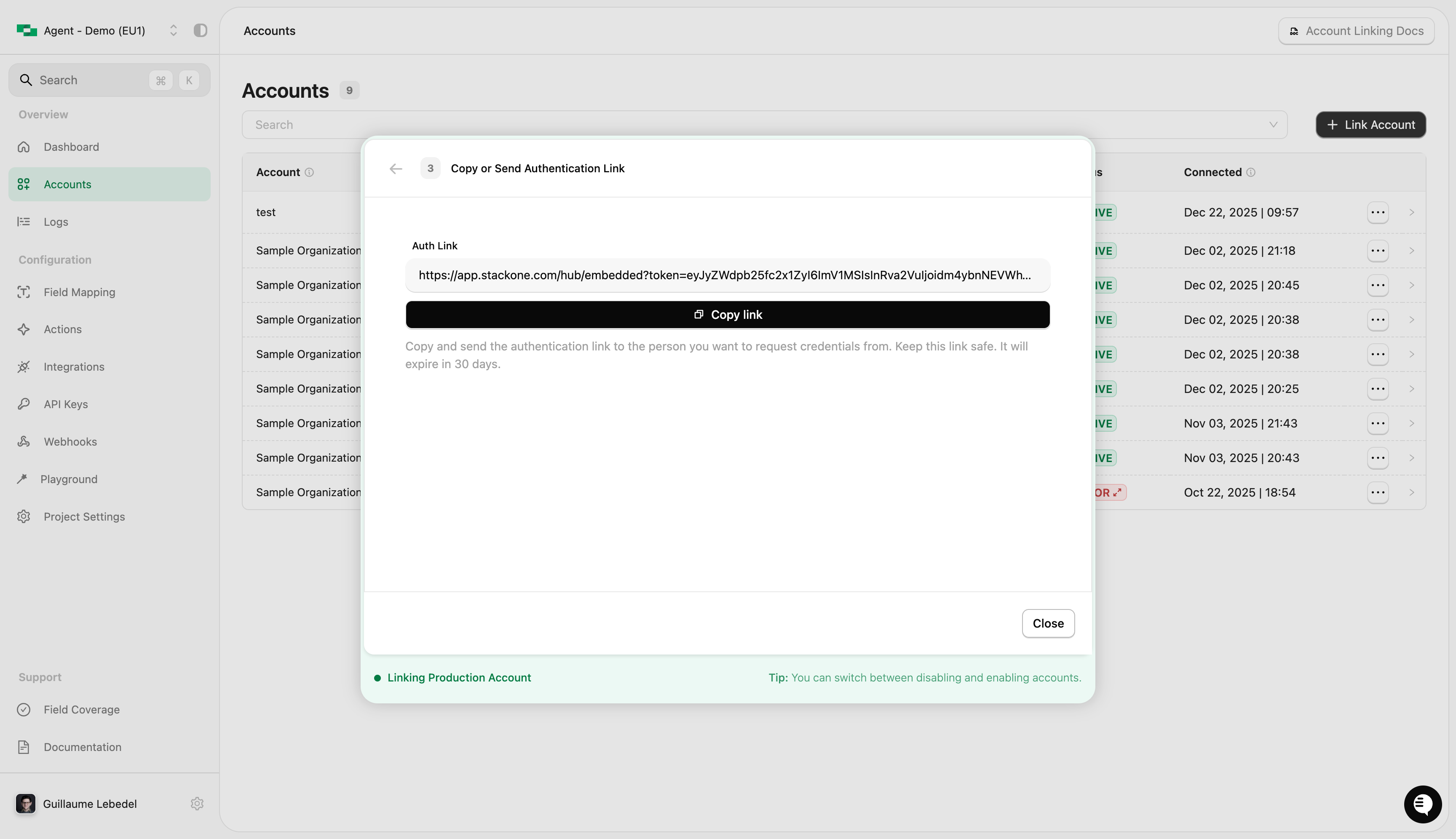
Copy and send the link to the end-user
The end-user will now be able to connect their accounts using the link.
6
Capture the account ID
Once the end-user connects, StackOne fires an account.createdwebhook event containing the account ID. Persist it against your user: it’s the account ID you’ll use with every action call.You can also find it through the dashboard on the Accounts page.
Dashboard Connection Link Generation
To support a more scalable solution, you can programmatically generate links for end-users.
origin_owner_id - The end-user identifier in your own system(s), which is how accounts map to your customers in a multi-tenant setup
origin_owner_name - The end-user name in your own system(s)
origin_username (optional) - The end-user’s username, e.g. an email address
categories (optional) - Filter the list of connectors displayed to the end-user
expires_in (optional) - How long the link stays valid, in seconds
connector_profile_id (optional) - Route the session through a specific connector profile
connector_profile_ids (optional) - Restrict the session to an ordered list of connector profiles
2
Read the auth_link_url
The response contains an auth_link_url property. This is the link to send to the end-user.
3
Send the link to the end-user
Deliver the auth_link_url to your end-user (for example by email). When they open it, they’ll see the StackOne Hub listing the connectors enabled on your project, where they select and connect their account.
4
Capture the account ID
Once the end-user connects, StackOne fires an account.createdwebhook event containing the account ID. Persist it against your user: it’s the account ID you’ll use with every action call.You can also find it through the dashboard on the Accounts page, or via the List Accounts endpoint.
Set expires_in (in seconds) to give end-users enough time to complete the connection.
(eg. 5 days is 432000, 7 days is 604800)