

How it works
- Your backend creates a connect session and returns its session token to your frontend.
- Display the Hub (or share an Auth Link) with that token. The end-user selects a connector and authenticates.
- On a successful link, the account ID is returned via callback, event, or the
account.createdwebhook. - Use that account ID to call actions on the account from your product.
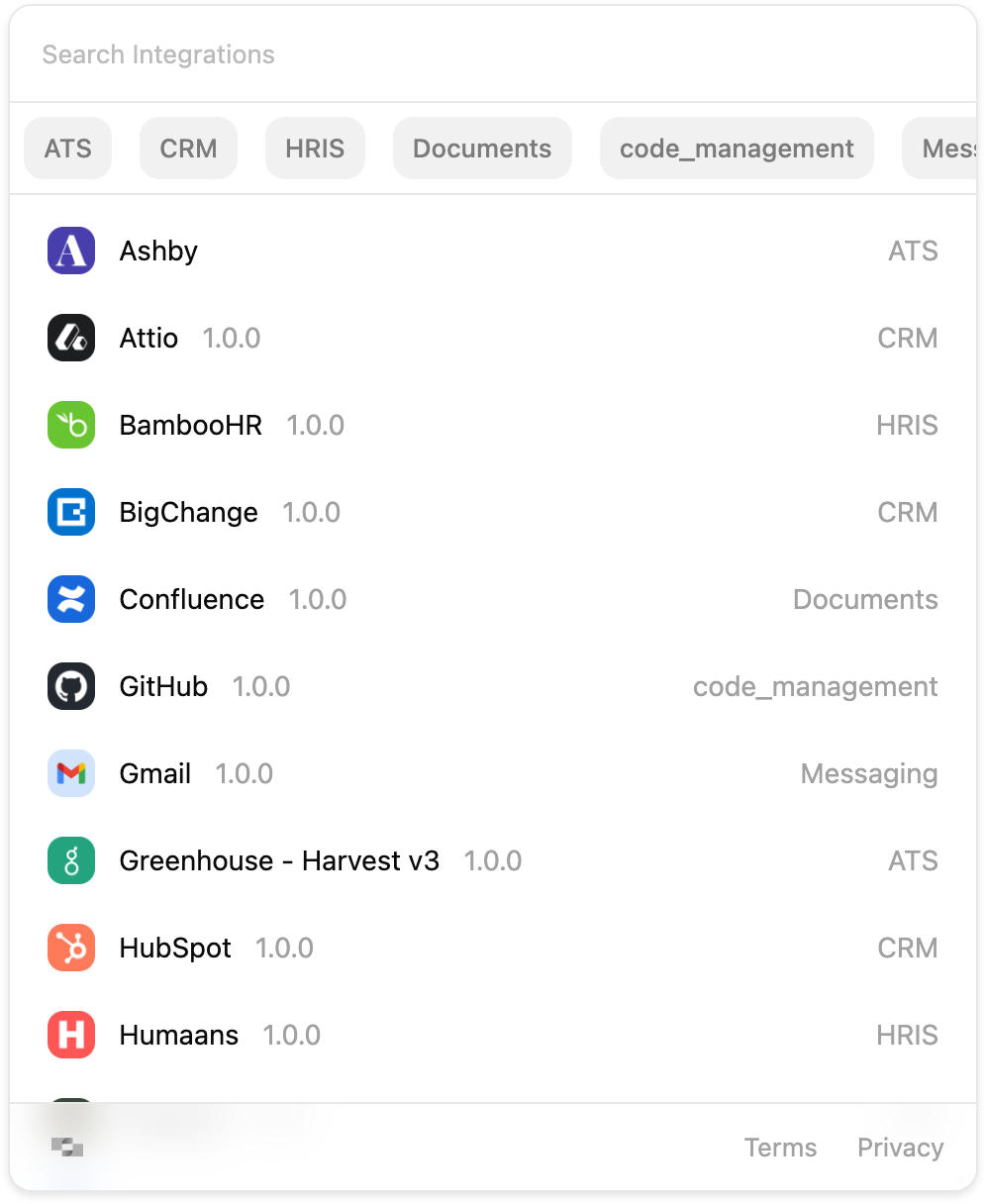
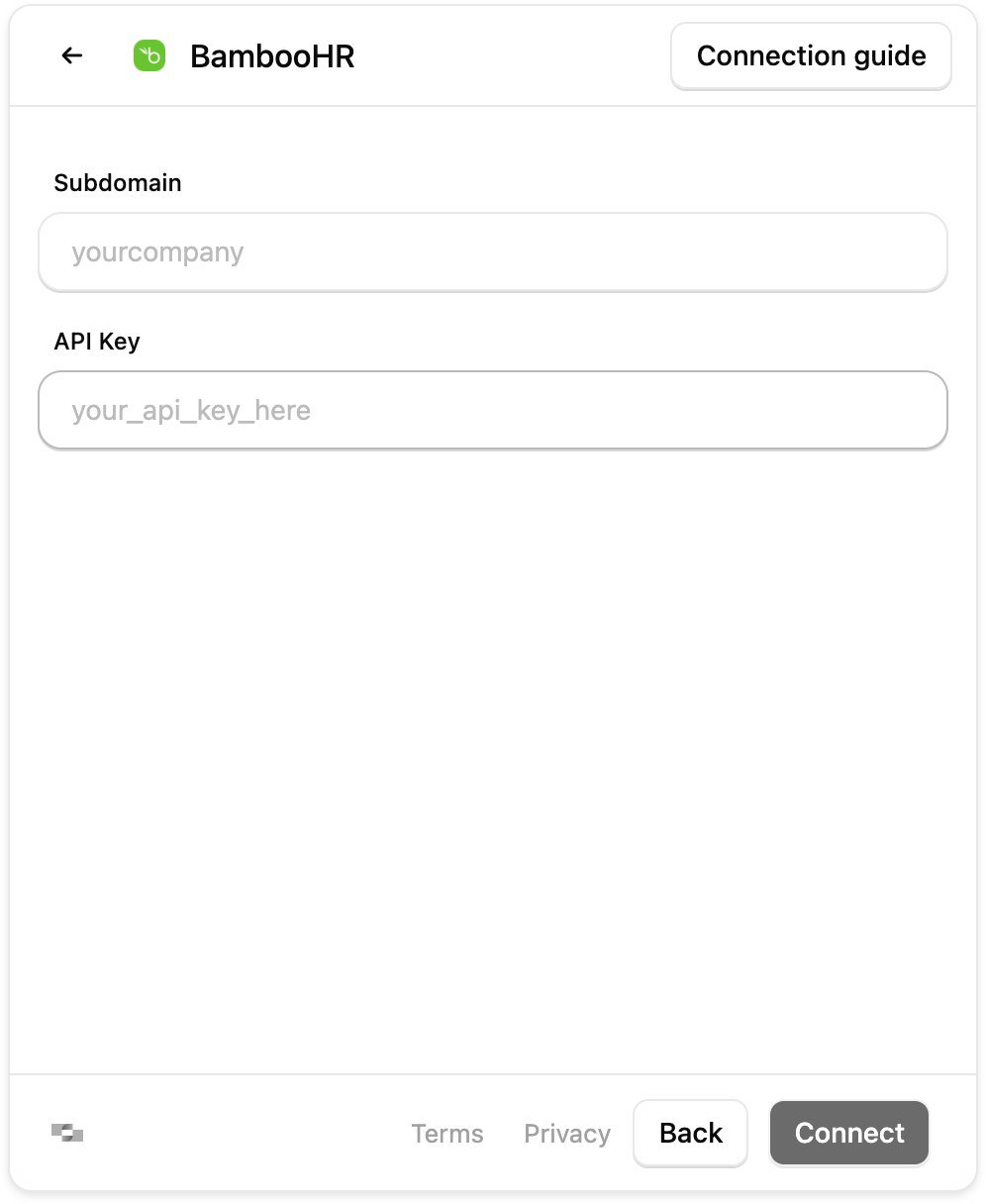
Embed it or share a link
The Hub reaches your end-users two ways. Embed it in your product for a branded in-app flow, or share an Auth Link, a StackOne-hosted page with the Hub already embedded, generated from the dashboard or programmatically.You can also link an account directly from the dashboard, for internal tools or on a customer’s behalf. See Linking Accounts.
Ways to embed
Hub (React)
The StackOne Hub as a native React component (
@stackone/hub).Hub (Web Component)
The same Hub as a framework-agnostic custom element (
<stackone-hub>) for non-React apps.Hub (Auth Link)
A StackOne hosted web page showing the Hub that can be shared directly with end-users.
Using the Legacy Hub?
@stackone/react-hub remains available for existing implementations, but the Hub is required to fully support new features. Its setup and hook API are documented on npm.Next steps
Call Actions
With the account linked, call its actions from your product over the Agent SDK, MCP, A2A, or RPC/HTTP.
Getting Started
Return to the end-to-end embedding journey.