> ## Documentation Index
> Fetch the complete documentation index at: https://docs.stackone.com/llms.txt
> Use this file to discover all available pages before exploring further.
# Passwords and MFA
> Change your password and turn on multi-factor authentication for your StackOne account.
Members manage their own credentials from their personal settings. Click your name in the bottom-left corner of the dashboard:
* **Change password**: open **Account** settings and click **Change Password**, then enter your current password, enter and confirm the new one, and save.
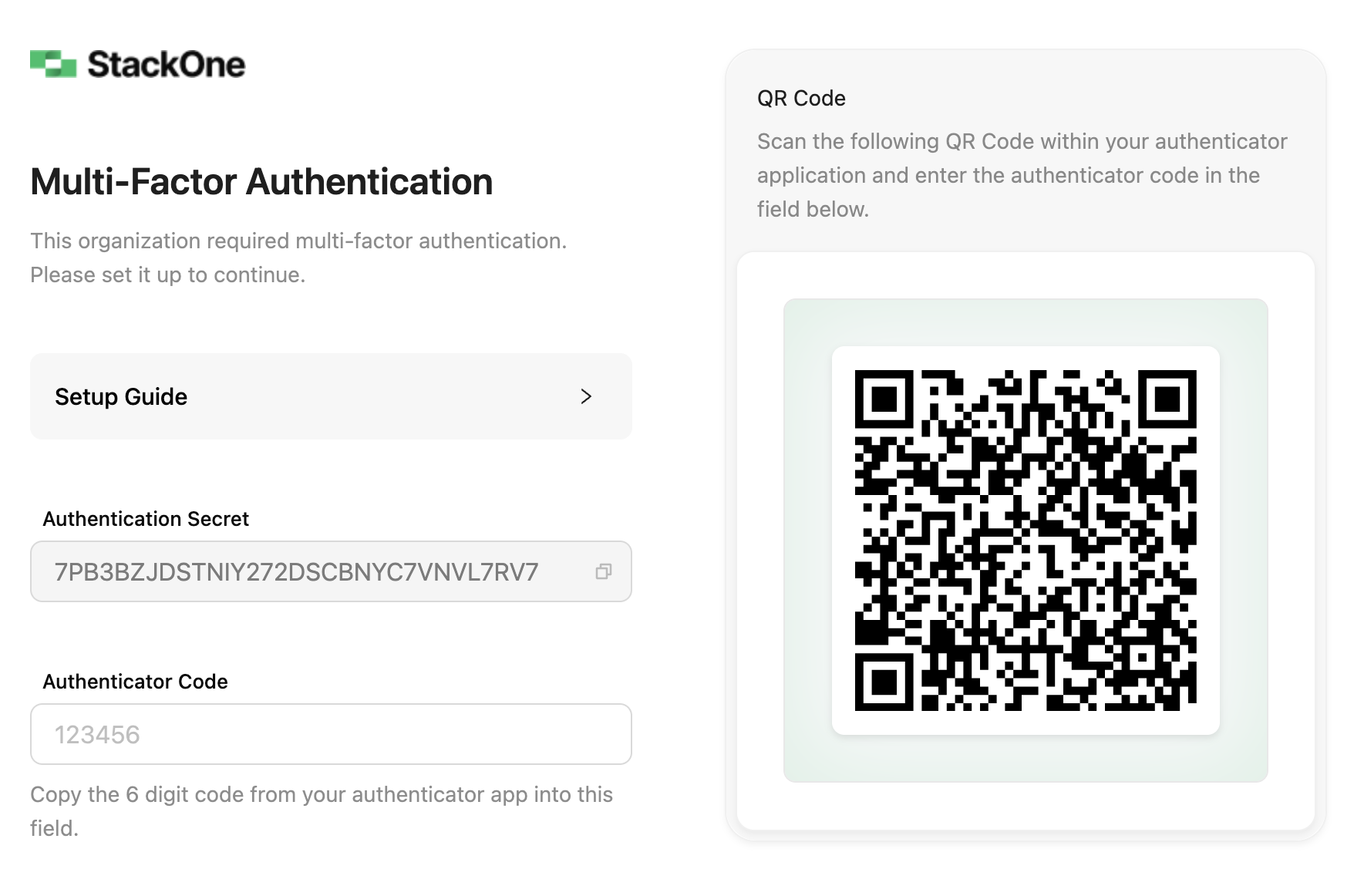
* **Enable Multi-Factor Authentication**: click **Enable Multi-Factor Authentication**, scan the QR code with your authenticator app (Google Authenticator, Microsoft Authenticator, 1Password, etc.), and confirm with the 6-digit code.
To enforce MFA for the whole organization, see [Organization security](/secure/identity-and-access/manage-team#organization-security).