> ## Documentation Index
> Fetch the complete documentation index at: https://docs.stackone.com/llms.txt
> Use this file to discover all available pages before exploring further.
# Dashboard
> Find your way around the StackOne dashboard.
The [StackOne dashboard](https://app.stackone.com) is where you configure everything your agents use — connectors, API keys, webhooks — and where you monitor what they do.
The project selector at the top of the sidebar [switches between projects](/gateway/concepts/organizations-and-projects#switch-projects), and your name at the bottom opens [account, team, and security settings](/secure/team-management).
## Quick search (Cmd+K)
Press `Cmd+K` (Mac) or `Ctrl+K` (Windows/Linux) anywhere in the dashboard to open the command palette — search and jump to any section, switch projects, or hit frequently used pages.
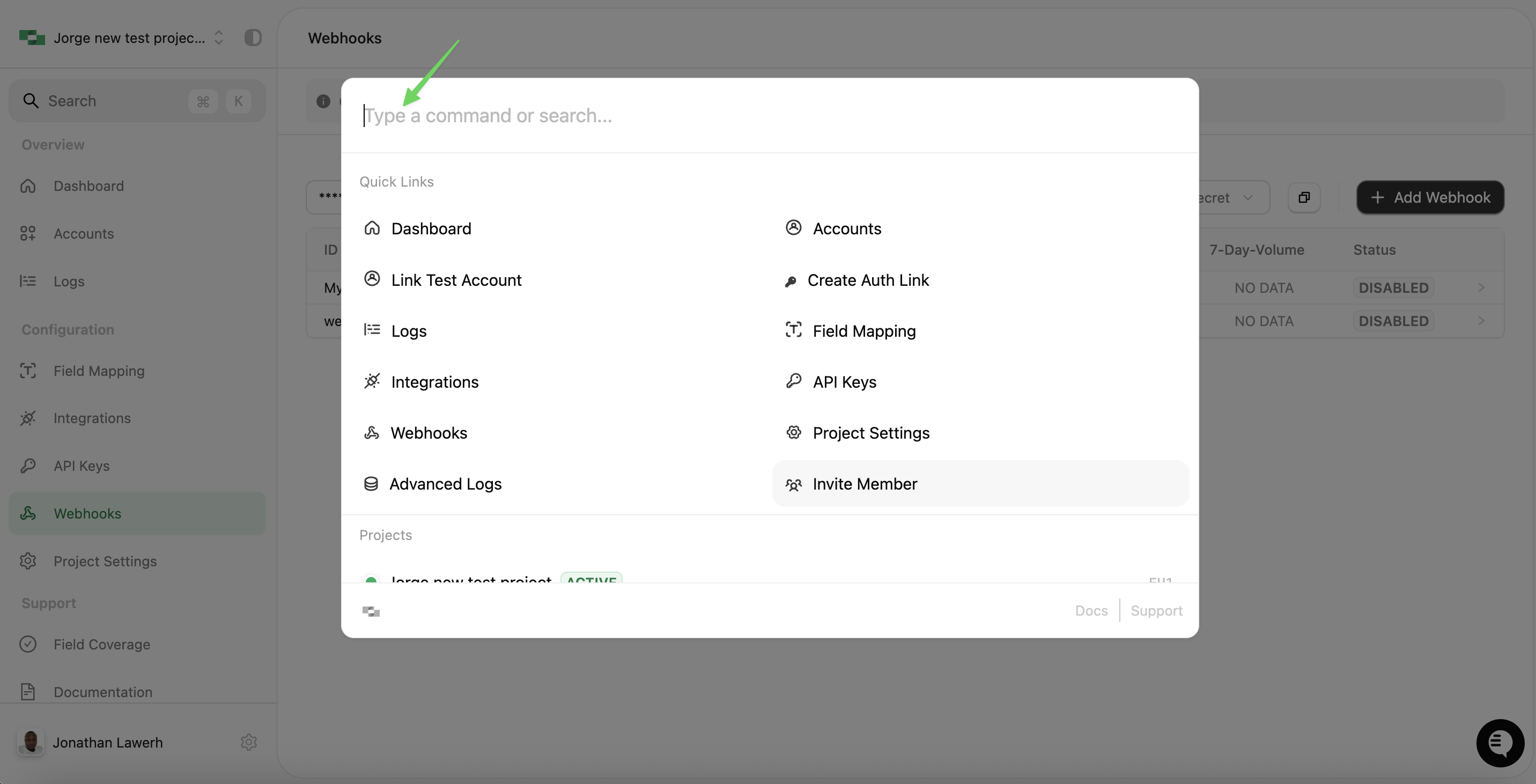 The command palette is the fastest way to navigate if you know where you want to go. Just start typing.