> ## Documentation Index
> Fetch the complete documentation index at: https://docs.stackone.com/llms.txt
> Use this file to discover all available pages before exploring further.
# Account Linking - StackOne Hub
> Let end-users authenticate and connect their accounts to your system
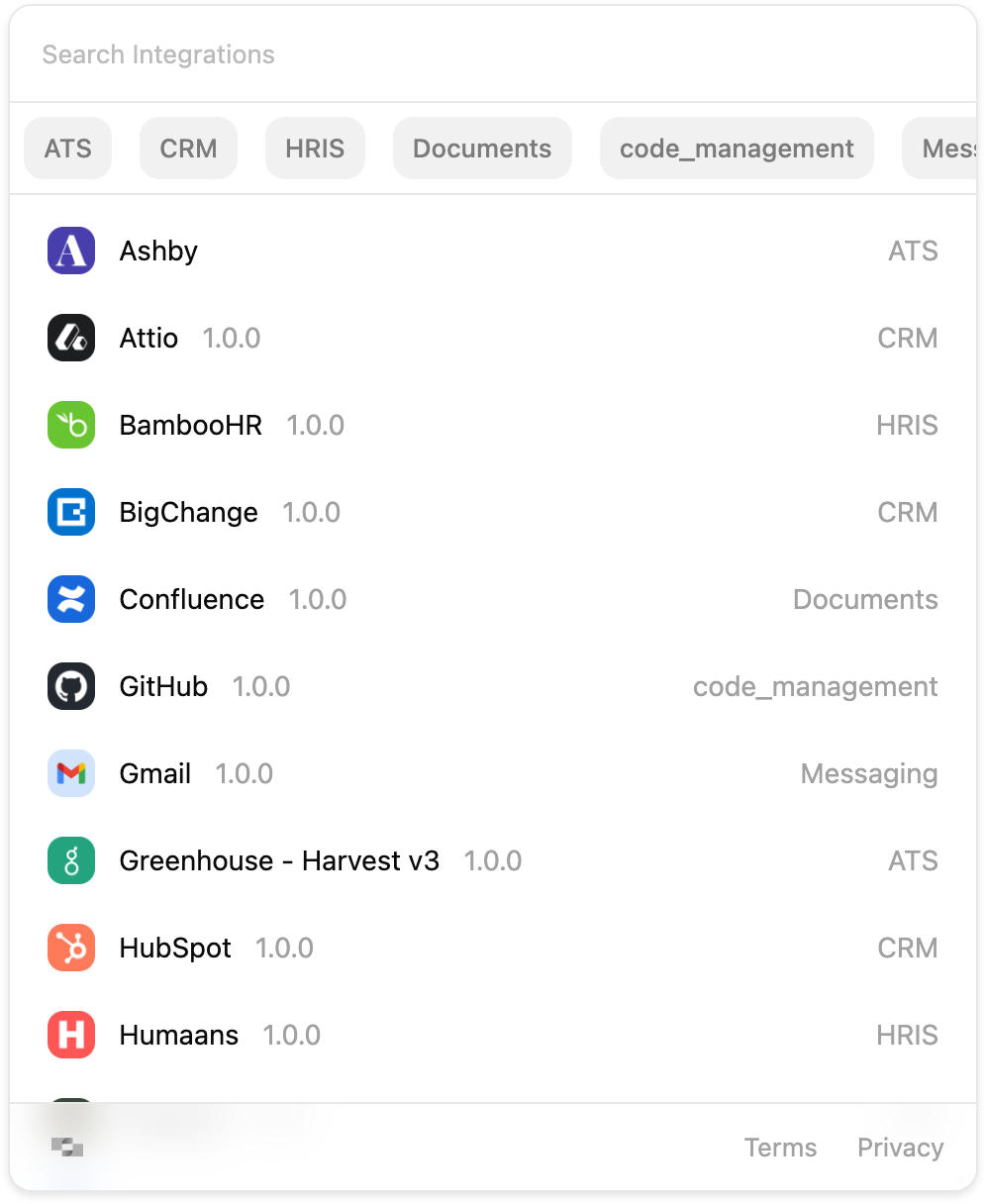
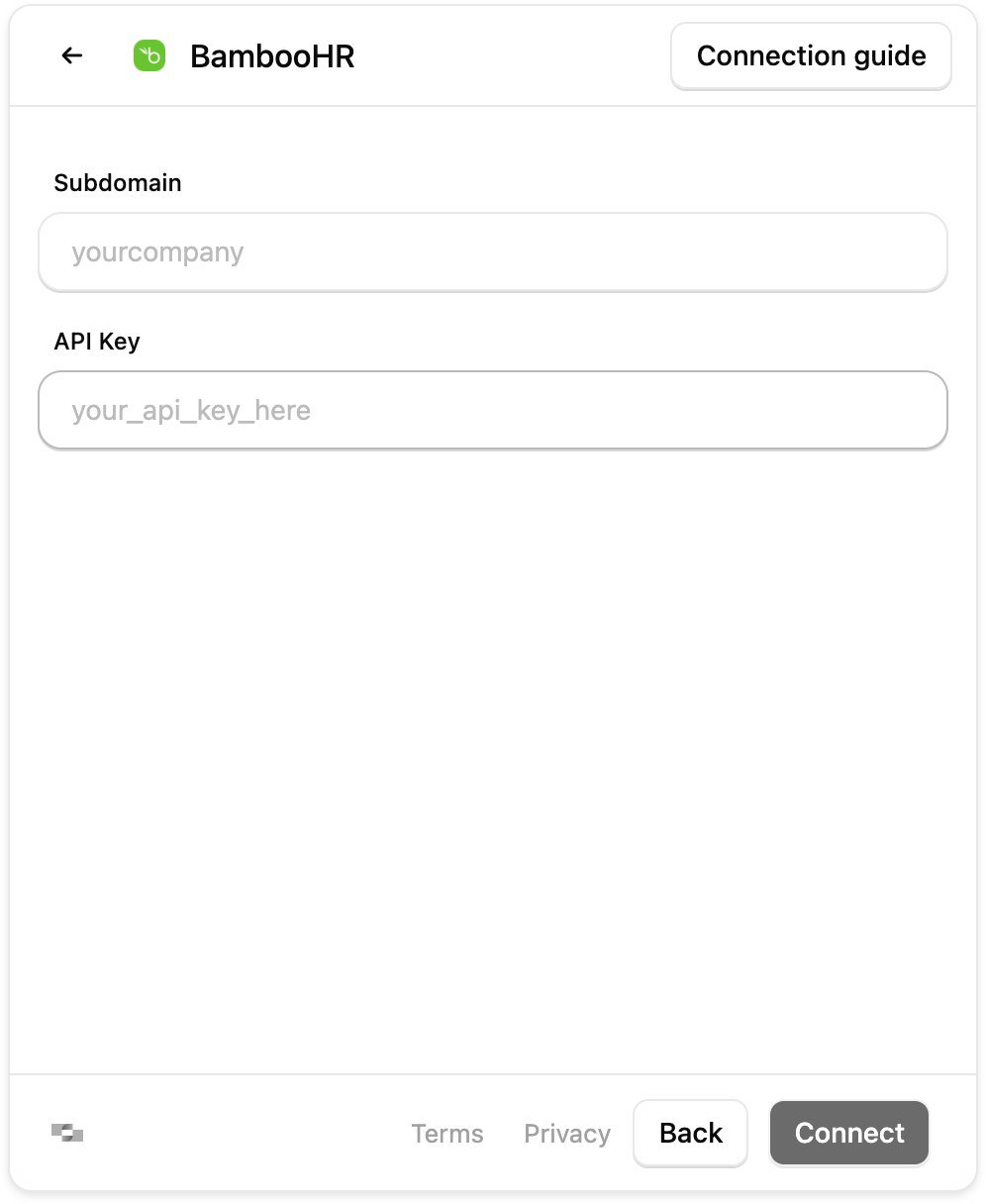
The **StackOne Hub** allows your end-users to authenticate and connect their accounts into your application or agent. The Hub can either be embedded in your code, or for a no-code approach, you can generate a StackOne hosted web link you share with them that has the Hub pre-embedded.
## How it works
1. Your backend creates a [connect session](/embed/connect-session) and returns its **session token** to your frontend.
2. Display the **Hub** (or share an [Auth Link](/embed/account-linking/auth-link)) with that token — the end-user selects a connector and authenticates.
3. On a successful link, the **account ID** is returned — via callback, event, or the `account.created` [webhook](/connect/webhooks).
4. Use that account ID to [call actions](/embed/call-actions/overview) on the account from your product.
## Embed it or share a link
The Hub reaches your end-users two ways. Embed it in your product for a branded in-app flow, or share an [Auth Link](/embed/account-linking/auth-link) — a StackOne-hosted page with the Hub already embedded, generated from the dashboard or programmatically.
You can also link an account directly from the dashboard, for internal tools or on a customer's behalf — see [Linking Accounts](/connect/managing-connectors/linking-accounts#link-from-the-dashboard).
| | Embedded Hub | Auth Link |
| ----------------- | ------------------------- | ---------------------------------------- |
| Where it runs | In your app | StackOne-hosted page |
| Frontend work | Install and mount the Hub | None — share a URL |
| Branding | Your app's, fully themed | StackOne-hosted |
| Knowing it worked | Callbacks or webhooks | Webhooks only |
| Best for | Production apps | Email flows, sales-led onboarding, demos |
## Ways to embed
The StackOne Hub as a native React component (`@stackone/hub`).
The same Hub as a framework-agnostic custom element (``) for non-React apps.
A StackOne hosted web page showing the Hub that can be shared directly with end-users.
Using the Legacy Hub? `@stackone/react-hub` remains available for existing implementations, but the Hub is required to fully support new features. Its setup and hook API are documented on [npm](https://www.npmjs.com/package/@stackone/react-hub).
## Next steps
With the account linked, call its actions from your product — over the Agent SDK, MCP, A2A, or RPC/HTTP.
Return to the end-to-end embedding journey.